When Your Child Wants to Be a YouTuber or Streamer
One day your kid announces they’re going to be a YouTuber. Or a streamer. Or “TikTok famous.” They’ve already picked a name. They want to film the unboxing tonight. And your first reaction is probably a knot in the stomach — half “that’s adorable,” half “absolutely not, do you know who watches these things?” Both feelings are correct. The good news is you don’t have to choose between crushing the dream and handing a nine-year-old a public broadcast license. There’s a middle path, and this is how to walk it.
Why they want this — and what’s genuinely good about it
Start by understanding the pull, because dismissing it (“it’s a phase, get a real hobby”) is the fastest way to lose the conversation. To your child, creators aren’t celebrities on a distant screen. They’re the people they watch every single day, in their bedroom, talking straight to the camera like a friend. That intimacy is exactly what makes the job look reachable. If a slightly-older kid can build Lego and get a million views, why not them?
And here’s the part parents skip past too fast: making content is one of the more genuinely useful things a kid can want to do with a screen. Watching is passive. Creating is not. A child who scripts, films, and edits a five-minute video is doing real work.
- Creativity with an output. They’re not just consuming — they’re planning, writing, and building something that didn’t exist before.
- Practical skills. Editing, lighting, sound, thumbnail design, pacing a story, keeping an audience’s attention. These are actual skills, and some of them pay adults’ salaries.
- Confidence and voice. A shy kid who learns to talk to a camera often gets better at talking to people. Presenting an idea clearly is a muscle.
- Follow-through. Finishing a video — through the boring editing middle, not just the fun filming start — teaches persistence in a way homework rarely does.
So the goal isn’t to say no. It’s to say “yes, and here’s how we do it safely,” which is a much better position to negotiate from than a flat ban they’ll route around anyway. This is a different thing from your child watching creators, which we cover in kids & influencers — here we’re talking about them stepping in front of the camera themselves.
Before they start: the honest checklist
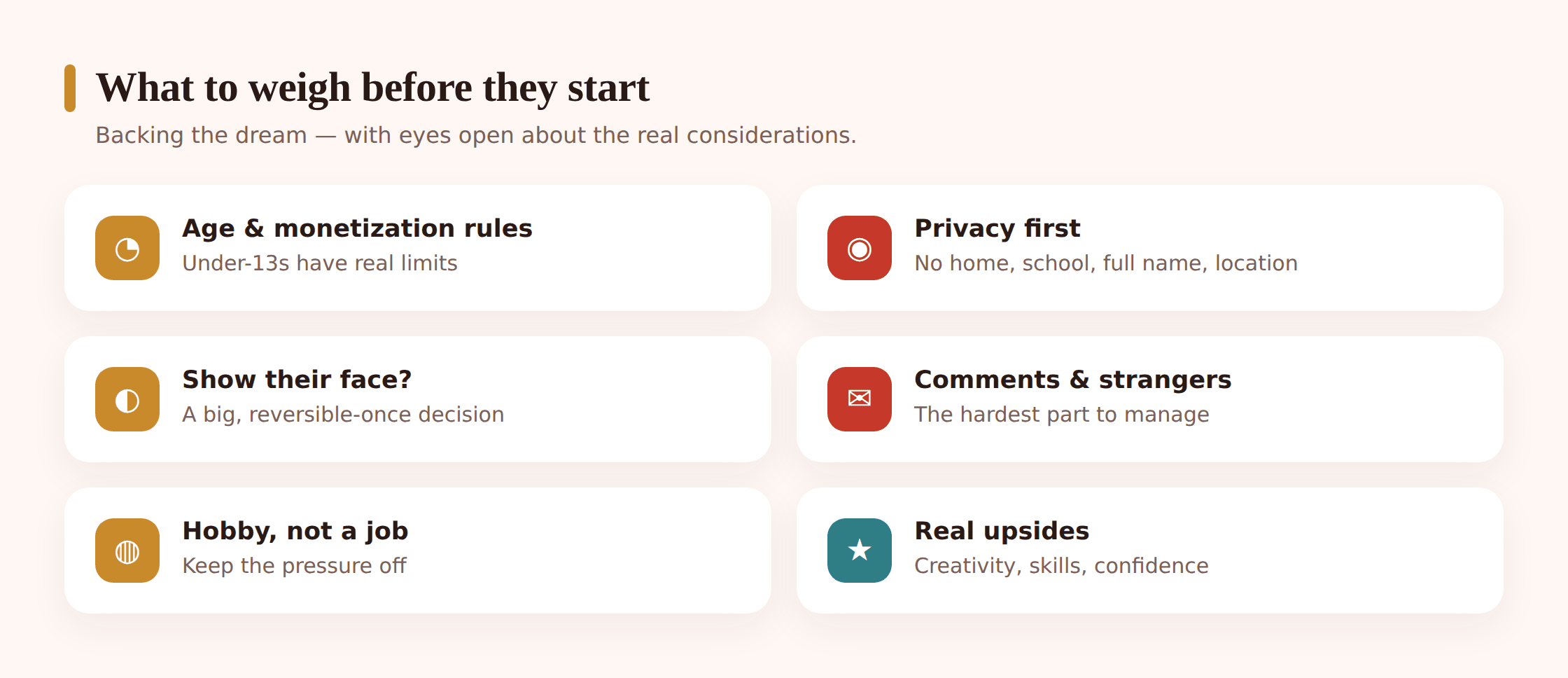
Have this conversation before a single video goes public, not after. A few things are worth settling up front.
The age rules are real, and they’re not arbitrary
YouTube’s main platform requires account holders to be 13 in most countries (with parent-managed options for younger kids through YouTube Kids and supervised accounts). TikTok, Twitch, and Instagram set 13 as their floor too. This isn’t the platforms being fussy — in the US it flows from COPPA, the children’s online privacy law, which puts strict limits on collecting data from under-13s.
The practical upshot for a young creator: channels aimed at or made by under-13s generally can’t be monetized in the normal way, comments are often limited or off by design, and personalized ads don’t run on content marked “made for kids.” If your ten-year-old’s plan is “get rich from ads,” the honest answer is that the money door is mostly closed until they’re older — and that’s fine. It takes the pressure off and keeps it a hobby, which is where it should start.
Privacy is the whole ballgame
A video is a window into your child’s life, and strangers are very good at reading windows. Before anything publishes, agree on what never appears on camera:
- No home. Not the front of the house, not the street sign, not the view from the bedroom window, not a delivery box with the surname on it.
- No school. No uniform with a logo, no school bag, no “I’m off to Greenfield Primary.”
- No full name. A first name or a made-up creator name is plenty. Save the surname.
- No location, ever. Turn off location tags on every upload. Don’t film routine (“every day after school I walk here”) — that’s a map for a patient stranger.
- No routine that reveals when they’re home alone. Sounds paranoid; isn’t. Pieces add up across videos.
Comments and strangers
The comment section is where the actual risk lives. It’s a direct line from anyone on earth to your child. For a young creator the sane default is comments off, or heavily moderated, and no live chat with strangers at all. More on the settings below. The deeper dive on real-time audiences is in livestreaming & kids — worth reading before anyone hits “go live.”
Keep it a hobby, not a job
The single healthiest frame you can set on day one: this is something fun we’re trying, like learning guitar. Not a career, not a business, not a way to get famous. The moment a kid’s sense of self hooks onto view counts, the fun drains out and the pressure floods in. Guard the hobby framing hard — it protects everything else.
A safe setup, step by step
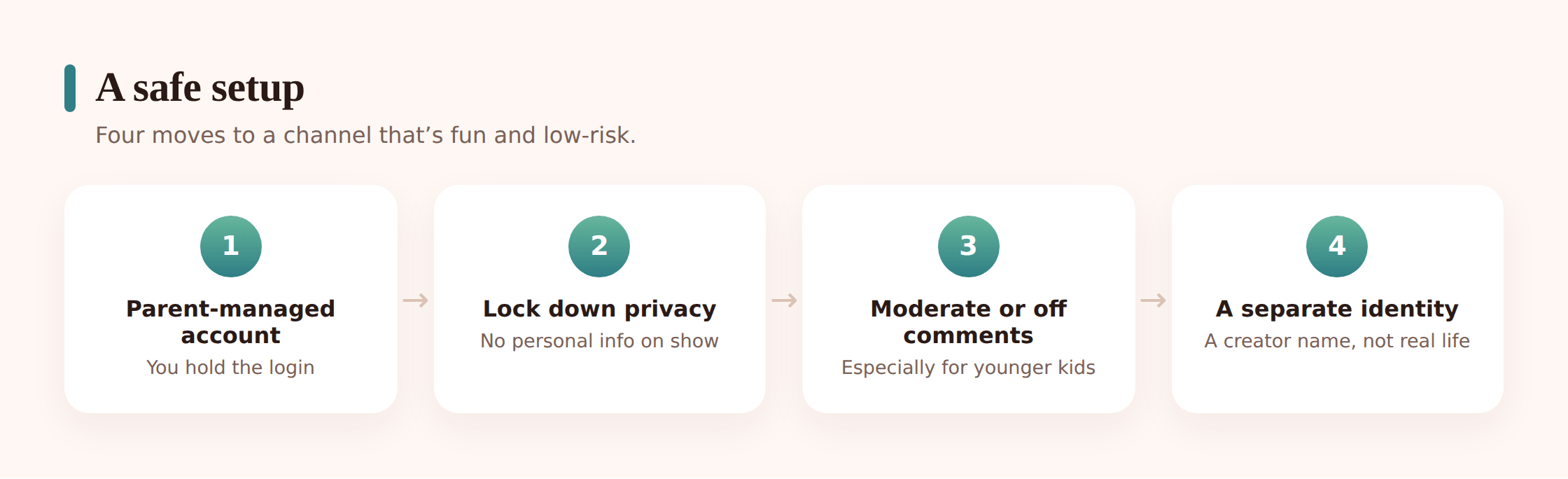
Platforms redesign their menus constantly, so treat this as the shape of what to do rather than exact taps. Do it side by side with your child, on their account, with them watching — this is a collaboration, not a lockdown.
Step 1 — Use a parent-managed or supervised account
For younger creators, the account should be yours or a supervised one linked to you. On YouTube that means a supervised Google Account or a Family Link setup; the channel lives under adult control, and you hold the password. Your child creates; you own the keys.
Step 2 — Pick a separate creator identity
A creator name, not their real full name. A fresh email you control for the account. Nothing that connects the channel back to their real-world identity, school, or friend group. This one decision quietly closes off a whole category of problems.
Step 3 — Turn comments off or moderate them
For a young channel, comments off is a fine default. If they’re on, set them to hold everything for review so you approve each one, and add a blocked-words list. No child should be reading unfiltered comments from strangers.
Step 4 — No live chat with strangers
For younger kids, no livestreaming to the public at all, and no live chat. If an older teen streams, it’s to known friends with chat restricted, and you know when they’re live.
Step 5 — Lock the privacy settings
Location tagging off. Uploads defaulting to a setting you’ve agreed. “Made for kids” flagged honestly where it applies. Precise location off for the app itself, so nothing leaks through metadata.
Step 6 — Agree the pre-publish check
Nothing goes public until you’ve both watched it once, all the way through, looking for the stuff in the privacy list — a street sign in the background, a name said out loud, a uniform in shot. Make it a normal, quick ritual, not an interrogation.
The emotional side nobody warns you about
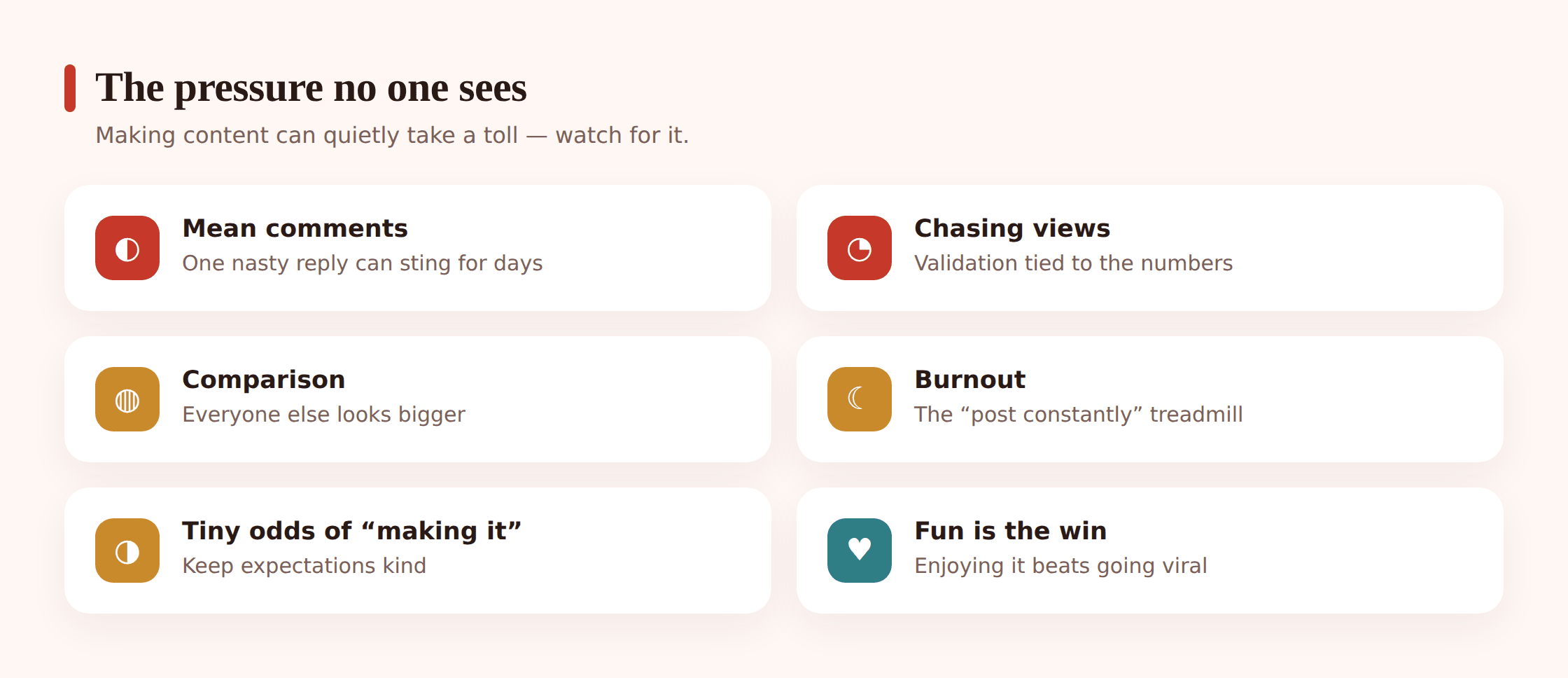
This is the section most guides skip, and it’s the one that matters most. The technical risks are real, but the emotional ones are what quietly wear a kid down.
Mean comments will happen, and they land hard. The internet can be cruel, and children take it personally in a way adults have learned not to. One nasty comment can outweigh fifty kind ones in a young mind. This is a big reason comments start off. When your child is older and comments are on, the rule to teach is simple: a stranger being unkind says something about them, not about your kid. Read it, don’t reply, move on. And they can always show you the ones that sting — no shame, no phone confiscation as punishment for telling you. Our wider guide on social media safety covers this ground too.
Chasing views becomes chasing validation. Watch for the shift from “I made a thing I’m proud of” to “did it do numbers?” When a kid refreshes the view count every ten minutes, the hobby has started feeding on them instead of the other way round. Praise the making, not the metrics. Ask what they liked about editing this one, not how many views it got.
Comparison is relentless. Their channel has forty views; the kid they watch has four million. That gap feels like failure when it’s actually just… normal. Everyone starts at zero. Name this out loud early, because a child won’t work it out alone.
Burnout is real, even at ten. The pressure to post constantly, to keep the streak, to feed the algorithm, exhausts grown adults who do this professionally. A kid should be allowed to stop for a week, or a month, or forever, with zero guilt. “I don’t feel like making videos right now” is a complete and healthy sentence.
Keeping school and life in one piece
A creative hobby is wonderful right up until it’s swallowing homework, sleep, and every conversation at dinner. A few guardrails keep it in proportion:
- Homework and sleep come first, non-negotiably. Filming and editing happen after the essentials, not instead of them.
- Set filming and editing windows. “Weekend afternoons” beats “whenever the urge strikes,” which tends to be 11pm on a school night.
- Protect the wind-down. No editing in bed. The blue-lit, view-count-refreshing spiral before sleep is bad for anyone, worse for a kid.
- Keep offline life bigger than the channel. Friends, sport, reading, boredom. The channel is one part of a full life, not the whole thing.
Money, monetization and the scams aimed at young creators
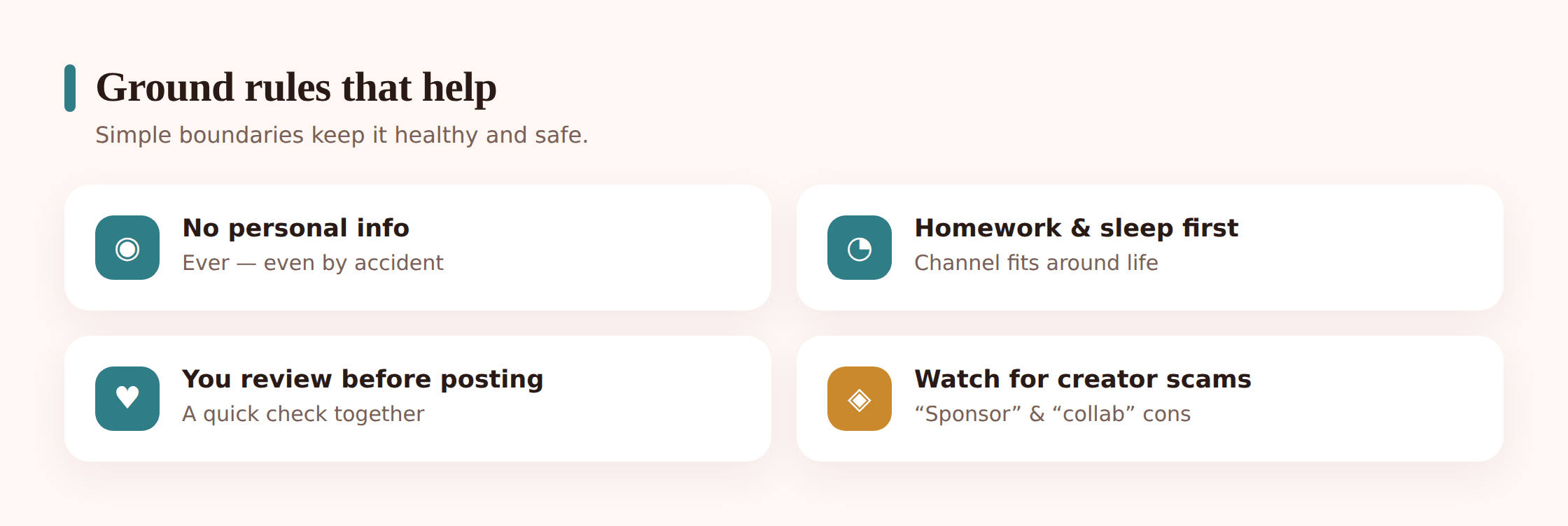
Let’s be clear-eyed about the money. For under-13s, normal ad monetization mostly isn’t available, and even for older teens, meaningful income is rare and slow. That’s genuinely fine. But money enters the picture in other ways, and some of them are traps.
The scams that target young creators specifically:
- Fake brand deals. “We love your channel! Send us your details / pay a small fee / click this link to activate your sponsorship.” Real sponsors don’t cold-DM children asking for money or logins. This is phishing wearing a friendly hat.
- “Free” gear or currency. Offers of free equipment, followers, game money, or gift cards in exchange for account details or a click. It’s bait for the login.
- Collaboration lures. A “bigger creator” wants to collab and asks to move to a private chat or asks for personal info. Sometimes it’s grooming with a creative-industry costume on. Keep collaborations to people you’ve verified as real.
- Copyright and “strike” panic. Fake messages claiming a channel is about to be deleted unless they log in “to fix it.” Designed to scare a kid into handing over the password.
The rule that covers most of it: no money, no logins, no personal details, no moving to private chats — ever — without bringing it to you first. A real opportunity survives a day’s delay while a parent checks it. A scam depends on urgency, so “let me ask my mum” is a superpower. If your child does start earning, that’s a great moment to talk openly about tax, saving, and the fact that platforms can change the rules overnight — treat any income as a bonus, never a salary.
Where a tool like FreePhoneSpy fits
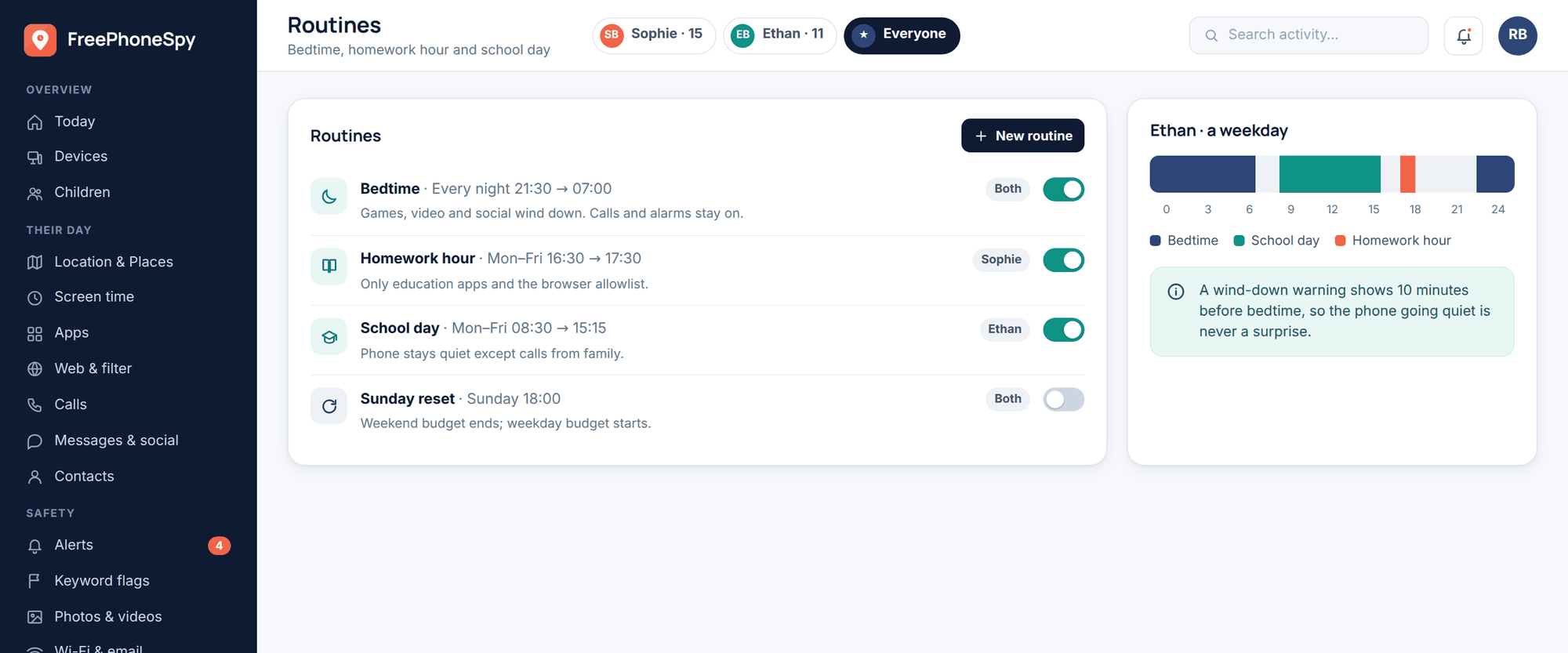
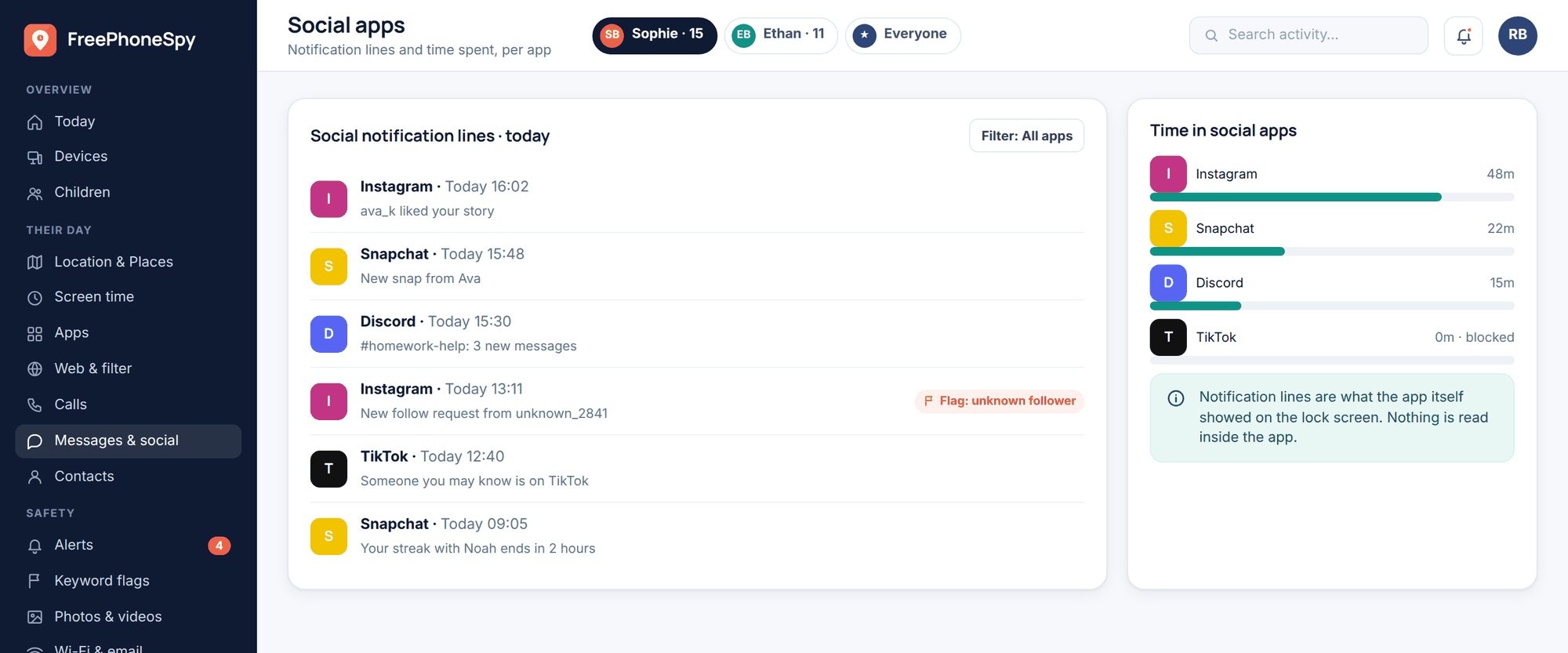
Be honest about the division of labor here. The platform settings — comments, privacy, who can message, monetization flags — live inside each app, and you set those as above. A monitoring tool doesn’t replace them. What FreePhoneSpy can do, as consent-based Android monitoring you set up openly with your child, is handle the balance-and-safety edges: cap how long editing and streaming apps run, switch them off during homework and bedtime, and flag risky language in messages so a dodgy “brand deal” DM doesn’t stay invisible. It’s a backstop for the whole-life stuff, used with your kid’s knowledge, not a substitute for the in-app settings or for the conversations. On iPhone, Apple’s Screen Time and Family Sharing do the same jobs.
Frequently asked questions
Can under-13s have a channel at all?
Not a standard standalone account on YouTube, TikTok, Twitch or Instagram — 13 is the floor on all of them, and in the US that traces back to COPPA. Younger kids create under a parent-managed or supervised account that you own and control, and channels made for kids generally can’t be monetized in the normal way. That’s a feature, not a bug: it keeps it a hobby.
Should I let them show their face?
You don’t have to, and for a younger child there’s a strong case not to. Loads of successful channels are voice-and-hands only — gaming, crafts, art, animation, Minecraft. Faceless is often smarter and just as fun. If an older child wants to be on camera, treat it as a considered decision, not a first-week default, and never alongside their real name, school, or location.
How do I handle mean comments?
First, prevent them: start with comments off or held for your approval. When comments are eventually on, teach the response — a cruel stranger is telling you about themselves, not about you; don’t reply, don’t dwell, and show me the ones that hurt so we deal with them together. Never punish a kid for reporting a nasty comment to you; that just teaches them to hide the next one.
How do I keep it from taking over their whole life?
Homework and sleep come first, filming and editing get set windows rather than “whenever,” and there’s no editing in bed. Praise the thing they made, not the view count. If the numbers start driving the mood, that’s the signal to pull back and re-frame it as a hobby again.
Someone messaged my kid offering a sponsorship — is it real?
Almost certainly not, if it arrived as a cold DM to a child asking for money, logins, or personal details, or pushing to move to a private chat. That’s the standard young-creator scam. Real opportunities survive a delay while a parent checks them; scams rely on urgency. The house rule: nothing about money, logins, or personal info happens without coming to you first.
Should I set up monitoring secretly so they don’t feel watched?
No. The entire approach here runs on trust and doing things together. Set up the channel, the settings, and any monitoring tool openly, with your child in the room and the rules agreed out loud. Covert surveillance sabotages the one thing that actually keeps a young creator safe — a kid who tells you when something goes wrong.
Your child wanting to make things and share them with the world is, at its heart, a good instinct. The job isn’t to extinguish it. It’s to build the guardrails quietly enough that they barely notice, so the creativity, the skills, and the confidence all get to grow while the genuine risks stay small. Say yes to the making. Just be the one holding the keys while they learn to drive.