
Need a hand, or want to reach a person? You can email us at [email protected], fill in the form below, or start with the FAQ, which answers most of what people write in about. We read every message, and we would rather you got a clear answer than gave up halfway through setup.
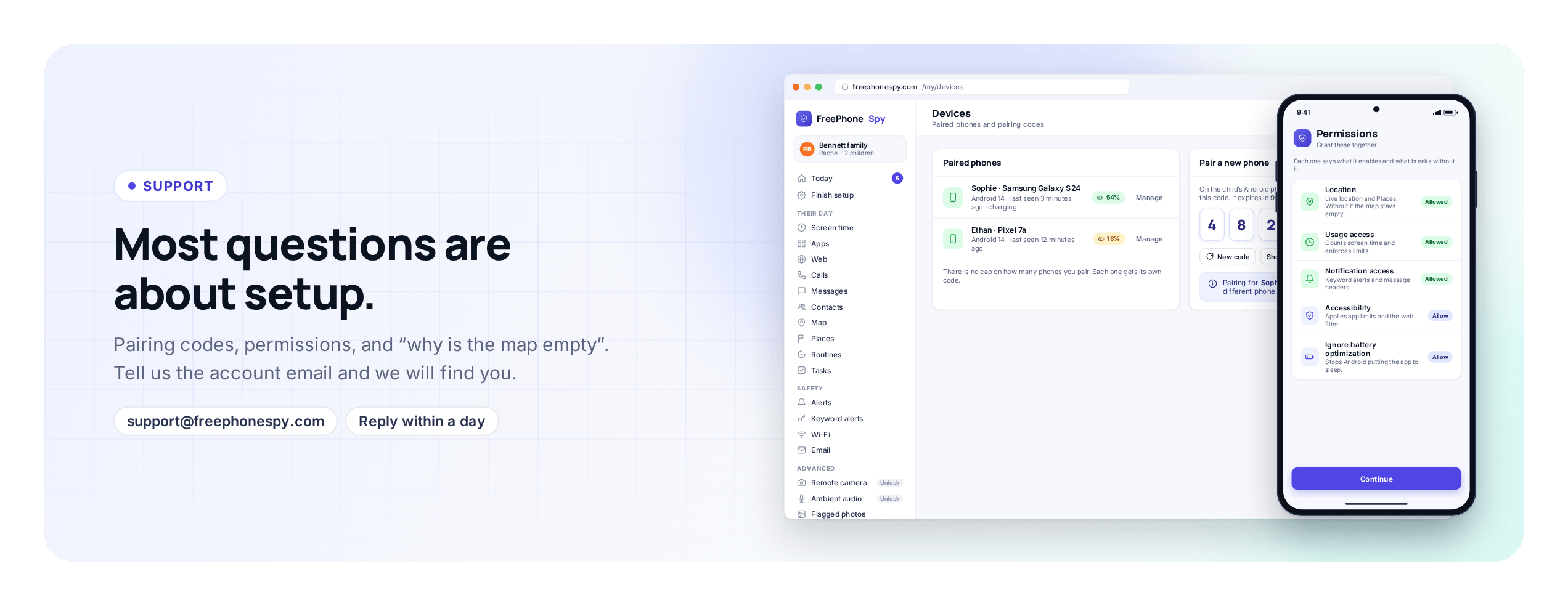
Because FreePhoneSpy is managed from a web browser, many problems turn out to be quick fixes: a permission that was not granted during setup, a pairing code that expired, a filter set on the wrong child. Tell us what you are seeing and we will point you at the fix.
Before you write
Three pages solve most questions faster than an email round-trip can. If you are mid-setup or wondering how a feature behaves, start here.
The FAQ
Is it really free, does the child see the app, Android versus iPhone, how the budget is enforced, how to stop using it. The common questions, answered.
How it works
The full setup walkthrough: create an account, add your child, pair the Android phone with a six-digit code, agree the first rule together. About 15 minutes, done once.
Features
What each part does: screen-time budgets, location and Places, app limits, the web filter, alerts and the rest, with the limits of each.
Email support
The fastest way to a real answer is email. Write to [email protected] and you reach the support team directly. We aim to reply within one business day, and often sooner. If it is the weekend, expect us on the next working day.
You will get a better, quicker answer if you include a few things up front. It saves the back-and-forth where we ask, you wait, and we ask again.
- The email address on your FreePhoneSpy account
- Which child or device it is about (first name is fine)
- The Android version of the child’s phone, if you know it
- What you expected to happen, and what happened instead
- The exact wording of any error message
- A screenshot of the panel or the phone, if you can grab one
Please do not send passwords. We never ask for your account password by email, and nobody at FreePhoneSpy needs it to help you.
Send us a message
Prefer a form? Fill this in and it goes to the support team. Give us as much detail as you can in the message box, using the checklist above as a guide. If you would rather use your own email app, write to [email protected] instead; both routes reach the same people.
We use the details you enter here only to reply to your message. See the privacy policy for how support requests are handled.
Common reasons people write in
To save you a search, here is what the support inbox mostly contains, and where the answer usually is.
- “The pairing code says invalid.” Codes expire after a few minutes. Generate a fresh one on the Devices screen and enter it straight away. Full steps on the setup page.
- “The map is blank” or “time limits are not enforcing.” A permission was skipped during setup. Open the app on the child’s phone and grant the one the panel says is missing, usually location or usage access.
- “I completed a task but nothing was added.” Tasks are checked before they are applied. If yours has been waiting more than a few days, email us with the account email and the task you completed.
- “Can I use it on an iPhone?” The child app is Android only today; an iPhone version is in development. The parent panel already works in any browser.
- “How do I delete my account?” Email us from the address on the account and ask. We remove the account and its data and confirm by reply.
For press and partnerships
Writing about parental controls, family safety, or screen time and want to talk to us? We are happy to help with quotes, product background, screenshots, and demo access for reviews. Email [email protected] with “Press” in the subject line and tell us your outlet, your deadline, and what you are after.
Use the same address for partnerships. If you run a school newsletter, a parenting community, a family blog, or a service that sits alongside ours, and there is a sensible way to work together, put “Partnership” in the subject and tell us what you have in mind. We read these properly, though we cannot promise a yes to every one.
Report a problem or a safety concern
Some messages matter more than a how-to, and we treat them that way.
If you believe FreePhoneSpy is being used against someone without their consent, tell us. The product is built for parents monitoring their own children, and for device owners with the user’s knowledge. Covert monitoring of an adult is not what it is for, and we want to know if it is happening. Put “Safety concern” in the subject line.
If you are a young person who has found this app on your own phone and you are worried about it, you can write to us too. You have a right to understand what is on your device, and the app’s Transparency screen shows what is being shared. If something feels wrong, reach out to a trusted adult as well, and if you are in real danger, contact your local emergency services or a child-safety helpline in your country first. We can explain what the app does and does not do, but we cannot replace help that is close to you.
Response times
We aim for a reply within one business day. Straightforward setup questions often come back faster. A tricky bug, or something we need to reproduce on a specific Android version, can take longer, and if it will, we will tell you rather than leave you wondering.
The single best thing you can do to speed us up is the checklist further up this page: account email, which child or device, the Android version, what you expected, what happened, and a screenshot. A message with those in it usually gets solved in one reply.
Quick links: [email protected] · FAQ · How it works · About us · Pricing