Livestreaming & Kids: A Parent’s Guide
Your kid taps a button and, a second later, they’re broadcasting their bedroom to anyone who’ll watch. No edit, no delay, no take-backs. Livestreaming is one of the most fun things kids do online and one of the easiest to get wrong. Here’s what actually happens when a child goes live, and how to make it safer without banning the whole thing.
What livestreaming is, and why kids love it
Livestreaming is broadcasting video in real time. Whatever the camera sees, viewers see it as it happens. There’s no upload step where a kid rewatches it and thinks twice. It’s happening now.
Kids go live in more places than you’d guess:
- TikTok Live — one tap from the app, with comments and virtual gifts flowing in.
- YouTube Live — from a phone or a console, often gaming or “just chatting.”
- Twitch — the big one for gaming streams, built around a live chat.
- Instagram Live — a quick live video to followers, sometimes with a friend joined in.
- Gaming streams — inside consoles and games themselves, where voice and video get shared with strangers.
- Live features tucked inside other apps — Discord stages, Snapchat, smaller apps you’ve never heard of. If an app has a camera and a follower count, someone’s added a “go live” button.
Here’s the part worth saying out loud: kids love this for good reasons. It’s real-time attention. People show up and react to you, right now. A shy kid finds a crowd that likes their Minecraft builds. A creative kid does makeup tutorials and gets better at talking to people. There’s connection and performance and a genuine buzz in it. Livestreaming isn’t the villain. The problem is that all the fun runs on the same rails as all the risk, and the rails don’t have brakes.
The real risks of going live
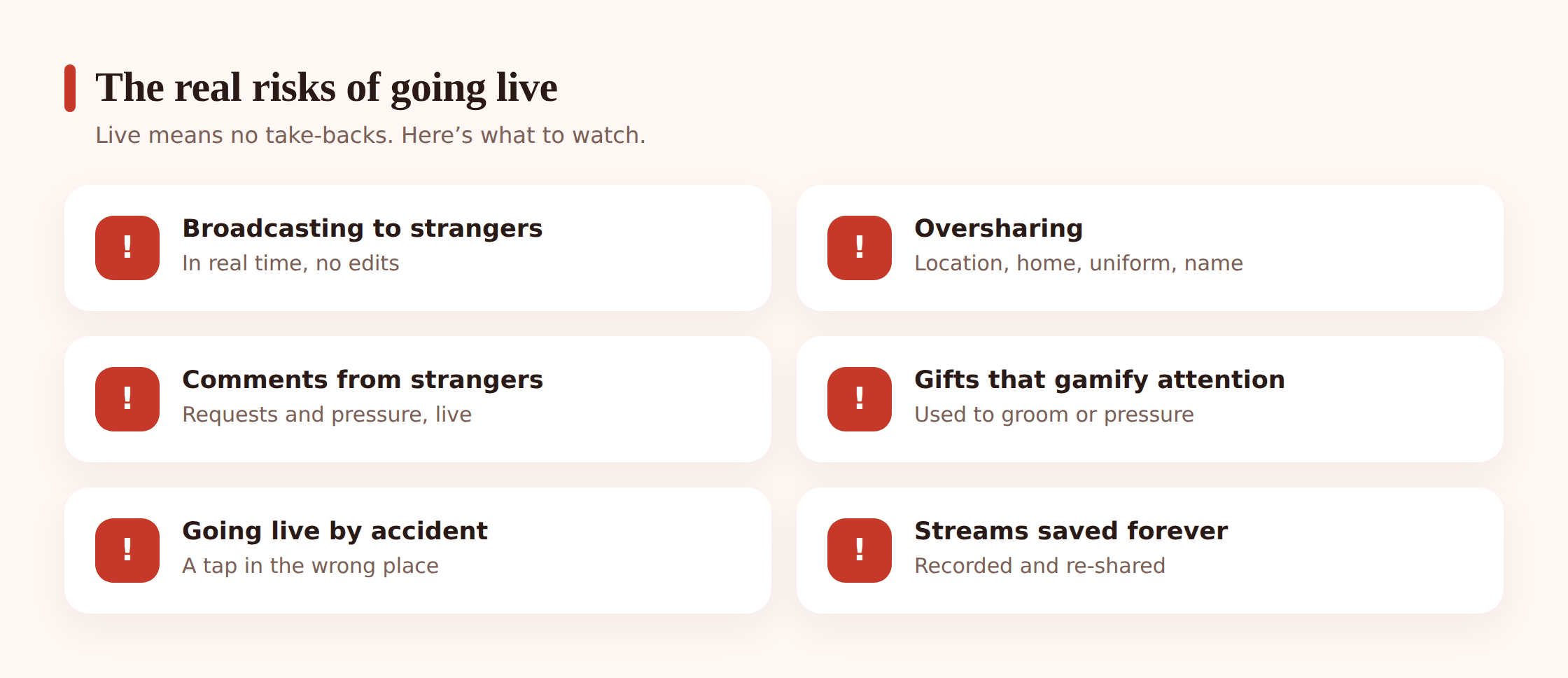
Broadcasting to strangers, live, with no undo. A recorded video can be deleted. A live one already left the building. Whatever your kid says or shows in the moment is out, and anyone watching can react to it instantly.
Accidental oversharing. This is the quiet one. Kids don’t decide to leak their address. They just… stream. And in the background is a school jumper with a logo, a street sign out the window, a delivery box with the surname on it, a sibling’s name shouted across the room, a bus route, a bedtime routine that tells a watcher exactly when they’re home alone. Pieces add up. A patient stranger doesn’t need your kid to say where they live; they need three streams.
Live comments from strangers. The chat is where pressure lives. “Do a spin.” “Take your top off, it’s hot.” “Show us your room.” “Dare you to text your crush.” Comments egg kids on in real time, and a child performing for a crowd wants to keep the crowd happy. Some requests are harmless. Some are tests to see how far this kid will go.
Virtual gifts and donations. On several platforms viewers send paid gifts — animated icons that convert to money for the streamer. It looks like a game. It’s designed to. But gifts gamify attention: send a big one and the streamer thanks you by name, does what you asked, treats you as special. That’s a grooming toolkit with a friendly interface. A stranger who’s “generous” is buying a relationship, and a kid who’s chasing gifts will bend the rules to get more.
Going live by accident. The go-live button sits right next to post and story buttons. Kids start streams they didn’t mean to and don’t realize they’re broadcasting for a while. Whatever’s happening in the room is happening on camera.
The stream lives forever. “It’s live, so it’s gone after” is a myth. Anyone watching can screen-record. That embarrassing moment, that bit of skin, that comment — clipped, saved, reposted. The live part ends. The recording doesn’t.
Predators watch live streams on purpose. This isn’t paranoia; it’s how some of them operate. Live video of a child, with a chat box to talk to them directly and a gift button to reward them, is exactly what a predator is looking for. We cover this soberly further down and in our full guide on protecting kids from online predators.
The age reality nobody mentions
Most big platforms don’t let just anyone go live. There’s usually a minimum age and often a follower threshold. TikTok, for example, sets its live feature at 18+ for going live and sending or receiving gifts in many regions; other platforms commonly gate live features at 16+. The exact numbers shift and vary by country, so check the app your kid uses.
The point underneath the numbers: younger kids shouldn’t be livestreaming to the public at all. The platforms themselves have decided that. If a 12-year-old is going live, either the account has a fake birthday or they’ve found a workaround, and both are worth a calm conversation. This ties into how much a child’s online activity quietly builds a permanent record — see your child’s privacy and digital footprint.
Safer settings across platforms
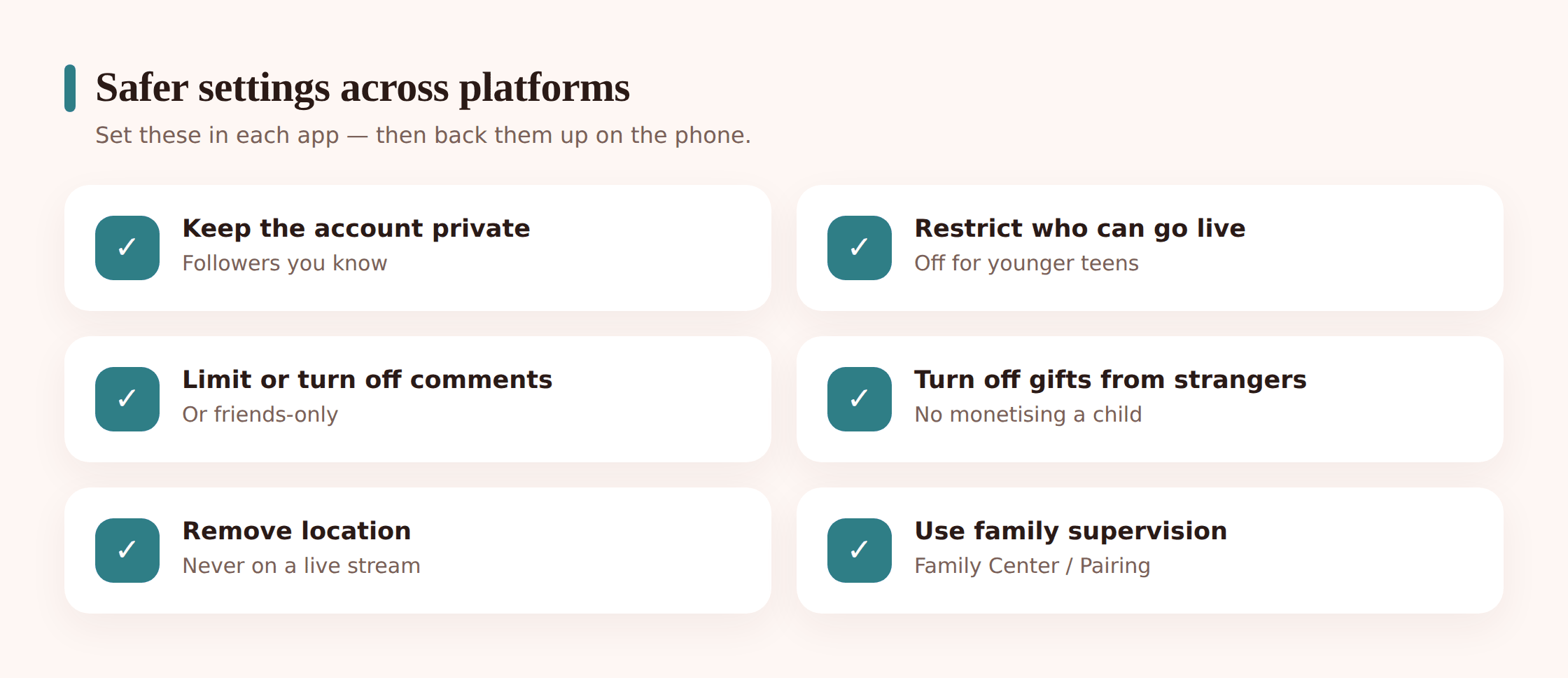
Every platform is different and they redesign constantly, so treat this as a checklist to walk through together rather than exact taps. The honest truth: the controls for who can go live, who can comment, and who can send gifts live inside each app’s own settings. No monitoring tool sets them for you. So set them.
- Make the account private. A private account limits who can find and follow your kid in the first place. It’s the single biggest lever.
- Restrict or turn off going live. Where the platform offers it, disable live for younger teens outright. If it’s on, make sure it’s not set to “anyone.”
- Lock down comments. Set live comments to friends only, or off. This is where stranger pressure comes through, so it’s worth doing.
- Turn off or restrict gifts and donations. If the platform lets you disable receiving gifts, do it for a minor. It removes the whole gamified-grooming angle.
- Remove location. Turn off location tagging and precise location for the app. Nothing in a stream should announce where they are.
- Use the platform’s family tools. TikTok Family Pairing, Instagram/Meta supervision, YouTube supervised accounts, Twitch’s parental controls. These let you link your account and set limits from your side.
- Know how to report and block, live. Practice it together once so it’s muscle memory: how to end a stream, block a viewer, and report a comment without panicking.
For platform-specific detail, our guide on whether TikTok is safe for kids walks through the biggest live app step by step, and social media safety for kids covers the wider account setup.
Family rules that actually matter
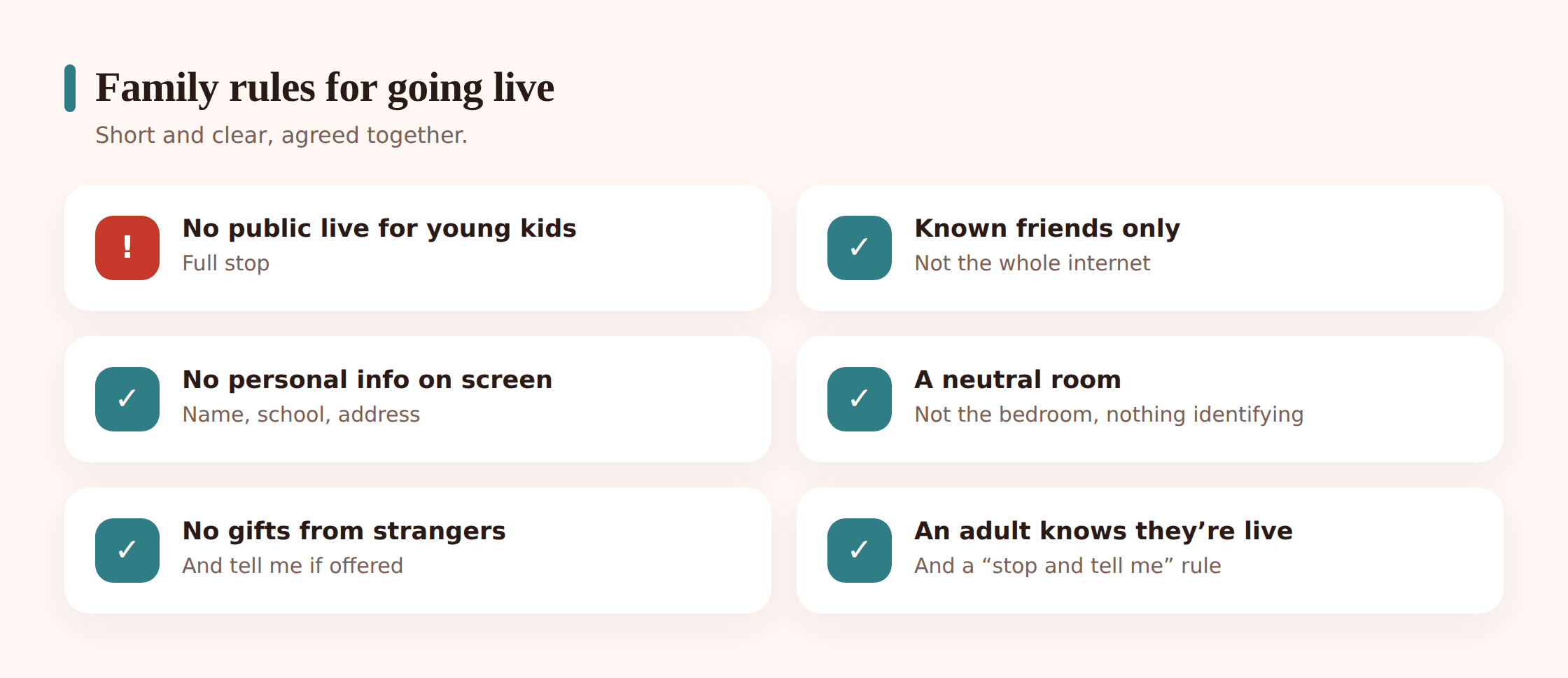
Settings are the fence. Rules are what your kid does when they’re standing at the gate and no one’s looking. Keep them short and concrete:
- No public livestreaming for younger kids. Full stop. If they want to “stream,” they can record a video you both look at before it goes anywhere.
- Older teens stream to known friends, not the public. A private audience of people you can name is a different thing entirely.
- No personal info on screen or out loud. No real name, school, address, team, or where they’re headed later.
- Stream from a neutral room. Not the bedroom. Nothing identifying in shot — no uniform, no window views, no mail on the desk.
- No gifts from strangers. Don’t accept them, don’t chase them, don’t thank someone for one and do what they ask.
- An adult knows when they’re live. Not permission theatre — just “I’m going live now” so someone in the house is aware.
- “End the stream and tell me if anyone gets weird.” The most important rule. If a comment feels off, if someone’s pushing, if a gift comes with a request — stop, and come find you.
The reason these work is that they’re specific enough to follow in the moment. “Be safe online” is useless when there’s a live chat asking you to do something. “Stream from the kitchen, not your room” is a decision a kid can actually make.
How FreePhoneSpy helps (honestly)
Let’s be straight about the division of labor. FreePhoneSpy is Android parental monitoring you run from a web panel, set up openly with your child. It reduces exposure and flags problems. It does not reach into TikTok and decide who can send your kid a gift — that lives in TikTok’s own settings, which you set as above. Use both, and they cover different gaps.
Here’s what FreePhoneSpy does for the livestreaming problem specifically:
- Limit or block a streaming app. Cap how long a live app can be used, or block it entirely for a younger child, from the panel. See app and web blocking.
- Block streaming during bedtime and homework. A lot of the riskiest streaming happens late, alone, in a dark bedroom. Schedule the app off during those windows.
- Keyword alerts. Get pinged when high-risk words show up in comments, messages, or notifications — the language of grooming and pressure. It’s an early warning, not a wiretap.
- Screen time and the alerts feed. See when and how much a streaming app is being used, so a sudden all-night habit doesn’t stay invisible.
- Web and content filtering. Cut off the sketchier corners kids drift into around streaming culture.
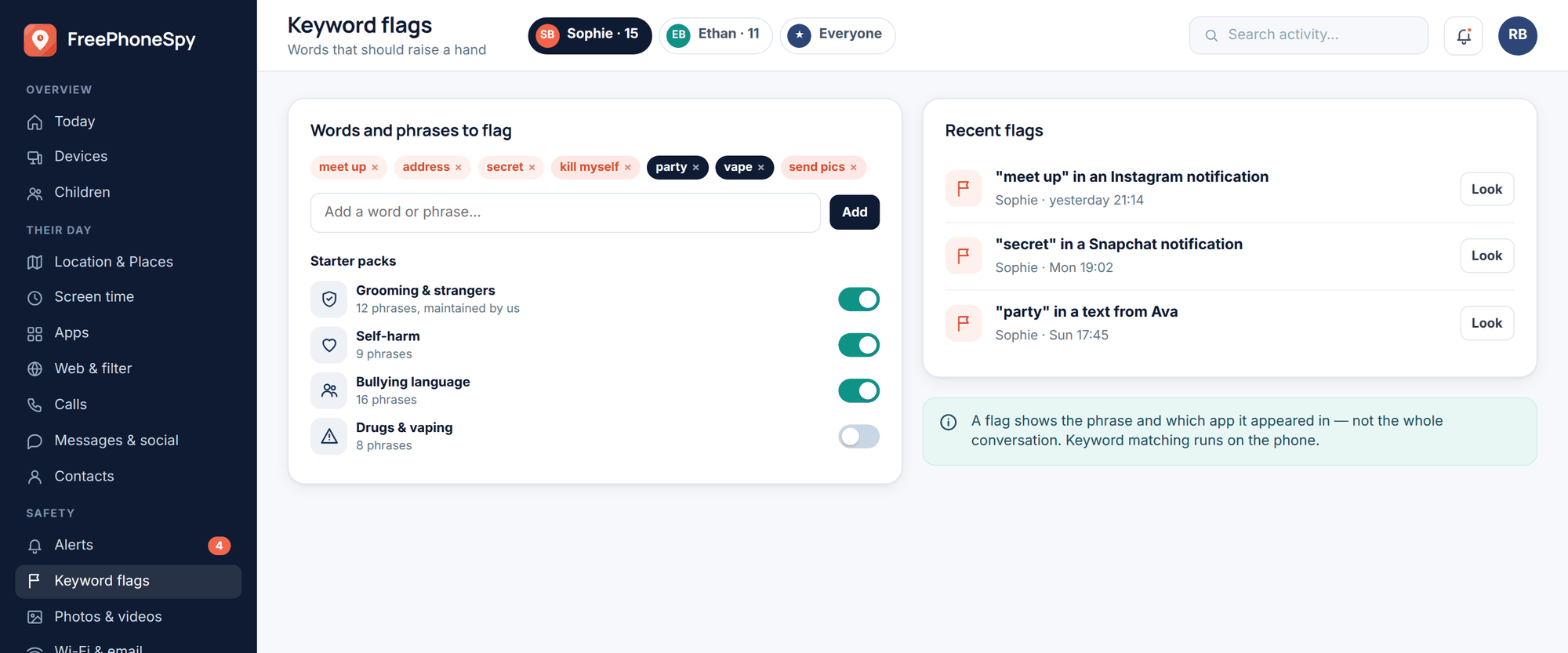
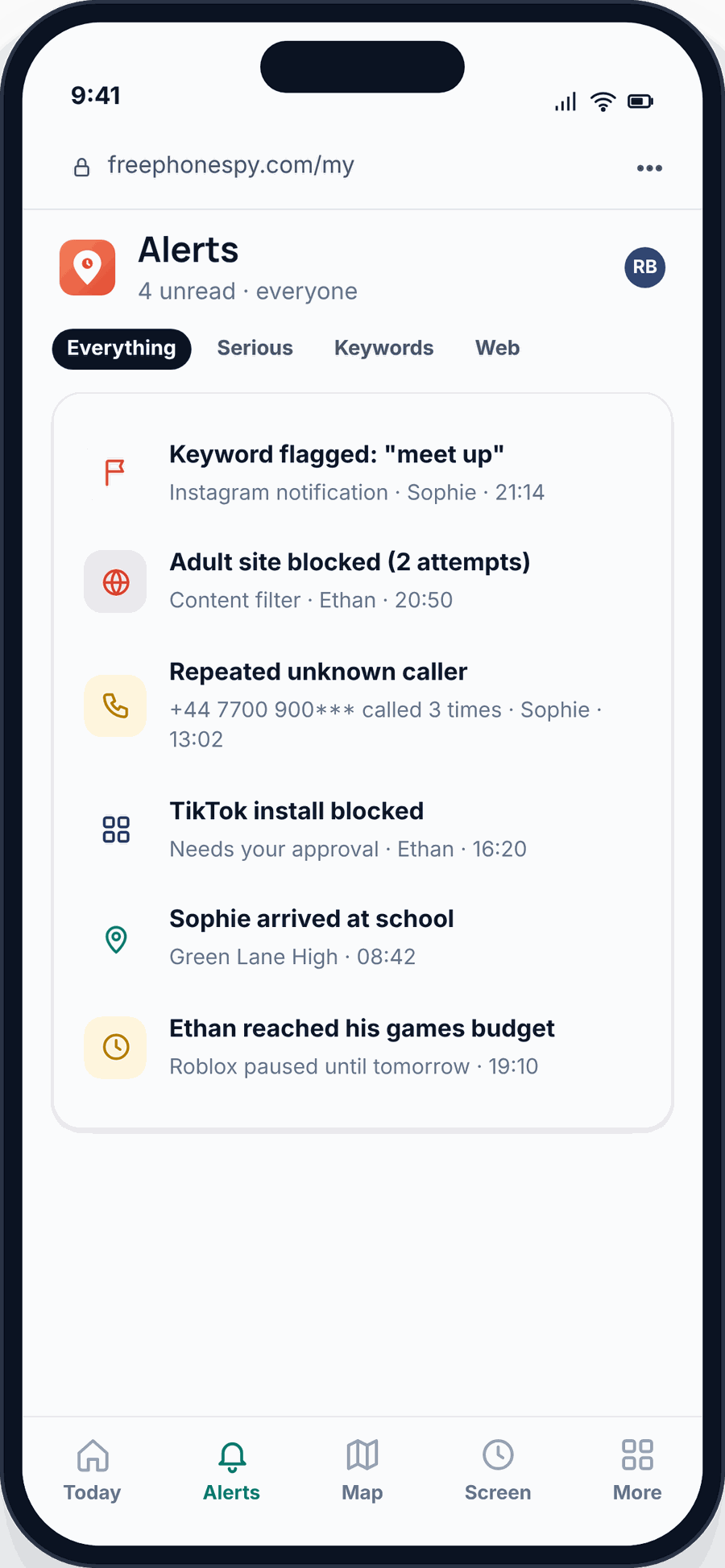
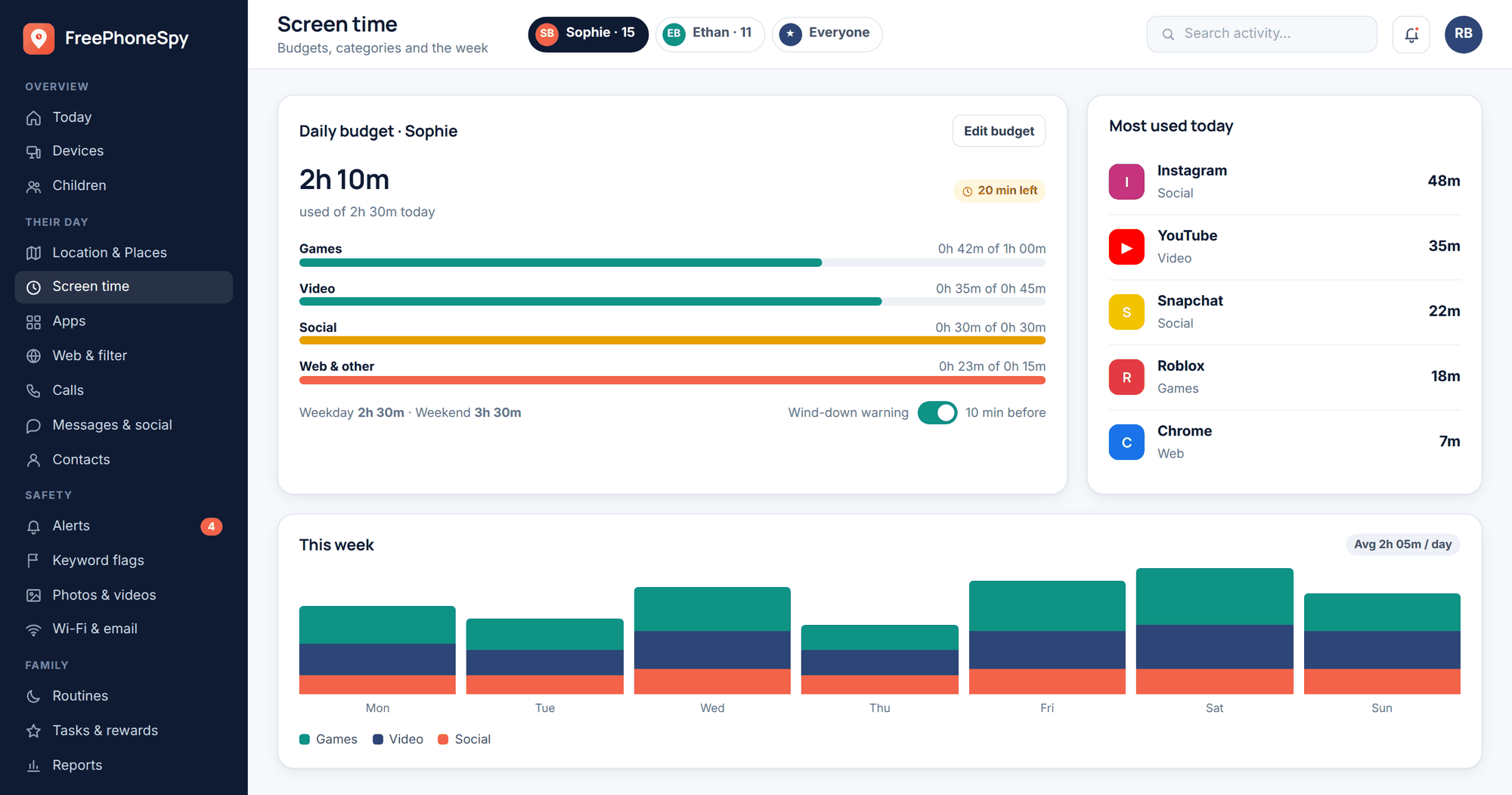
One honesty note on platforms: FreePhoneSpy is an Android child app. If your kid is on an iPhone, use Apple’s own Screen Time and Family Sharing tools for the same jobs. It’s free to start, and kept free by completing tasks.
Spotting grooming through streams and gifts
This is the part to read slowly. Grooming through livestreams tends to follow a shape. Someone watches regularly. They comment kindly and often. They send gifts, then more gifts. They ask your kid to move the chat somewhere private — Snapchat, Discord, a DM. They flatter, they build a secret, they start making small requests that get less small. Money and gifts are the lever: “I’ve been so generous, do this one thing for me.”
The tell isn’t one creepy message. It’s the pattern of a stranger working to become special and private, fast.
If you think it’s happening, stay calm — your kid is watching how you react:
- Stop the contact. End the stream, block the account. Don’t confront the person yourself.
- Preserve the evidence. Screenshot usernames, messages, gift records, and profiles before anything gets deleted.
- Report it. To the platform, and to the authorities. In the UK, CEOP (ceop.police.uk); in the US, the NCMEC CyberTipline (report.cybertip.org); anywhere, your local police. If a child is in immediate danger, call emergency services.
- Support your child. They did the right thing by telling you. Say so, out loud, more than once.
Our full guide to protecting kids from online predators goes deeper on the warning signs and the response.
The conversation to have
Rules land better when a kid helped write them. So don’t hand this down — agree it together. Explain why each rule exists, because a reason survives situations you didn’t predict. “Neutral room, no uniform” makes sense once they understand a stranger can piece together where they go to school.
And end with the line that matters most: “You won’t be in trouble for telling me.” Kids stay quiet about the scary stuff because they’re afraid the phone gets taken away or they get blamed. If telling you is safe, you find out early, while it’s still small. Our guide on how to talk to kids about online safety has more on keeping that door open.
FAQ
Is livestreaming ever safe for kids?
For younger kids, public livestreaming isn’t a good idea — the platforms agree, which is why they gate it by age. For older teens, streaming to known friends with private settings, no personal info on screen, and an adult who knows they’re live can be reasonable and genuinely fun. The public part is the risky part.
What age can kids legally go live?
It varies by platform and country. Many live features are gated at 16+, and some — including TikTok’s live and gifting — at 18+ in a lot of regions. Check the specific app. If a young child is already going live, the account age is probably wrong.
Are virtual gifts on streams actually dangerous?
They can be. Gifts convert to money and turn attention into a game, and predators use generosity to build a relationship and apply pressure. For a minor, turn off receiving gifts where you can, and make “no accepting gifts from strangers” a firm rule.
Can FreePhoneSpy stop my child from going live?
It can limit or block the streaming app entirely, and block it during bedtime and homework, from the web panel. What it can’t do is set who’s allowed to comment or send gifts inside the app — those controls live in the platform’s own settings, so use both together.
My kid is on an iPhone — can I use FreePhoneSpy?
FreePhoneSpy is for Android child phones. On iPhone, use Apple’s Screen Time and Family Sharing for app limits, downtime, and content restrictions, and set the platform’s in-app live and privacy controls the same way.
Should I set this up secretly?
No. FreePhoneSpy is built for transparent, consent-first monitoring of your own child. Set it up together, explain what it does and why, and log the platform settings as house rules you both agreed. Covert monitoring breaks trust and isn’t what this tool is for.