Parental Monitoring Best Practices: A Checklist for Parents
Good parental monitoring looks nothing like the version people worry about. It isn’t reading every message or watching a child’s whole life scroll past on a screen. Done well, it’s light, it’s open, and it fades as your child grows. The parents who get it right follow the same handful of principles, and most of the hard calls get simpler once you know them. Here are the rules, the do’s and don’ts, and a checklist you can actually work through.
The golden rules
Strip parental monitoring down to its core and you’re left with a small set of principles that hold up in almost every family. None of them are about features. They’re about how you use the thing, and that’s the part that actually decides whether it helps or hurts.
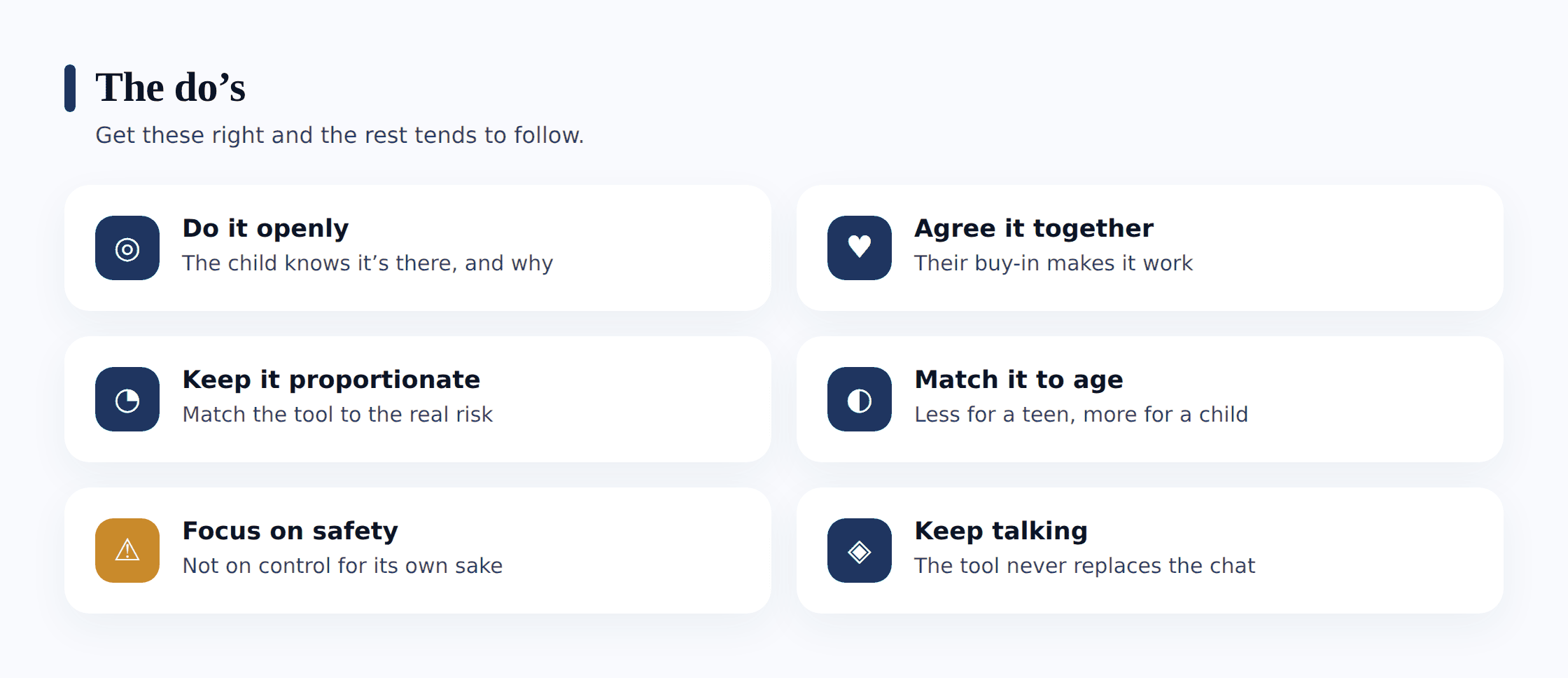
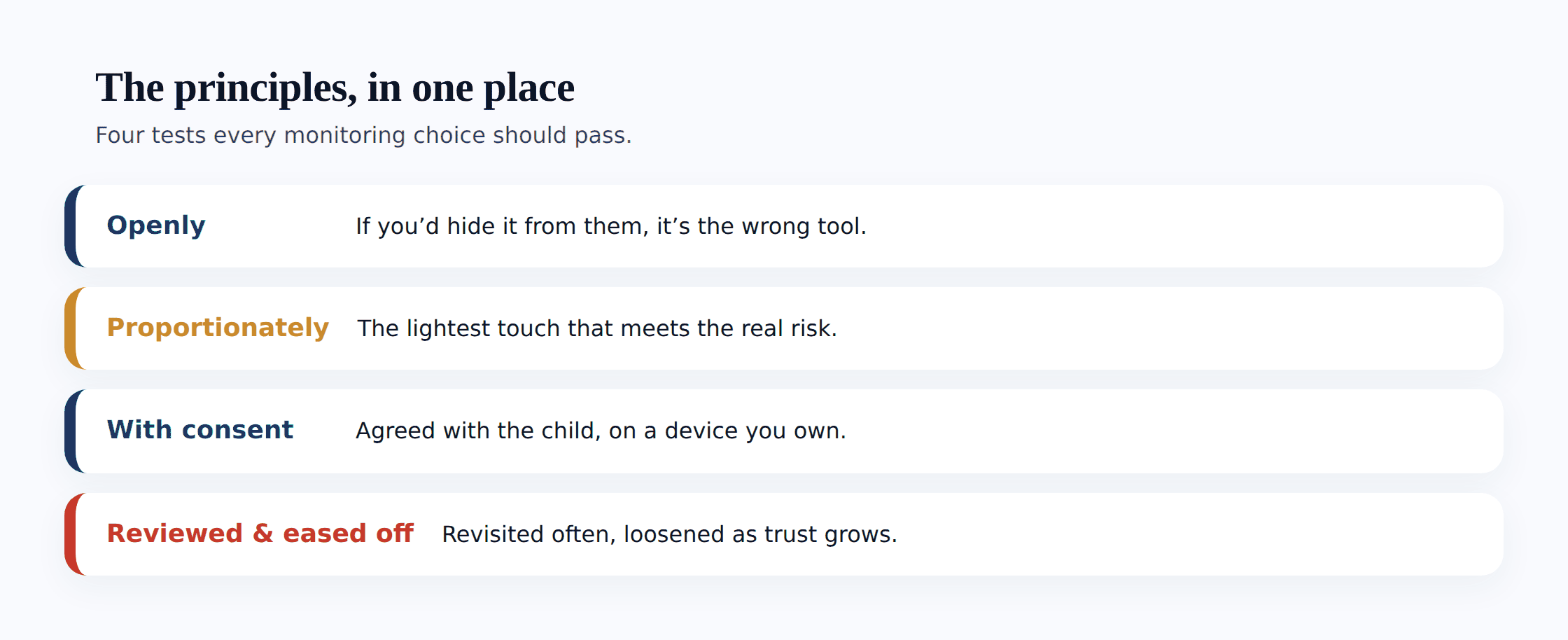
Do it openly, with your child’s knowledge. This is the rule everything else hangs on. Your child knows the tool is there, knows what it shows you, and can see it on their own phone. Open monitoring is parenting. Hidden monitoring is surveillance, and it costs you the exact trust you were trying to protect. The gut-check is simple: if the thought of your child stumbling onto what you’ve quietly set up makes you wince, that reaction is worth listening to.
Get their agreement, not just their awareness. Telling a child what’s on is the floor, not the ceiling. The stronger move is to set it up together — let them see the screens, ask questions, push back on a part that feels heavy. Rules a child helped write are the ones that stick. It also turns the whole thing from something done to them into something you built with them.
Keep it proportionate to real risk. Match the amount of oversight to the actual danger, not to your worst-case imagination. A ten-year-old with a first phone needs different guardrails than a fifteen-year-old who’s handled one for years. Watching everything “just in case” isn’t caution — it’s overreach, and it teaches your child that you don’t trust them.
Match it to age. The right level for a young child is genuinely wrong for a teenager. More oversight when they’re small and can’t judge risk yet; steadily less as they grow into it. A setup that never changes is a setup that’s stopped fitting the person it’s meant for.
Focus on safety, not control. Monitoring is there to keep your child safe — from strangers, from scams, from being awake at 2am on a glowing screen. It is not a tool for winning arguments, checking who they fancy, or micromanaging their friendships. The moment it becomes about control, your child feels it, and they start hiding.
Loosen it as trust grows. Think of it as a ladder. Every rung your child climbs by showing they can handle things earns a bit more freedom and a bit less oversight. Every control should be pointed the same way — toward being switched off for good. Monitoring that only ever tightens isn’t parenting toward independence — it’s just watching.
Pair it with conversation. A tool can flag a problem. It can’t have the talk that fixes it. Every alert is a prompt to say “I saw this, everything okay?” — not a verdict to act on silently. The monitoring is scaffolding around the relationship, and it’s that bond, not the tool, that keeps a child genuinely safe.
Review it regularly. Set a date — every few months, or each birthday — to look at what you’re monitoring and ask whether it still fits. Kids change fast. A control that made sense last year can feel babyish now, and quietly removing it is one of the best trust-building moves you have.
The do’s
Here’s the short version you could pin to the fridge. Every one of these makes monitoring more effective, not less, because trust is what makes a child come to you when it counts.
- Do tell your child everything you monitor. Name it plainly, show them the screens, and let them look whenever they want. No hidden features running in the background.
- Do set it up together. Their questions and their pushback make the setup better and the buy-in real.
- Do start with the lightest thing that meets the actual risk. Location and sleep for a young child; a safety flag for a stranger contacting a teen. Add more only if a real reason appears.
- Do explain the why behind each part. “So I know you got to school safely” lands very differently from “because I want to check up on you.”
- Do promise to talk before you act. “I’ll always come to you first” shows your child there’s a parent on the other end, not a lens fixed on them. It’s the single most reassuring thing you can say.
- Do loosen the controls as trust is earned, and say so out loud. “You’ve shown me you’ve got this, so I’m taking this off.” That sentence is the whole point.
- Do review the setup on a schedule. A calendar reminder beats a vague intention every time.
- Do keep the relationship first. The tool supports your parenting. It never substitutes for it.
The don’ts
The mistakes are just as consistent as the good habits. Most of them come from fear — the worry that if you don’t see everything, you’ll miss the one thing that matters. Understandable, and almost always wrong. Here’s what to steer clear of.
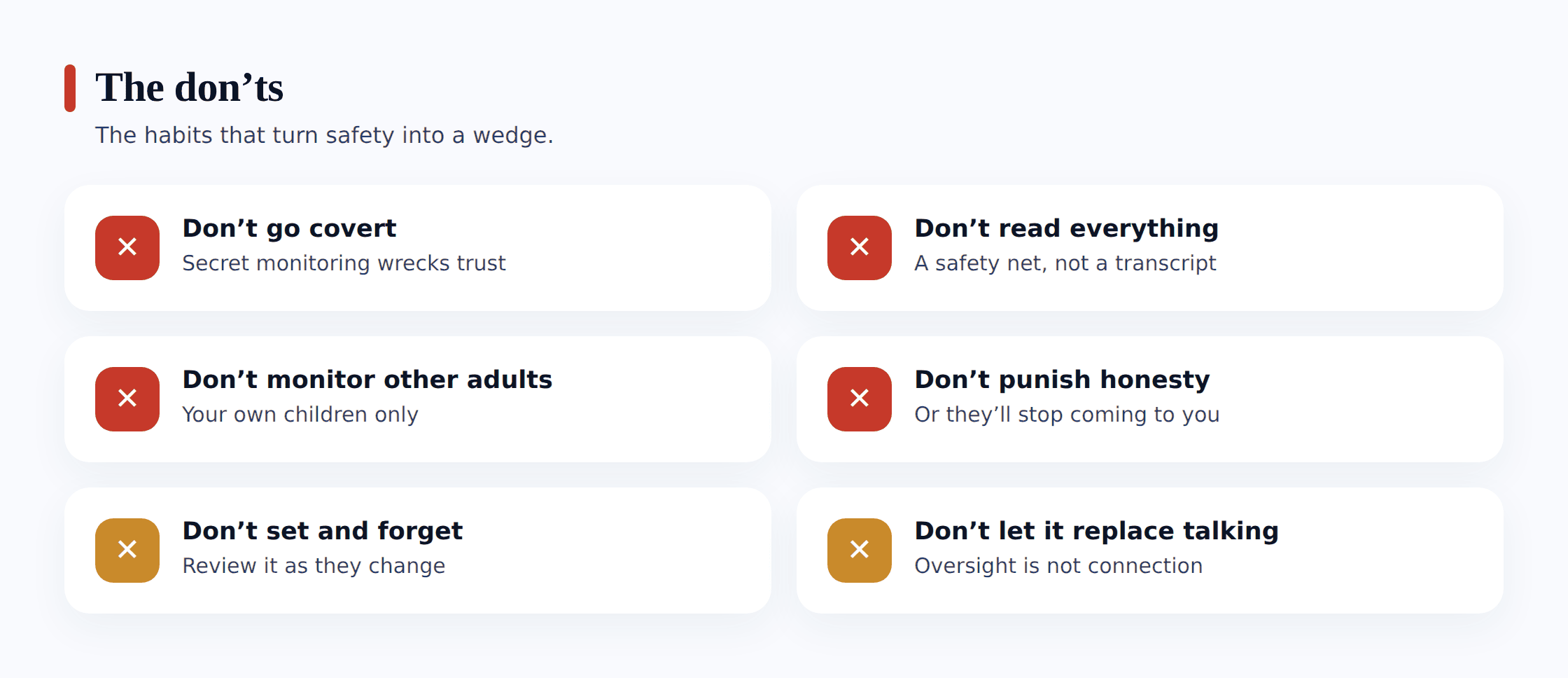
- Don’t go covert or secret. Hidden monitoring is the one that blows up in your face. When it’s discovered — and it usually is — your child learns you were prepared to go behind their back, and every earlier exchange suddenly reads as something you may have been quietly reading too. This is exactly the line covered in where monitoring ends and spying begins, and it’s worth getting right before anything else.
- Don’t read every private message. A running feed of your teen’s chats is both a violation and a waste. You’ll drown in normal teenage noise and see nothing useful. Leave their messages to them and keep to the few things that are about safety.
- Don’t monitor other adults or partners. A parental tool is for your own minor children on devices you own. Secretly monitoring a partner, an ex, or an adult child isn’t parenting, and in many places it’s illegal. There’s no version of that which is okay.
- Don’t use it to punish honesty. If your child tells you about a mistake and loses their phone for it, you’ve just taught them never to tell you again. Wall off the “come to me if something goes wrong” promise from all consequences. Coming to you is never the thing that gets punished.
- Don’t set it and forget it. A setup you installed two years ago and never looked at is a setup that no longer fits your child. Stale monitoring is either too heavy for who they’ve become or quietly broken.
- Don’t let it replace talking. The most over-monitored child with the least conversation is less safe than a lightly-watched child who talks to their parent. The tool cannot teach judgement, kindness, or how to handle a stranger. You do that, face to face.
- Don’t spy on a teen’s whole life. Older kids need real privacy to become capable adults. Track a safety baseline and leave their inner life alone. A teenager with zero private space doesn’t learn independence — they learn to route around you.
The right level changes by age
There’s no single correct amount of monitoring, because the child in front of you keeps changing. The useful way to think about it is a slope that runs from “quite a lot, for safety” down to “almost none, they’ve got this.” Here’s roughly how it moves.
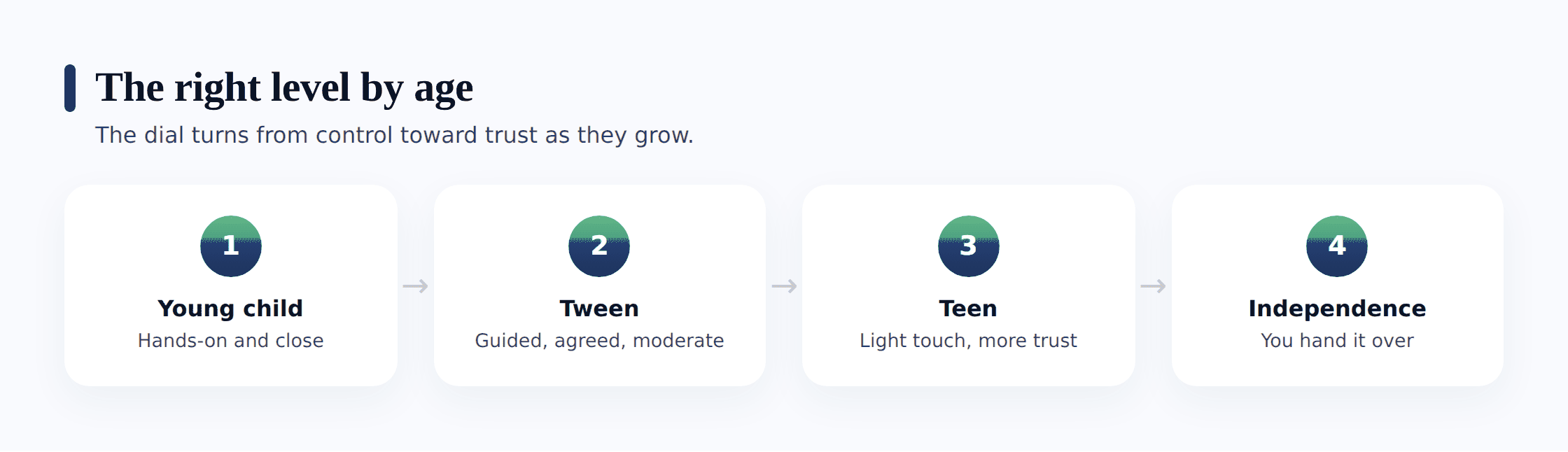
Young child (roughly 8–10)
A first phone or tablet at this age is mostly about safety and habits, and the child genuinely can’t self-regulate yet. That’s not a flaw, it’s an age. Lean toward firmer guardrails: location so you know they got where they were going, a solid bedtime that puts the phone out of the bedroom, screen-time limits, and approval before new apps go on. Keep it warm and matter-of-fact — “this is just how phones work in our house” — not heavy or suspicious. There’s very little inner life to protect yet, and a lot of habit-building to do.
Tween (roughly 11–13)
Now privacy starts to matter, and so does giving them a real say. Keep the safety basics — bedtime, a screen budget, location for the trips that matter — but start easing off the tighter controls and explaining the reasoning behind each one. This is the age to step back from anything that touches their friendships. Let them earn small loosenings, and make a point of noticing when they handle something well.
Teen (roughly 14–16)
A teenager needs mostly trust with a thin safety net underneath. The heavy oversight of the early years should be long gone. Keep the couple of things that are genuinely about safety — location you’ve both agreed on, SOS, sleep — and let the rest go. Talk about the why, because a teen who understands the reason keeps the rule when you’re not looking, and one who’s just told “because I said so” finds the workaround. Reading their messages at this age nearly always costs more than it’s worth.
Handing over independence (17+)
The goal all along was to work yourself out of a job, and this is where you land it. By now most monitoring should be off, and what remains is by mutual agreement — location sharing that goes both ways because it’s genuinely useful, not because you’re checking. Hand over the last controls deliberately and say why: “You’ve shown me you can handle this, so it’s yours now.” A young adult who was monitored openly and then trusted knows how to manage a phone. That’s the win.
A practical setup checklist
Principles are easier to hold when there’s an order to work through. Here’s the sequence that gets you from nothing to a healthy, open setup — and it starts well before you touch any app.
- Talk first. Sit down at a calm moment — not mid-argument — and explain that you want to keep them safe online, openly, together. Lead with safety and trust, not suspicion. This conversation matters more than every setting that follows.
- Agree what’s monitored and why. Go through it item by item. This on, and here’s the reason. This off, because it’s your private space. Let them question it and take their objections seriously — some will be fair.
- Write a family agreement. Put the deal on paper: the rules, what’s monitored, and the promise that honesty never gets punished. Both of you sign it. Our template for a family phone agreement gives you clauses you can lift straight onto a page.
- Start minimal. Turn on the lightest set that meets the real risk for their age — usually location, bedtime and a screen budget. You can always add later. Starting heavy and clawing back is far harder than starting light and building.
- Use built-in tools where they fit. Google Family Link, Apple’s Screen Time, and the parental controls already on the device cover a lot of ground for free. Reach for a dedicated app for what those don’t do, not as a first move.
- Review and adjust. Put a recurring reminder in your calendar. At each review, ask what still fits, what’s become unnecessary, and what your child has earned. Change something every time — usually by removing it.
- Ease off. As trust builds, deliberately take controls away and say so out loud. The trajectory is the whole point. A setup that only ever grows has lost the plot.
If you want the fuller picture behind these steps — what each type of monitoring does, and how the pieces fit together — the complete guide to child phone monitoring is the broad overview to read alongside this checklist.
The one big principle
If you forget everything else, keep this: monitoring supports the relationship, it doesn’t replace it. Every rule above is really a version of that single idea. Open, because secrecy corrodes the relationship. Proportionate, because overreach corrodes it too. Paired with conversation, because the talk is the actual safety and the tool is only the scaffolding.
The child who stays safe online isn’t the one whose every message was read. It’s the one who trusts their parent enough to come to them when a stranger turned creepy, when a mistake spiralled, when something scared them. No app produces that. You earn it — openly, patiently, by monitoring in a way that respects the person you’re monitoring. Get the relationship right and the tool does its small, useful job. Get the relationship wrong and no amount of watching will save you.
Where FreePhone fits
Everything above is why FreePhone is built the way it is. Openness isn’t a toggle you can flip on — it’s baked into the product. A “What my parents can see” screen on the child’s phone spells out that the app is present and what it shares, and nothing gets tracked at all until the two of you have agreed the setup between you. The everyday essentials — where they are, how long they’ve been on, an SOS button — sit one glance away, and messages are never read at all. It lives on your child’s Android phone and reports to the FreePhone app or whatever web browser you happen to be at, so you needn’t loom in the bedroom doorway policing things every night. It’s free, with every feature. The product was shaped around the honest, out-in-the-open method these pages argue for — because software created to lurk unseen was only ever built to solve the wrong problem.
FAQ
What’s the single most important rule of parental monitoring?
Do it openly, with your child’s knowledge. Everything else follows from that. Open monitoring is normal parenting and keeps trust intact; secret monitoring destroys that trust the moment it’s discovered, which is usually. If you can comfortably show your child what you see and why, you’re on solid ground.
How much should I monitor my child’s phone?
As little as meets the real risk for their age, and no more. A young child needs firmer guardrails around safety and habits; a teenager needs mostly trust with a thin safety net. Watching everything “just in case” isn’t caution — it overwhelms you with noise and teaches your child you don’t trust them.
Should I read my teenager’s text messages?
Usually not. A running read of a teen’s private chats is both a violation and a poor use of your attention — you’ll see endless normal noise and miss what matters. Keep to location, sleep and an SOS for a genuine safety concern, and leave their messages alone; if a real worry comes up, talk to them about it.
When should I stop monitoring my child’s phone?
There’s no fixed age — you ease off gradually as they show they can handle things, and by the late teens most of it should be gone. Treat it as a ladder: every rung earned by trust takes a control away. The goal is a young adult who manages their own phone because you handed it over, not because they wore you down.
Is FreePhone designed for this open approach?
Yes. A “What my parents can see” screen on the phone makes plain that the app is running and what it shares, tracking only begins once you’ve agreed the setup as a family, and messages are never read at all. It runs on Android, opens in any browser, and it’s free, with every feature — designed for doing this above board, not in the shadows.
Sound monitoring is calmer and smaller than the anxiety around it makes it seem. Stay open, size it to the actual risk, adjust it to where your child is in growing up, and loosen your grip as they mature — and never stop talking. The software keeps a thin line of safety running underneath. The bond between the two of you carries everything else, and that bond is what truly protects them.