Phone Monitoring vs Parental Controls: What’s the Difference?
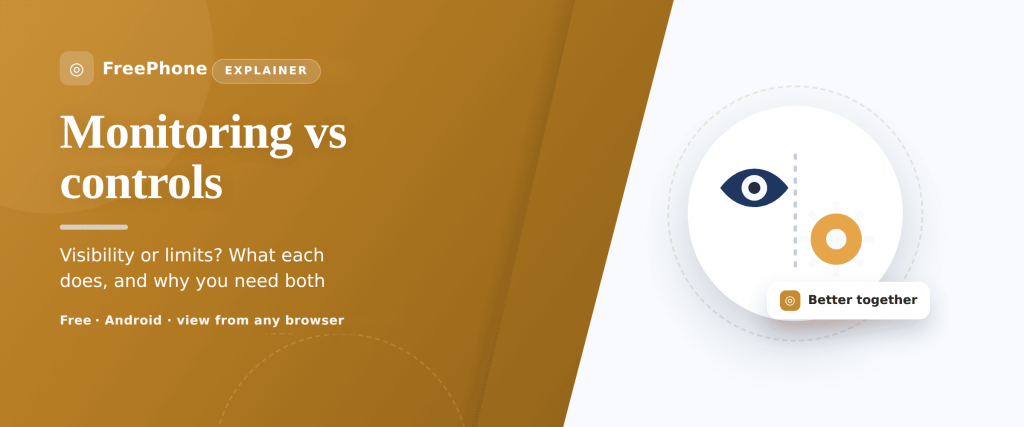
Two phrases get swapped around as if they mean the same thing, and they don’t. Parental controls are about limits — the settings that decide what a child’s phone will and won’t let them do. Monitoring is about visibility — the reports and alerts that show you how things are actually going. One draws the boundary; the other tells you what’s happening inside it. Most families end up wanting a bit of both, but they solve different problems, and knowing which is which saves you from reaching for the wrong tool. This guide lays out each in plain terms, sets them side by side, and shows how they fit together — always openly, always with the child, and only ever on your own child’s device.
What each one actually means
Start with the plainest possible definitions, because the whole rest of the page hangs on them.
Parental controls set limits. They restrict what the phone can do. Block an adult website and it won’t load. Set a screen-time limit and the app locks when the timer runs out. Require approval for purchases and nothing gets bought without a yes. Turn on a content filter and mature videos are filtered out of search. Schedule downtime and the phone winds down at bedtime. Every one of these is a boundary decided in advance — a wall, a gate, a curfew. The child bumps into the limit whether or not you’re watching, which is the point of it.
Monitoring gives you visibility. It shows you what is happening. Where the phone is right now and where it’s been. How many hours went into which apps this week. What was searched, which sites were opened, which new apps appeared. An alert when a flagged word turns up or the phone leaves a set area. Monitoring doesn’t stop anything on its own — it reports. Its whole value is turning the invisible shape of a day into something you can actually see and talk about.
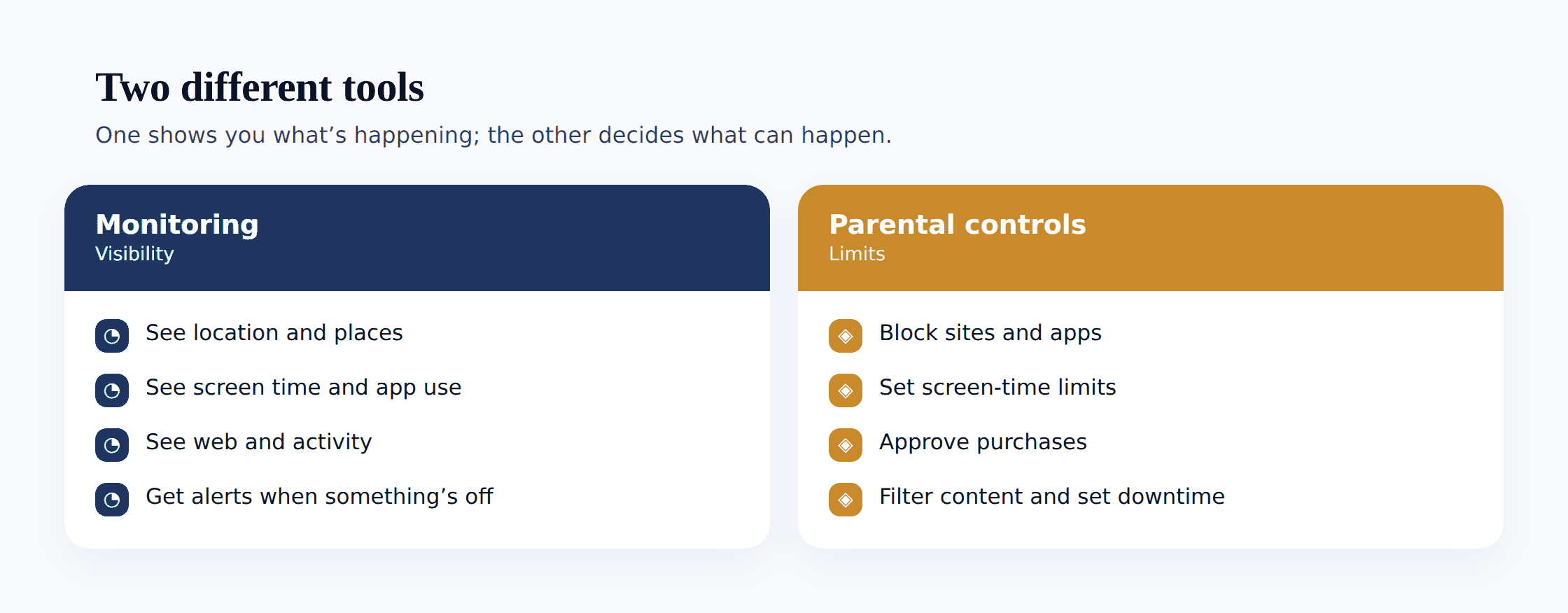
A quick way to keep them straight: controls answer “what is my child allowed to do?” and monitoring answers “what is my child actually doing?” A block that stops a site is a control. A report telling you the site was visited is monitoring. Many products bundle both, which is exactly why the line blurs — but the two functions stay distinct even when they live in the same app. For the full picture of the monitoring side, our complete guide to child phone monitoring goes deeper than we can here.
Side by side: strengths and blind spots
Neither one is better than the other. They’re good at different things, and each has a weakness the other happens to cover. Seeing them next to each other makes the trade-off obvious.
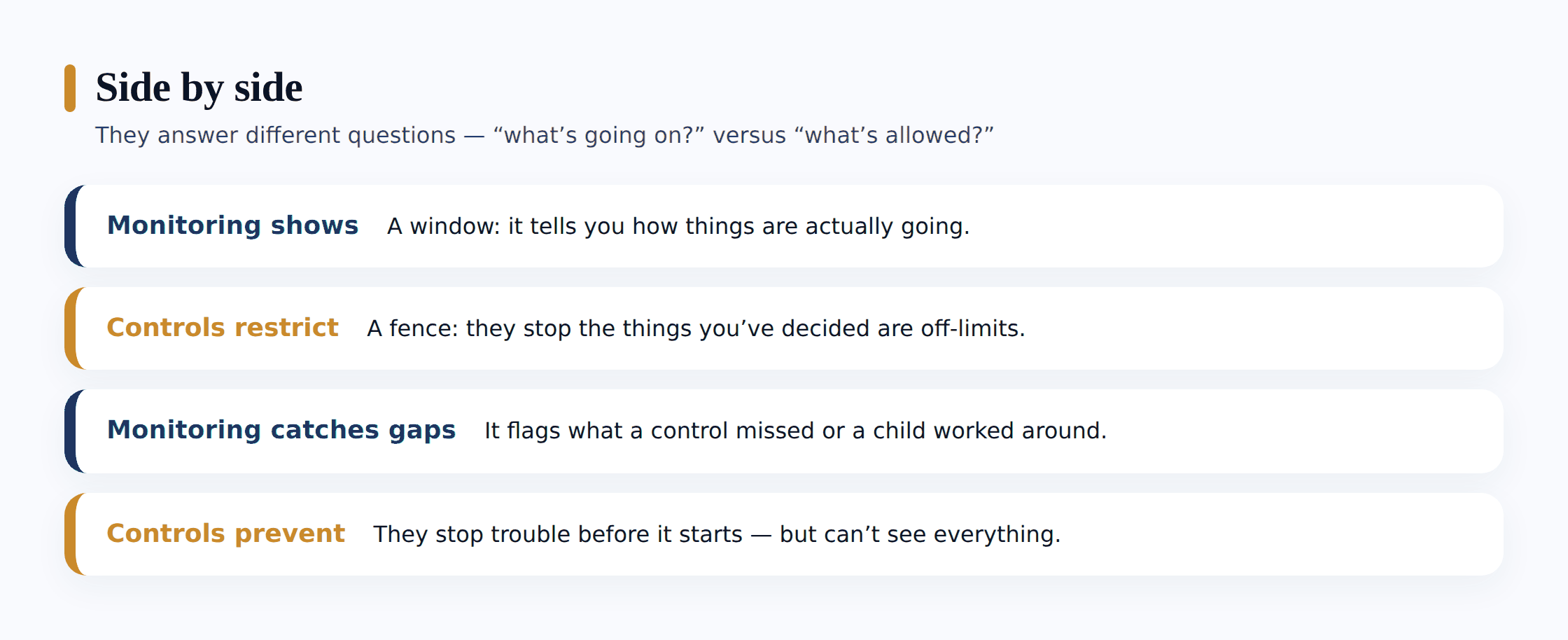
| Parental controls (limits) | Monitoring (visibility) | |
|---|---|---|
| What it does | Restricts what the phone can do — blocks, timers, filters, approvals, downtime | Shows what the phone is doing — location, screen time, app and web activity, alerts |
| Question it answers | What is my child allowed to do? | What is my child actually doing? |
| Good at | Preventing harm before it lands; taking pressure off young children; enforcing bedtime and spend limits automatically | Noticing patterns and problems controls miss; opening the right conversation; confirming things are fine |
| Weak at | Can be over-blocked or bypassed; tells you nothing about what got through; can feel heavy-handed for teens | Doesn’t stop anything on its own; needs you to read it and act; can tip into over-watching if overdone |
| Best for | Younger children; hard boundaries everyone agrees on; money and bedtime | Older children and teens; safety signals; a light touch that scales down with age |
The two weaknesses are the tell. A control can be strict and still leave you blind — a website filter blocks a thousand pages and says nothing about the one message that slipped through a chat app it never touched. Monitoring can see that message land and still not stop it. Put plainly: controls act without informing, monitoring informs without acting. That’s not a flaw in either. It’s the reason families reach for both.
How the right mix changes with age
The blend that fits a seven-year-old is wrong for a fifteen-year-old, and the shift between them is the single most useful thing to get right. As a child grows, the dial turns steadily from control toward trust, and from heavy visibility toward light.
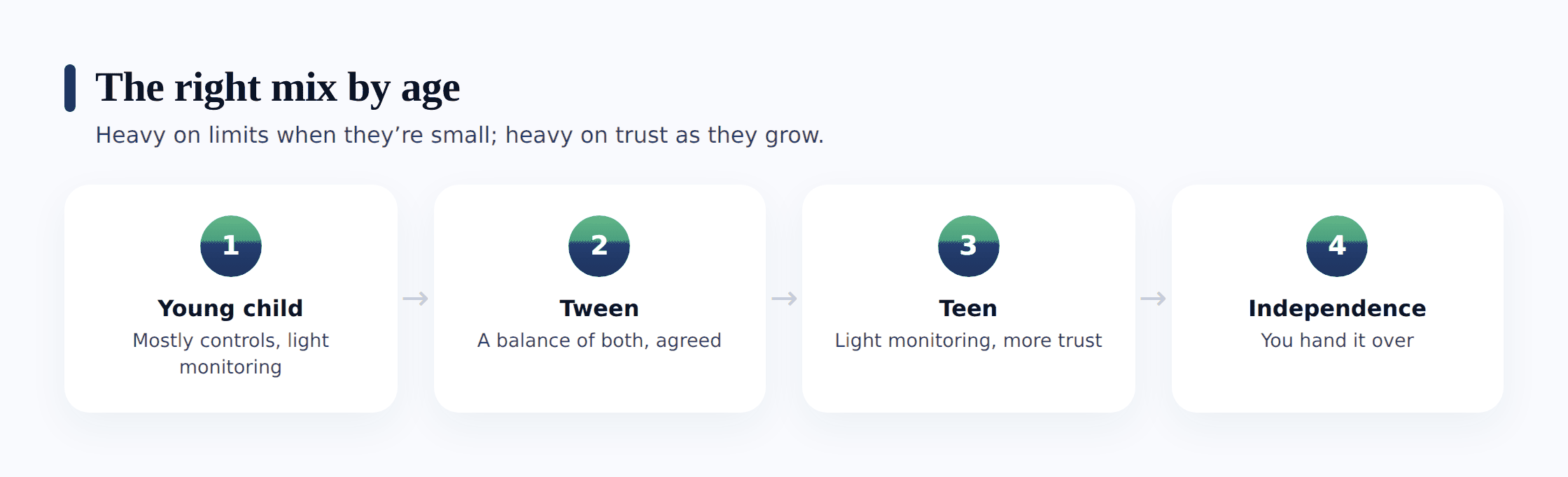
Young children (roughly 5–9) lean heavily on controls. At this age a child can’t reliably judge what’s safe, so the phone should do most of the judging: strong content filters, app approvals, tight screen-time limits, a walled-garden app store, downtime that switches things off at night. Monitoring stays light and simple — mostly knowing where they are and roughly how much time is going where. There’s little private life to intrude on yet, and the controls are carrying the load.
Tweens (roughly 10–12) are the crossover. Controls loosen — a wider but still filtered web, negotiated screen time, a first social account with limits. Monitoring becomes more useful precisely because their world is widening faster than any filter can keep up with. This is where activity reports and the occasional check-in start to earn their place, and where the conversation matters more than any single setting.
Teens (roughly 13+) flip the balance. Blanket blocking mostly backfires now — it teaches a resourceful teenager to route around it and tells you nothing when they do. Most families keep only a few hard controls (bedtime downtime, purchase approvals, maybe a spending cap) and rely far more on light-touch visibility: location for safety, a general sense of screen time, alerts for genuine danger rather than a log of everything. The goal shifts from control to a safety net you both know is there and rarely needs to catch anything. Our guide to setting up parental controls on Android and iPhone covers the control side of this at every age.
Why they work best together
Used alone, each leaves a gap. Controls without monitoring are a wall you can’t see over — you’ve set the boundary but have no idea whether it’s holding, whether it’s too tight and causing friction, or what’s reaching your child through the gaps every filter has. Monitoring without controls is a camera with no brakes — you can watch a problem build and still have nothing set up to slow it down.
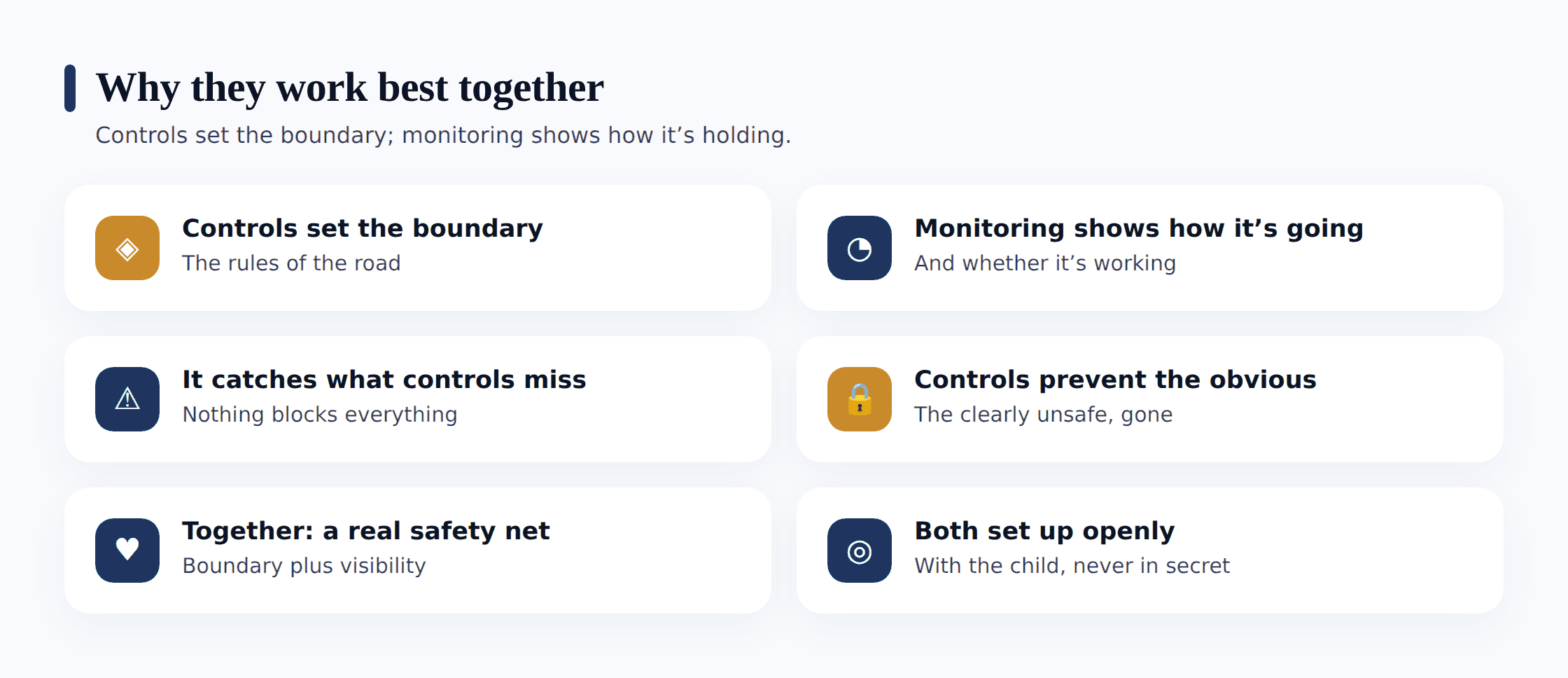
Together they cover for each other. The controls set the boundaries — bedtime, spending, the worst of the web. The monitoring shows how it’s actually going and catches what the controls miss: the messaging app the filter doesn’t reach, the pattern of late-night use no single block would reveal, the new contact who turns up out of nowhere. When monitoring flags something, you adjust the controls; when a control is clearly chafing, the reports tell you it’s time to loosen it. They form a loop — boundary, feedback, adjustment — instead of a single blunt setting you forget you ever turned on.
Built-in examples you already have
You don’t need anything extra to see this distinction in action — the tools already on the phone show it clearly. Both Google Family Link and Apple’s Screen Time deliberately do both jobs in one place, which is a good sign the two belong together.
- Content filters are a control. SafeSearch, restricted YouTube, blocked mature websites, app age limits — each one stops something from loading. It acts, and it doesn’t report.
- Activity reports are monitoring. The weekly screen-time summary, the per-app breakdown, the “most used” chart — each one shows you what happened. It reports, and it doesn’t stop.
- App and purchase approvals are a control with a side of visibility — the request has to clear you (a limit), and the fact that it was requested tells you something (a signal).
- Downtime and app timers are controls; the report of whether they were hit, snoozed or worked around is monitoring.
- Location sharing is monitoring; a geofence alert when a child leaves a set area is monitoring with a trigger, not a control — it tells you, it doesn’t fence them in.
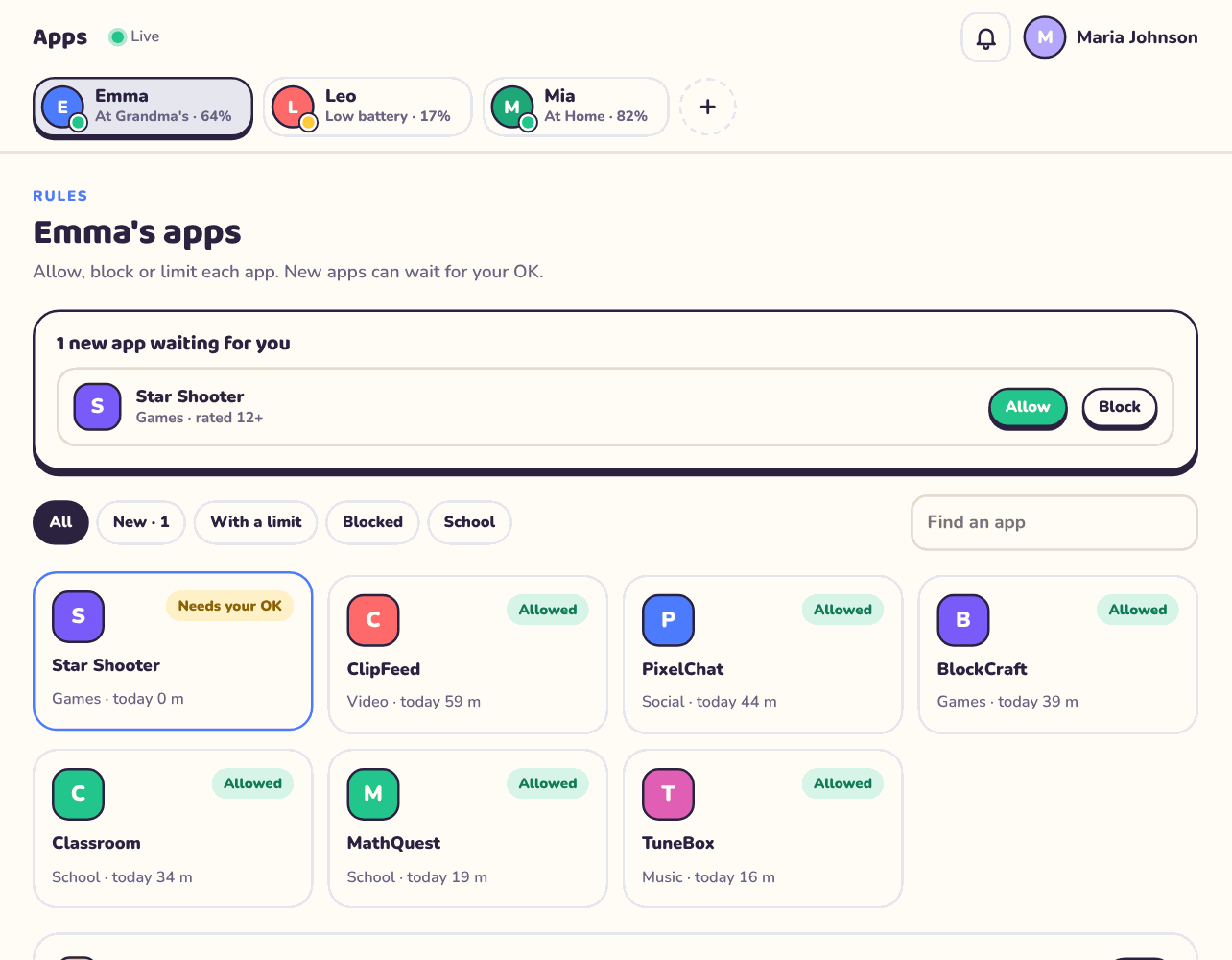
Once you can spot which is which, the settings menus stop looking like one undifferentiated pile of toggles. You start asking two clean questions of every feature: is this drawing a boundary, or is it giving me a view? That alone makes setup faster and the result more deliberate.
How to choose what you actually need
Rather than switching on everything available, start from the worry and work backward. Different concerns point cleanly at one tool or the other.
Match the tool to the concern
- Name the specific worry. “Buying things without asking,” “up all night,” “adult content,” “who are they talking to,” “are they safe on the way home.” Vague unease is hard to solve; a named worry points at a tool.
- If the worry is something that should simply be prevented, reach for a control. Spending, bedtime, mature content, blocked categories — these want a hard limit set in advance, not a report after the fact.
- If the worry is something you need to understand or notice, reach for monitoring. Whether a new app is a problem, how the week is really going, an unfamiliar contact, a phone that’s left an area — these want visibility, because there’s nothing sensible to block.
- Weigh your child’s age. Younger tilts the balance toward controls; older tilts it toward light visibility and trust. Set the blend to where they are now, and plan to loosen it.
- Set it up together and start minimal. Turn on the few things that address your named worries, agree them out loud, and add more only if a real need shows up. An over-configured phone breeds workarounds.
The honest answer for most families is a small set of controls doing the heavy prevention — spending, bedtime, the worst content — paired with light monitoring that mostly confirms things are fine and occasionally flags something worth a chat. That’s a lighter setup than the everything-on approach, and it usually works better because your child can live with it.
The one rule that applies to both
Whichever mix you land on, the same principle governs it: set it up in the open, with your child. This isn’t a nicety bolted on at the end — it’s what separates responsible family safety from surveillance, and it applies equally to a website block and an activity report.
Done openly, both tools teach rather than merely restrict. A child who helped set the downtime schedule understands why it exists; a teen who knows location is shared for safety, not suspicion, treats it as a safety net instead of a tail. Done in secret, the same features corrode trust the moment they’re discovered — and they usually are. Where exactly that line sits, and how a good motive can still slide into the wrong method, is the whole subject of our piece on where monitoring ends and spying begins.
Where FreePhone fits
A short, straight note on our own product, since the distinction above is the one it’s built around. FreePhone does a bit of both. On the monitoring side: location, Places alerts, screen time and app use. On the control side: daily limits, quiet times, app limits and blocking, and approval for new apps. It doesn’t filter websites or show browsing or searches, so it points you at Family Link and Google’s own settings for that. You set it up with your child, in plain sight — the phone shows a “What my parents can see” screen listing what’s shared, and nothing is concealed. It runs on your child’s Android phone, you view it from any browser, and it’s free, with every feature. Think of it as one tool covering part of each half described above — meant to sit alongside the built-in controls, not replace them.
Questions parents ask
What’s the simplest way to remember the difference?
Controls set limits — they decide what the phone can do, and they act on their own (a block, a timer, a filter). Monitoring gives visibility — it shows what the phone is doing (reports, location, alerts) but doesn’t stop anything by itself. Controls answer “what is my child allowed to do?” Monitoring answers “what are they actually doing?” Most families use a bit of both.
Do I need both, or will one do?
It depends on your worries and your child’s age. If your concerns are all about prevention — spending, bedtime, mature content — controls alone might cover it. If you need to understand or notice things — how the week’s going, a new contact, whether they’re safe on the way home — you need visibility, because there’s nothing to block. Younger children lean on controls; teens lean on light monitoring. The common answer is a few strong controls plus light monitoring.
Aren’t parental controls enough on their own?
They prevent a lot, but they’re a wall you can’t see over. Every filter has gaps — the messaging app it doesn’t reach, the setting a resourceful teen routes around — and a control tells you nothing about what got through. Monitoring is what lets you notice the gap and adjust. Controls without visibility means you’ve set a boundary and simply hope it’s holding.
My teen says monitoring means I don’t trust them. What do I say?
Fair challenge, and the honest reframe is that a light safety net isn’t the same as suspicion. With a teenager the sensible mix is very few controls, more trust, and a light-touch check — location for safety, a general sense of screen time, alerts only for real danger — set up openly and loosened as they earn room. If it’s turning into reading every message, that’s over-watching, and our piece on monitoring versus spying is worth reading together.
Can I use these tools on my partner’s or another adult’s phone?
No. Everything here is about your own child, on a device you own or manage, with their knowledge. Quietly monitoring or controlling another adult’s phone — a partner, an ex, anyone — is a serious privacy violation and is illegal in many places. It isn’t parenting and it isn’t something we support or provide a way to do.
Parental controls and monitoring aren’t rivals, and they aren’t the same thing wearing two names. One draws the lines; the other shows you how life inside them is going. The families who get the most from their child’s phone tend to use a modest amount of both — a few firm controls handling the things that should simply be prevented, and light, open monitoring that mostly reassures and occasionally opens a conversation. Set the blend to your child’s age, agree it out loud, and turn the dial toward trust as they grow. The tools do their small part; the relationship does the rest.