How to Monitor Your Child’s TikTok Activity
TikTok isn’t one app so much as three problems stacked into a single icon: an algorithm that learns your child faster than you’d like, a stream of content that ranges from harmless to genuinely unsettling, and a messaging layer where strangers can slide in. Small wonder so many parents type “how to see my kid’s TikTok without them knowing” into a search bar at midnight. This guide takes the opposite line. It’s about shaping and watching your child’s TikTok out in the open — using TikTok’s own Family Pairing, the app’s built-in limits and filters, and honest device-level visibility — with your child in the loop the whole way. One line holds throughout, from the opening paragraph to the closing one: nothing done without their knowledge, and never any account but your own child’s, on a phone you manage.
- Why TikTok specifically worries parents
- Why secret TikTok-spying is the wrong goal
- Is your child old enough for TikTok?
- TikTok’s own Family Pairing
- Screen time, Restricted Mode and DM controls
- Device-level visibility, done openly
- TikTok-specific signs worth noticing
- Turning it into a conversation
- Where FreePhone fits
- Questions parents ask
Why TikTok specifically worries parents
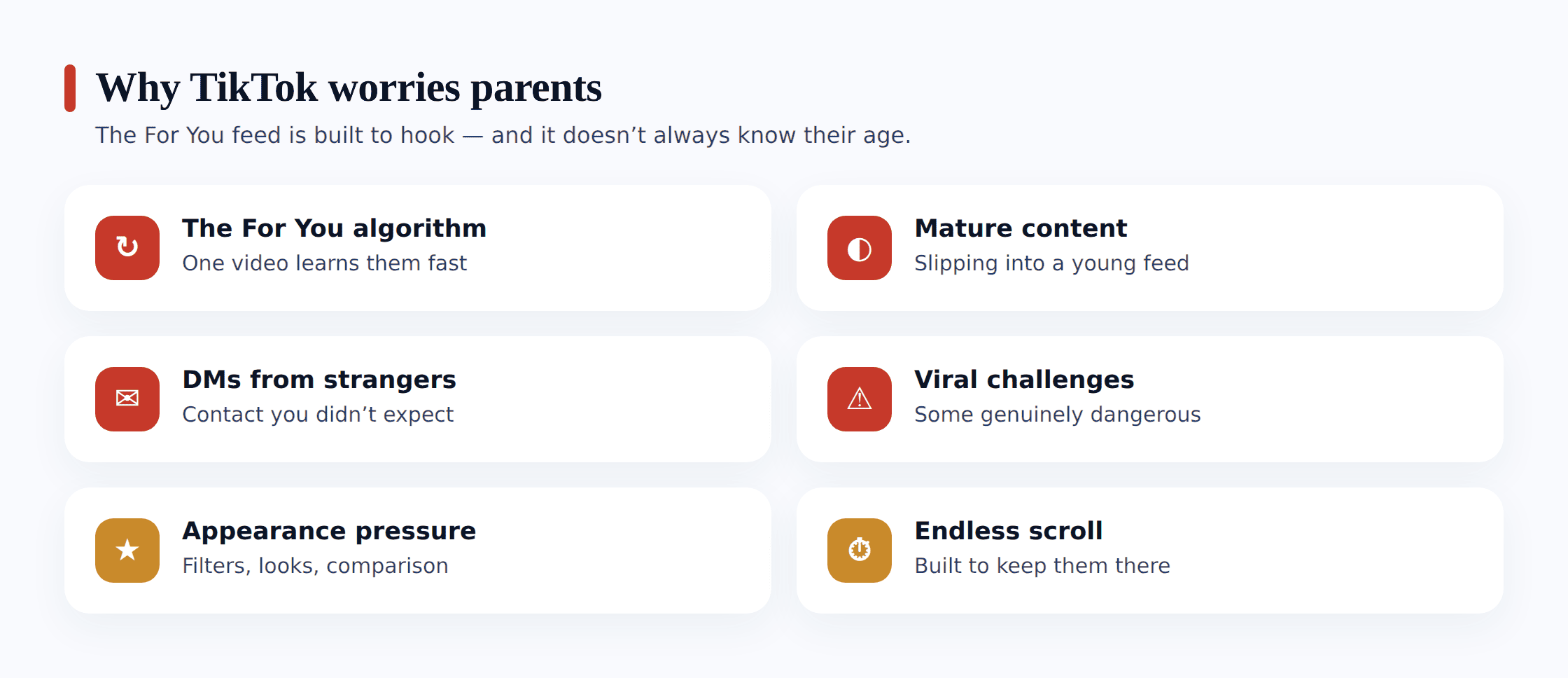
Any number of apps can unsettle a parent, but TikTok stacks several mechanics that feed off one another, and the combination is what drives the search-bar panic. None of them is sinister taken alone; the trouble is how they compound. It pays to name them one by one, because a fear you can put into words is a fear you can begin to manage.
- The For You Page algorithm. TikTok’s recommendation engine learns from every second your child lingers, every rewatch, every quiet pause on a clip. It doesn’t wait to be told what they like — it infers it, then serves more of it. A curious tap on one video about extreme dieting or a “sad edit” can tilt the whole feed in that direction within an afternoon. This is the rabbit hole parents describe: the feed narrows toward whatever held attention longest, and a young teen has no sense that it’s happening.
- Mature and borderline content slipping through. TikTok’s moderation catches a lot, but the sheer volume means suggestive dances, crude humour, self-harm “aesthetics” dressed up as poetry, and violent clips edited to dodge filters all surface on ordinary feeds. Much of it sits in a grey zone the rules don’t cleanly ban, which is exactly why it reaches a 13-year-old scrolling before bed.
- DMs from people they’ve never met. Direct messages are where a friendly comment can become a private conversation. An adult who spotted your child’s public video can open a chat, and the flattery-then-pressure pattern that grooming follows starts in exactly this quiet corner of the app.
- Dangerous viral challenges. TikTok is where trends spread fastest, and a share of them are genuinely risky — the blackout challenge, chroming, eating extreme quantities, climbing or “surfing” stunts. They arrive wrapped in humour and peer momentum, so a sensible kid attempts something they’d never dream up alone simply because the feed made it look normal.
- Appearance and comparison pressure. The feed is wall-to-wall with beauty filters, sculpted bodies and curated lives, and TikTok’s format makes the comparison relentless and fast. For a teen forming their sense of themselves, an hour of it can leave a real dent that has nothing to do with any single video.
- The endless scroll. There’s no end of the feed to reach and no natural stopping point — the next clip autoplays, always. TikTok is engineered to hold attention, and the time-sink that follows eats into sleep, homework and the parts of the day that used to be talking-to-you time.
It helps to size the platform up on its own terms. Our piece on whether TikTok is safe for kids digs into the app’s build and the age debate at a length this page can’t stretch to. And since the For You Page drives most of what worries parents here, getting to grips with how social media algorithms work pays off — once the mechanism is visible to you, you can lay it out for your child.
Why secret TikTok-spying is the wrong goal
This is the piece most “TikTok spy” guides leave out, and it flips the whole job on its head. The urge to secretly read every DM and log every video makes sense, but it’s aimed at the wrong mark and it usually rebounds. Pursuing covert access tends to mean loading sketchy software, tearing holes in the phone’s security, and operating behind your child’s back — and what you get for it is a heap of data that still can’t tell you what’s really turning over in their mind.
Let me set out clearly what it isn’t. It isn’t secretly grabbing your child’s private chats or compiling a concealed record of everything they scroll past. The honest route covers less ground and does far more good: your child’s willing agreement, TikTok’s built-in Family Pairing, thoughtful use of the screen-time caps, Restricted Mode and DM controls, plain device-level awareness that the app sits on the phone and gets used, and a candid rapport where the creepy message comes straight to you instead of getting buried. That final part gets inside TikTok in a way no logging software ever will, because what you most need — how a clip landed emotionally, whether some stranger has them on edge — never turns up in a data export regardless.
Is your child old enough for TikTok?
Settings come later; the opening question is simpler — should TikTok be on that phone in the first place? Thirteen is the floor TikTok sets, and there’s reasoning behind the figure: the For You algorithm, the DMs and the anything-goes comment culture all lean on judgement a younger child hasn’t grown into. In the US, TikTok runs a stripped-back “TikTok for Younger Users” mode for under-13s — a curated pool of clips, no direct messaging, no public profile, and no commenting or posting — a walled garden set apart from the full app.
Where that lands in practice: a nine- or ten-year-old has no business on the main app. If they can’t bear missing the clips their friends quote, the younger-users mode is the right way in, not the real app with a birth year quietly fudged. And for a teenager who genuinely clears the age bar, the decision isn’t TikTok-or-nothing — it’s whether you handle it above board or on the sly. A Family Pairing link plus an actual talk wins out over covert snooping. If you’re setting this beside the other platforms your teen uses, our broader walkthrough on how to monitor social media openly lays out the same earn-your-slack thinking across the apps that fill their day.
TikTok’s own Family Pairing
By far the handiest tool a parent has here comes from TikTok itself, purpose-made for precisely this. Family Pairing ties your own TikTok account to your teen’s — only with their say-so, since both sides have to accept the link — and once it’s live, you get a genuinely straight set of controls that sit inside the app rather than bolted on around it.
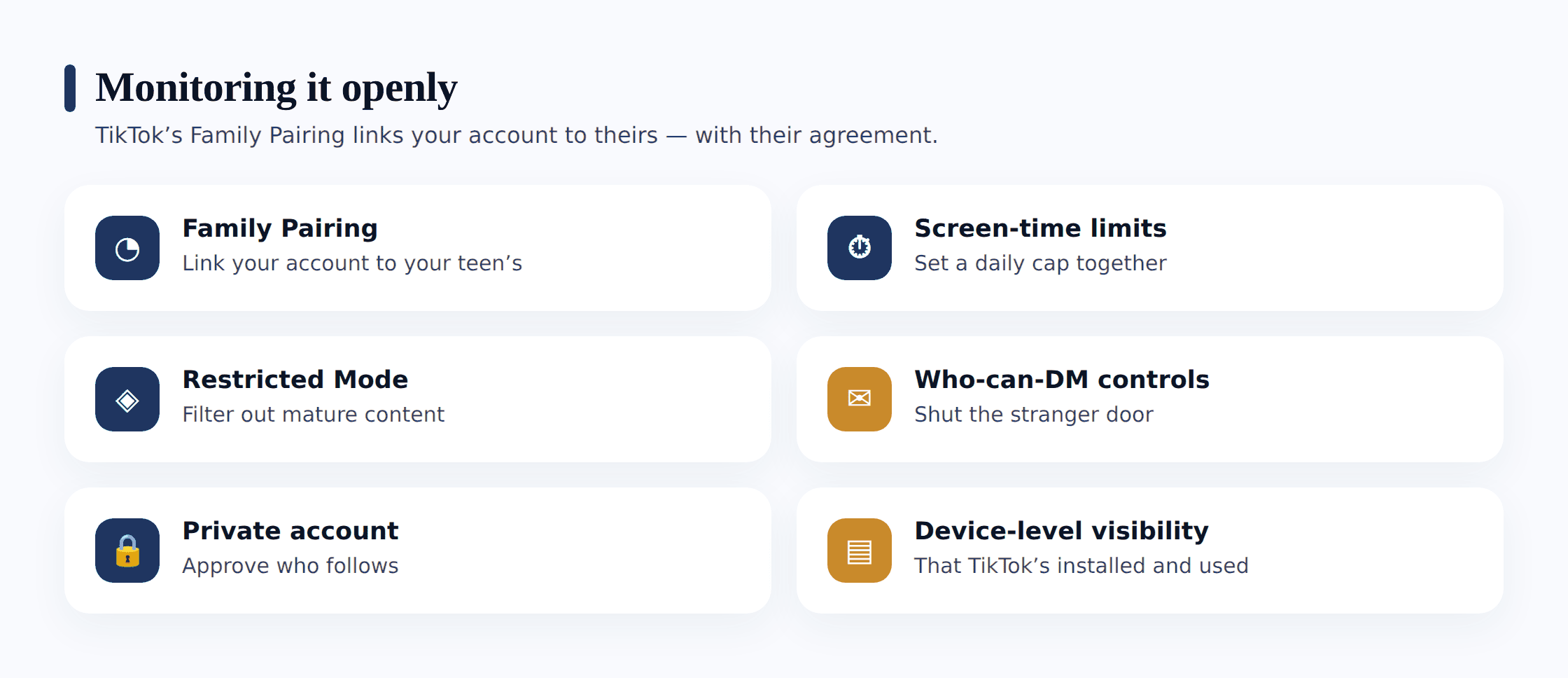
Everything Family Pairing hands you is built for steering, not snooping. From your phone you can fix your teen’s daily screen-time cap, flip on Restricted Mode to strain out mature clips, decide who’s allowed to DM them (right down to shutting DMs off for younger teens), switch their account to private, and shape the search and content topics the algorithm steers around. What it deliberately withholds is the text of their messages or any running log of their videos — and that omission is the whole idea. These are guardrails you share with your teen, not a spying console, and that’s the reason you can lean on it without selling out their trust.
Setting up Family Pairing together
- Both of you need TikTok installed and your own accounts signed in.
- On your phone, open Settings and privacy, tap Family Pairing, and choose “Parent.”
- On your teen’s phone, do the same and choose “Teen” — then scan the QR code to link the two accounts.
- Your teen approves the link from their end — that’s the consent moment, and there’s no way past it.
- Now set screen time, Restricted Mode and DM controls together, talking through each one as you go so there are no surprises.
Since the link only works once accepted, Family Pairing can’t be anything but open — no sneaky variant exists. Present it as a safety net you two share, not a chain: “This helps me keep an eye on your screen time and keep strangers out of your inbox — I can’t see what you send, and I wouldn’t want to.” A teen who gets that boundary is far readier to leave the link in place than to slip it off the second you turn around.
Screen time, Restricted Mode and DM controls
Whether you manage these through Family Pairing or set them directly on your teen’s phone, three groups of settings do most of the protective work. Change them together, side by side, so your teen sees the reasoning rather than just discovering a new limit.
- Screen-time limits. Set a daily cap so the endless scroll has an edge to it. TikTok also offers screen-time breaks and a sleep-hours reminder that dims the feed at night. For a young teen, a limit of an hour or less is a reasonable starting point — and the number is a conversation, not a decree, so revisit it as they show they can manage it.
- Restricted Mode. This is TikTok’s content filter, and it limits the mature and suggestive material that surfaces on the feed. It’s not perfect — no filter is — but it meaningfully thins out the borderline clips, and turning it on costs nothing but a tap. Pair it with the “not interested” button, which you can teach your teen to use so the algorithm learns to steer away from content they don’t want.
- Who can send DMs. This is the setting that closes the stranger door. Restrict direct messages to “Friends” only, or switch them off entirely for a younger teen — TikTok disables DMs for accounts registered to under-16s by default, but it’s worth confirming rather than assuming. A stranger who can’t message your child can’t start the private conversation that grooming depends on.
- Private account. Setting the account to private means new followers have to be approved, videos aren’t broadcast to the whole platform, and a random adult can’t build a picture of your child from their public posts. For most teens this is the sensible default.
- Comment filters. TikTok lets you filter comments — blocking specific keywords, holding comments for review, or limiting who can comment at all. It’s a simple way to keep the nastier corners of the comment culture off your teen’s own posts.
Device-level visibility, done openly
Cracking open the DMs is out, as it should be; what stays fairly within reach is a read on the device itself, gathered at the phone level — and it settles more than you’d bet. What this gives you is the shape of how your teen leans on TikTok, never the words inside any private message — and it’s done with their knowledge, not while their attention is elsewhere.
Concretely, an open phone-level read shows you that TikTok is on there and roughly how heavily it gets used, the hours it burns hottest, and the moment that pattern breaks — those sudden midnight sessions, or a jump in TikTok minutes the same week your teen clams up at the table. The messages themselves stay locked, deliberately. Almost every worry a parent carries surfaces in this outline long before any actual content would: screen time climbing fast, or a scroll that’s slid from after-school into the early hours. A picture of usage steers you toward a talk — it doesn’t stand in for one, and was never built to.
TikTok-specific signs worth noticing
Spotting the cues that matter needs zero DM-snooping. The ones worth your attention come straight out of how TikTok is put together, and they surface far more in how your teen acts than in anything you might read over their shoulder.
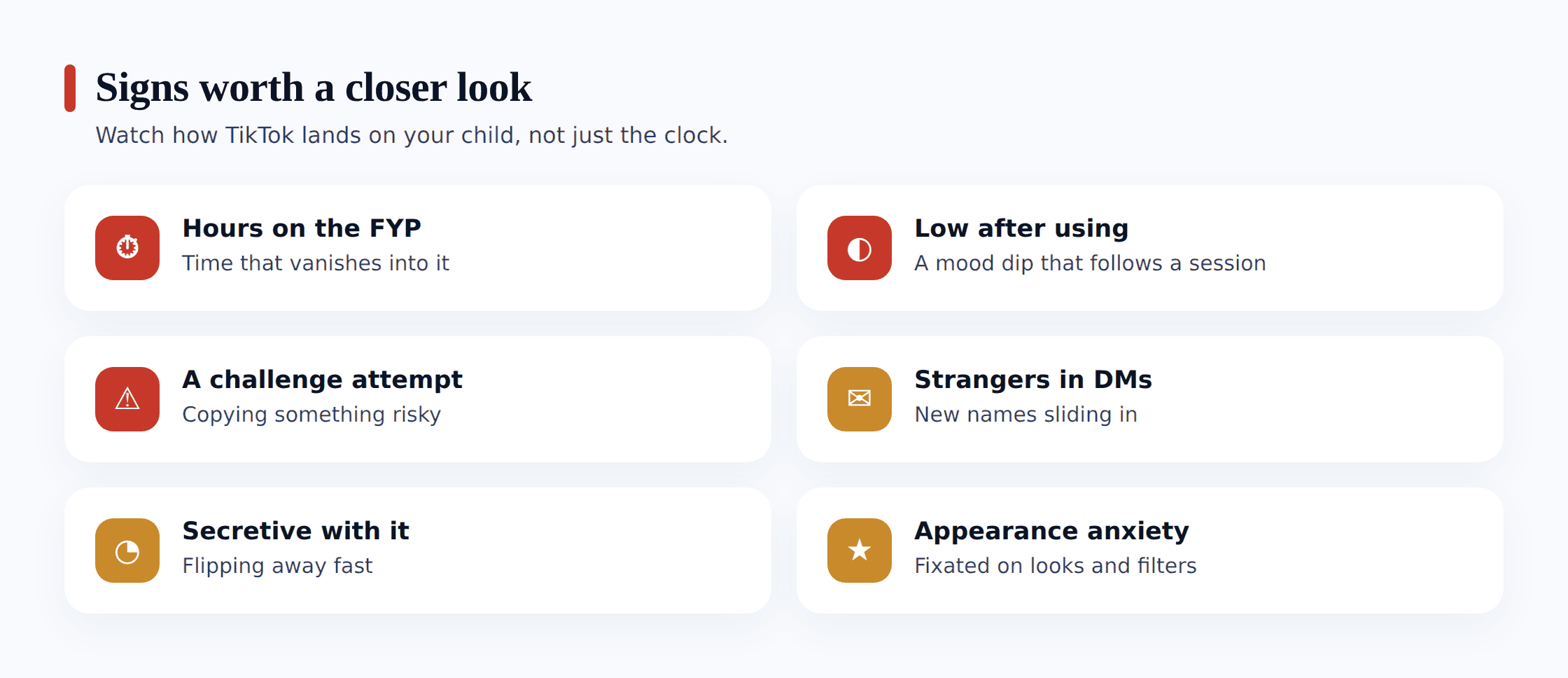
- A challenge attempt, or talk of one. Props appearing that don’t add up — a stack of something to eat on camera, a plan to film a stunt on a roof or a moving car, questions about holding their breath. Trends move fast, and a challenge your teen mentions in passing on Monday is worth a real question by Tuesday.
- Hours vanishing into the For You Page. A scroll that used to be fifteen minutes and is now the whole evening, or a teen who reaches for the phone the instant there’s a gap. The endless feed is designed to do this, so a sharp climb in TikTok time is a signal about the algorithm’s grip, not a character flaw.
- A stranger surfacing in their DMs. Guardedness when a message comes in, tilting the screen away, or a passing mention of someone “from TikTok” you’ve never heard of. An adult who found your teen through a public video and moved the chat to DMs is the pattern to watch for.
- Appearance anxiety that tracks their feed. New unhappiness with their face or body, a sudden fixation on filters, comments about not looking like the people on their feed. TikTok’s beauty-and-body content is relentless, and a teen soaking in it can absorb a standard no real person meets.
- A feed that’s narrowed somewhere dark. If you glance over their shoulder and the videos have tilted heavily toward dieting, sadness edits, or one intense niche, the rabbit hole may have opened. The fix often starts with the “not interested” button and a reset of the algorithm, done together.
Turning it into a conversation
Picture your teen turning the phone toward you with a video that rattles you, or a run of behaviour that sets off a genuine alarm — a challenge they’re halfway to trying, a stranger who won’t stop messaging, a feed that’s drifted somewhere dark. How you handle the next couple of minutes will colour where this goes much more than whatever you stumbled on.
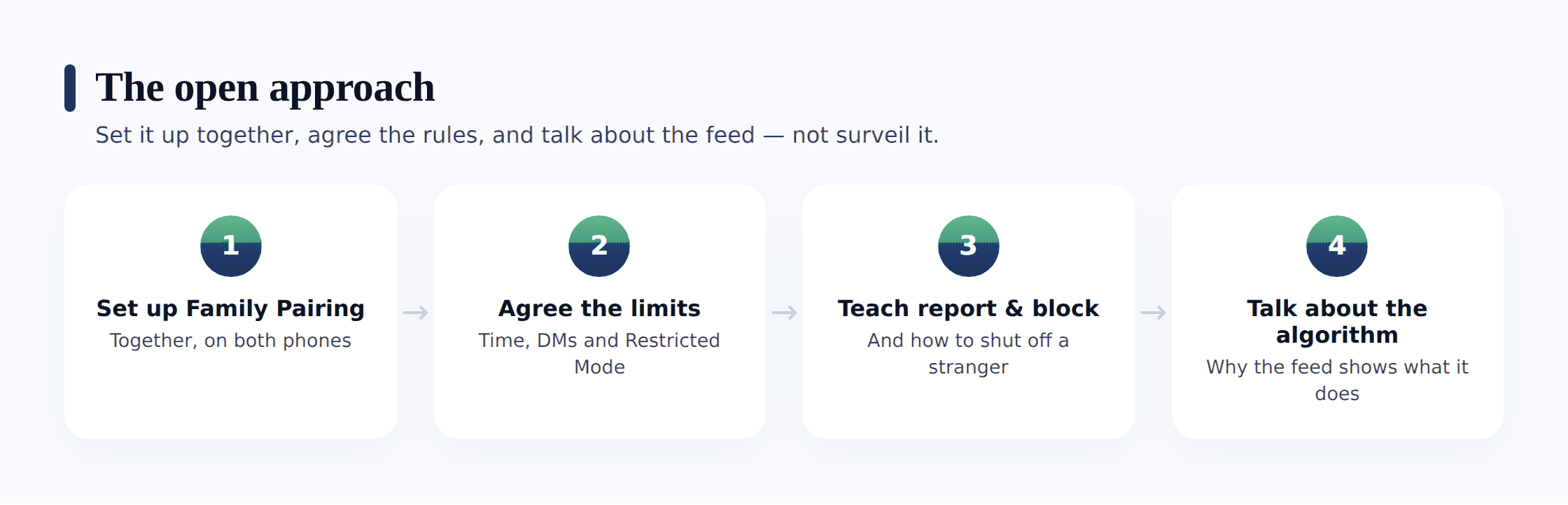
Open with curiosity about the clip, not a charge. “That challenge is all over your feed lately — what’s the actual take on it?” cracks a door open; “Don’t you dare try that” bolts it shut. Kids get swept into TikTok trends on momentum far more than out of rebellion, and the story you’ve built in your head on the walk to their room is hardly ever the real one. Asking how a trend caught on, or what the stranger truly said, teaches you more than any transcript could.
Teach the tools, don’t just impose them. The most durable protection is a teen who knows how to defend themselves on the app. Sit down and show them how to block and report an account, how to hit “not interested” to steer the algorithm off a bad tangent, and how to question a challenge — who filmed it, who got hurt, who’s profiting from the views. A teen who can do these things without you is safer than one who only has your settings between them and the feed.
Keep it safe for them to hand you the ugly stuff. If your teen works up the courage to show you a skin-crawling DM or to admit they came close to trying a challenge, and you meet it by seizing the phone and wiping the account, the only takeaway is: next time, deal with it solo. Come back instead calm, genuinely useful, and warm — a real “I’m honestly glad you brought that to me” — and the two of you keep a line open for whatever comes after. That openness outlives every filter you’ll ever set.
If any of it starts to look like grooming — an adult manufacturing a private bond, fishing for photos, leaning on your teen to take the conversation off TikTok somewhere quieter, or steering toward an in-person meet — take it with total gravity. Grab screenshots of the thread and the profile before you do a thing, then block and report straight from inside the app. British families can report to the CEOP Safety Centre; in the States, that role belongs to the NCMEC CyberTipline at report.cybertip.org. Should your teen want to talk it out, Childline stays free and confidential on 0800 1111. The moment anything sexual involves your child — or the load is simply too heavy for one parent to carry alone — get the police involved.
Where FreePhone fits
A brief, straight word on where our own tool belongs in all this, since we built it to reinforce this style of parenting, not to undermine it. FreePhone gets installed alongside your child, never in the dark — the phone shows a “What my parents can see” screen laying out exactly what it shares, so nothing about it is concealed. What it delivers is phone-level insight: how much time TikTok takes and when, a daily limit or quiet time if you agree one, and approval before a new app is used. What it is emphatically not is a backdoor into your child’s DMs or their For You feed; it reads no messages and filters no content, and we’re not going to pretend otherwise. It sits on your child’s Android phone, you check it from any browser, and it’s free, with every feature. Treat it as a way to catch a pattern and start the talk that pattern calls for — not a stand-in for Family Pairing, TikTok’s built-in settings, and the regular check-ins that shoulder the real work.
Questions parents ask
Can I secretly see my child’s TikTok DMs and feed?
You can, through dubious software — but it’s the wrong goal, and it tends to backfire. Covert access means going behind your child’s back and usually weakening the phone’s security, and the data it yields still won’t tell you the thing that matters most: how a video made them feel or whether a stranger is making them uneasy. The honest route works better — TikTok’s Family Pairing, sensible settings, device-level visibility your child knows about, and a relationship where they bring you the weird DM. That protects them far more than a hidden window ever could.
What can I actually control through TikTok’s Family Pairing?
Quite a lot of the protective stuff: your teen’s daily screen-time limit, Restricted Mode to filter mature content, who can send them direct messages (including switching DMs off), whether their account is private, and the search and content settings that shape the feed. What it doesn’t do is show you the contents of their messages or log their videos — and that limit is deliberate. It’s a set of shared guardrails, not a surveillance feed, which is exactly why you can use it without betraying your teen. The link has to be accepted from both sides, so there’s no hidden version.
How do I stop strangers messaging my child on TikTok?
Restrict direct messages to “Friends” only, or turn DMs off entirely for a younger teen — TikTok disables them by default for accounts registered to under-16s, but confirm it rather than assuming. Setting the account to private also means new followers need approval, so a random adult can’t build a picture of your child from public videos. Do these together and explain why, and pair them with teaching your teen how to block and report anyone who makes them uncomfortable.
My under-13 wants TikTok. Should I let them?
Not the main app — 13 is TikTok’s own minimum age, and the For You algorithm, DMs and open comments all assume judgement a younger child hasn’t developed. In the US there’s a separate “TikTok for Younger Users” experience with curated videos, no messaging, no public profile and no posting; that’s the appropriate door for an under-13, rather than the full app with a fudged birthday. For a teen who’s genuinely old enough, the real choice is doing it openly — Family Pairing plus a real conversation — rather than covertly.
Can I use this to check my partner’s or someone else’s TikTok?
No. Everything here is about your own child, on a device you manage, with their knowledge. Reading another adult’s TikTok — a partner, an ex, anyone — is a serious privacy violation and is illegal in many places. It isn’t monitoring, and it isn’t something we support or provide a way to do. This guide is strictly about keeping a child safe, openly.
Keeping your child safe on TikTok was never truly about seizing their DMs or logging what they watch. The app is engineered to grip attention and to wall off private messages, and no covert gadget undoes that — a complete transcript was never what stood between your kid and real trouble. What actually guards them is a Family Pairing link they signed on to, Restricted Mode and time limits dialled in together, DMs shut to strangers, and a teenager relaxed enough to spin the phone your way the moment a shady account messages them or a challenge starts making the rounds. A gentle grip kept in plain view — settled between the two of you, alert to real danger, letting go by degrees as they grow — beats any hidden peephole, and the two of you come out of it close. Aim for that, and most of the safety takes care of itself.