Remote camera for parental control, done in the open
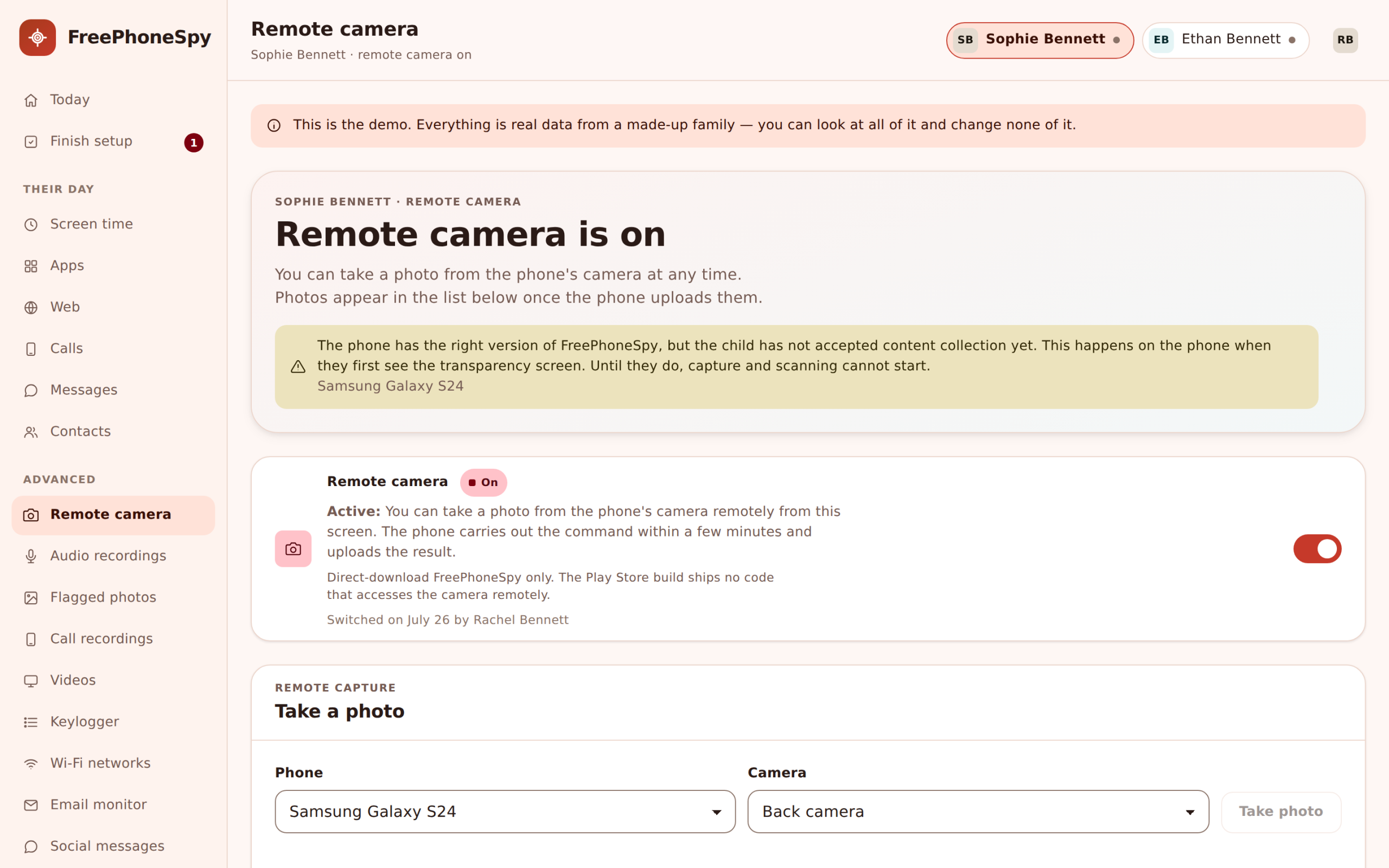
Ask your child’s Android phone to take a photo from its front or back camera, on demand, from your browser. FreePhoneSpy pairs that with an on-device safety check for flagged photos, a log of every request, and a plain rule: this is for a phone you manage and a child who knows it’s there, never a hidden lens on anyone else.
Android child app
Runs in any browser

Read this first: what the remote camera is for
We’re leading with that because the remote camera is the tool people most often imagine misusing, and we’d rather be blunt than coy. Used the way it’s meant, it’s genuinely useful and completely above board: your eleven-year-old says they’re at football, the photo shows a bus stop, and you have a calm question to ask instead of a worry to sit with. Used any other way, it’s the exact thing this app refuses to be. The child can open their phone and see the remote camera is switched on, right there on the Transparency screen, next to everything else that’s shared.
This page is about the camera only. If you’re after the microphone, the short ambient audio clips and how those work, that’s a separate tool with its own consent notes and its own honest limits, so it lives on the ambient audio page. Here we’ll stay on photos: requesting one, the on-device safety check that flags concerning images, how each request is logged, what modern Android will and won’t let the camera do, and how the whole thing unlocks.
Requesting a photo, front or back, on demand
From the panel you pick a camera, front or back, and send the request. When the phone can do it, it takes a single still and returns it to your account, where it sits with the time and which camera took it. That’s the whole action. It’s a snapshot you asked for, not a live feed, and not a stream running in the background all day. You request, the phone answers when it can, and the photo lands in your panel to look at.
The back camera answers the “where are you, really” question when a child’s account of their afternoon doesn’t add up. The front camera is more of a “are you okay” check, a quick sign that the person with the phone is who you expect and looks fine. Neither is meant for constant use. Most parents who switch this on reach for it rarely, in the exact moments a text back of “I’m fine” doesn’t quite settle things.
- Choose front or back camera before you send the request
- Get a single still photo, not a live or background stream
- Each photo arrives with its time and the camera used
- Meant for the occasional check, not all-day watching
Flagged photos and the on-device safety check
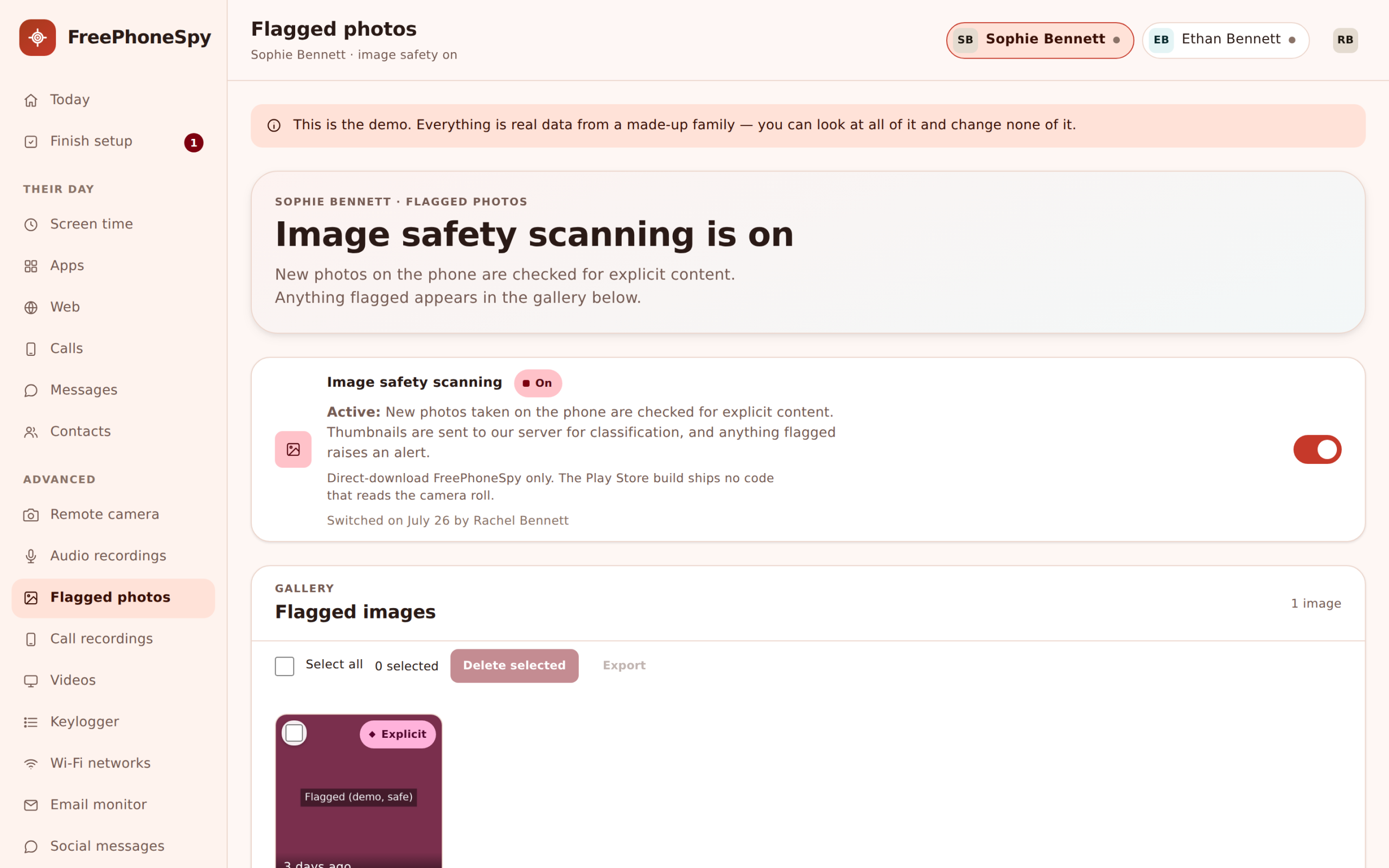
The camera isn’t only for the photos you ask for. FreePhoneSpy also runs a safety check on the phone that can flag images already on the device, the sort a parent would want to know about. The important part is where that check happens: on the phone itself. Photos aren’t shipped off somewhere to be scanned. The check runs locally, and only images it flags surface in your panel for a look, under Flagged photos.
That keeps the volume sane and the privacy intact. A child’s camera roll can hold thousands of ordinary pictures, and you don’t want, or need, to scroll all of them. The on-device check does the sorting so the rare image that deserves your attention gets it, and the birthday party and the dog don’t. What you see is the exceptions, not the archive. For the wider picture of media on the device, photos alongside videos and audio, there’s the photos, videos and recordings page.
- A safety check that runs on the phone, not on a server
- Only flagged images surface, not the whole camera roll
- The ordinary thousands of photos stay the child’s own
- Designed to catch the exception, not archive everything
Every request is logged, so there’s a record
Each time you ask for a photo, that request is logged: when you sent it, which camera, and whether the phone answered. This isn’t bureaucracy for its own sake. It’s the thing that keeps the remote camera honest. There’s a plain record of exactly when it was used, which you can point to, and which your child can see too. Nothing happens quietly in the background that isn’t written down.
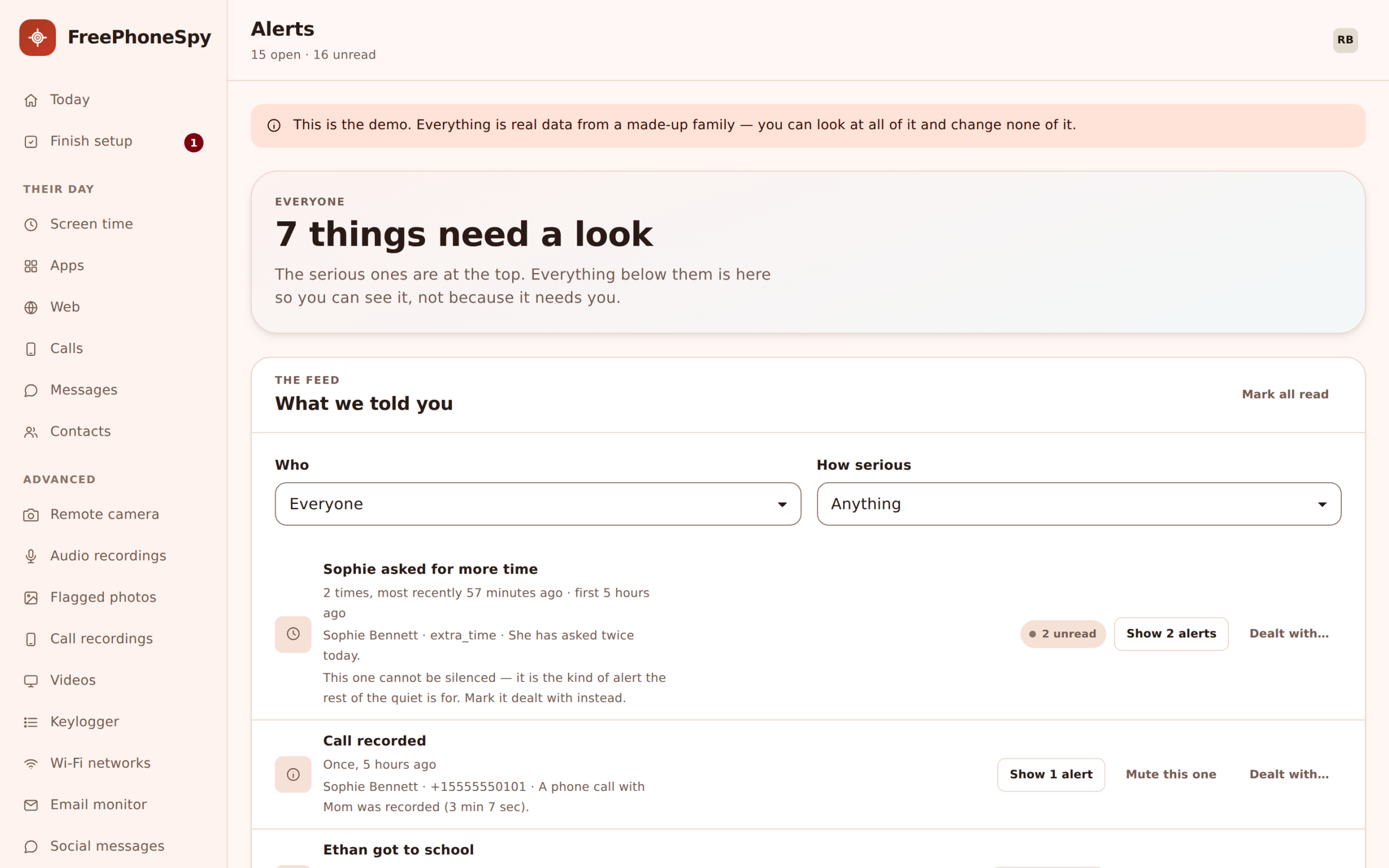
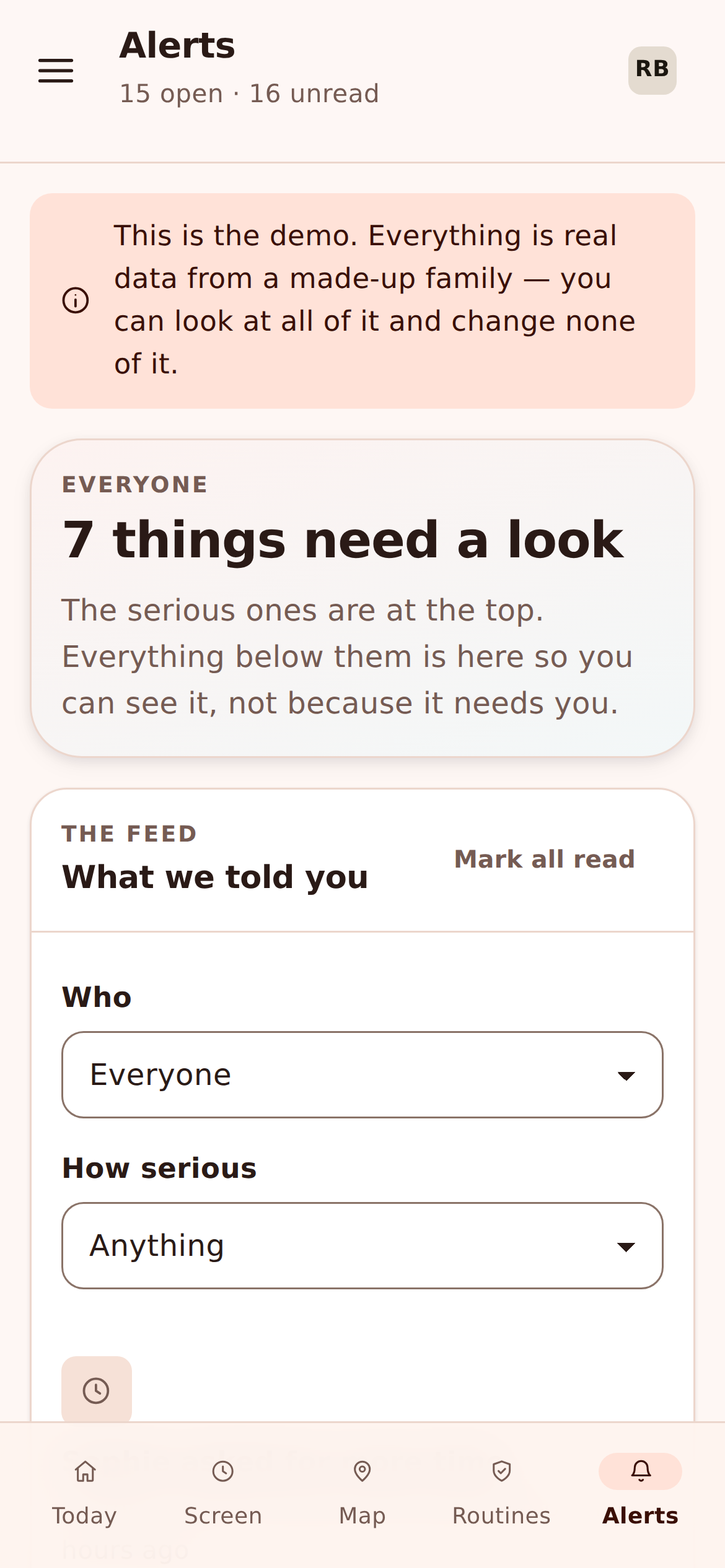
That record matters most in the households where it’s used carefully. A tool this pointed should never be a mystery, even to the person who set it up. The log turns “did you take a photo of me” into a question with a clear answer, and it means the remote camera can be part of an agreement you both trust rather than a source of suspicion. If a request should also raise a flag you’ll see fast, it can surface in your Alerts feed alongside everything else worth your attention.
- Every photo request logged with its time and camera
- Whether the phone answered is part of the record
- A clear history the child can see, not a hidden action
- Flag-worthy events can surface in the Alerts feed
Try the panel before you pair a phone
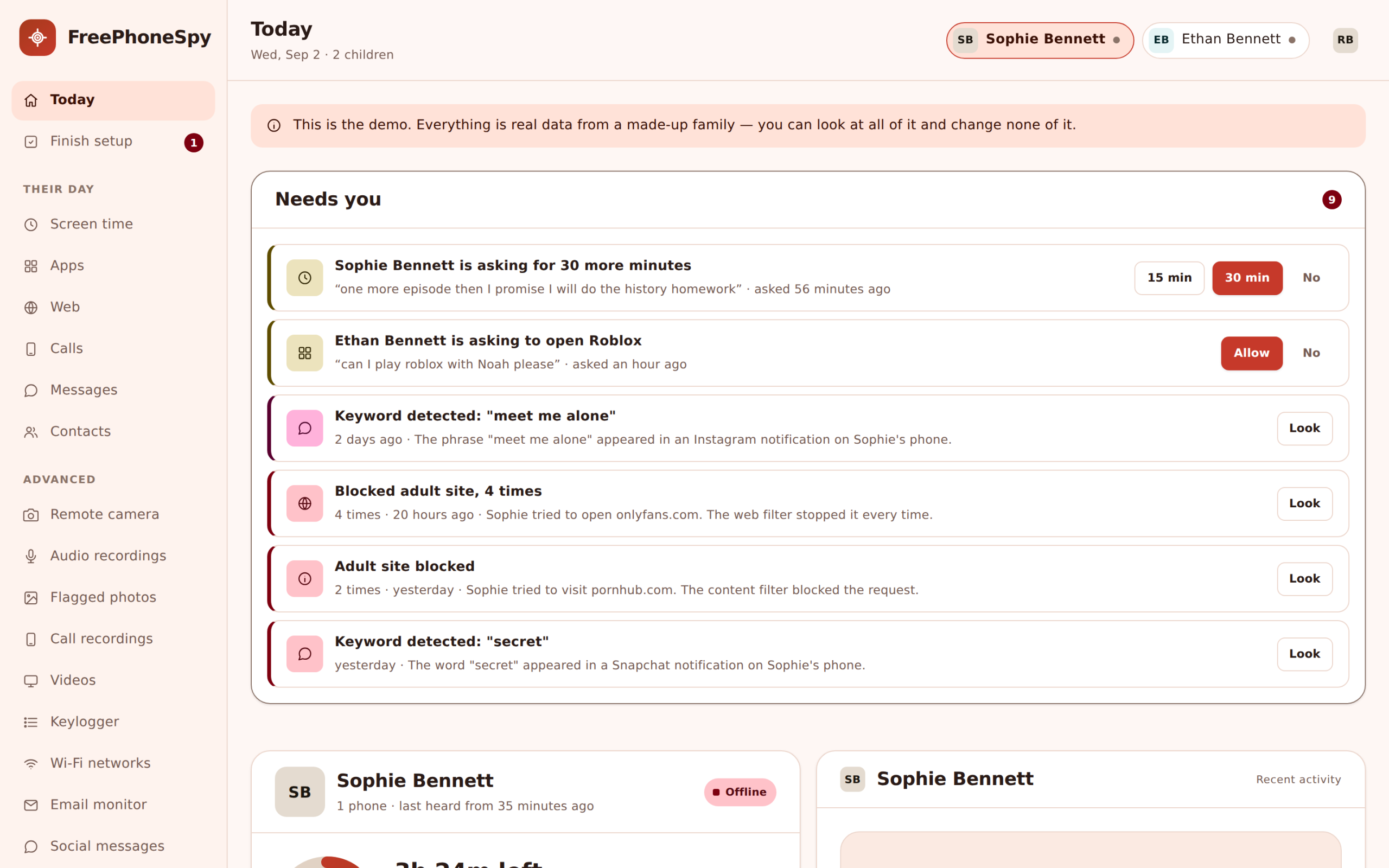
The demo account has a sample family loaded, so you can open the remote camera screen, see how a request and a returned photo look, and read how the flagged-photos view is laid out, all without setting anything up first.
Honest about what Android will and won’t allow
Here’s the part most apps skip. Taking a photo from a phone’s camera in the background is something modern Android deliberately makes hard, and it’s getting harder, not easier. From Android 14 onward the platform tightened background camera access, and on many phones a truly silent, no-sign capture just isn’t available to a third-party app. The camera may need the screen on or the app in a foreground state, and some manufacturers lock it down further on top of Google’s rules.
So the remote camera is best-effort, and honestly so. On some devices a request returns a photo cleanly. On others it won’t, or it’ll behave differently than you’d hope, and rather than fake it, FreePhoneSpy tells you when a request couldn’t be completed. We’d rather you set your expectations from the real behaviour than from a marketing promise. Treat a returned photo as a useful bonus when it works, not a guarantee you can rely on in every moment on every phone.
- Android 14+ tightened background camera access on purpose
- A silent, no-sign capture isn’t available on many phones
- Some manufacturers restrict it further than Google does
- Best-effort: the panel tells you when a request can’t complete
An advanced tool, unlocked through tasks
The remote camera is one of FreePhoneSpy’s advanced features, and it isn’t switched on by default. The core of the app, location, screen time, app limits, the web filter and alerts, is free and works from the start. The advanced tools, the remote camera among them, unlock when you complete a few simple tasks: share an honest review, refer a friend, send feedback or a translation, report a bug. That’s the trade instead of money, and the full picture is on the pricing page.
There’s no subscription here, no card, no paid “premium” tier hiding the good stuff behind a paywall. Tasks do two jobs: they top up your days when the free period runs low, and they unlock the advanced features like this one. We think that’s a fairer deal than a monthly charge, and it keeps a pointed tool like the remote camera as something you opt into deliberately, rather than something that’s just sitting there on by default.
- Core tools stay free: location, screen time, limits, alerts
- The remote camera unlocks by completing simple tasks
- No subscription, no card, no hidden premium tier
- Read exactly how it works on the pricing page
It works from your phone too
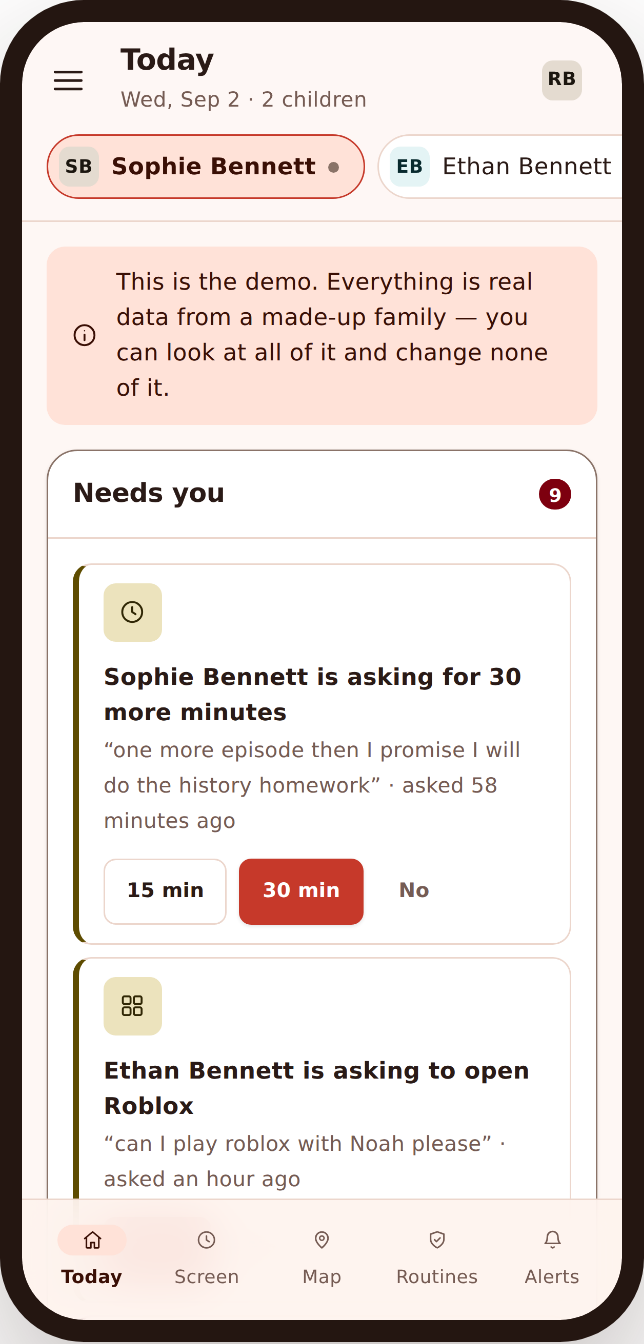
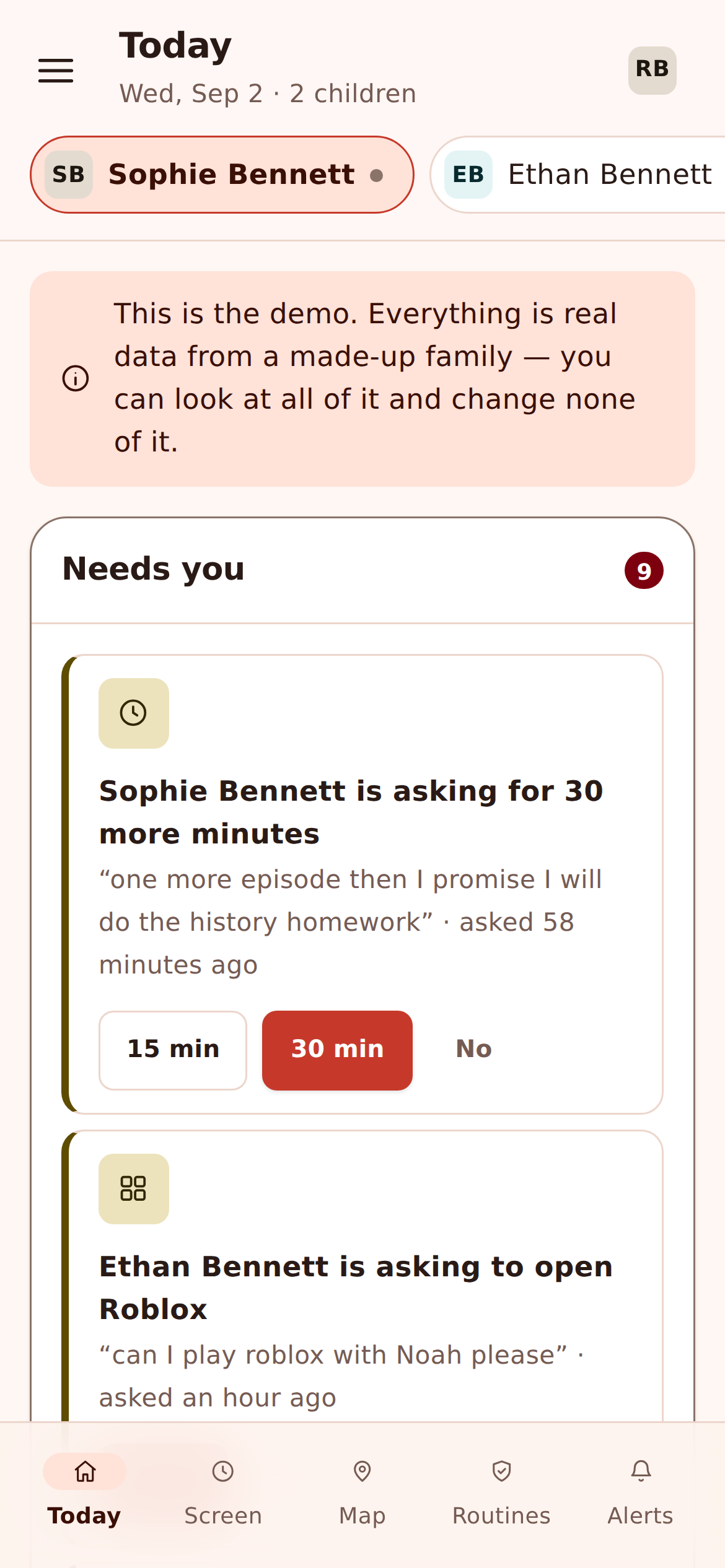
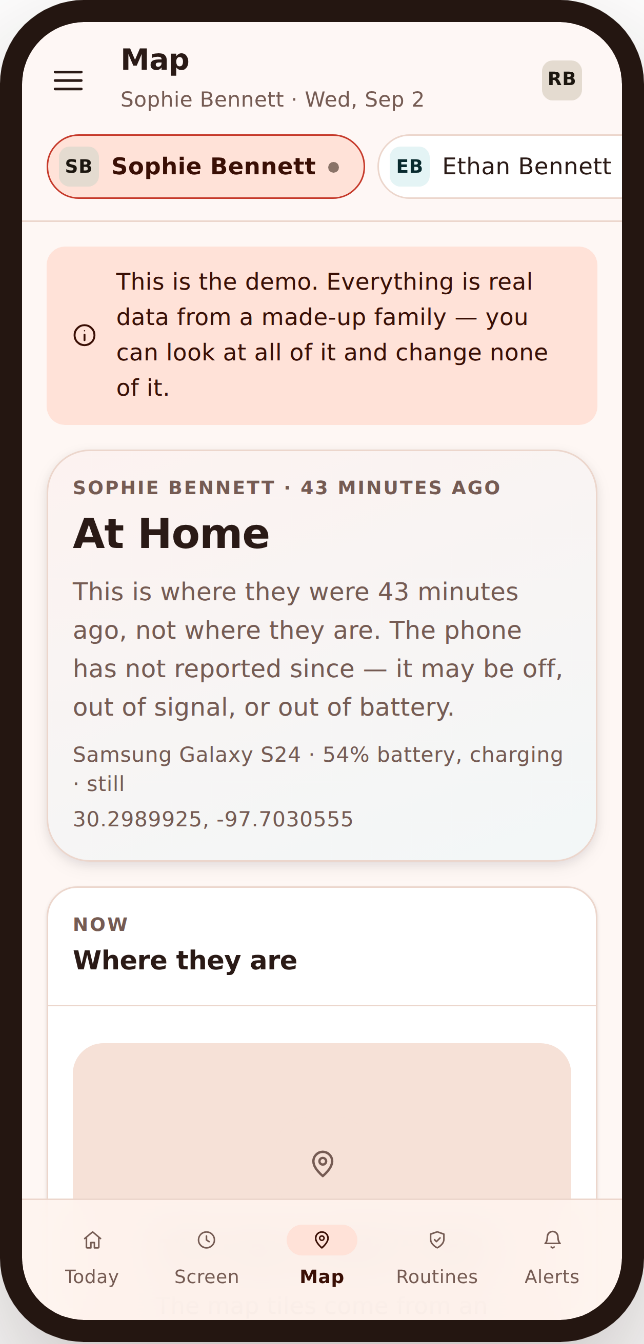
You watch from a browser, and that browser can just as easily be the one on your phone. Send a camera request from the school gate, the supermarket, the office, and the returned photo lands in the same panel on the same small screen. There’s nothing to install on your side, on any device. The remote camera, the flagged photos, the request log, all of it fits a phone.
That mobile view also sets the camera in context. A photo means more next to a place event, a late message or a flag, and the Today dashboard pulls the things that need you to the top so you start with the glance. The remote camera is one tool in a calmer, joined-up picture, not a lens you sit and stare through. Pair it with the microphone side over on the ambient audio page if a short listen would tell you more than a still.
- Send requests and view photos in any mobile browser
- Nothing to install on your side, on any device
- Photos sit beside places, messages and alerts
- The Today dashboard surfaces what actually needs you
Kept open, not hidden
The remote camera appears on the child’s Transparency screen, the same as every other tool that’s switched on. A child can open their phone and see that the camera can be asked for a photo, and that requests are logged. There is no configuration of FreePhoneSpy where the camera is used and the phone stays silent about it, because covert photography of anyone is precisely the use this app is not built for, and it’s the use the law is most likely to punish.
That openness is the whole design, not a limitation we’re apologising for. A child who knows the camera is part of the arrangement, and knows why, treats it as fair. It gives you both something concrete to point at when the rules come up, and they will. Agree it together at setup, keep it to the moments that actually warrant it, and it stops being a source of friction and becomes just one more thing the phone can do, in the open.
- The remote camera is listed on the child’s phone
- Requests are logged, visible to you and to the child
- Set up and agreed together, never sprung on anyone
- Built for consented family use, not covert surveillance
Who it’s for, and who it isn’t
We’ll say it plainly one more time, because it’s the thing that matters most. The remote camera is a legitimate tool in the hands of a parent looking after a child’s phone they manage, with the child aware. In any other hands, pointed at any other person, it’s exactly what FreePhoneSpy will not be a party to. The transparency, the logging, the on-device flagging, the honest limits, they all point the same way: open, consented, family use.
Good for
- A parent checking a child’s phone the parent manages
- An occasional “where are you, really” or “are you okay” check
- Catching a flagged image without scrolling a whole camera roll
- Families who’d rather agree the tool than hide it
Not for
- Secretly photographing a partner, ex, flatmate or employee
- Any adult who hasn’t agreed to being monitored
- Anyone wanting a camera the phone’s user can’t detect
- A guaranteed silent capture on every Android phone
Where it fits with everything else
A photo rarely tells the whole story on its own. It means more next to where the phone was, what was on screen, and what the day already flagged, and it’s all in one panel, one feed, one picture. Start with the Today dashboard’s glance, and reach for the remote camera only in the moments a message back doesn’t settle things. That’s the calm way to use a pointed tool: rarely, openly, and in context.
Set the remote camera up in a couple of minutes once it’s unlocked, agree how and when it’ll be used together, and you’ve added a careful, honest tool to the picture rather than a hidden one. Free for the first ten days, and free to keep going by helping the project along, which you can read about on the pricing page. The microphone side lives on the ambient audio page.
Questions parents ask about the remote camera
Can I take a photo without my child knowing?
No, and that’s deliberate. The remote camera is listed on the child’s Transparency screen and every request is logged. FreePhoneSpy is built for open, consented use between a parent and their own child. It is not a tool for secretly photographing anyone, and pointing a phone’s camera at another person without their knowledge may be illegal where you live.
Does the remote camera stream live video?
No. You request a single still photo from the front or back camera, and the phone returns it when it can. There’s no live feed and no background stream running all day. It’s a snapshot you asked for, logged with its time.
Why did my request not return a photo?
Because taking a photo in the background is something modern Android restricts on purpose, more so from Android 14 onward, and some manufacturers restrict it further. The remote camera is best-effort: on some phones it works cleanly, on others it won’t, and the panel tells you when a request couldn’t complete rather than pretending.
What are flagged photos?
An on-device safety check can flag images already on the phone that a parent would want to know about. The check runs on the phone, not on a server, and only the flagged images surface in your panel, so you see the exceptions rather than scrolling the whole camera roll.
Do I have to pay for the remote camera?
No. FreePhoneSpy has no subscription and no card. The remote camera is an advanced feature that unlocks when you complete simple tasks like sharing a review or referring a friend. The core tools stay free. The full model is on the pricing page.
What about listening in, or recording audio?
That’s a separate tool with its own consent notes and limits, so it has its own page. Head to the ambient audio page for short audio clips, listening back from the panel, and how consent laws vary by place.
More: Ambient audio & recordings · Photos, videos & recordings · Alerts & keyword flags · Pricing · All FAQs