Passwords alone are no longer enough to keep your accounts safe. They get leaked in data breaches, guessed, phished, and reused — and once someone has your password, they’re in. Two-factor authentication (2FA) is the single most effective step you can take to protect your accounts, adding a second lock that a password thief can’t easily get past. But not all 2FA is equal, and set up carelessly it can even lock you out. This guide explains how to turn on two-factor authentication the right way — choosing the strongest methods, protecting your recovery options, and avoiding the common pitfalls.
If you do only one thing for your digital security this year, make it this. No other single step delivers as much protection for as little effort, turning the constant background threat of leaked and stolen passwords into a problem that simply can’t reach your accounts. This guide makes sure you set it up so it protects you without ever locking you out.
We’ll cover what 2FA actually is, the different types ranked from good to best, how to set it up on your most important accounts, and how to make sure you never get locked out of your own life.
What Two-Factor Authentication Actually Is
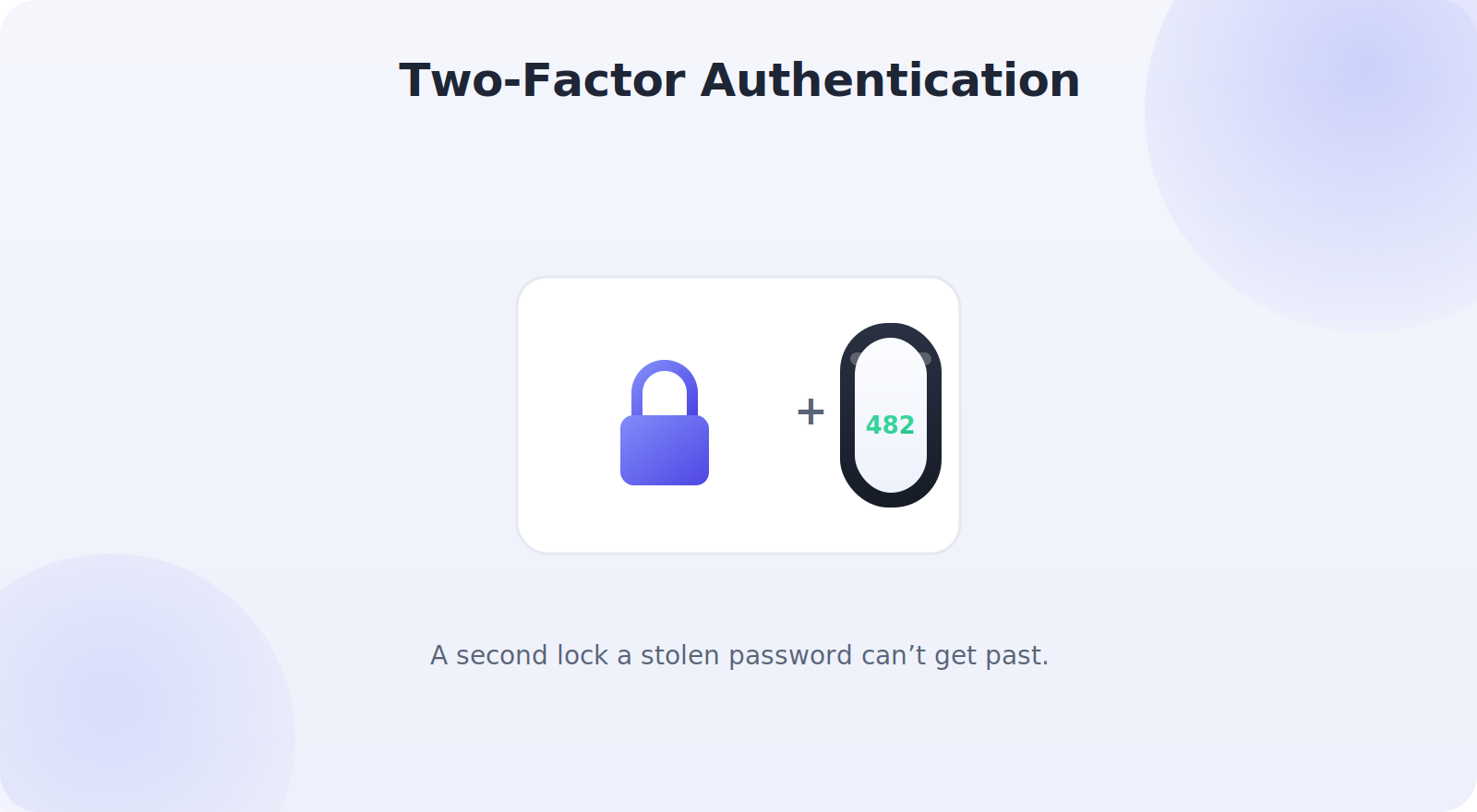
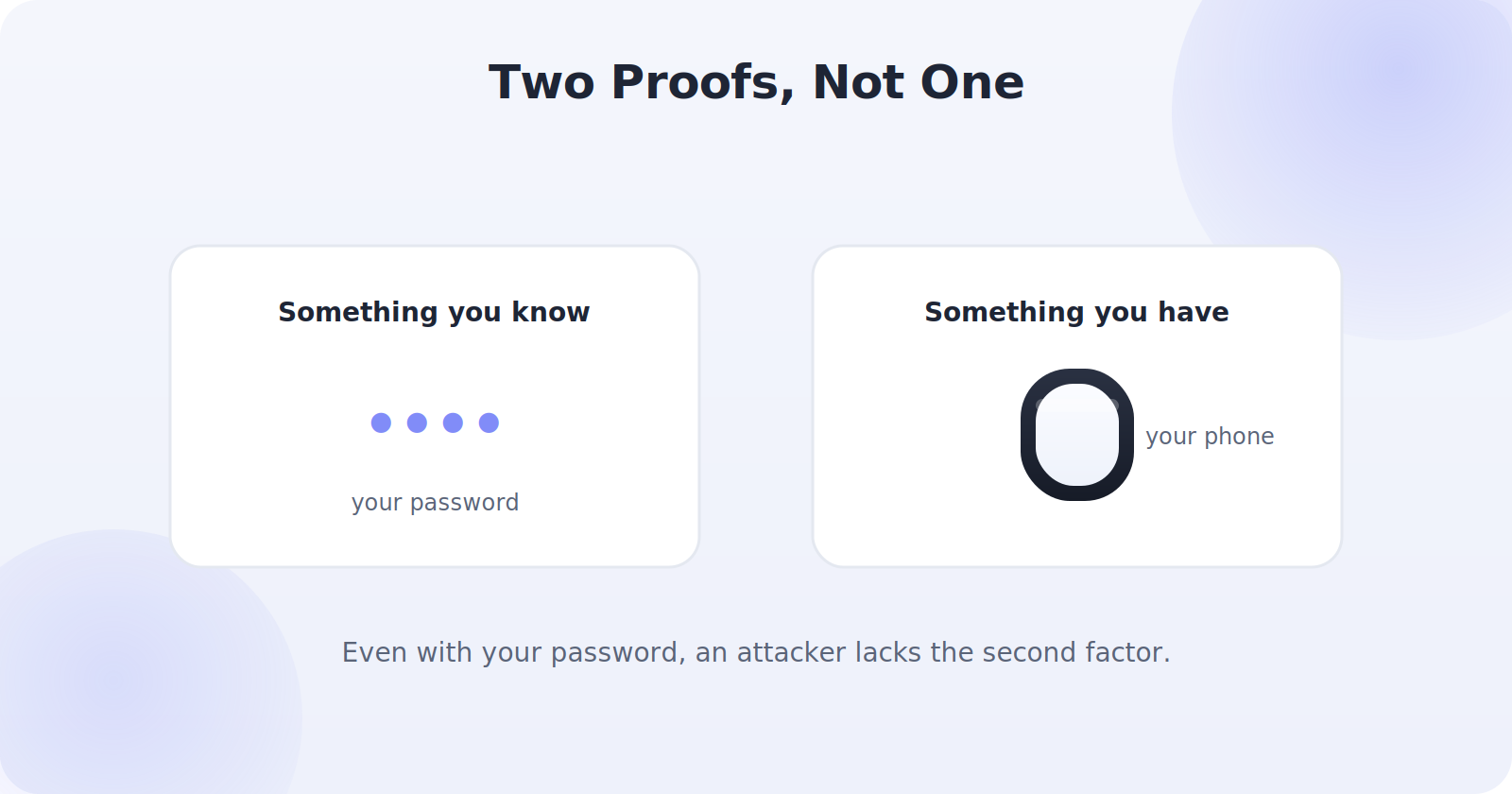
Two-factor authentication means proving who you are with two different things instead of one. The classic framing is something you know (your password) plus something you have (your phone or a security key). Even if someone steals your password, they still can’t log in without that second factor. It’s the difference between a door with one lock and a door with two — and it stops the overwhelming majority of account takeovers.
The Types of 2FA, From Good to Best
Not all second factors are equally secure. Here they are, roughly from weakest to strongest — though any 2FA is far better than none.
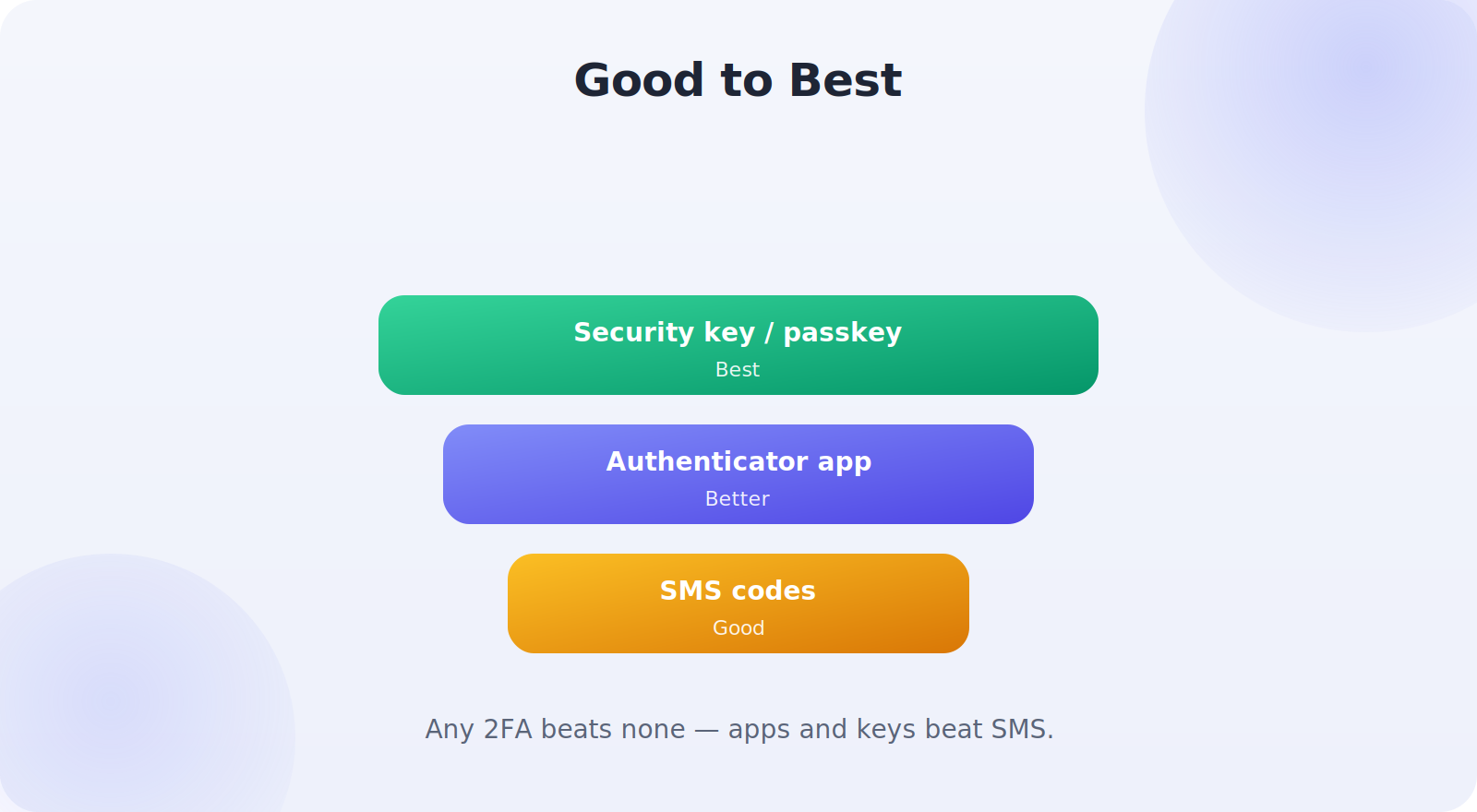
SMS text codes (good)
A code texted to your phone. It’s the most common and convenient form, and vastly better than no 2FA. Its weakness is that determined attackers can sometimes intercept texts or hijack your number, so it’s the least strong option — but still worth using where it’s all that’s offered.
Authenticator apps (better)
An app on your phone generates rotating codes that never travel over the network, making them much harder to intercept than texts. This is the sweet spot of security and convenience for most people, and the method to prefer wherever possible.
Security keys and passkeys (best)
A physical security key, or a passkey stored securely on your device, offers the strongest protection — highly resistant to phishing because it verifies the real website. Ideal for your most important accounts.
Set Up an Authenticator App
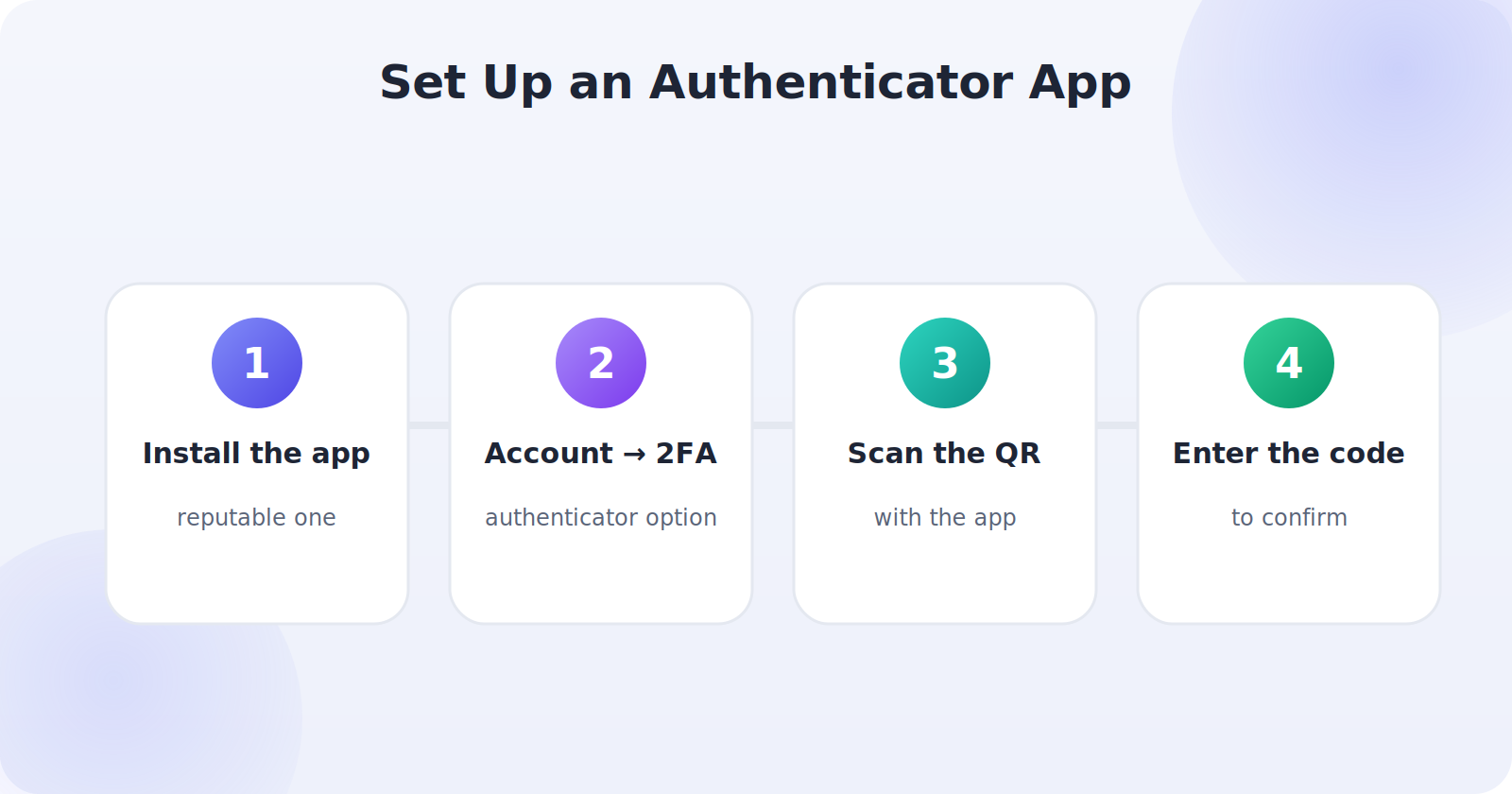
For most people, an authenticator app is the best balance of security and ease. Here’s the general process:
- Install a reputable authenticator app on your phone.
- In the account you’re securing, find Security → Two-factor authentication and choose the authenticator-app option.
- Scan the QR code shown with your authenticator app.
- Enter the code the app generates to confirm, and you’re protected.
Protect Your Recovery Codes
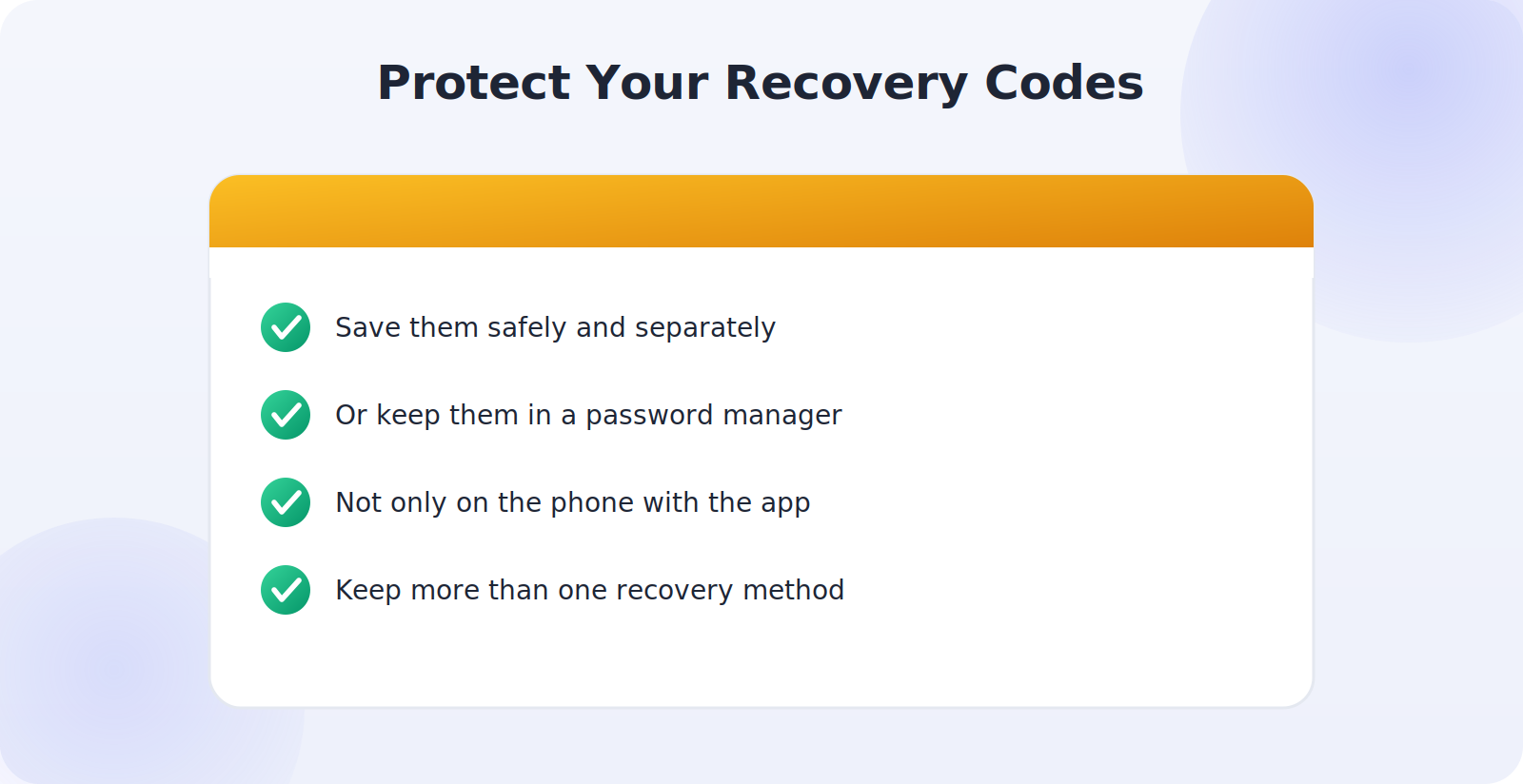
This is the step people skip — and the one that causes lockouts. When you enable 2FA, most services give you backup or recovery codes: one-time codes that let you back in if you lose your phone. Save these somewhere safe and separate from your phone.
- Write them down and store them securely, or keep them in a trusted password manager.
- Don’t store them only on the phone that runs your authenticator — if you lose it, you lose both.
- Keep more than one recovery method where a service allows it.
Secure Your Most Important Accounts First
You don’t have to protect everything at once. Start with the accounts that would do the most damage if compromised, and work outward:
- Your primary email — the master key, since it can reset your other passwords.
- Banking and financial accounts.
- Your Apple ID or Google account, which controls your phone and backups.
- Social media and other accounts tied to your identity.
Securing your email first is the highest-value move, because whoever controls your email can often take over everything else.
Plan for Losing Your Phone
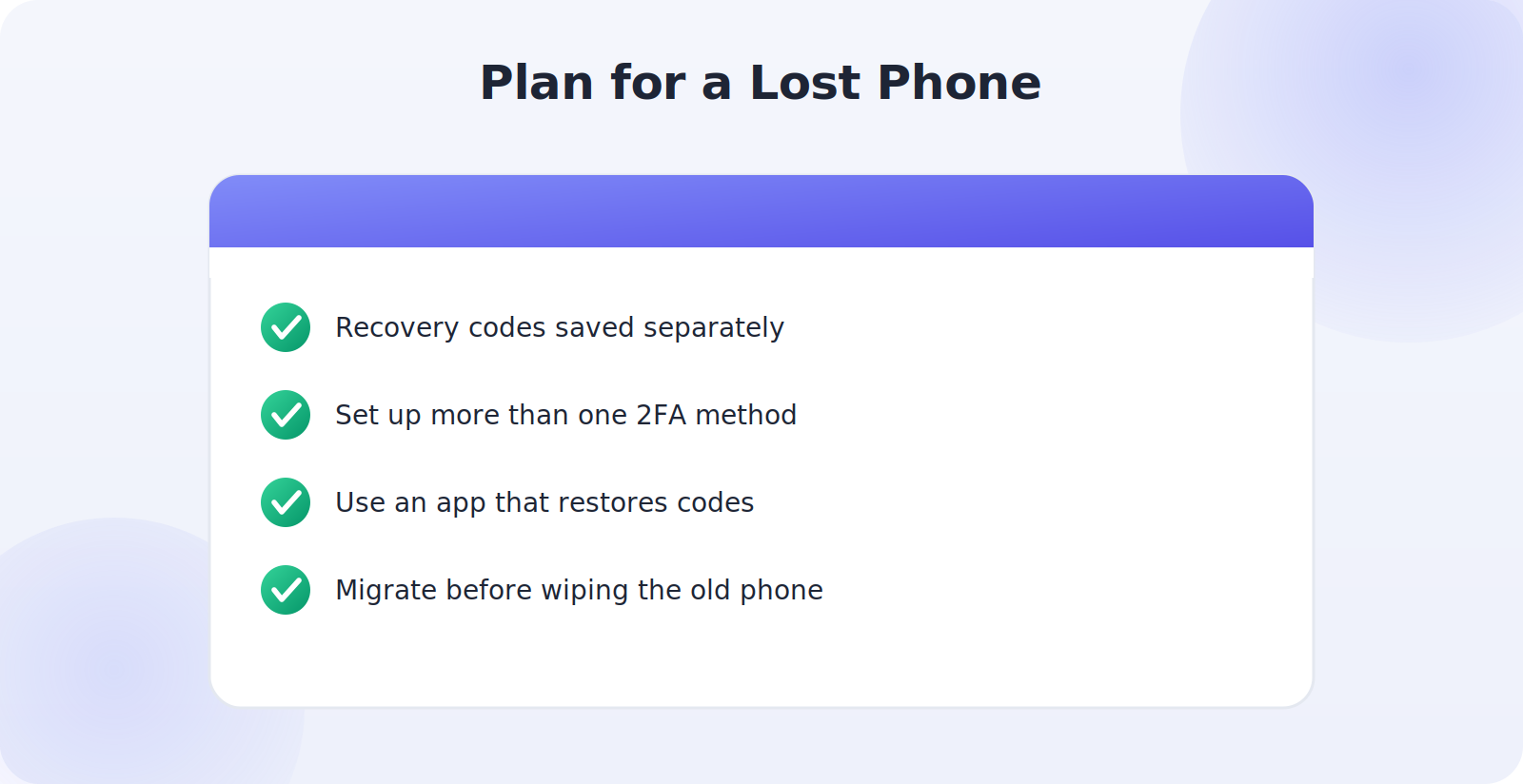
Since your phone often is your second factor, losing it shouldn’t mean losing your accounts. Plan ahead: keep your recovery codes safe and separate, set up more than one 2FA method where possible, and use an authenticator app that lets you securely transfer or restore your codes to a new phone. When you get a new phone, migrate your authenticator deliberately before wiping the old one. A little foresight here means a lost phone is an inconvenience, not an account catastrophe.
Why Passwords Alone Fail
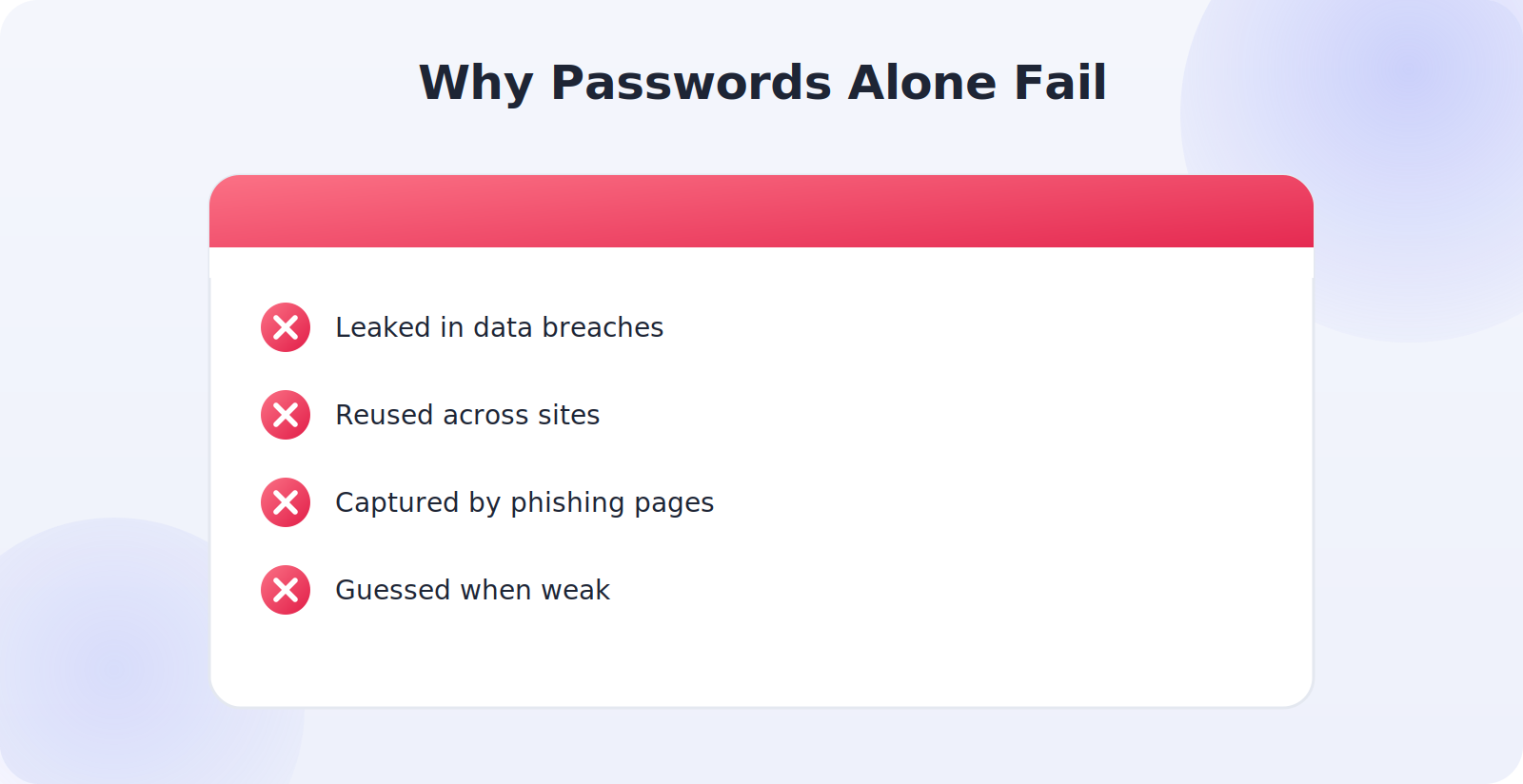
To appreciate why 2FA matters so much, it helps to see how passwords fail in practice. They leak in the data breaches that hit companies regularly, dumping millions of passwords online. They get reused, so one breached site exposes all the accounts sharing that password. They’re phished by fake login pages that capture what you type. And weak ones are simply guessed. Any of these hands an attacker your password — and with a password alone, that’s game over.
Two-factor authentication breaks this chain completely. Even with your exact password in hand, an attacker is stopped at the second factor they don’t have — the code on your phone or the key in your pocket. This is why security professionals consider 2FA the highest-impact protection an ordinary person can enable: it neutralizes the single biggest weakness in modern account security. The password becomes just one of two locks, and stealing one lock is no longer enough.
Making 2FA Convenient, Not Annoying
A common worry is that 2FA will make logging in a constant chore, but in practice it’s far less intrusive than people expect. Most services let you trust your own devices, so you only need the second factor occasionally — when logging in somewhere new, for instance — rather than every single time. An authenticator app generates codes instantly with a glance, and passkeys can make signing in even faster than a password while being dramatically more secure.
The small amount of added friction is trivial next to what it prevents. And you can be strategic: apply the strongest protection to your most sensitive accounts, where the occasional extra step is clearly worth it, while lighter accounts might use simpler 2FA or trusted-device settings. Set up thoughtfully, 2FA fades into the background of your daily routine while quietly standing guard over everything that matters.
Beyond 2FA: A Complete Account-Security Picture
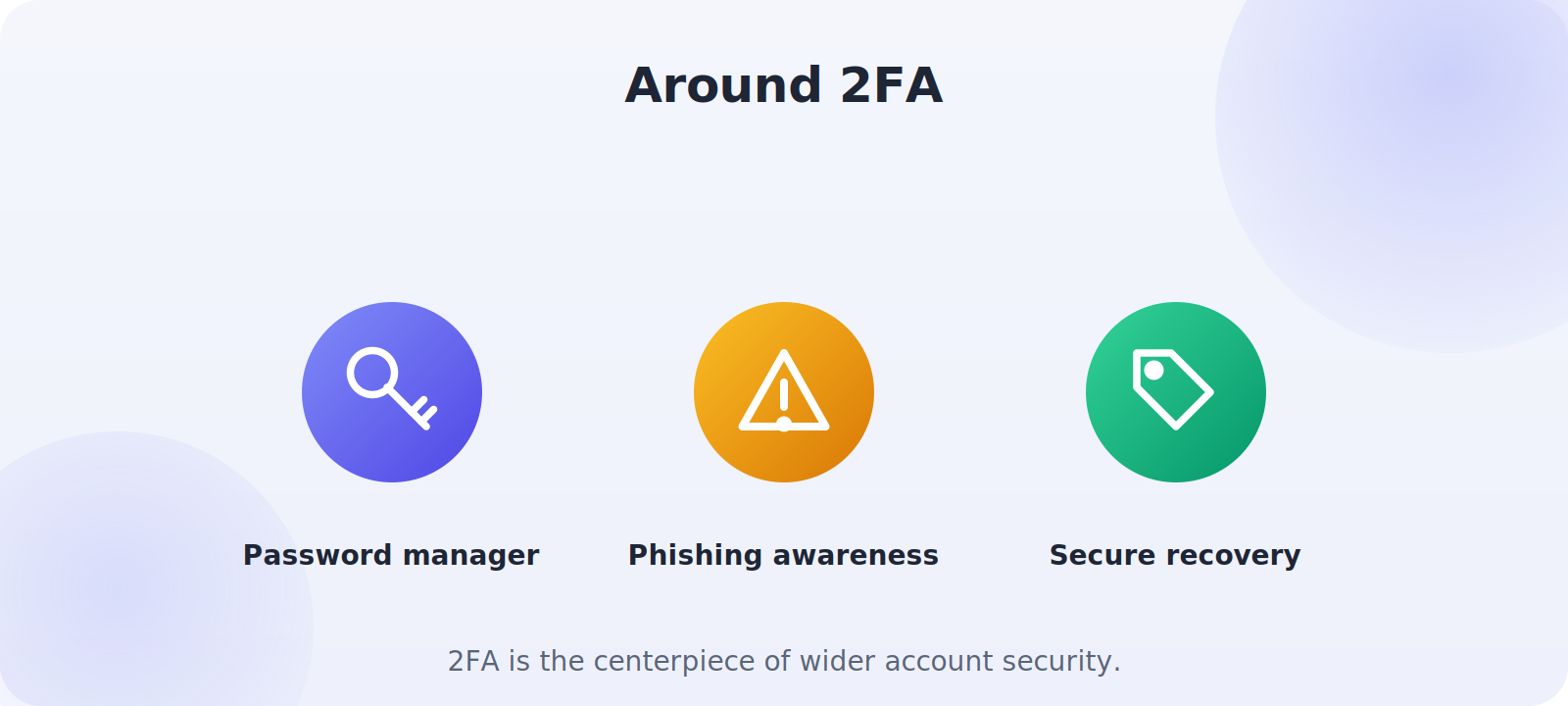
Two-factor authentication is the centerpiece, but it’s most powerful alongside a few complementary habits that together lock down your accounts. Use a password manager to give every account a strong, unique password, so a breach of one site can never cascade to others. Stay alert to phishing, since the strongest 2FA can be undermined if you hand your code to a convincing fake login page — which is exactly why phishing-resistant passkeys and security keys are so valuable. Keep your recovery methods current and secure. And protect the email account that anchors everything with your very strongest protection. Woven together, these habits create a security posture that’s genuinely hard to break: unique passwords stop cascade breaches, 2FA stops stolen passwords, passkeys stop phishing, and secure recovery stops lockouts. You don’t have to do it all at once — start with 2FA on your email today, and build outward from there. Each step meaningfully raises the wall between your accounts and the people who’d like to break into them.
Rolling 2FA Out at Your Own Pace
You don’t need to secure everything in a single sitting, and treating it as an ongoing project makes it far less daunting. Start today with the one account that matters most — your primary email — and get its 2FA and recovery codes sorted properly. Over the following days, add your banking, then your phone account, then social media and shopping accounts, ticking them off as you go. Each account you protect is a permanent gain that never needs redoing. Within a week or two of these small, unhurried steps, every account that matters is wearing a second lock, and you’ll have transformed your overall security without ever setting aside a big block of time. Steady progress beats a burst of effort that never quite happens.
Common Mistakes to Avoid
- Not using 2FA at all, leaving accounts protected by a password alone.
- Skipping recovery codes, then getting locked out when the phone is lost.
- Storing recovery codes only on the same phone as your authenticator.
- Ignoring your email account, the master key to everything else.
- Not migrating your authenticator before wiping an old phone.
Frequently Asked Questions
Is two-factor authentication worth the hassle?
Overwhelmingly, yes. Most services only ask for the second factor occasionally — on new devices — and an authenticator app takes a glance. The small friction is trivial next to preventing an account takeover.
What’s the difference between an authenticator app and a passkey?
An authenticator app generates rotating codes you enter; a passkey is a phishing-resistant credential stored securely on your device that can log you in directly. Passkeys are newer and even stronger, and worth using where offered.
Is SMS two-factor authentication good enough?
It’s far better than no 2FA and fine for many accounts, but authenticator apps and security keys are stronger because they can’t be intercepted the way texts sometimes can. Prefer an app where it’s offered.
What happens if I lose my phone with my authenticator on it?
This is why recovery codes matter. With them saved safely, you can still get in. Some authenticator apps also let you restore your codes to a new phone, so set that up in advance.
Which accounts should I protect first?
Your primary email first — it can reset your other passwords — then banking, your Apple ID or Google account, and other important accounts.
Quick Takeaways
- 2FA adds a second lock that stops most account takeovers.
- Prefer authenticator apps over SMS; security keys are strongest.
- Save recovery codes somewhere safe and separate from your phone.
- Protect your email account first, then banking and phone accounts.
- Plan for a lost phone with recovery codes and a second method.
The threats to your accounts are constant and largely invisible — breaches you’ll never hear about, phishing attempts that grow more convincing every year. Two-factor authentication is how you step out of the firing line, rendering a stolen password harmless. Turn it on for your email today, add your other important accounts this week, and you’ll have done more for your security in an afternoon than almost anything else you could do.
The Bottom Line
Two-factor authentication is the highest-value security upgrade most people can make, turning a stolen password from a disaster into a non-event. Set it up the right way: prefer authenticator apps over text codes, use security keys for your most sensitive accounts, and — crucially — save your recovery codes somewhere safe and separate so you never lock yourself out. Start with your email, work through your important accounts, and plan for a lost phone. Do this, and your accounts gain a second lock that keeps them yours. It is the rare security step that’s both genuinely powerful and genuinely easy — which is exactly why it’s worth doing today.