Sharing your live location is one of those small modern conveniences that can genuinely improve your day — and, in the right moment, your safety. It lets a friend watch your progress on a walk home at night, helps a group find each other at a crowded festival, or reassures a family member that you arrived safely. The key word, though, is safely. Live location is powerful, so it’s worth knowing how to share it deliberately: with the right people, for the right length of time, and with an easy way to switch it off. This guide covers exactly that.
Almost every phone can do this out of the box, through Find My, Google Maps, or the messaging apps you use every day. The mechanics take seconds to learn. The part worth a little thought is the judgment around them — deciding who genuinely needs to see you, for how long, and when to switch the sharing back off. Get that judgment right and live location becomes a quietly powerful tool you control completely.
We’ll walk through sharing on iPhone, Android, and popular messaging apps, then cover the safety habits that keep this useful feature from becoming an oversharing risk.
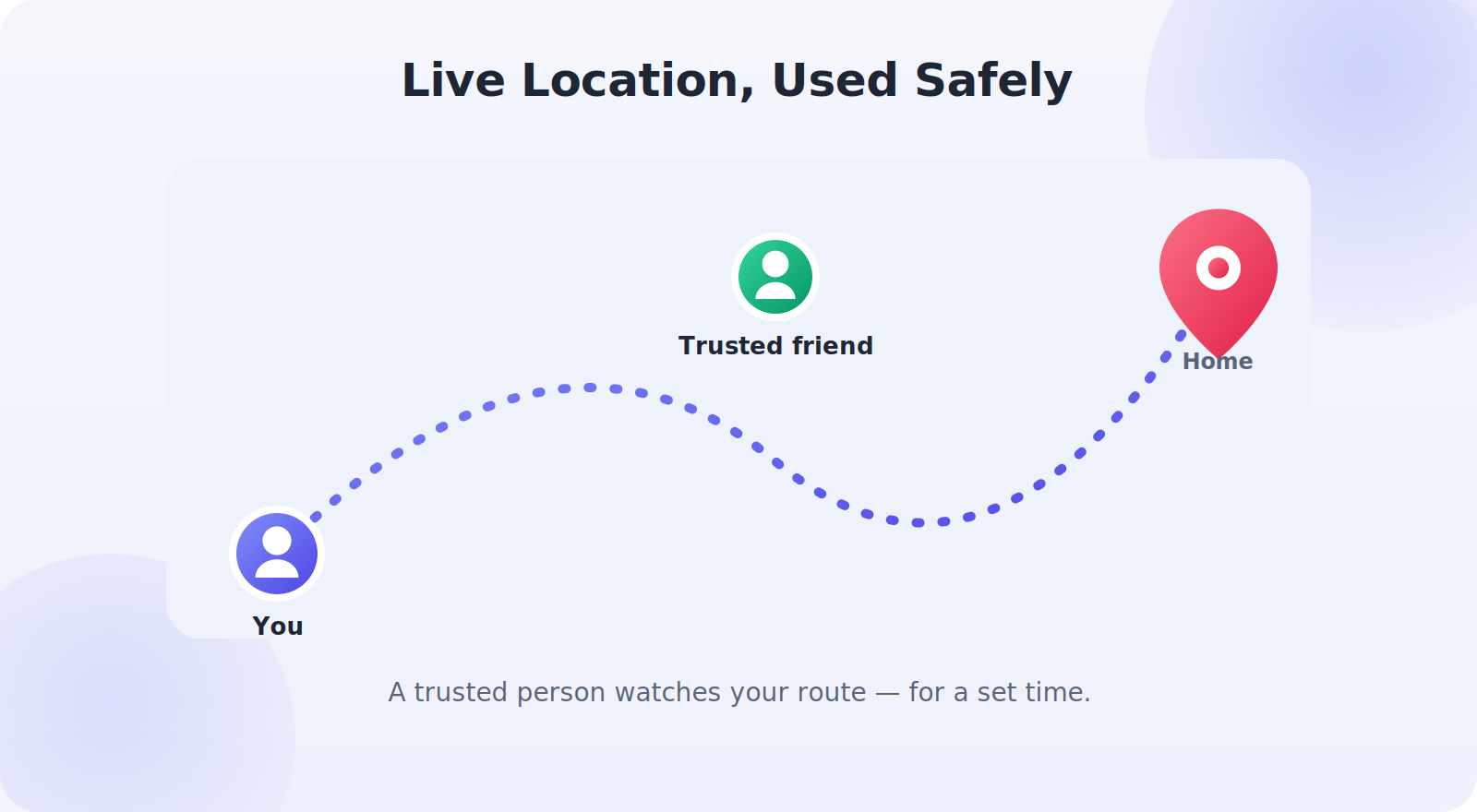
When Live Location Is Genuinely Useful
It helps to think about the situations where live sharing earns its place, because those same situations suggest how to use it well:
- Getting home safely: letting a friend or partner watch your route home late at night.
- Meeting up: finding each other in a crowd, a big park, or an unfamiliar city.
- Reassurance on a journey: sharing with family during a long drive or a solo trip.
- Coordinating logistics: a parent and teen syncing up for a pickup.
Notice the common thread: these are usually short, purposeful shares with specific, trusted people — not an open-ended broadcast of where you are at all times.
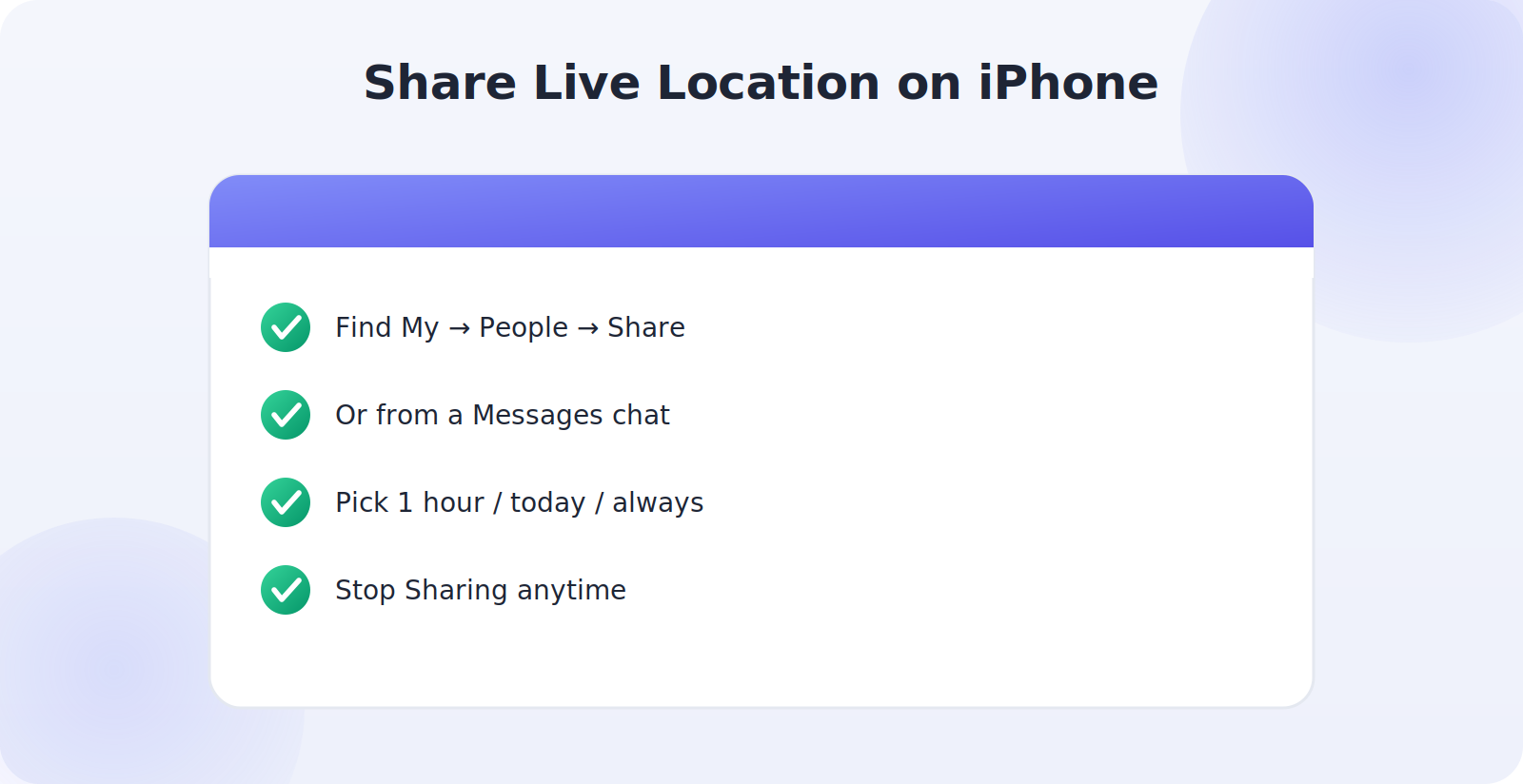
How to Share Live Location on iPhone
- Open the Find My app, tap People, then Share My Location; or
- In Messages, open a conversation, tap the contact’s name, and choose Share My Location.
- Pick a duration — one hour, until the end of the day, or indefinitely.
- To stop early, return to the same screen and tap Stop Sharing.
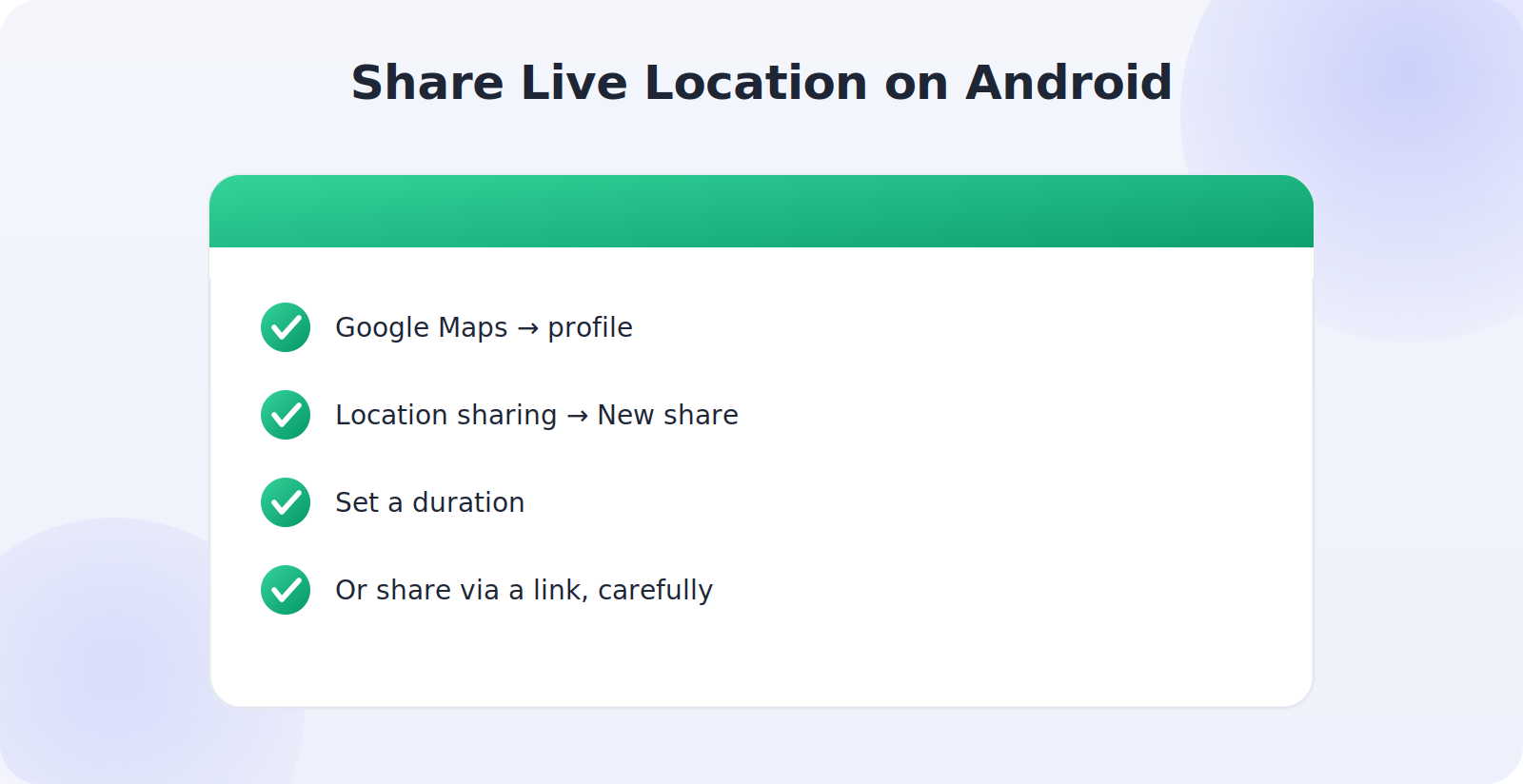
How to Share Live Location on Android
- Open Google Maps and tap your profile picture.
- Choose Location sharing, then New share.
- Set how long to share — a set number of hours or until you turn it off.
- Select the person, then send. To stop, return and tap Stop.
Google Maps also lets you share via a link, which is handy for someone who isn’t in your contacts — but treat those links with care, since anyone who has the link can see your location for its duration.
Sharing Through Messaging Apps
Most popular messaging apps have a live-location feature built in, which is often the most convenient option because you’re already chatting with the person.
- WhatsApp: in a chat, tap the attachment icon, choose Location, then Share live location for a set time.
- Telegram and others: similar attachment-menu options with a duration.
- Messages and iMessage: share directly from the conversation as above.
The advantage of in-chat sharing is that it’s naturally scoped to one conversation and one person or group, and it usually expires on its own.
The Golden Rules of Safe Sharing
A handful of habits keep live location firmly in the “useful” column and out of the “risky” one:
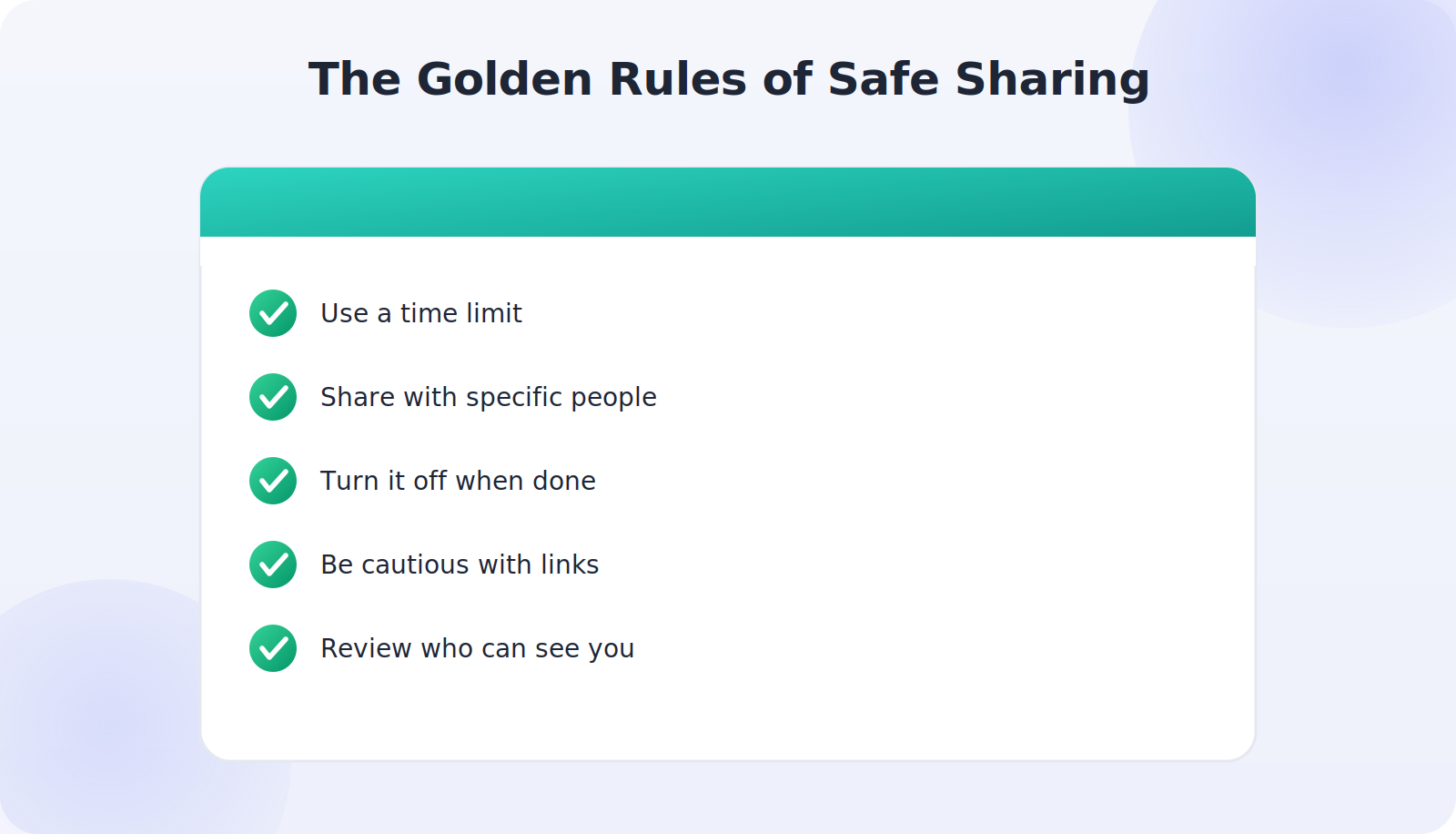
- Use a time limit. Prefer one hour or end-of-day over indefinite sharing. Most needs are short.
- Share with specific people, not public links or large groups, whenever possible.
- Turn it off when done. Make stopping a habit, the way you’d lock a door behind you.
- Be cautious with links. Anyone holding a share link can follow you — don’t post them publicly.
- Review who can see you. Periodically check your active shares and clear out old ones.
Live Location as a Safety Tool
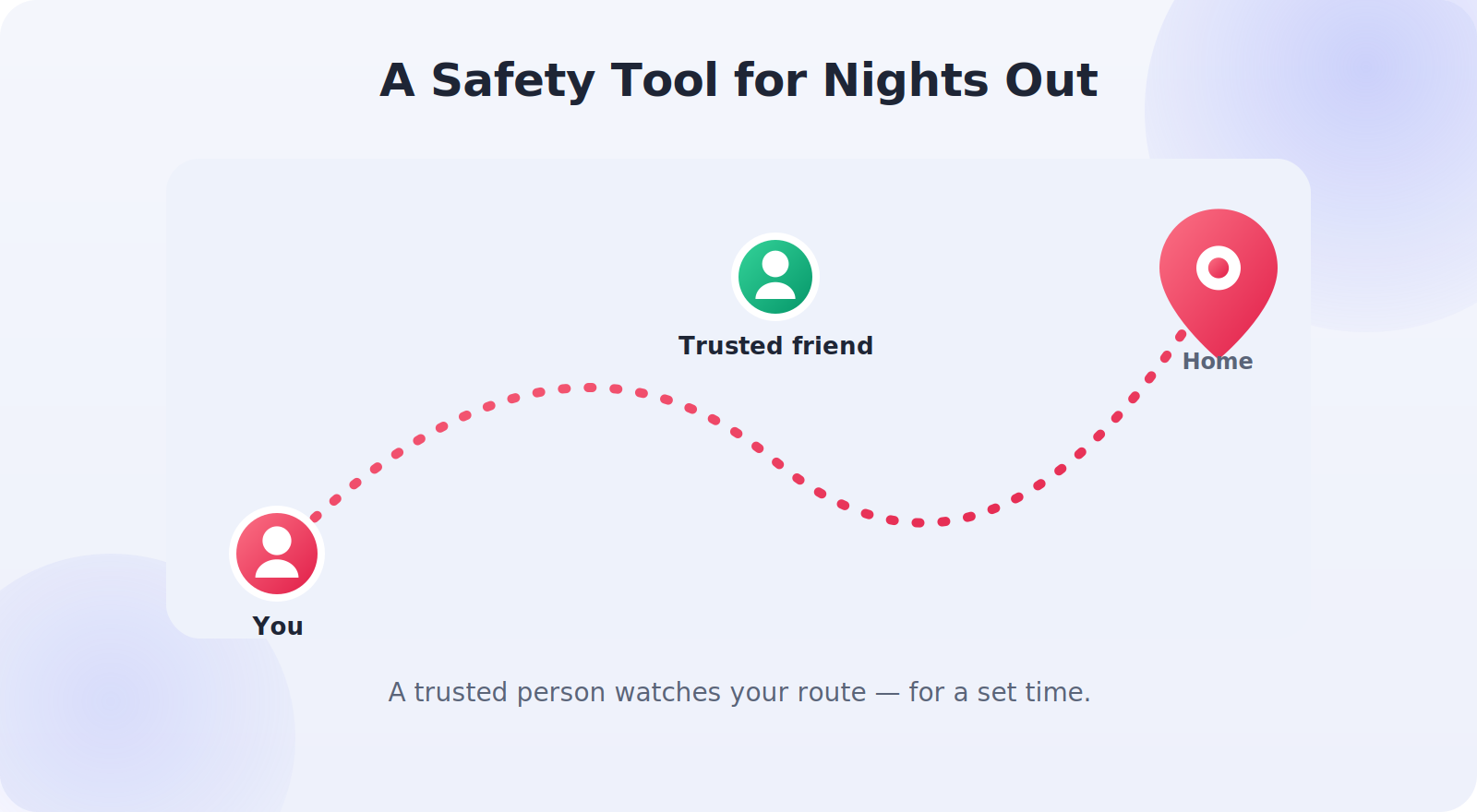
Used deliberately, live location is a genuine personal-safety asset. Before a night out, a first date with someone new, or a solo hike, sharing your live location with a trusted friend means someone always knows where you are and can raise the alarm if something seems wrong. Agree in advance what you’ll do — for instance, that you’ll check in by a certain time — so the share has a clear purpose. Many phones also have a dedicated Emergency SOS feature that can share your location with emergency contacts automatically, which is worth setting up alongside this.
Protecting Your Privacy
The flip side of convenience is being mindful of who can see you. Avoid sharing your live location with people you don’t fully trust, and be wary of apps that request constant location access without a clear reason. If you ever feel pressured to share your location with someone — a partner who insists on tracking your every move, for example — that’s a red flag worth taking seriously, not a normal expectation. Healthy sharing is always something you choose, and always something you can stop.
Live Location vs. Continuous Sharing
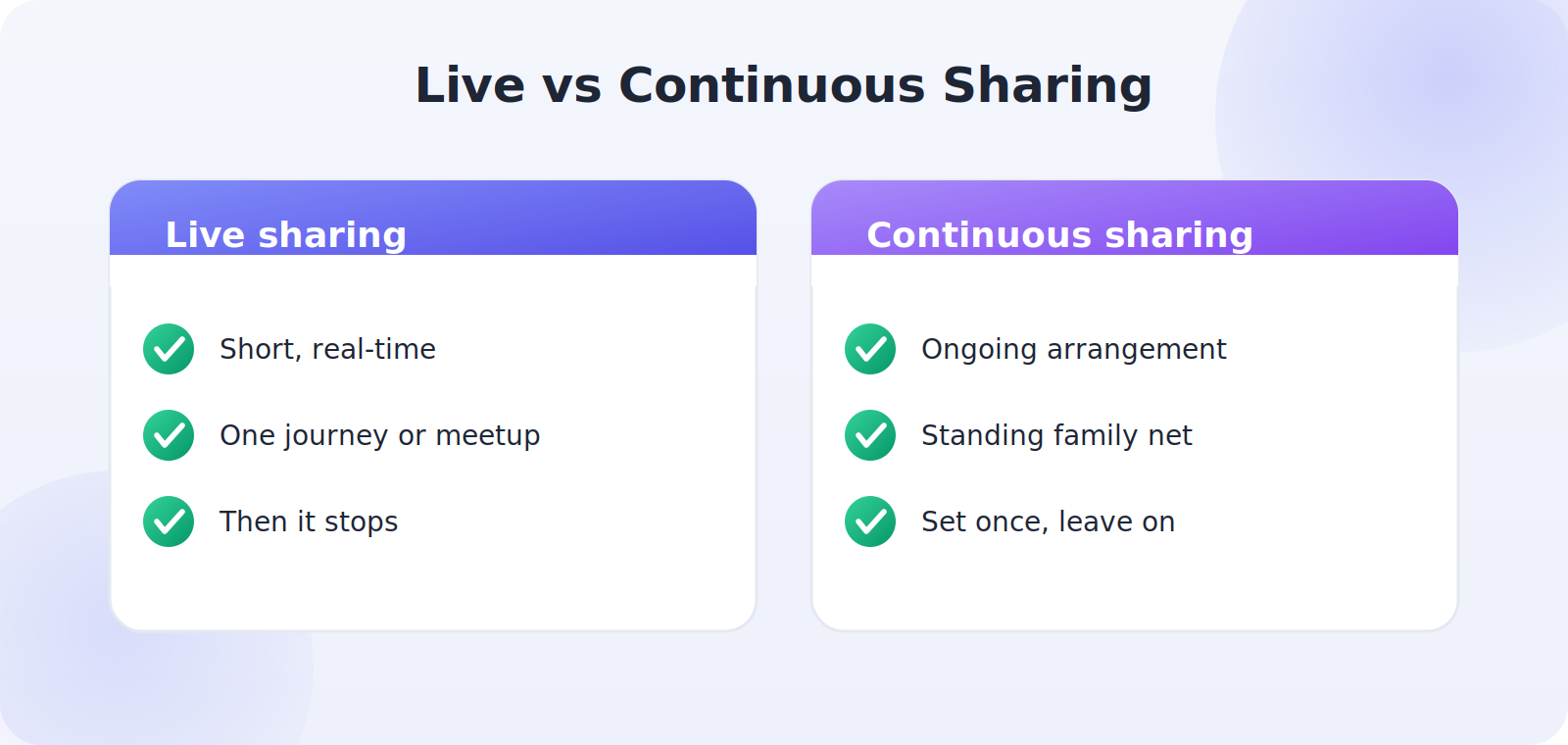
It’s worth distinguishing two related things that often get muddled. Live location sharing is the short, real-time kind — “watch me walk home for the next hour” — that updates by the second and then stops. Continuous location sharing, like the family-sharing setups in Find My or Google Maps, is an ongoing, standing arrangement among people who’ve agreed to keep seeing each other’s location. Both are legitimate; they just suit different needs.
Knowing which you want helps you choose the right tool and duration. For a one-off journey or meetup, reach for the live, time-limited option in your messaging app or maps. For a standing family safety net, set up the ongoing kind once and leave it. Mixing them up — for instance, leaving a “live” share running indefinitely — is how people accidentally overshare, so a moment’s thought about which you actually need pays off.
Checking Who Can See You Right Now
A good habit, especially if you share often, is to periodically audit who currently has access to your location. Both platforms make this easy. On iPhone, the Find My People tab lists everyone you’re sharing with; on Android, Google Maps location sharing shows your active shares. Open that list now and then, and stop any shares that have outlived their purpose — a one-time meetup from last month, or someone you no longer need to share with.
This five-second check is the single best privacy habit for live location. It catches the most common mistake — a share you forgot to turn off — and keeps your circle of who-can-see-me intentional rather than accumulated by accident. Think of it as tidying up your location footprint.
Setting It Up Before You Actually Need It
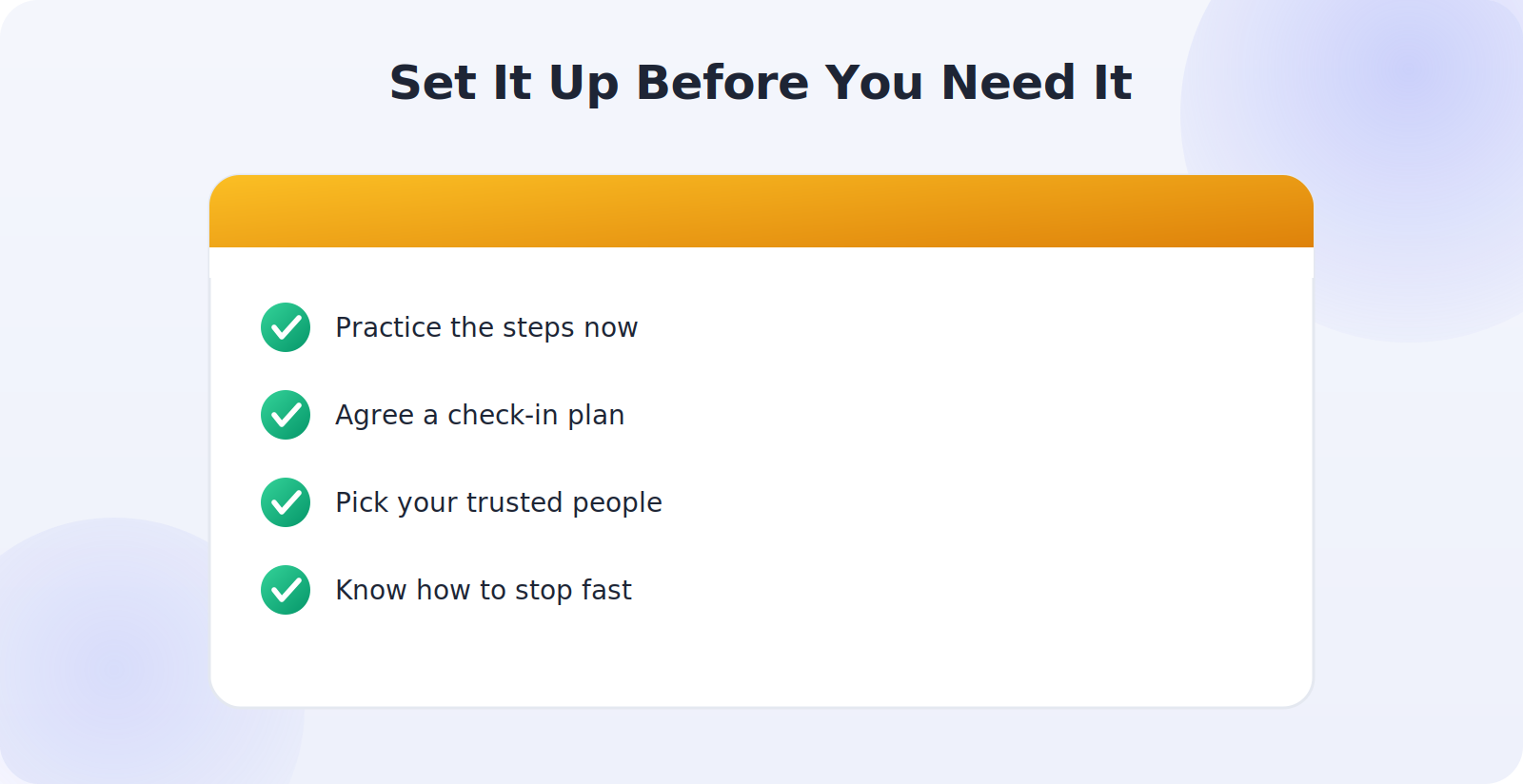
Live location is most valuable in moments you can’t always predict — an uneasy walk to the car, a date that gives you pause, a journey that runs late. The time to learn the steps is before one of those moments, not during it. Spend two minutes now practicing: open your messaging app or maps, start a one-hour share with a trusted friend, and notice how quickly it goes. Once the steps are familiar, you can share in seconds when it counts, without fumbling.
It’s also worth agreeing in advance with one or two close people that you might share your live location with them sometimes, and what they should do if they see something concerning — a route that stops unexpectedly, or a check-in that doesn’t come. Having that understanding in place turns live location from a passive dot on a map into an active safety arrangement with someone who’s genuinely looking out for you.
Live Location and Your Devices
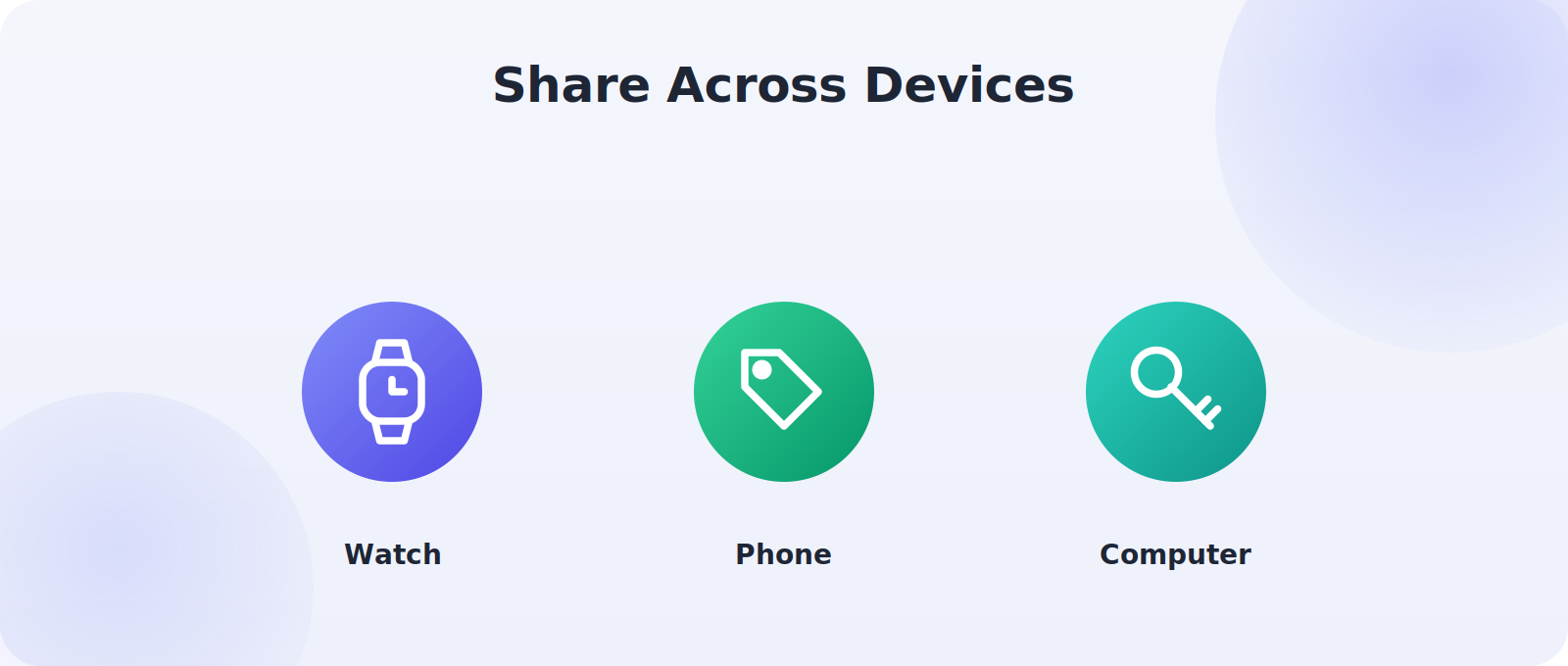
Live location isn’t limited to your phone. If you wear a smartwatch, you can often start or stop a share right from your wrist, which is handy when your phone is tucked away. Tablets and computers signed in to the same account can show shares you’re receiving, so a friend keeping an eye on your journey home doesn’t need to stare at their phone — they can watch from a laptop. Knowing which of your devices can send and receive shares lets you pick whatever’s most convenient in the moment.
Battery is the one thing to keep in mind, since live, second-by-second sharing uses more power than a standing arrangement that checks in occasionally. For a short journey that’s no issue, but if you’re sharing for a long stretch, keep an eye on your battery or use the time-limited option so it switches itself off. As with everything here, a little intention keeps the feature working for you rather than against you.
Common Mistakes to Avoid
- Leaving sharing on indefinitely long after the need has passed.
- Posting a share link publicly, letting strangers follow you.
- Sharing with people you don’t fully trust.
- Forgetting to turn it off, the most common oversight of all.
- Granting apps always-on location when “while using” would do.
Frequently Asked Questions
How do I stop sharing my live location?
Return to the same place you started the share — Find My, Google Maps, or your messaging app — and tap Stop Sharing. Time-limited shares also end on their own when the timer runs out.
Can someone track me without my knowledge through these tools?
With the built-in sharing features, no — you actively start each share and can see and stop it. If you ever suspect hidden tracking, check your phone’s location-sharing settings and which apps have location access.
Does the other person always know I’m sharing?
Yes — you actively start the share and choose who receives it, and they can see that you’re sharing. You can stop at any time.
Can I share my location for just a short time?
Yes, and you should. iPhone, Android, and messaging apps all let you set a duration like one hour, which is ideal for a journey home.
Is sharing a location link safe?
It’s convenient but less controlled, because anyone with the link can view your location until it expires. Share links only with specific trusted people and never post them publicly.
Quick Takeaways
- Live location shines for short, purposeful shares with trusted people.
- Use Find My, Google Maps, or your messaging app of choice.
- Always set a time limit — an hour usually covers it.
- Turn sharing off when you’re done; make it a habit.
- Be careful with public links and always-on app permissions.
Above all, remember that you are always in control. You choose who sees you, for how long, and when to stop — and no one should ever pressure you to share more than you’re comfortable with. Held to that standard, live location is a small feature that quietly looks out for you whenever you want it to.
The Bottom Line
Sharing your live location is genuinely useful — for safety, for meeting up, and for peace of mind — as long as you do it deliberately. Share with specific people you trust, set a sensible time limit, and turn it off when the moment has passed. Treat share links with care, keep an eye on who can see you, and never feel obliged to share with anyone who pressures you. Used this way, live location is a small feature that delivers real reassurance without giving away more than you intend.