Family location sharing can be one of the most reassuring features on a phone — a quiet way to know your teenager made it to school, that a partner is on their way home, or that an older parent is safe. Done well, it’s mutual, transparent, and genuinely useful. Done badly, it tips into surveillance and erodes the very trust it’s meant to support. This guide shows you how to set up family location sharing the right way, on both Android and iPhone, with everyone’s knowledge and consent at the center of it.
The reassuring truth is that the tools for this are free, built into the phones your family already owns, and surprisingly easy to set up. What separates a setup that brings a family closer from one that pushes it apart isn’t the technology at all — it’s the intent and the openness behind it. Get those right, and a few taps give everyone a quiet, shared sense of safety.
The technical steps are simple. The part that really matters — and the part most guides skip — is the conversation and the boundaries around it. We’ll cover both, so your setup keeps your family connected without anyone feeling watched.
Start With a Conversation, Not an App
Before you touch a single setting, talk to the people you want to share with. Location sharing works best when it’s a shared decision rather than something imposed. Explain why you’d find it helpful — peace of mind, coordinating pickups, safety when someone’s traveling — and listen to any concerns. The goal is an arrangement everyone actively agrees to, not one that someone discovers later.
This matters most with teenagers, who are old enough to value their privacy and to notice when it’s being overridden. A frank, respectful conversation about why you’re sharing locations — and the promise that it’s mutual, not one-directional — does more for safety than any silent monitoring ever could.
Location sharing that everyone opts into builds trust. Location sharing done in secret destroys it. The difference is the conversation.
Option 1: Apple Family Sharing and Find My
If your family is on iPhones, Apple’s built-in tools are the natural choice. Family Sharing links your accounts, and the Find My app handles location.
- On each device, go to Settings → your name → Family Sharing and set up or join the family group.
- Open the Find My app and tap the People tab.
- Tap Share My Location and choose the family members to share with.
- Each person does the same, so sharing is mutual and visible to all.
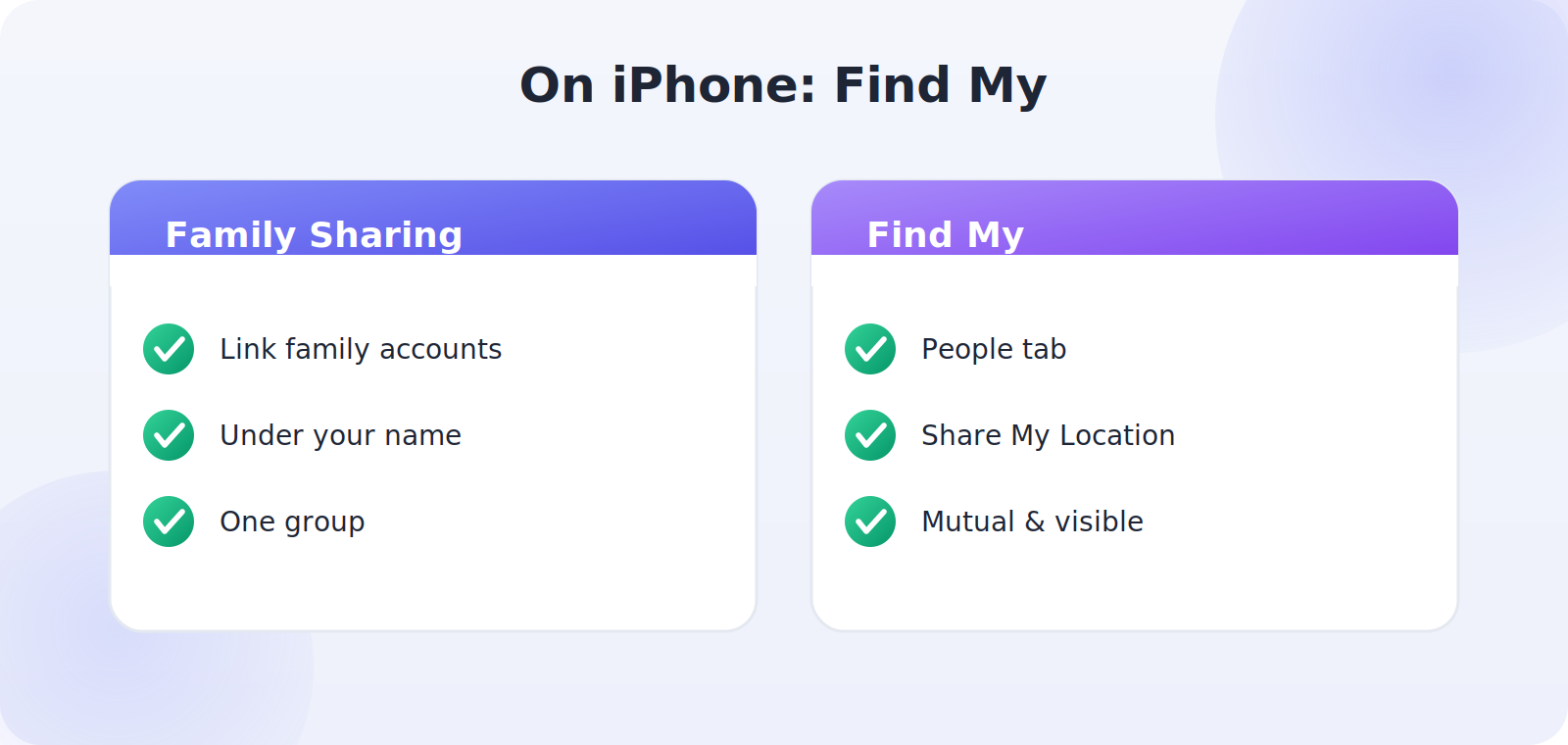
Everyone in the group can see who they’re sharing with, and anyone can stop sharing at any time. That transparency is exactly what makes it healthy — there are no hidden trackers, just a mutual agreement you can all see.
Option 2: Google Family and Location Sharing
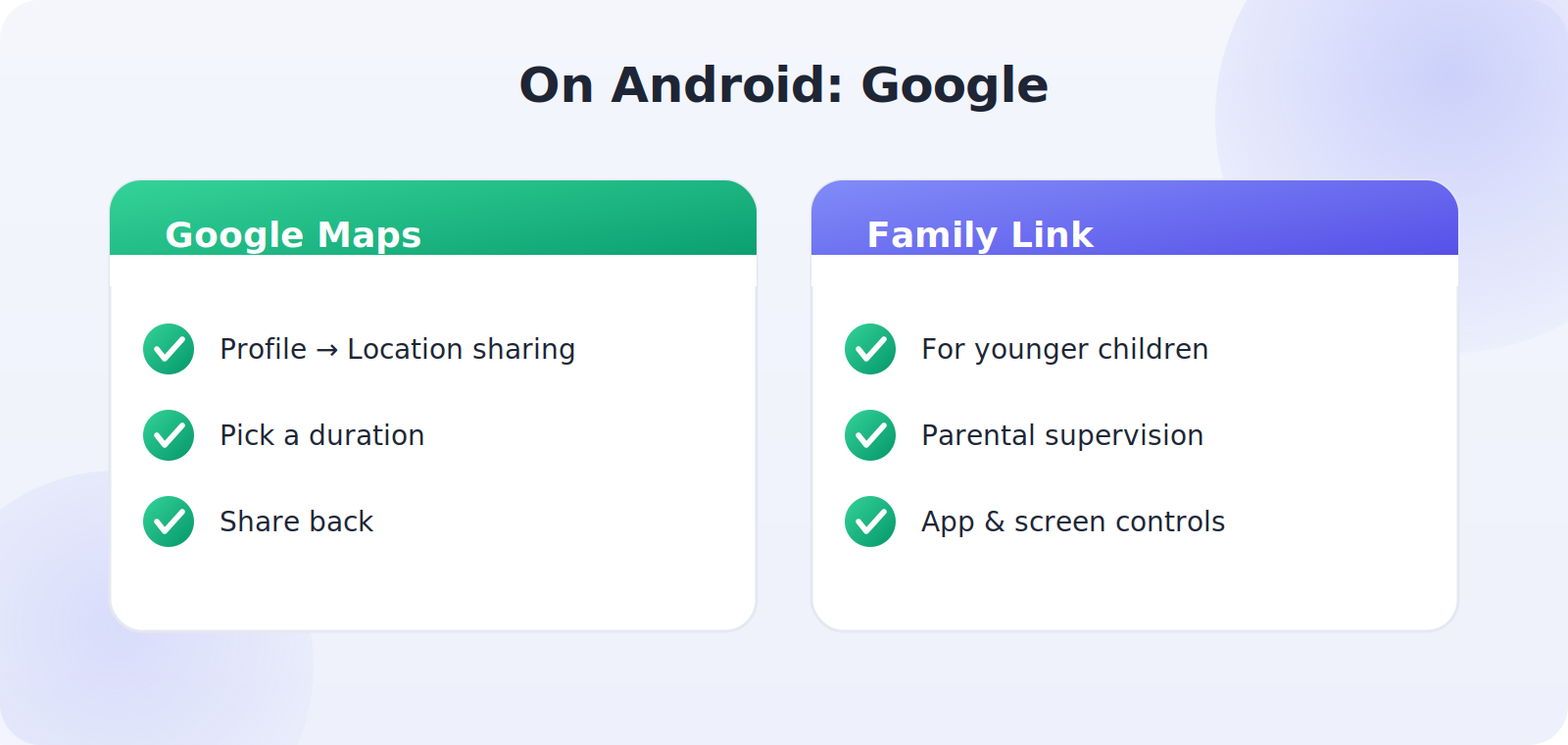
For Android families, Google offers the equivalent through Google Maps location sharing and Family Link for younger children.
- In Google Maps, tap your profile picture and choose Location sharing.
- Tap New share, pick how long to share, and select the family members.
- Have each adult family member share back, so it’s reciprocal.
- For younger children, use Family Link to manage sharing with appropriate controls.
Option 3: Cross-Platform Sharing
Mixed households — some iPhones, some Android phones — can still share locations easily. Google Maps location sharing works on both platforms, since there’s a Google Maps app for iPhone too. That makes it the simplest common ground for a cross-platform family. Alternatively, several reputable family-safety apps support both, though the built-in Google Maps option avoids extra installs and extra permissions.
Set Boundaries Everyone Agrees On
Technology is only half of this. The other half is agreeing how it’ll be used. A few sensible boundaries keep location sharing feeling supportive rather than intrusive:
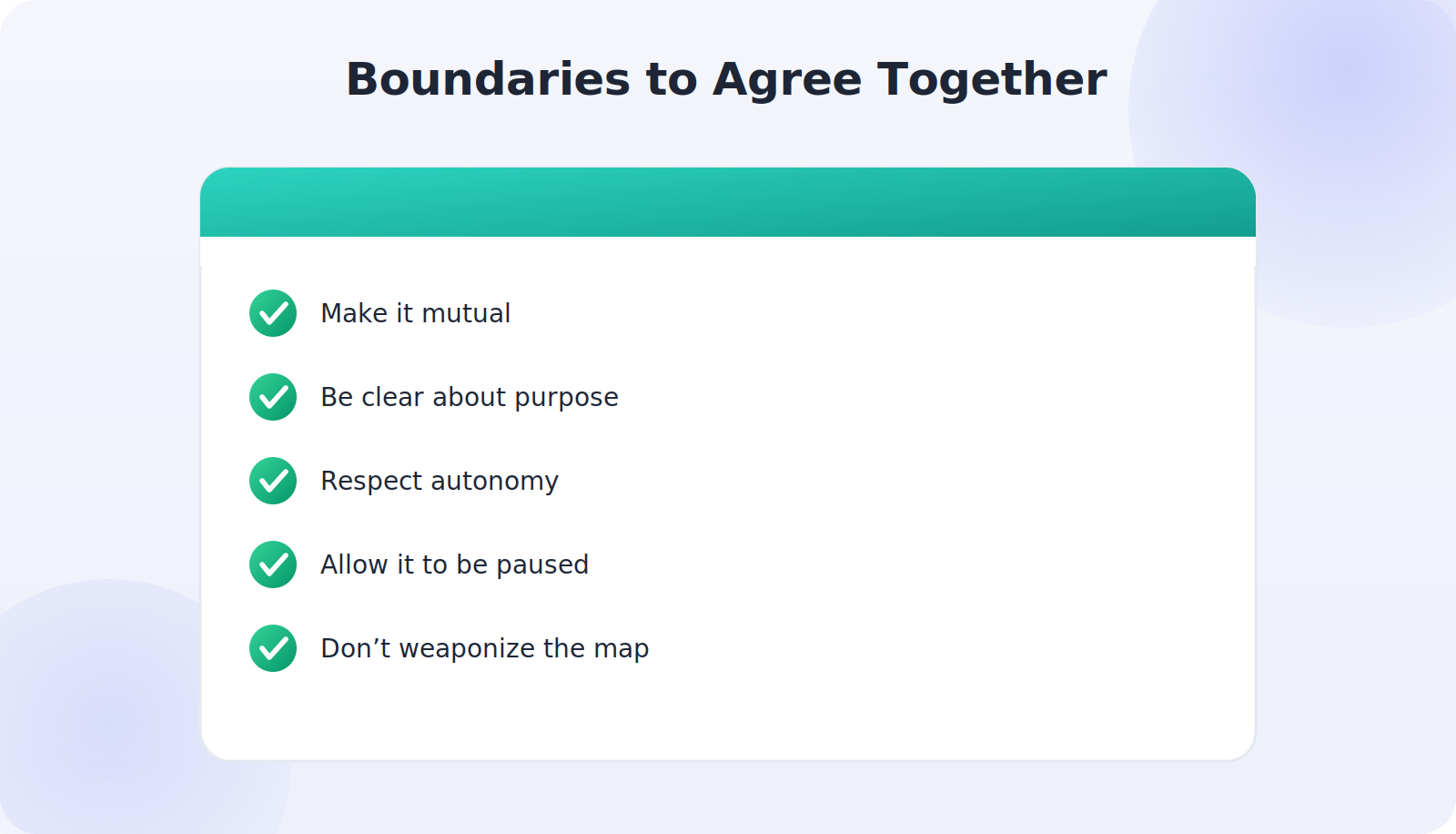
- Make it mutual. If you can see them, they can see you. Reciprocity is the foundation of trust.
- Be clear about purpose. Safety and coordination, not checking up or interrogating every stop.
- Respect autonomy. Agree that older teens can have private time without a play-by-play of their movements.
- Allow it to be paused. Everyone should be able to turn sharing off when appropriate, and that’s okay.
- Don’t weaponize it. The map is for reassurance, not for confronting someone about where they were.
Privacy and Security Basics
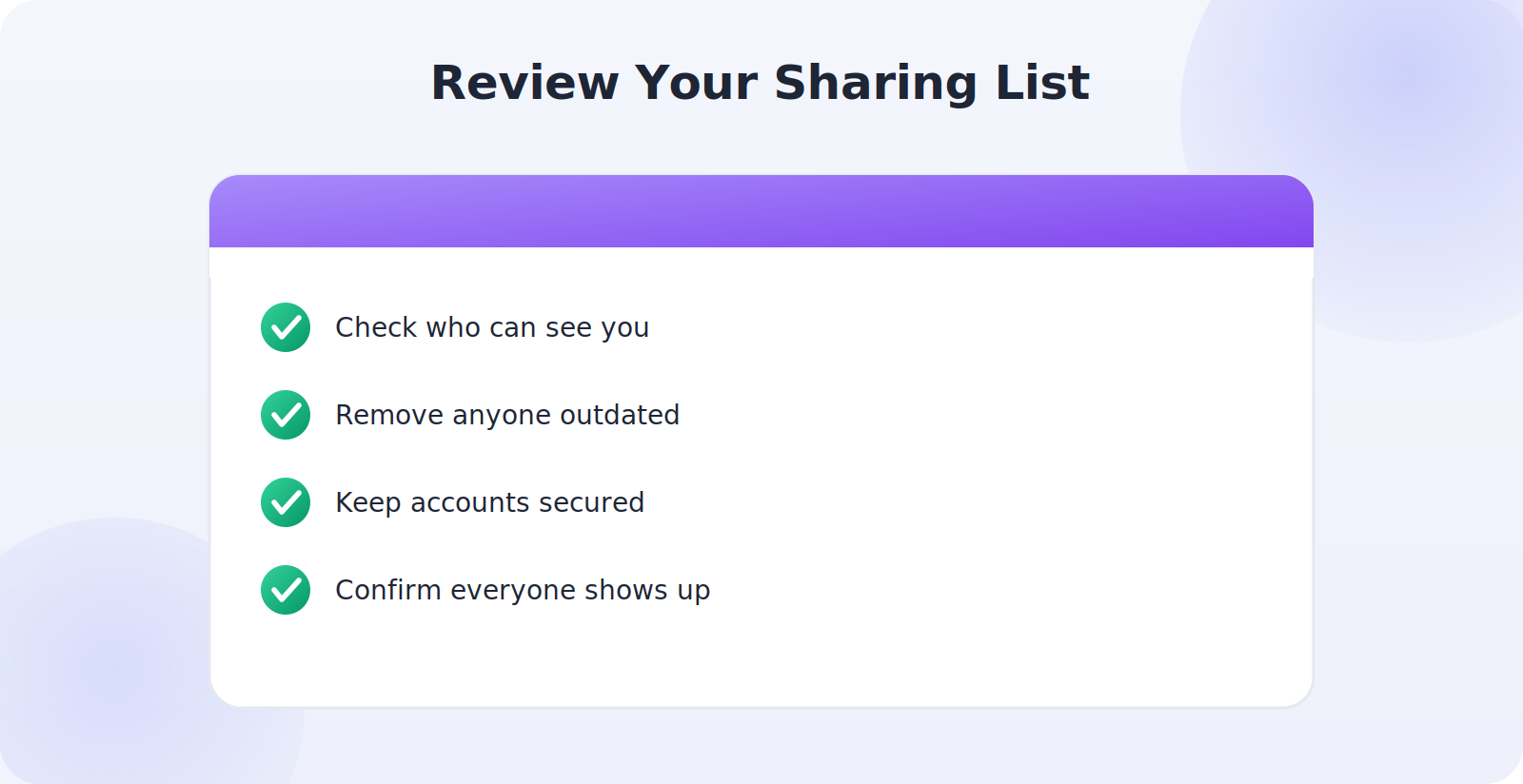
Because location is sensitive, a little care keeps your family’s data safe. Make sure each account has a strong, unique password and two-factor authentication. Only share with people you actually trust, and review your sharing list every so often to remove anyone who no longer needs access — an ex-partner or a former housemate, for example. Both Apple and Google keep this list easy to see and edit, so it takes only a minute.
When Sharing Stops Working
If a family member’s location isn’t updating, the usual culprits are simple: their phone is offline, location services are off, the sharing was paused, or the battery is low. Have them check that location is on and that they’re still sharing with you. As with any finder feature, an offline phone shows its last known location rather than a live one, which is normal.
A Note on Trust and Teens
It’s worth saying plainly: location sharing is not a substitute for trust, and it works best as a complement to it. For teenagers especially, the aim is to give them room to grow while keeping a light safety net. Many families find that as a teen demonstrates responsibility, they relax the sharing — turning it into a sign of growing independence rather than a permanent leash. Framed that way, the feature supports the relationship instead of straining it.
How Location Sharing Actually Works
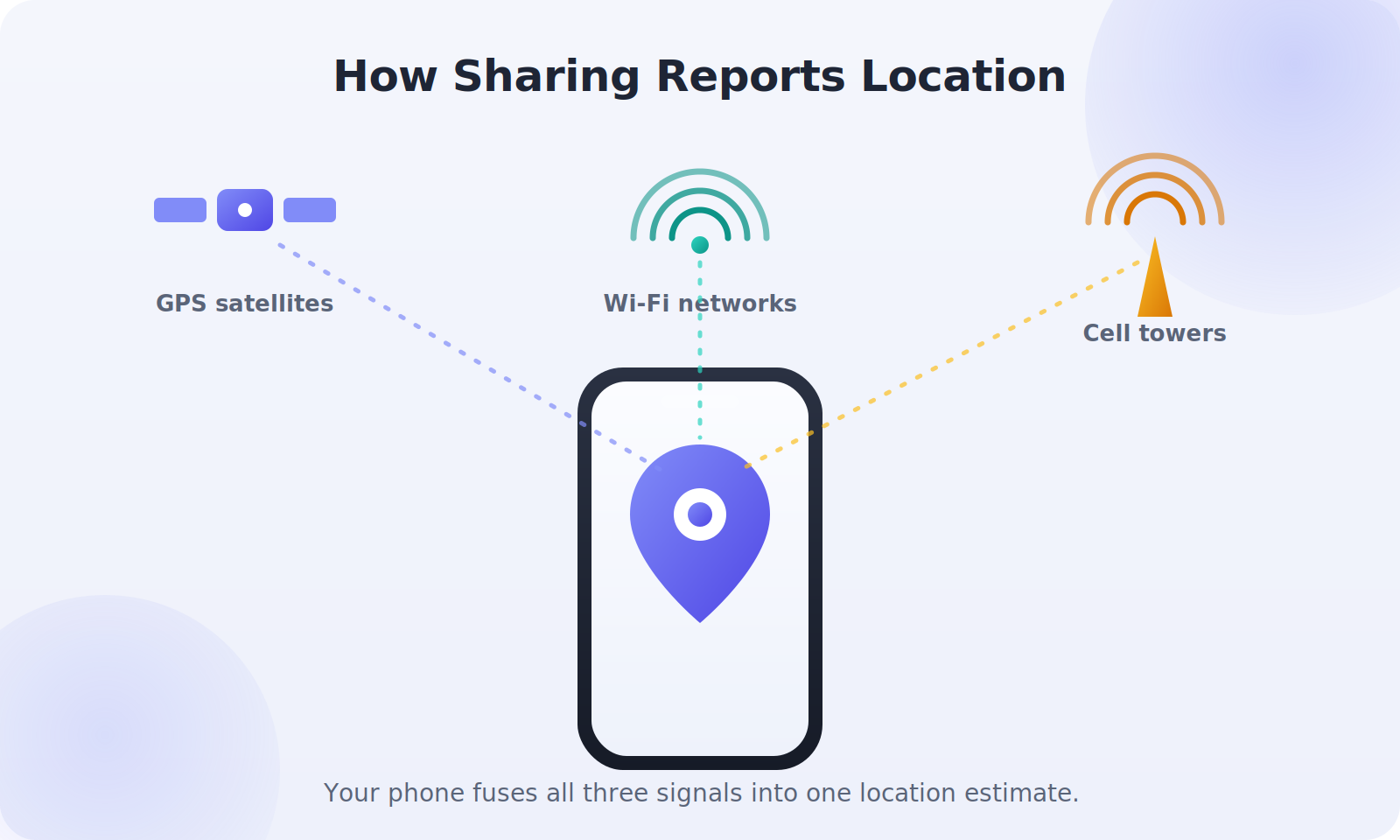
It helps to understand what’s happening under the hood, because it explains both the reassurance and the limits. When a family member shares their location, their phone periodically sends its estimated position — drawn from GPS, Wi-Fi, and cell signals — to the service you both use, which then shows it on your map. It’s not a constant live video feed; it’s an occasional check-in that updates as the person moves. That’s why a location can sometimes look a few minutes old, especially indoors or in a poor-signal area.
This also explains the honest limitations worth setting expectations around. A phone that’s switched off, out of battery, or with no signal can’t report a live position — it shows the last place it was seen instead. Accuracy varies too, from a few meters outdoors to a whole building indoors. Knowing this keeps everyone calm: a stale or slightly-off location usually means a dead zone or a low battery, not anything to worry about.
Choosing How Long to Share
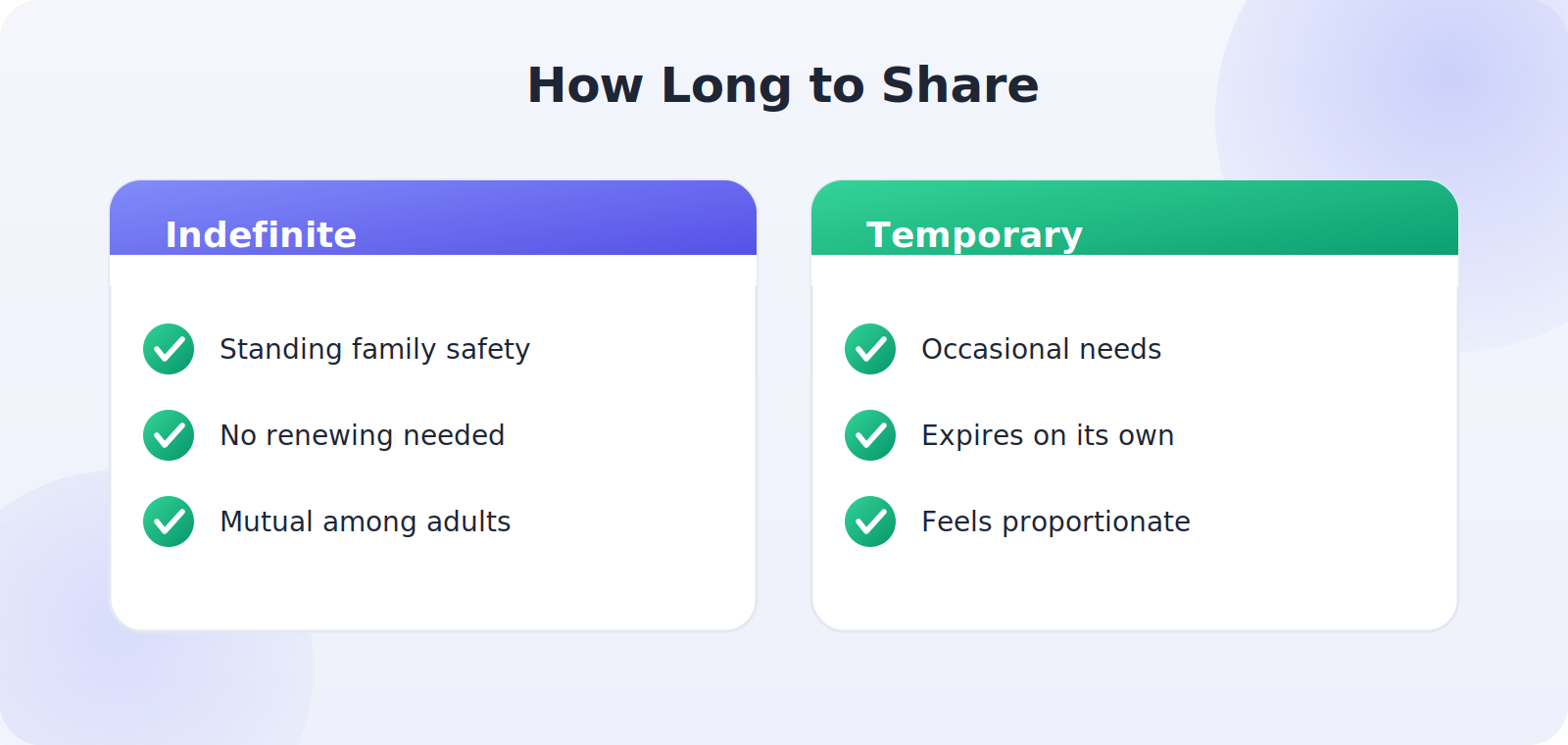
One decision that shapes how comfortable sharing feels is duration. Both Apple and Google let you share indefinitely or for a set period. For ongoing family safety — a household keeping a standing eye out for one another — indefinite, mutual sharing often makes sense and means no one has to keep renewing it. For more occasional needs, a temporary share that expires on its own can feel more proportionate.
Talk about which fits your family. Some households share permanently among the adults and immediate family; others prefer to switch sharing on for specific occasions like travel or a late night out. There’s no single right answer — the best choice is the one everyone is comfortable with and understands. The flexibility to choose is part of what makes these tools respectful.
Sharing With Younger Children
For younger children, the built-in family tools add age-appropriate structure on top of plain location sharing. Apple’s Family Sharing with Screen Time and Google’s Family Link are designed specifically for parents supervising minors, letting you manage apps, screen time, and location together in one place. These are meant for genuine parental supervision of children, and they keep the arrangement clear and within the family’s control.
Even with young children, a simple, honest explanation goes a long way: that you can see where they are so you can keep them safe and find them if you’re ever separated. Children generally find this reassuring rather than restrictive, especially when they understand it’s the same kind of looking-out-for-each-other the whole family does.
Keeping the Whole Family Set Up and Working
Once sharing is in place, a little ongoing attention keeps it reliable. The most common reason a family member “disappears” from the map is mundane: a phone update reset a permission, location got switched off to save battery, or a software change paused sharing. Make it a gentle habit to glance at your sharing list now and then and confirm everyone’s still showing up. If someone’s missing, a quick check of their location settings usually fixes it in seconds.
It also helps to make sure each family member knows how to manage their own sharing — how to pause it, how to turn it back on, and how to see who they’re sharing with. Spreading that knowledge means the system doesn’t depend on one tech-savvy person to keep it running, and it reinforces the sense that this is a shared, transparent arrangement everyone participates in rather than something done to them.
Common Mistakes to Avoid
- Setting it up secretly — the fastest way to break trust if discovered.
- Making it one-directional, which feels like surveillance rather than sharing.
- Using the map to interrogate rather than reassure.
- Forgetting to review the sharing list, leaving access with people who shouldn’t have it.
- Ignoring a teen’s reasonable need for privacy.
Frequently Asked Questions
Does family location sharing cost anything?
No. Find My on iPhone and Google Maps location sharing on Android are completely free and built in. You only pay if you choose a third-party family-safety app, which most families don’t need.
How much battery does sharing use?
Very little. Location sharing checks in occasionally rather than constantly, so the battery impact is minor — far less than running a navigation app.
Can I share location between an iPhone and an Android phone?
Yes. Google Maps location sharing works on both platforms, making it the easiest option for a mixed-device family.
Will the other person know I can see their location?
With these built-in tools, yes — sharing is visible and mutual by design. That transparency is intentional and is what keeps the arrangement healthy.
Can location sharing be turned off?
Absolutely, by anyone, at any time. The ability to pause or stop sharing is part of what makes it consensual.
Quick Takeaways
- Start with a conversation, not a covert install.
- Use Find My (iPhone), Google Maps (Android), or Maps for both.
- Keep it mutual — if you see them, they see you.
- Agree boundaries: safety and coordination, not interrogation.
- Review your sharing list and secure each account.
If you take one principle from this guide, let it be reciprocity: a family map that everyone can see, agreed by everyone on it, is a tool for closeness; a one-way watch is a tool for distance. Build yours on the first model and it will quietly earn its place in your family’s daily life.
The Bottom Line
Family location sharing is at its best when it’s open, mutual, and agreed by everyone involved. Use the free built-in tools — Find My on iPhone, Google Maps on Android, or Maps across both — and pair the setup with a genuine conversation about why you’re doing it and how you’ll use it. Keep it reciprocal, respect each other’s autonomy, and treat the map as a source of reassurance rather than scrutiny. Set up that way, it strengthens your family’s sense of safety without costing anyone their trust.