You’re already late, and your keys have vanished. If you’ve got a Bluetooth tracker on them, this is a two-minute problem instead of a frantic, house-wrecking search. Trackers turn the everyday agony of lost keys, wallets, and bags into a quick glance at your phone — but only if you know how to use their features well. This guide is a practical playbook for actually finding your stuff with a tracker: making it ring, following the map, using precise-finding arrows, and handling the trickier cases when an item is truly out of range.
What makes trackers so satisfying is that they attack the exact moment of panic. Instead of that stomach-drop feeling when your keys aren’t where they should be, you get a calm, almost smug little routine: open the app, tap a button, follow the sound. Once you’ve experienced it a few times, losing something stops feeling like a crisis at all.
Whether your tracker is an AirTag, a SmartTag, a Tile, or a Google-network tag, the core techniques are the same. Let’s turn that little disc into the fastest way to find anything you own.
Method 1: Make It Ring
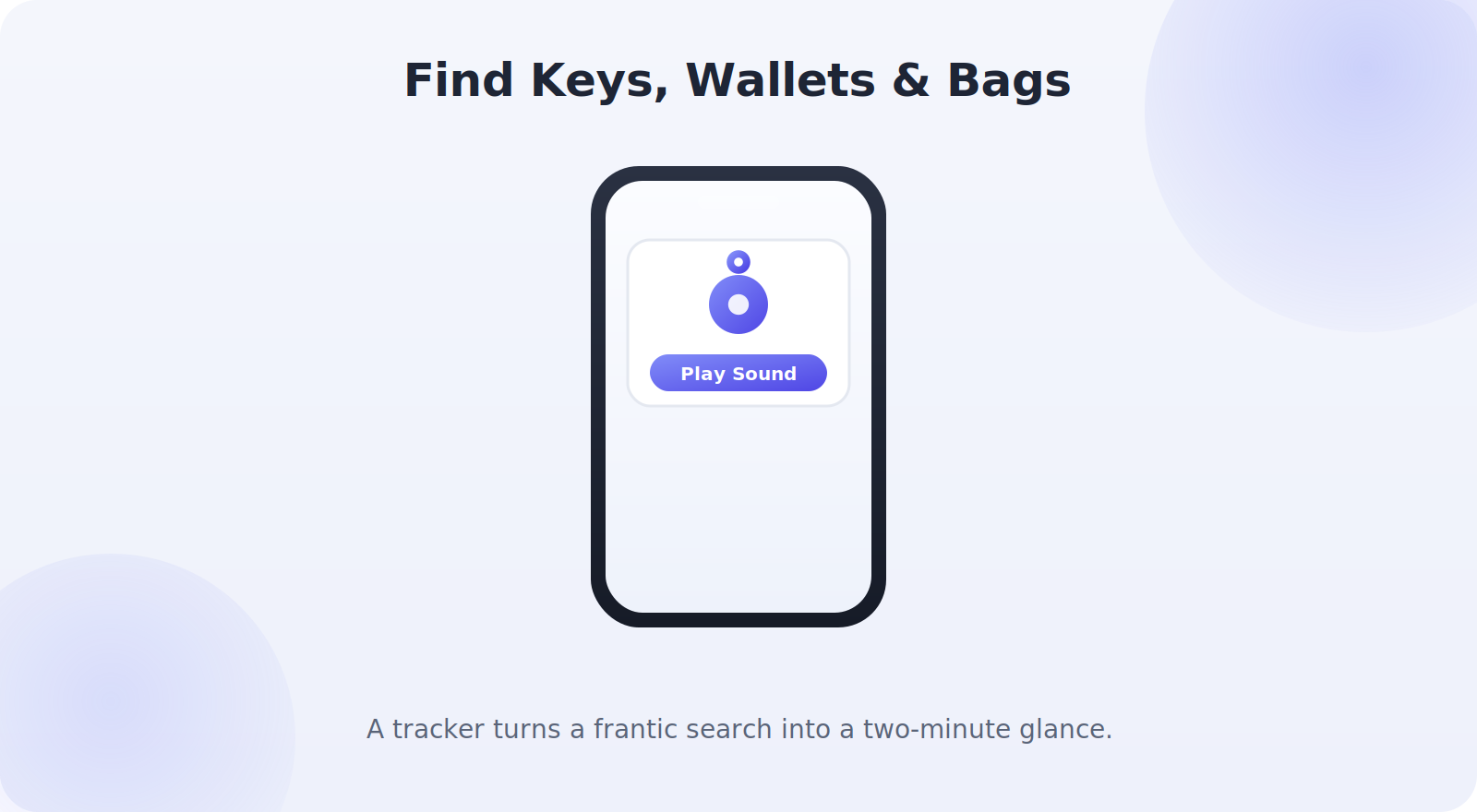
The simplest and most satisfying method is to make the tracker play a sound. When your keys are somewhere in the house — down the sofa, in a coat, under a pile of mail — ringing them is usually all you need.
- Open your tracker app: Find My (AirTag), SmartThings Find (SmartTag), the Tile app, or Find My Device.
- Select the item you’re looking for.
- Tap Play Sound.
- Follow the chime, moving toward it and re-triggering as you get close.
Method 2: Follow the Map
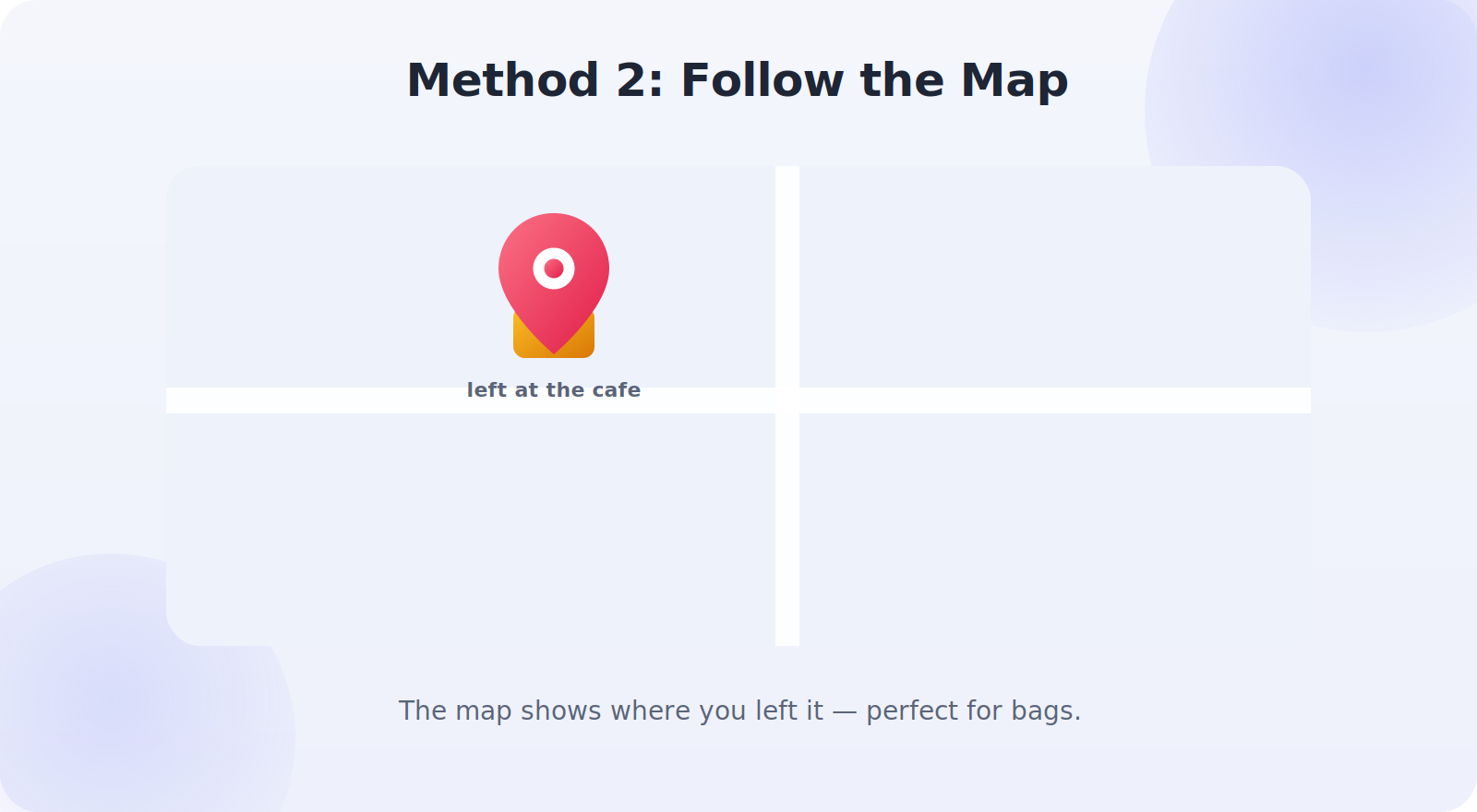
If the item isn’t within earshot — you left your bag at a cafe, or your wallet in the car — the map takes over. Your tracker app shows the item’s last known location on a map, which tells you where you left it. This is the feature that reunites people with bags left in taxis, wallets forgotten on counters, and keys dropped in the park. Tap the item, read the map, and head to the spot.
Method 3: Precise Finding
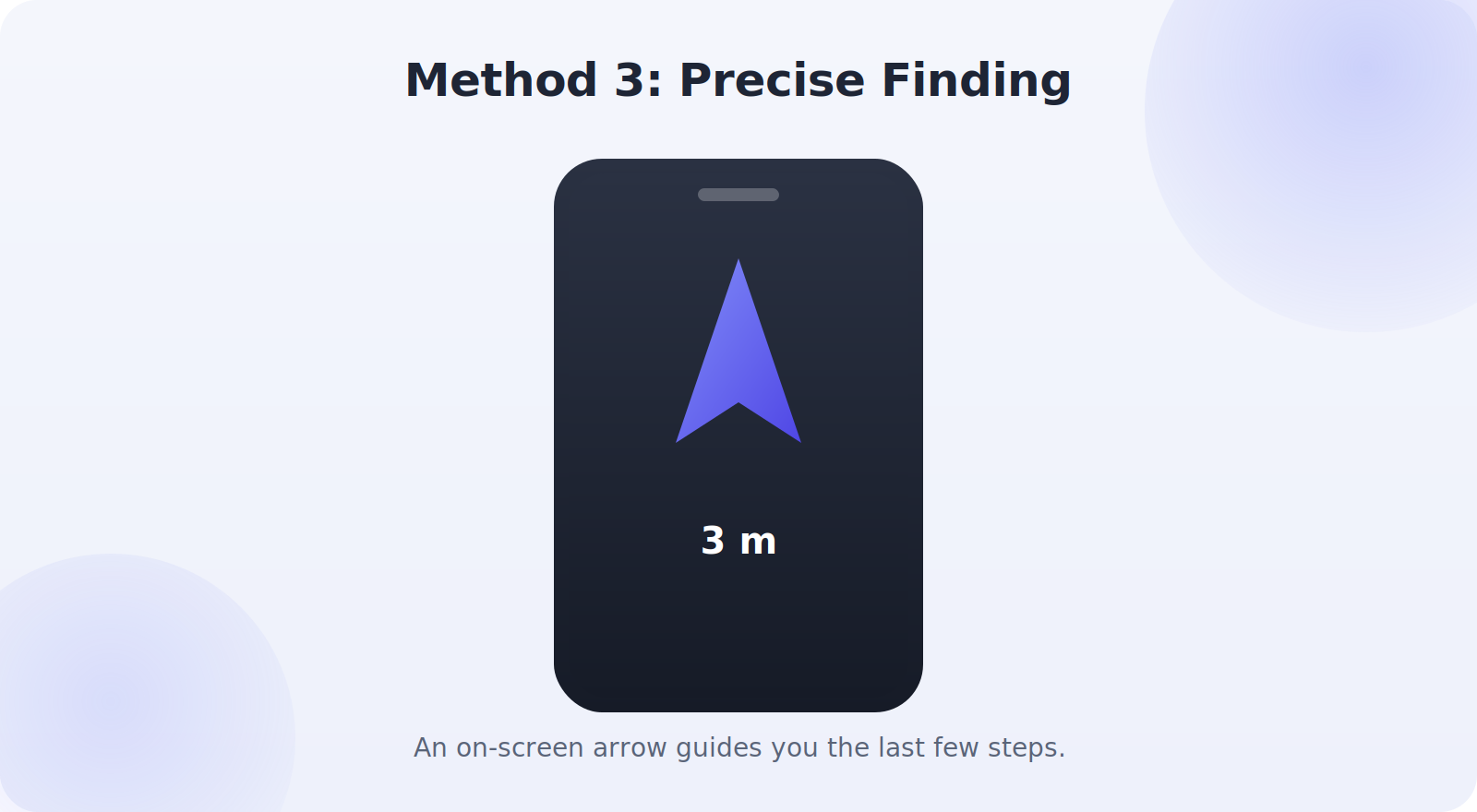
Some trackers, paired with newer phones, offer precise finding — an on-screen arrow and distance that guide you the last few steps right to the item. As you get within range, the app points you in the exact direction and counts down the distance, so you can home in on keys hidden under a cushion or a tag buried in a bag. It feels a bit like a treasure hunt, and it’s remarkably effective for pinpointing something in a cluttered room.
Finding Specific Items
Each type of item has its own quirks worth knowing.
Keys
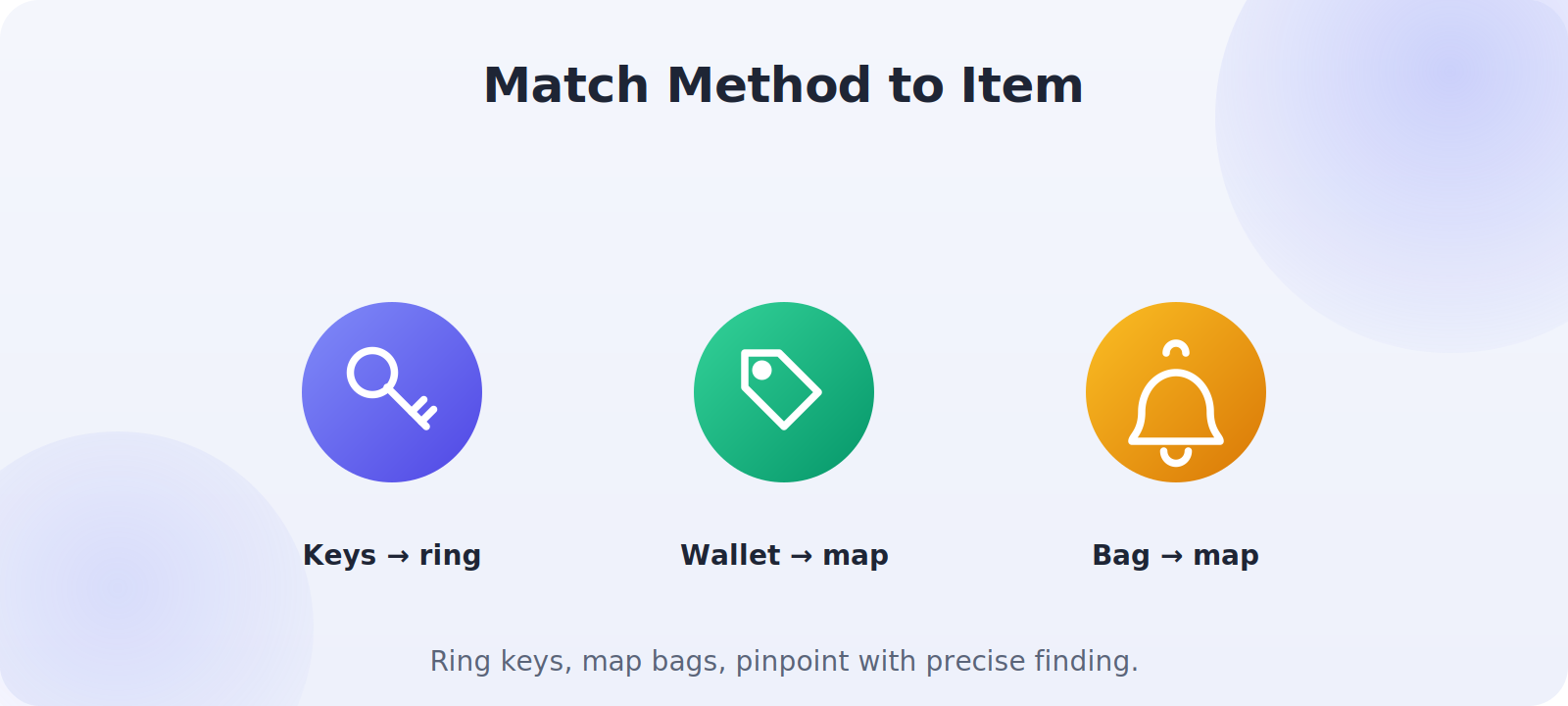
The classic use case. Because keys are small and slip into gaps, combine Play Sound with a look in the usual spots — pockets, the door bowl, between cushions. The chime almost always finds them fast.
Wallets
A slim card tracker in your wallet means a misplaced wallet is a quick find. If it’s out of the house, the map shows where you last had it — often a shop counter or restaurant table.
Bags and backpacks
Bags get left behind more than lost in the house, so the map is your main tool. A tracker in your bag can save you a stressful scramble after leaving it on a train, at a gym, or under a restaurant table.
When the Item Is Out of Range
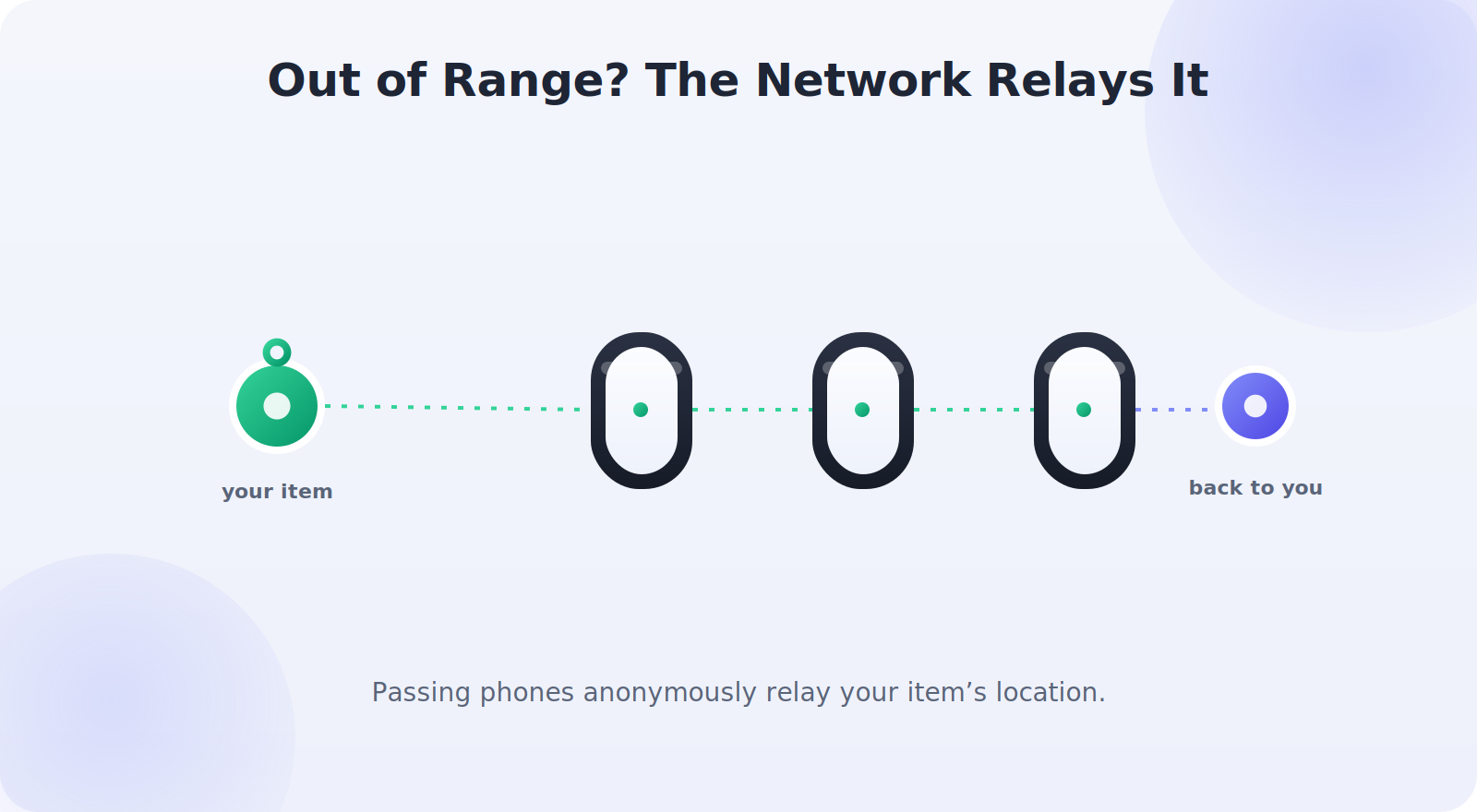
Bluetooth trackers have a limited direct range — typically a room or two — so what happens when your item is farther away? This is where the tracker networks shine. Trackers like AirTag, SmartTag, and Google-network tags can be anonymously detected by other people’s phones passing nearby, which relay the location back to you. So even a bag left across town can show up on your map when someone else’s phone happens to pass it. You don’t contact anyone; it all happens privately and automatically.
Mark It as Lost
If an item is genuinely lost — left somewhere you can’t immediately get to, or possibly picked up by someone — use the Lost Mode or equivalent in your tracker app. This notifies you when the item is located by the network, and for some trackers lets an honest finder who taps the tracker see your contact message. It’s the tracker equivalent of putting a “please return” note on your belongings, and it dramatically improves the odds of getting something back.
Building a Finding Routine
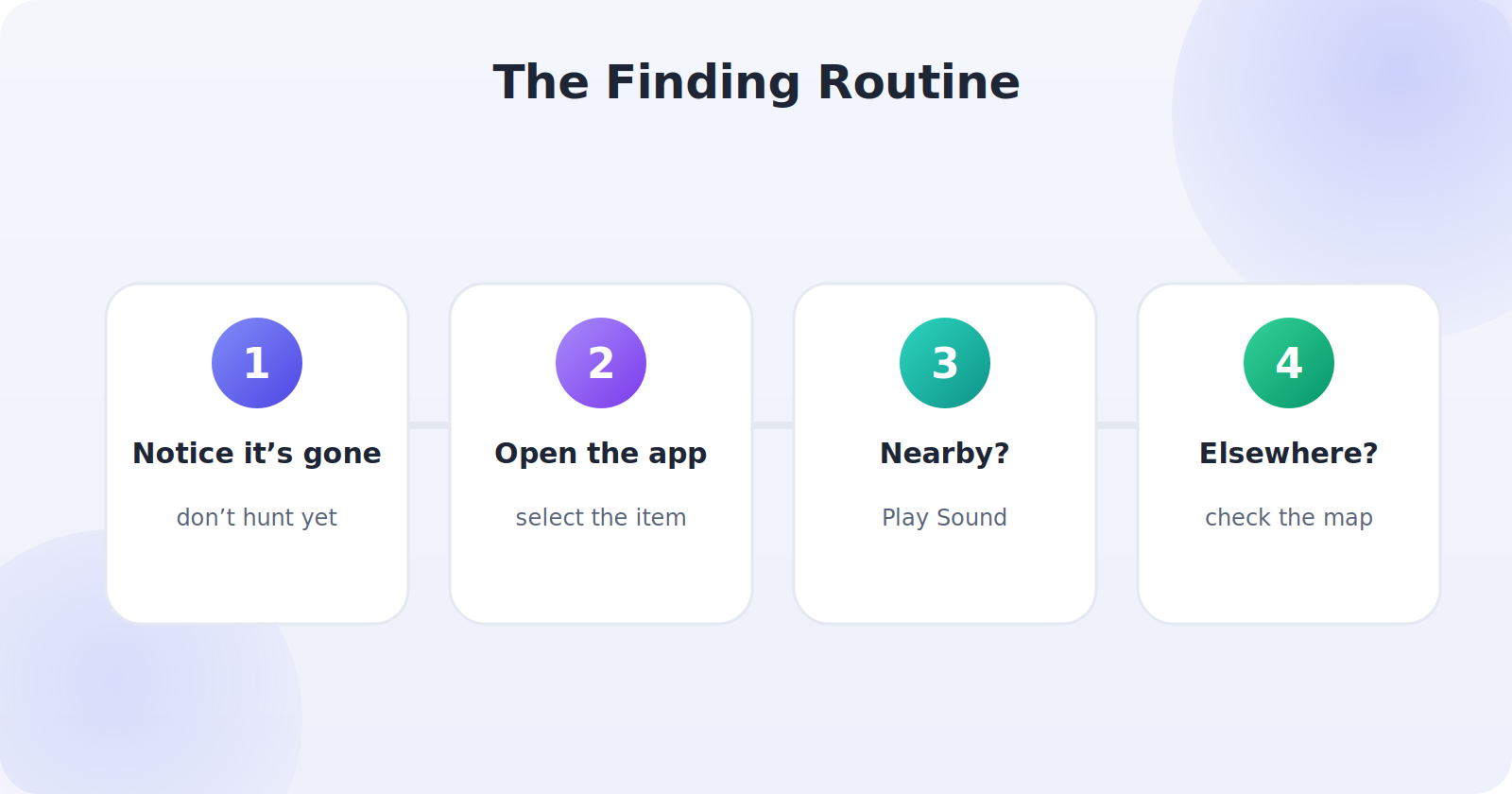
The people who get the most from trackers develop a small, almost unconscious routine that turns “where did I put it?” into an instant answer. The moment you notice an item is missing, resist the urge to start physically hunting — reach for your phone first. Open the tracker app, select the item, and let the app tell you whether it’s nearby (ring it) or elsewhere (check the map). This single habit — phone before hands — is what separates a two-minute find from a twenty-minute scramble.
Over time the routine becomes second nature: keys not on the hook, glance at the phone, tap Play Sound, follow the chime. It’s worth consciously practicing it the first few times so it sticks, because in the stressful moment of realizing something’s lost, muscle memory beats problem-solving. Once the habit is set, the whole category of “lost item” anxiety simply shrinks, because you know the answer is always a few taps away.
Sharing Trackers With Family
Many tracker systems let you share an item with family members, which is genuinely useful for things the whole household uses — the spare car keys, a shared bag, the TV remote. When a tracker is shared, anyone in the group can ring it or see its location, so it doesn’t matter who had the keys last. Setting this up is usually a matter of inviting family members through the tracker app, and it turns a personal tool into a household one.
Sharing also helps with the classic “who moved the remote?” standoff, since anyone can simply ring it rather than accusing anyone. For families, a few shared trackers on commonly-misplaced shared items can remove a surprising amount of daily friction — and because everyone can find them, the items tend to get lost far less often in the first place.
When Trackers Reach Their Limits
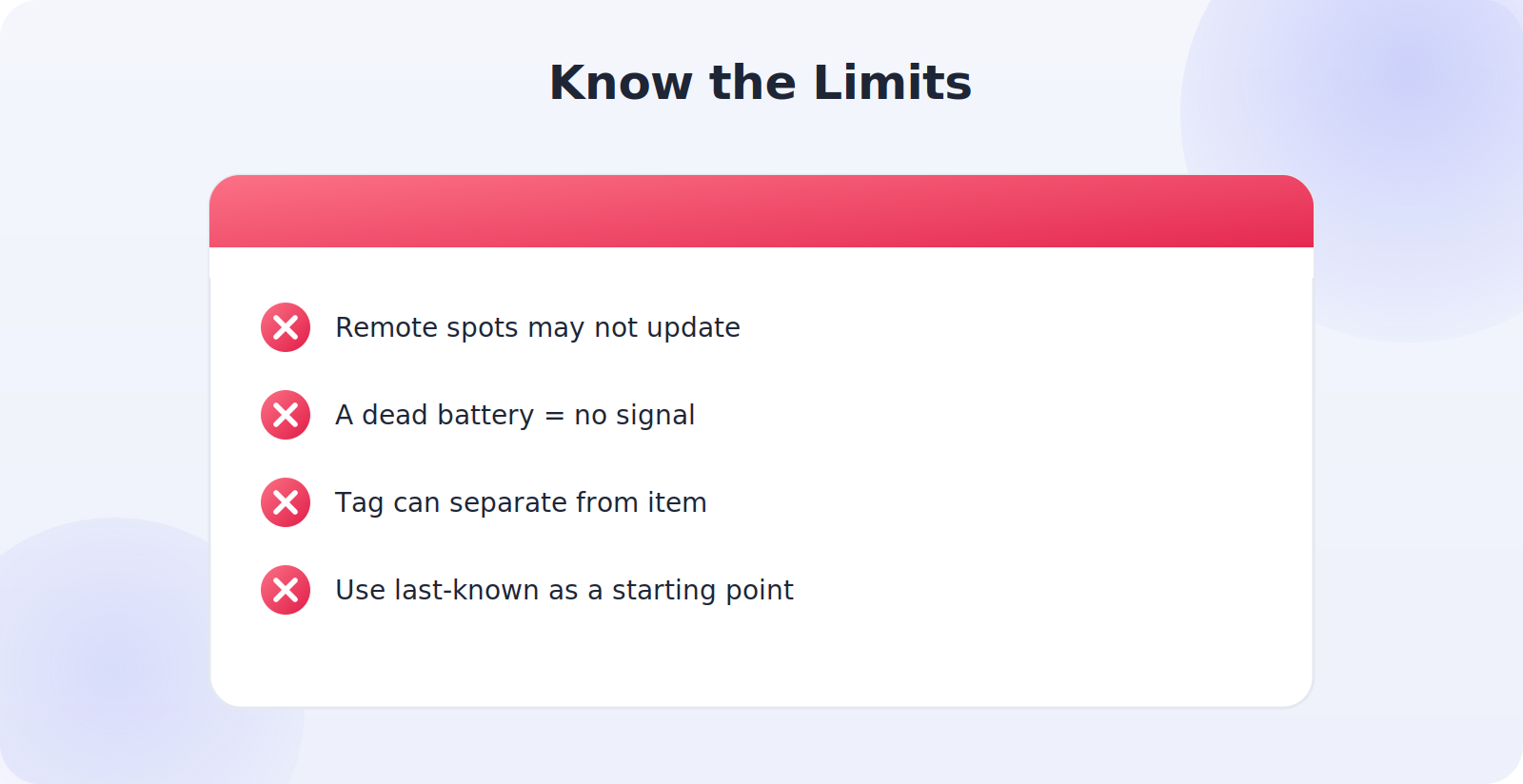
Trackers are wonderful, but knowing their limits makes you far more effective when the easy find doesn’t happen. A tracker in a truly remote spot with no people passing may not update its location, since the network relay depends on another phone coming near it. A dead tracker battery means no signal at all, which is why keeping batteries fresh matters. And a tracker can be separated from its item — a keyring that comes loose, a tag that falls out of a bag — leaving you tracking the tag rather than the thing. In each of these cases, the tracker still gives you a valuable last-known location to work from, which you then combine with common sense: search around the last-seen spot, retrace your steps, and use the map as a starting point rather than a magic answer. Understanding when to lean on the tracker and when to supplement it with a methodical search is what turns you from someone who owns a tracker into someone who reliably finds their things.
Preventing Losses in the First Place
The best find is the one you never need, and trackers quietly help there too. Once you’ve tagged your keys, wallet, and bag, you naturally start keeping them in consistent spots — because you’re aware of them — and the sheer habit of that awareness means you lose them less often. Some tracker apps can also alert you when you leave an item behind, notifying you if you walk away from your bag or keys, which stops a loss before it happens. Enabling separation alerts for the items you most fear losing turns your tracker from a finder into a preventer, catching the moment you stand up from a cafe table without your bag rather than discovering it gone hours later.
Common Mistakes to Avoid
- Only checking the map when the item is nearby — ring it instead.
- Forgetting precise finding exists, then hunting blindly in a cluttered room.
- Not using Lost Mode when an item is genuinely misplaced away from home.
- Panicking when it’s “out of range,” instead of letting the network relay it.
- Ignoring the last-seen location, which is often exactly where the item is.
Frequently Asked Questions
The tracker shows a location but the item isn’t there — why?
The map shows the last place the tracker was detected, which may be slightly out of date if the item moved out of network range. Treat it as a strong starting point and search around that spot, re-checking as the location updates.
Can I find an item if my phone is dead?
You’ll need a working phone or another signed-in device to see the tracker. That’s a good reason to keep your phone charged and, for shared items, to share the tracker with family so more than one person can locate it.
How far can a Bluetooth tracker reach?
Direct Bluetooth range is usually a room or two. Beyond that, tracker networks relay the location via other people’s passing phones, so items can be located much farther away.
What if my keys are somewhere with no people around?
Direct Bluetooth and the last-known map location still help. The network relay depends on another device passing nearby, so a remote spot may only update when someone eventually passes it.
Can a tracker help if I left my bag in a taxi?
Yes — the map shows the last known location, and as the taxi moves through areas with other phones, the network can update the location, helping you track it down.
Quick Takeaways
- Ring the tracker for anything lost nearby.
- Follow the map for items left behind somewhere.
- Use precise finding to pinpoint the last few steps.
- Let the tracker network relay out-of-range items.
- Use Lost Mode for anything genuinely misplaced.
The deeper benefit, beyond any single find, is the mental shift. When you know your important things are tracked, an entire category of low-level daily stress simply lifts — the pocket-patting, the backtracking, the “did I leave it at the restaurant?” dread. That quiet reassurance follows you through every ordinary day, which is why people who adopt trackers so rarely go back. And the more items you tag, the more complete that calm becomes, until misplacing something simply stops being a source of worry at all. For a tool this inexpensive, that lasting change in how your daily life feels is a remarkable return on a few minutes of setup.
The Bottom Line
With a tracker on your keys, wallet, and bag, finding a lost item becomes one of the easiest things you do all day. Ring it when it’s nearby, follow the map when it’s been left somewhere, and use precise finding to home in on the exact spot. When something drifts out of range, trust the tracker network to relay its location, and switch on Lost Mode for anything truly misplaced. Master these few techniques and the old ritual of tearing the house apart for your keys becomes a distant memory.