How to Choose a Parental Monitoring App: What to Look For
There are dozens of parental monitoring apps out there, and the loudest ones tend to be the worst. The market is crowded with tools promising to show you everything on any phone, secretly, from anywhere, for the price of a coffee. Most families don’t need that, and shouldn’t want it. Choosing well is less about finding the app with the longest feature list and more about matching a genuinely honest tool to the one or two worries you actually have. This guide walks through how to do exactly that: define your need, weigh the features that matter, learn the red flags cold, and vet an app properly before it goes anywhere near your child’s phone.
A note on scope before anything else. This guide is about a parent choosing a tool to keep a light, agreed eye on their own child’s device, with the child’s knowledge. It is not about watching an adult, a partner, an ex, or anyone who hasn’t been told. That line runs through every recommendation below, and it’s the reason a whole slice of the market is off the table from the start. If you want the fuller ethical picture, our piece on where monitoring ends and spying begins draws that line in detail.
Start by defining your need
The most common mistake families make is buying the biggest app they can find before they’ve worked out what they’re solving. That’s how you end up paying for call recording and ambient audio when all you ever wanted was to know your daughter got to football practice. Over-buying isn’t just wasteful. A tool that watches far more than your worry requires is harder to run openly, more tempting to overuse, and more likely to feel like surveillance to the child on the other end.
So start with the worry, not the app. Name the thing that’s actually keeping you up. It usually falls into one of a few buckets:
- Location. You want to know they arrived somewhere safely, or you’re coordinating pickups across a busy week. This is often the whole need, especially for younger children.
- Screen time and app use. You want a picture of how long the phone is on and which apps eat the hours, maybe with limits or a bedtime cut-off.
- Online safety and content. You’re worried about what they might see or who might reach them, and you want filtering plus a way to spot trouble.
- All of it, lightly. A general safety net for a first phone, without any single sharp worry driving it.
Once you’ve named the bucket, you can shop for a tool that covers it well rather than one that covers everything shallowly. If your only worry is location, a dedicated location tool or a built-in feature may be all you need, and a full monitoring app would be overkill. Knowing the full range of what these tools can capture helps you decide what to leave switched off, and our guide to what a parental monitoring app can track lays that out category by category.
The one criterion above all others
If you take a single thing from this guide, take this: choose a transparent app that your child knows about, and reject anything that sells itself on secrecy. This matters more than price, more than features, more than the design of the dashboard.
There’s a hard practical reason on top of the ethical one. Apps that market covert, hidden monitoring are the same apps most likely to be malware, scams, or outright illegal to use. The secrecy isn’t a neutral feature you might choose to leave off. It’s the signature of a category built for spying on adults without consent, and it drags legal risk, security risk and a betrayal of your child’s trust along with it. When the discovery comes, and it usually does, a hidden app converts a small worry into a large rupture. An open one never has that landmine buried in it.
So the filter is simple and you can apply it in ten seconds on any product page. Does this app expect the child to know? Or is its selling point that they won’t? The first is a candidate. The second is out.
The features that matter, and how to weigh them
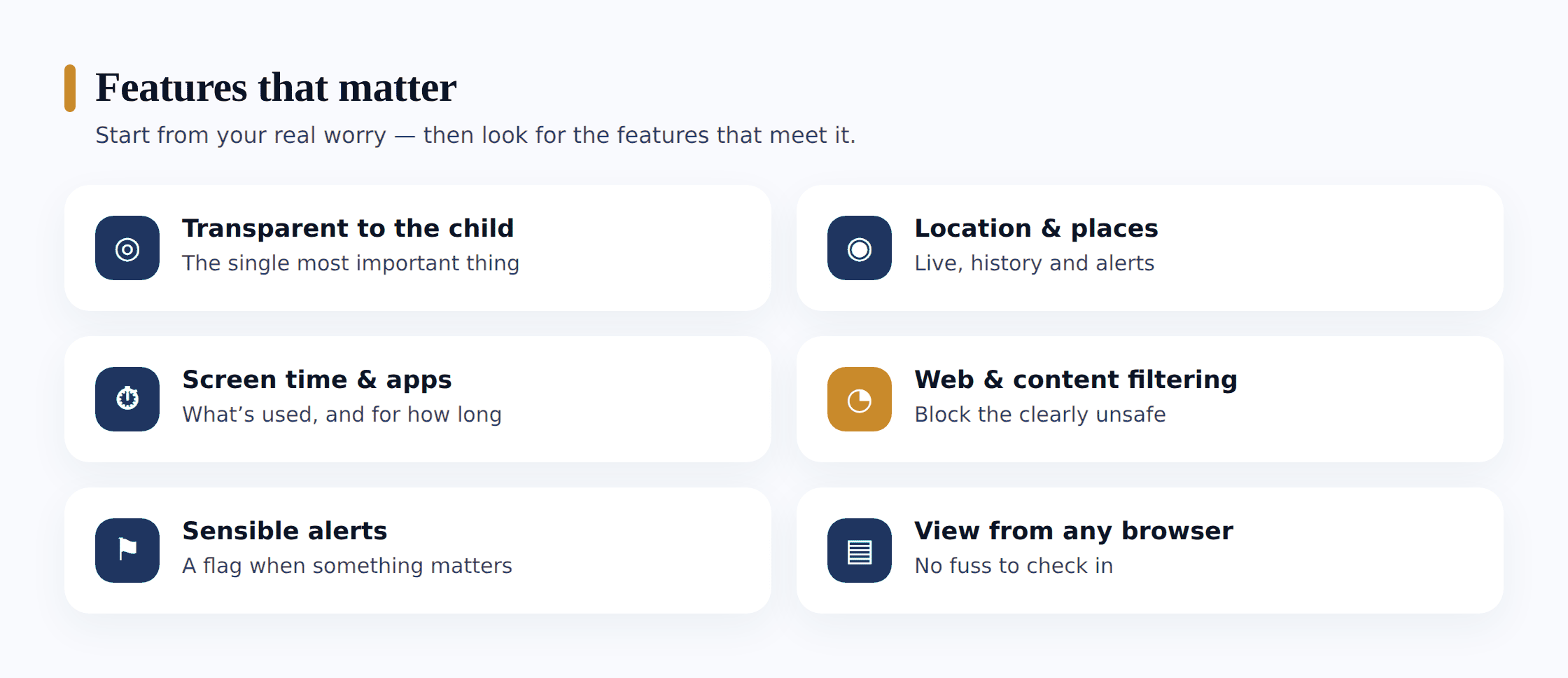
Once transparency is settled and your need is named, the feature comparison gets much easier, because you’re only weighing the things that touch your worry. Here’s what to look at, roughly in the order most families should care about it.
Transparency and the child’s awareness
Already covered, but it belongs at the top of the feature list too. Prefer tools designed to be visible and set up openly. A good sign is an app that talks about family agreements and conversations in its own help material, not one that coaches you on hiding an icon.
Location
If location is your need, look at how it’s presented. Live location on a map is standard. More useful for most families is arrival and departure alerts for a few places you choose, so you get a “arrived at school” ping rather than a compulsion to check a dot all day. History depth matters if you’re troubleshooting a pattern; it doesn’t if you just want the daily reassurance.
Screen time and app visibility
Look for a clear picture of how long the phone is used and which apps dominate, ideally viewable together with your child. If you want to act on it, check whether the tool offers limits and a bedtime, or only reporting. Reporting you review together is often more effective than hard caps you impose, so don’t assume you need the strictest option.
Web and content filtering
For younger children especially, the ability to filter adult and harmful sites and to block specific apps or categories is worth having. Weigh how granular it is and whether it can be adjusted as the child grows, because a filter that’s right at nine is patronising at fifteen.
Alerts
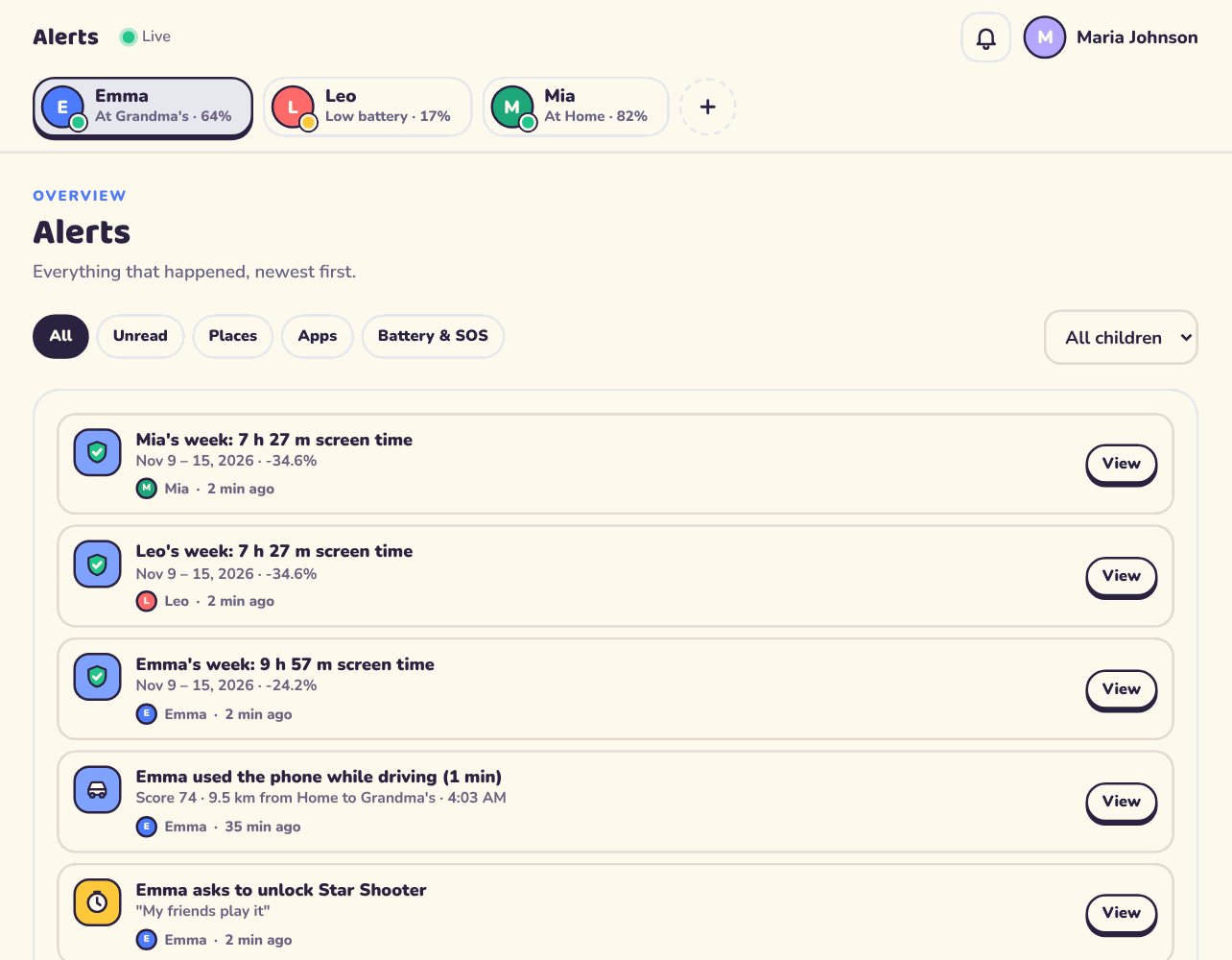
Good alerting is the difference between a dashboard you have to remember to open and a tool that taps you on the shoulder when something genuinely warrants it. Look for sensible defaults and the ability to tune them, so you’re notified about the things that matter and not buried in noise. Alerts you can dial down as trust grows are a sign of a thoughtfully built tool.
Works from any browser
Consider how you’ll actually view what the app collects. A tool you check from any web browser, with nothing to install on your own phone, is easier to live with than one that demands its own app on your device. It also means either parent can log in, which matters in a two-home family.
Ease of setup
An app you can install and configure in one open sitting with your child is worth more than a more powerful one that takes an afternoon and a support ticket. Clear setup also makes it easier to do the thing that matters most: set it up together, in front of them.
Android vs iOS support
Check the platform before anything else on this list, because it’s a hard gate. Android and iPhone differ sharply in what apps can do, and a tool built for one may barely function on the other. Apple’s model leans heavily on its own built-in Screen Time, while Android is more open to third-party apps. Match the tool to the phone your child actually carries, not the one the marketing assumes.
Red flags: apps to avoid
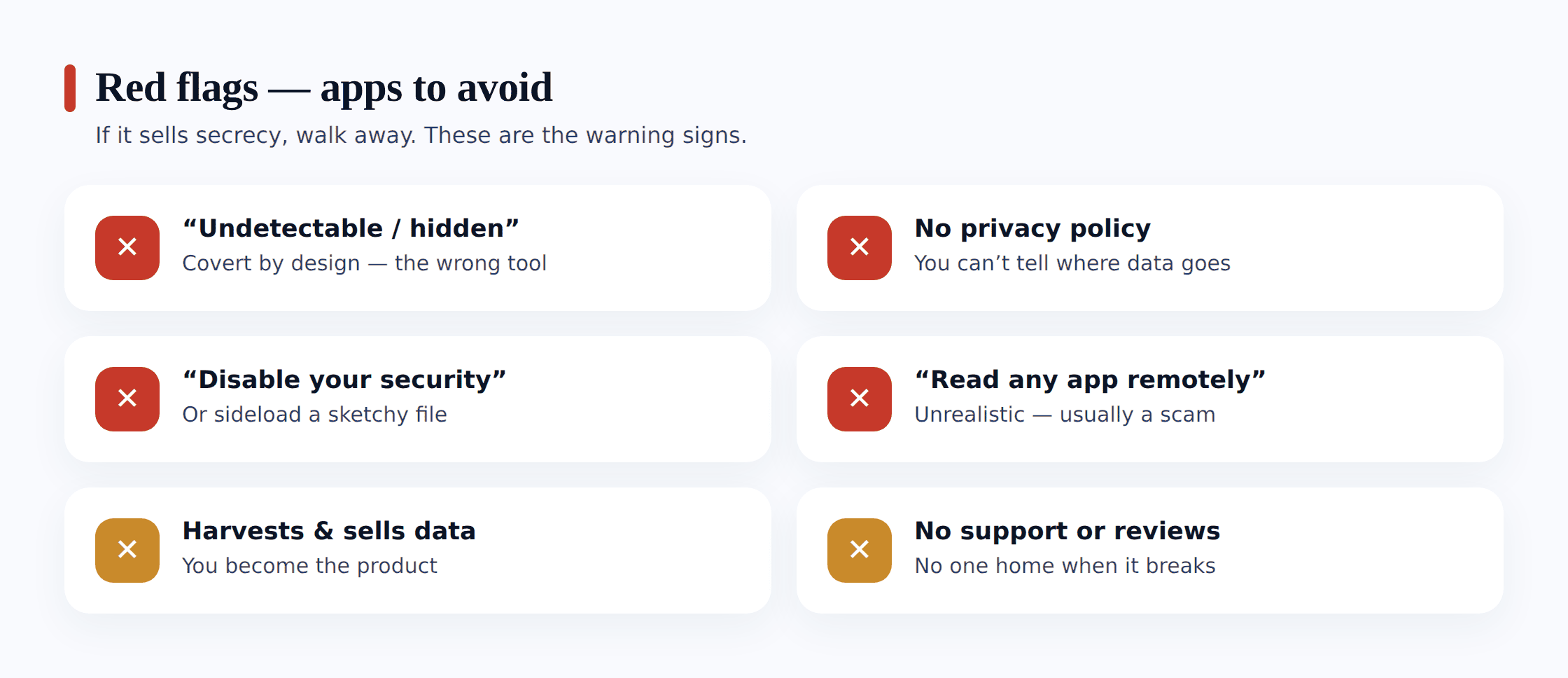
This is the section to read twice. A parental monitoring app touches the most sensitive corners of a phone, so the cost of choosing a bad one is high. Any single flag below is a reason to close the tab. Several together mean you’ve wandered into the part of the market you want nothing to do with.
- It promises undetectable, hidden, covert or stealth monitoring. The headline flag. This is the language of spying on adults without consent, and it’s the profile of malware and scams. No legitimate family tool leads with secrecy.
- It offers to read any app’s messages remotely, with no install. Claims to pull WhatsApp, Snapchat or Instagram messages off a phone you never touch are technically dubious and usually a con. Real monitoring needs consent and, on the child’s device, a real setup.
- It’s pitched at spying on a partner, spouse or ex. If the sales page talks about catching a cheating partner, you’re not on a parenting product, you’re on a stalkerware site. Leave.
- There’s no clear privacy policy. If you can’t easily find out what the company collects, where it’s stored, and who it’s shared with, assume the worst and don’t hand it your child’s data.
- It asks you to disable security or antivirus, or sideload sketchy files. A tool that needs you to switch off your phone’s protections or install unofficial packages from a random link is asking you to lower the drawbridge. That’s how malware gets in.
- It makes unrealistic claims. “See everything on any phone instantly”, “works on any device with just a number”, “100% undetectable forever”. Physics and platform security don’t work that way. Big impossible promises signal a scam.
- It harvests and sells data. If the business model is quietly monetising what it collects, your family becomes the product. A vague or permissive data policy is a warning in itself.
- There’s no support, no company name, no reviews. An anonymous site with no way to reach a human, no independent reviews, and no traceable company behind it is not somewhere to entrust sensitive access.
- It requires jailbreaking or rooting. Tools that need you to jailbreak an iPhone or root an Android are asking you to break the device’s core security to work. That’s a serious risk and a sign the app is fighting the platform rather than working with it.
Green flags vs red flags
Here’s the whole thing on one page. When you’re comparing shortlisted apps, run each column down the list. A good candidate collects green ticks. A bad one starts stacking red crosses.
| What to look for (green flags) | What to avoid (red flags) |
|---|---|
| Designed to be visible; assumes the child knows | Sold as undetectable, hidden, covert or stealth |
| Talks about safety, agreement and consent | Pitched at catching a partner or ex |
| Clear, findable privacy policy; states where data is stored | No privacy policy, or a vague permissive one |
| Named company, real support, independent reviews | Anonymous site, no support, no traceable maker |
| Installs normally from official sources | Asks you to disable antivirus or sideload files |
| Works within the platform’s security | Requires jailbreaking or rooting the phone |
| Honest about what it can and can’t do | Unrealistic claims: “see everything on any phone” |
| Free tier or trial so you can test it | Payment demanded up front with no way to try |
| Clear about what’s free and what’s paid | Hidden pricing, or “free” that nags toward covert features |
How to vet an app before you install
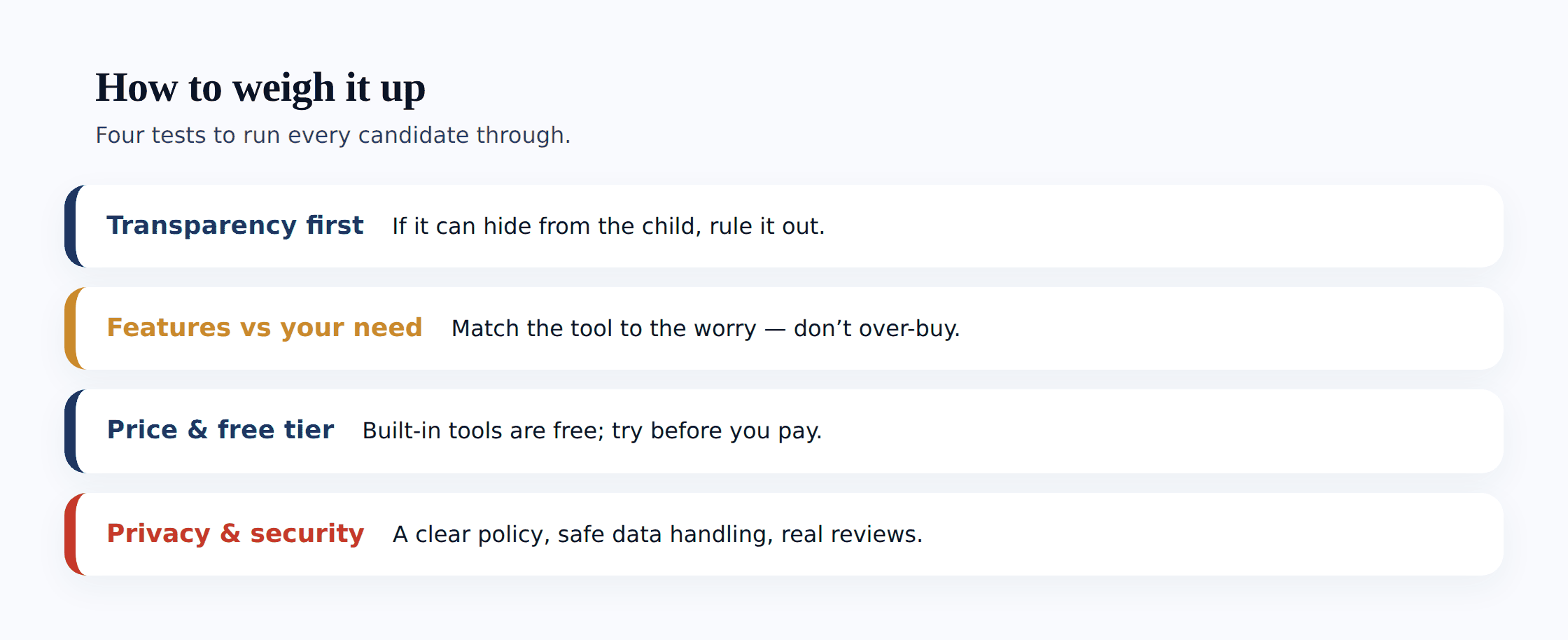
You’ve narrowed to a shortlist of transparent, sensible-looking tools. Before you commit, run each one through the same short vetting routine. It takes a quarter of an hour and it’s the difference between a considered choice and a gamble.
- Read the privacy policy, and find out where data is stored. You’re checking that it exists, that it’s readable, and that it says plainly what’s collected, where it lives, how long it’s kept, and whether it’s shared or sold. If the policy is missing, evasive, or clearly boilerplate, that answers the question for you.
- Read independent reviews. Not the testimonials on the app’s own site. Look for reviews on the app store, on trusted tech and family-safety sites, and in parent forums. A pattern of complaints about billing, data, or the app being flagged as malware tells you more than any marketing.
- Prefer transparent, consent-based tools. Re-apply the top filter one more time at the point of decision. If, after all the feature comparison, one shortlisted app quietly leans on covert framing anywhere in its material, drop it in favour of the one that stays open throughout.
- Try a free tier or trial first. Most reputable tools let you test before you pay. Set it up with your child, see whether the dashboard actually helps you with your specific worry, and only then consider paying. A tool that won’t let you look before you buy is a tool asking for blind trust.
- Check platform support and legality. Confirm it genuinely supports your child’s phone, Android or iPhone, and that it does so without rooting or jailbreaking. And confirm you’re on the right side of the law: monitoring your own minor child’s device with their knowledge is the safe ground, and our guide on free ways to monitor a child’s phone covers the no-cost legitimate options if a paid app turns out to be more than you need.
Price and free tiers
Cost should be near the bottom of your decision, not the top, because the cheapest option in this market is often the most dangerous. Free-but-covert apps are frequently the ones harvesting data or hiding malware. So weigh price only after an app has passed the transparency and vetting checks above.
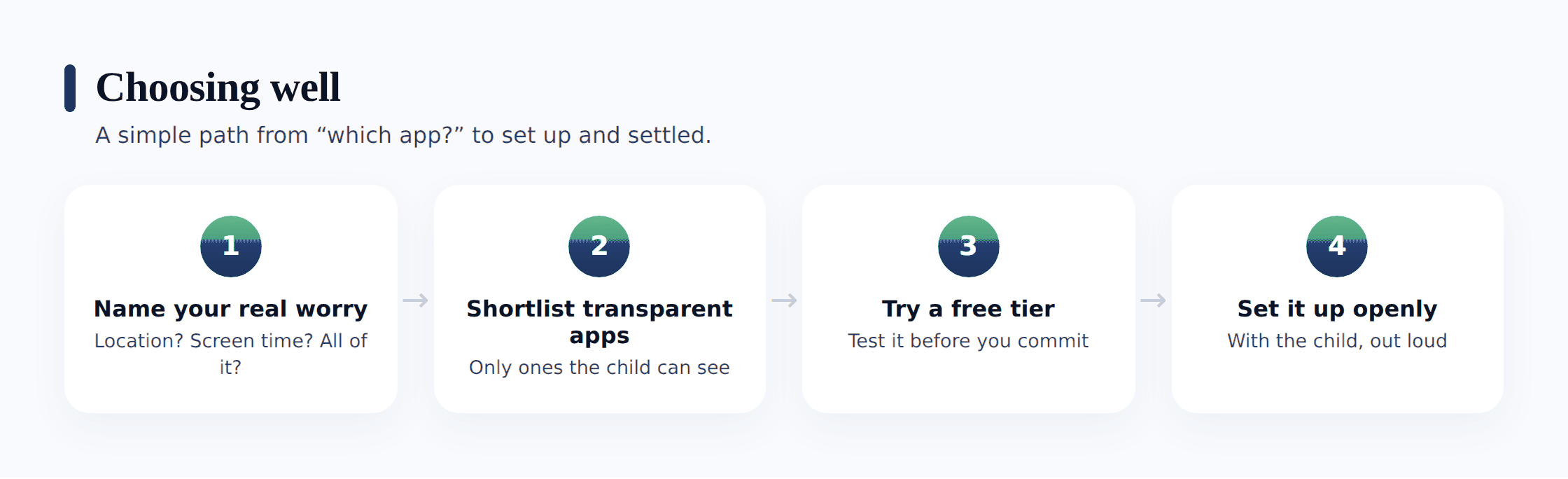
With that guardrail in place, here’s how the money actually shakes out:
- Built-in tools are free. Google Family Link on Android and Apple Screen Time on iPhone cost nothing and cover location, screen-time limits, app approval and content filtering. For many families, especially with younger children, that free built-in layer is most of what they’ll ever need, and it’s the honest starting point before you pay for anything.
- Many apps offer a free tier or trial. Reputable family-safety apps typically let you start free, usually with one device, a shorter history window, and the essentials. That’s a real way to test the open approach with no commitment.
- Paid should be worth it. Only move to a paid plan when a specific need justifies it: several children’s devices, a longer history than the free tier keeps, or a deeper feature you actually use. Paid isn’t better by default. It’s better only when it solves a problem the free options left open.
The consent and legal must-haves
Two non-negotiables sit underneath every choice here, and no feature comparison overrides them.
First, monitor only your own children and devices you own or control. A parental monitoring app is for a parent and a minor child, on a phone that sits within the family. It is not for an adult partner, an adult relative, an employee’s personal phone, or anyone whose device isn’t yours to manage. Reaching outside that circle is where monitoring stops being parenting and starts being surveillance, often unlawfully.
Second, do it with the child’s knowledge. Consent and transparency aren’t just the ethical high ground, they’re what keeps the whole arrangement legal and durable. An app set up openly, with a conversation and an agreement, is a shared safety net. The same app hidden becomes something else entirely, and the law in many places treats covert surveillance very differently from agreed family safety. If you’re unsure where the boundary sits for your situation, the monitoring-versus-spying question linked earlier is the one to revisit, but the short version holds here: your own child, with their knowledge.
Where FreePhone fits
To be straight about our own tool against the criteria in this guide: FreePhone is built for the transparent model, despite what the old name might suggest. It’s an Android app you install on your child’s phone with their knowledge and set up openly, the way this whole guide describes, and the phone shows a screen listing what’s shared. You view it from any web browser or the FreePhone app, so either parent can check in and a weekly review takes a minute. It’s free, with every feature — no trial and no paid tier — and it never reads messages, records calls or uses the camera or microphone. What it is not, and should not be used as, is a hidden tool for watching someone without their knowledge. It’s one option that meets the criteria here, sitting alongside the free built-in tools rather than replacing them. Weigh it the same way you’d weigh any candidate on this page.
FAQ
What’s the single most important thing when choosing a monitoring app?
Transparency. Choose an app your child knows about, and reject anything sold on being undetectable, hidden or covert. That one filter matters more than price or features, partly because it’s the right thing to do and partly because covert apps are the ones most likely to be malware, scams, or illegal to use. If an app’s main selling point is secrecy, cross it off whatever else it offers.
Do I need a paid app, or are the free tools enough?
For many families the free built-in tools are enough. Google Family Link and Apple Screen Time cover location, screen time, app approval and content filtering at no cost, and most reputable apps add a free tier on top. Start there, and only pay when a specific need appears, several devices, a longer history, or a deeper feature you’ll genuinely use. Don’t buy a big app before you’ve tested whether the free layer already solves your worry.
How can I tell if a monitoring app is a scam?
Look for the red flags together. Promises of undetectable or hidden monitoring, claims to read any app’s messages with no install, pitches about catching a cheating partner, no clear privacy policy, requests to disable your antivirus or sideload files, unrealistic “see everything on any phone” claims, no named company or support, and any need to jailbreak or root the phone. Any one is a reason to walk away. Several together are a scam wearing a safety badge.
Should I match the app to Android or iPhone before comparing features?
Yes, platform is the first gate, not an afterthought. Android and iPhone differ a lot in what monitoring apps can do, and a tool built for one may barely work on the other. Apple leans on its built-in Screen Time, while Android is more open to third-party apps. Confirm a tool genuinely supports your child’s actual phone, without rooting or jailbreaking, before you weigh anything else.
Is it legal to use a parental monitoring app?
Monitoring your own minor child’s device, with their knowledge, on a phone you own or control, is the safe legal ground in most places. It stops being safe when you reach outside that circle, monitoring an adult, a partner, or a device that isn’t yours, or when you do it covertly. The law in many places treats hidden surveillance very differently from agreed family safety. Own child, family device, with their knowledge: hold those three and you stay on the right side of it.
Choosing a parental monitoring app well isn’t complicated once you put the steps in the right order. Name the worry you’re actually solving so you don’t over-buy. Insist on transparency and let it knock out the whole covert half of the market before you compare anything else. Weigh only the features that touch your need, learn the red flags well enough to spot them in seconds, and vet your shortlist with a quick look at the policy, the reviews and a free trial. Price comes last, and the built-in tools are a fair free starting point. Do that, and the right tool tends to pick itself, an honest one, set up in the open, matched to a child who knows it’s there.