How Kids Get Around Parental Controls (and What to Do About It)
Sooner or later, most parents who set up parental controls discover a gap in them. A filter that quietly stopped working. An app that reappeared after you removed it. A screen-time limit that somehow didn’t bite last night. The instinct is to feel outwitted and to clamp down harder. It’s usually the wrong instinct. Controls were never a wall around your child — they’re a starting point, a set of guardrails that buy you time and information while the real work happens in the relationship. This piece walks through the common ways kids get around controls, not so you can plug every hole, but so you can recognise what you’re seeing and respond in a way that keeps your child talking to you.
Controls are a starting point, not a fortress
Here’s the thing worth accepting early: there is no parental control setup that a motivated, reasonably clever teenager cannot get around given enough time. Kids grow up fluent in the devices you’re still learning. They share tricks with each other. They have hours to poke at a system you configured in ten minutes. If your plan for keeping your child safe online rests entirely on the software holding, the plan will fail — quietly, and probably without you knowing when.
That sounds bleak until you reframe what controls are actually for. They aren’t a lock designed to defeat a determined opponent. They’re guardrails: they stop the accidental stumble onto something awful, they slow down impulsive choices, they mark out what your family has agreed is off-limits, and they give you a shared reference point for conversations. A guardrail on a mountain road doesn’t stop a driver who’s determined to go over the edge. It stops the ordinary slip. That’s a real and valuable job, and it’s the job controls are good at.
So when you find a workaround, the useful questions aren’t “how do I make this unbreakable?” — you can’t — but “what is my child telling me by doing this, and what does our relationship need now?” Controls are one instrument in a set. The one that does the heavy lifting over the long run is an open, honest connection where your child believes coming to you is safer than going around you.
Common ways kids get around controls
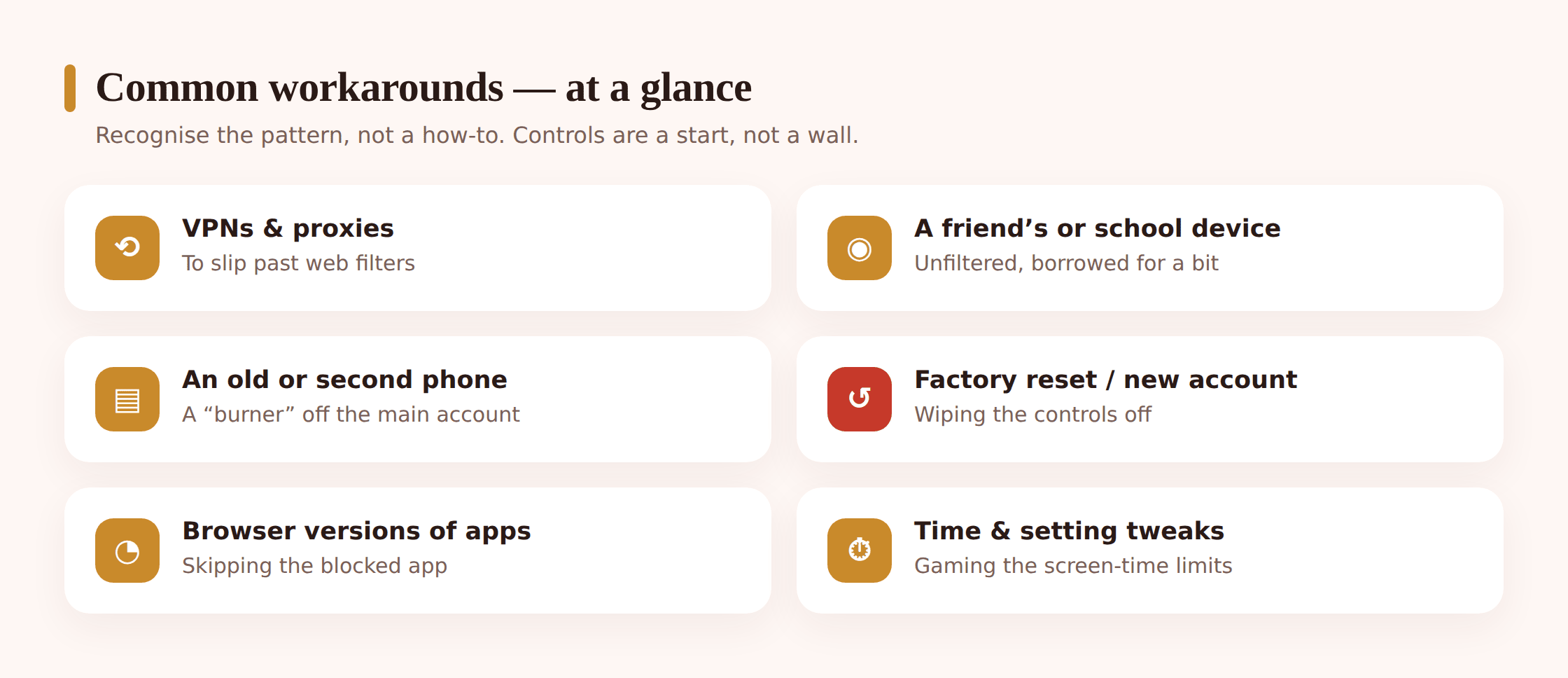
You don’t need to become an expert in every technical trick, and this isn’t a manual for any of them. But it helps to recognise the broad categories, so that when you spot one you understand what’s happening rather than panicking. Most workarounds fall into a handful of familiar patterns.
Dodging web filters with a VPN or proxy
Website filters work by checking where the phone is trying to go. Some teens get around them by routing their traffic through a VPN or a proxy service, which hides the real destination from the filter. You don’t need to know how one is configured; you just need to recognise that a VPN app appearing on the phone, or a filter that suddenly seems to let everything through, often points this way. Many VPNs are marketed openly and installed in seconds, which is why a filter alone is never the whole answer.
Borrowing a friend’s device or using a school device
The simplest workaround needs no technical skill at all: use a device that doesn’t have your controls on it. A friend’s phone, a sibling’s tablet, a school laptop or Chromebook that runs its own separate rules. Whatever you’ve set up at home only covers the devices you set it up on. This is one of the most common gaps precisely because it’s so ordinary — a child isn’t hacking anything, just using the phone in someone’s pocket next to them.
A second phone, an old handset, or a “burner”
An old phone that still connects to Wi-Fi doesn’t stop being a working internet device just because it has no SIM. Retired handsets, cheap second phones, and hand-me-downs from relatives can all become an unmonitored route online. Some teens keep one deliberately as the phone they use away from the family’s controls. It’s worth knowing where old devices in the house have ended up.
Factory resets and fresh accounts
Many controls are tied to a specific account or profile on the device. Wiping the phone back to factory settings, or signing in with a brand-new account you don’t know about, can shed the controls that were attached to the old setup. This one usually leaves traces — a phone that suddenly looks freshly set up, or an account you don’t recognise — and it tends to signal a more determined effort than the casual workarounds.
Knowing or guessing the passcode
If your controls are protected by a PIN your child has watched you type, or one that’s easy to guess — a birthday, a familiar four digits — then the controls are only as strong as that number. A surprising share of “how did they get past it?” stories come down to a passcode that wasn’t really private. Keeping the parent PIN genuinely separate from anything your child knows matters more than most people expect.
Deleting and reinstalling apps, or using the browser version
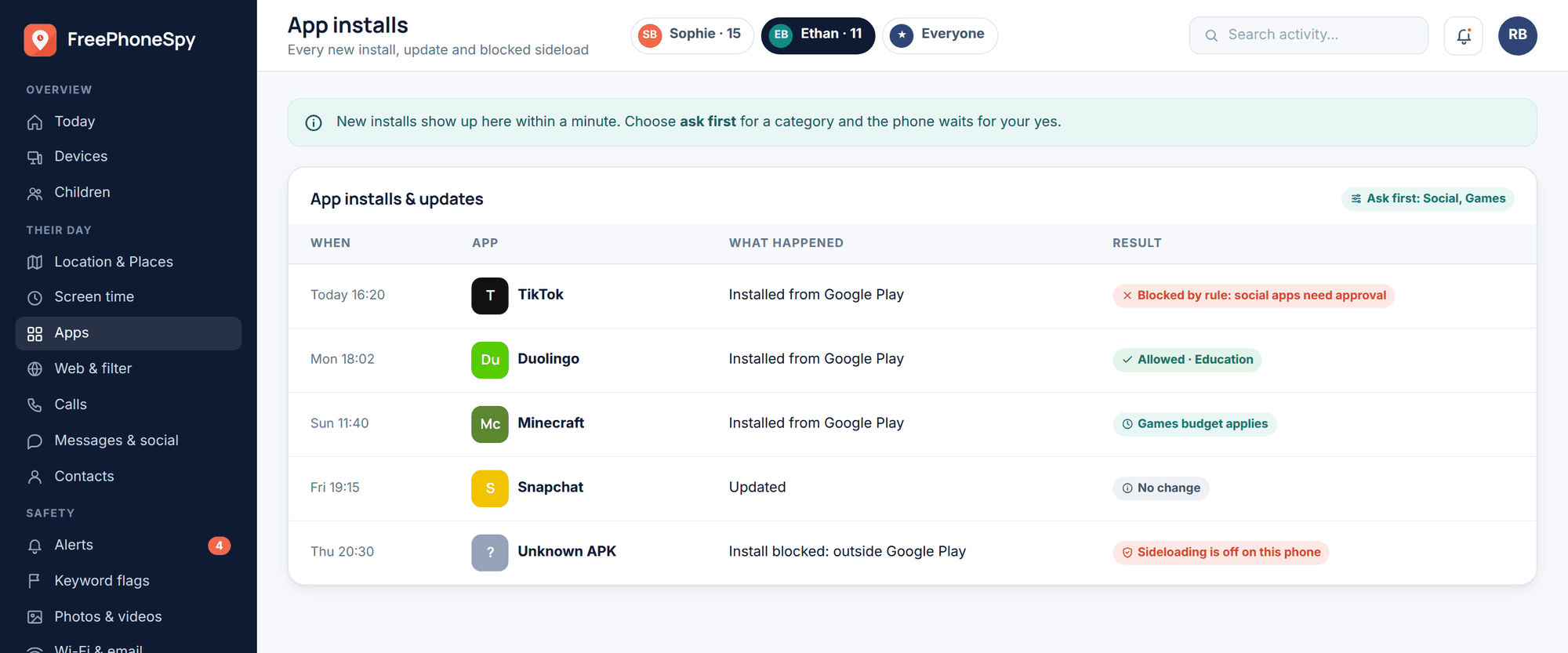
A blocked or removed app can often be reinstalled, sometimes just long enough to use it and then deleted again before anyone looks. And plenty of apps that are blocked as apps are still fully usable through a phone’s web browser, which sidesteps the block entirely. An app that keeps reappearing, or heavy browser use of a site whose app you thought you’d handled, both point here.
Changing the time, date, or other settings
Some limits lean on the device’s own clock or settings. Rolling the time forward or back, or toggling a setting the controls depend on, can loosen a bedtime or screen-time restriction. These are small, fiddly workarounds, usually the sign of a kid testing where the edges are rather than anything more serious.
Screen-time loopholes
Screen-time systems are full of legitimate seams. A game played through a browser instead of its app, watching videos inside a different app that isn’t limited, notifications and previews read from the lock screen without ever “opening” anything, or an app that reports a different category than what it’s really used for. None of these require breaking anything — they just live in the gaps between how the limit is defined and how phones actually get used.
Signs a teen is working around the rules
You often won’t catch a specific workaround in the act. What you’ll notice instead are patterns — small oddities that, taken together, suggest the controls aren’t holding. None of these on its own proves anything; kids do plenty of harmless things that look like this. Read them as prompts to pay attention and talk, not as verdicts.
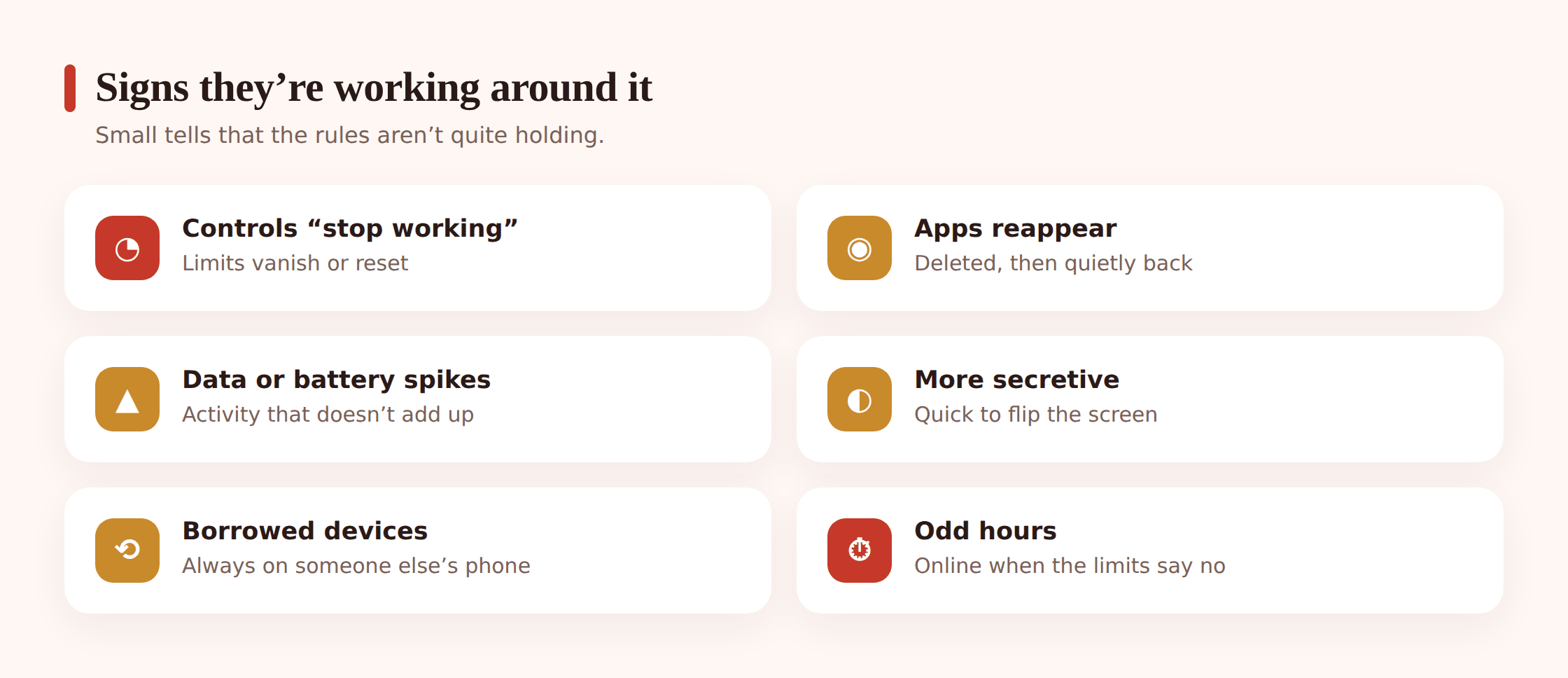
- Reports look too clean. If activity that used to appear has gone suspiciously quiet — no browsing, almost no app use, long silent stretches — that emptiness can itself be the signal. Real teenage phone use is rarely blank.
- Unfamiliar apps, or apps that come and go. A VPN you didn’t install, an app that keeps reappearing after you remove it, or install history that shows things added and deleted in quick succession.
- A device you don’t fully account for. An old phone that’s charged and online, an account you don’t recognise, or the sense that a lot of activity is happening somewhere your controls don’t reach.
- Limits that don’t seem to bite. A bedtime cutoff that clearly isn’t being felt, or screen time that doesn’t match how much you see the phone in use.
- Defensiveness that’s grown a sharp edge. Wanting privacy is normal and healthy. A new, anxious secrecy — turning the screen away, going quiet about specifics, real tension when the phone comes up — is worth gently noticing.
If several of these line up at once, that’s your cue to lean into the relationship, not the settings. A single clean report or one unfamiliar app is nothing to launch an investigation over.
Why they do it — usually not malice
Before you decide what a workaround means, it helps to understand why kids reach for them. In the large majority of cases, it isn’t because your child is up to something sinister. It’s for reasons that, once you see them clearly, are pretty sympathetic.
Autonomy. Getting around a control is often less about the specific thing being blocked and more about not wanting to be controlled. Adolescence is built around the drive to become a separate person with your own domain, and a restriction can feel like a challenge to that — something to push against on principle. This connects directly to a teen’s growing need for privacy and independence, which is a developmental job, not a character flaw.
Over-restriction. Sometimes the controls genuinely are too tight for the child’s age. A filter set for a nine-year-old that’s still running at fourteen will block ordinary things a teenager legitimately needs — school research, normal social apps their whole friend group uses, age-appropriate content. When rules stop making sense, working around them can feel less like breaking a rule and more like correcting an unfair one.
Curiosity. A block is a signpost that says “something interesting is here.” For a lot of kids the workaround is half the point — a puzzle to solve, a bit of status among friends who all compare notes. The forbidden thing on the other side is sometimes almost beside the point.
Social pressure. If everyone in the group chat is on an app your child can’t reach, the cost of being left out is real and immediate, and it can easily outweigh a rule that feels abstract. Much circumvention is a kid trying not to be the odd one out.
None of this means the rules don’t matter or that every workaround is fine. It means the driver is usually a normal developmental need rather than malice — and that changes how you should respond. You’re rarely dealing with a wrongdoer to be caught. You’re dealing with a growing person who’s telling you, through their behaviour, that something in the current setup no longer fits.
How to respond without an all-out lockdown
The reflex when you find a workaround is to escalate: tighter filters, more restrictions, a harder lockdown. It rarely works, and it often backfires, because it pushes the behaviour further out of sight and frames you as an adversary to be beaten. A better response starts from relationship and curiosity.
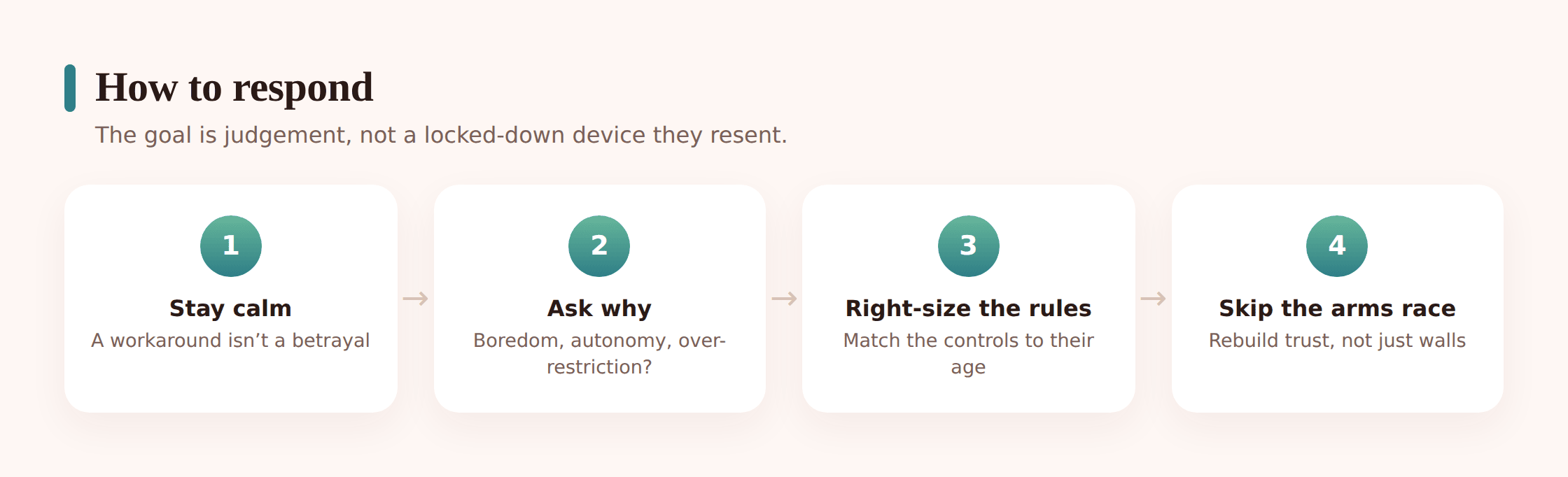
Lead with a question, not an accusation
Open with curiosity: “I noticed the VPN — tell me about it.” A calm question invites an honest answer. An accusation (“I caught you sneaking around”) guarantees a defensive one and teaches your child that the safe move is to hide better next time.
Find out what they were actually trying to do
Get underneath the workaround. Were they trying to reach a specific app their friends use? Was a filter blocking something they genuinely needed for school? Often the answer reveals that the control, not the child, is the thing that’s out of step — and that’s fixable.
Adjust the controls to their age
Treat a workaround as a prompt to revisit the setup. If your child has outgrown a restriction, loosen it on purpose and say so. Controls should get lighter and more targeted as kids mature; a setup that never changes is one they’ll inevitably route around. The direction of travel should be toward more freedom earned over time, not a fixed cage.
Involve them in the new rules
A rule a teenager helped write is one they’ll mostly keep; a rule dictated to them is one they’ll look for holes in. Sit down together and agree what’s reasonable now. Writing it into a family phone agreement makes the deal concrete and gives you both something to point back to.
Keep the door open
Make clear that the thing you most want is for them to come to you when something online goes wrong — and that they can, without the roof falling in. That standing agreement protects a teenager far more reliably than any filter, because it works even on the friend’s phone and the school laptop you’ll never control.
Building the habit of controls with your child
The deepest fix for the whole problem is to change how controls exist in your home in the first place. When controls are something done to a child in secret, every one of them becomes a challenge to defeat, and defeating them carries no cost to the relationship because there’s no shared agreement to break. When controls are set up openly, with the child, and revisited as they grow, the dynamic changes completely.
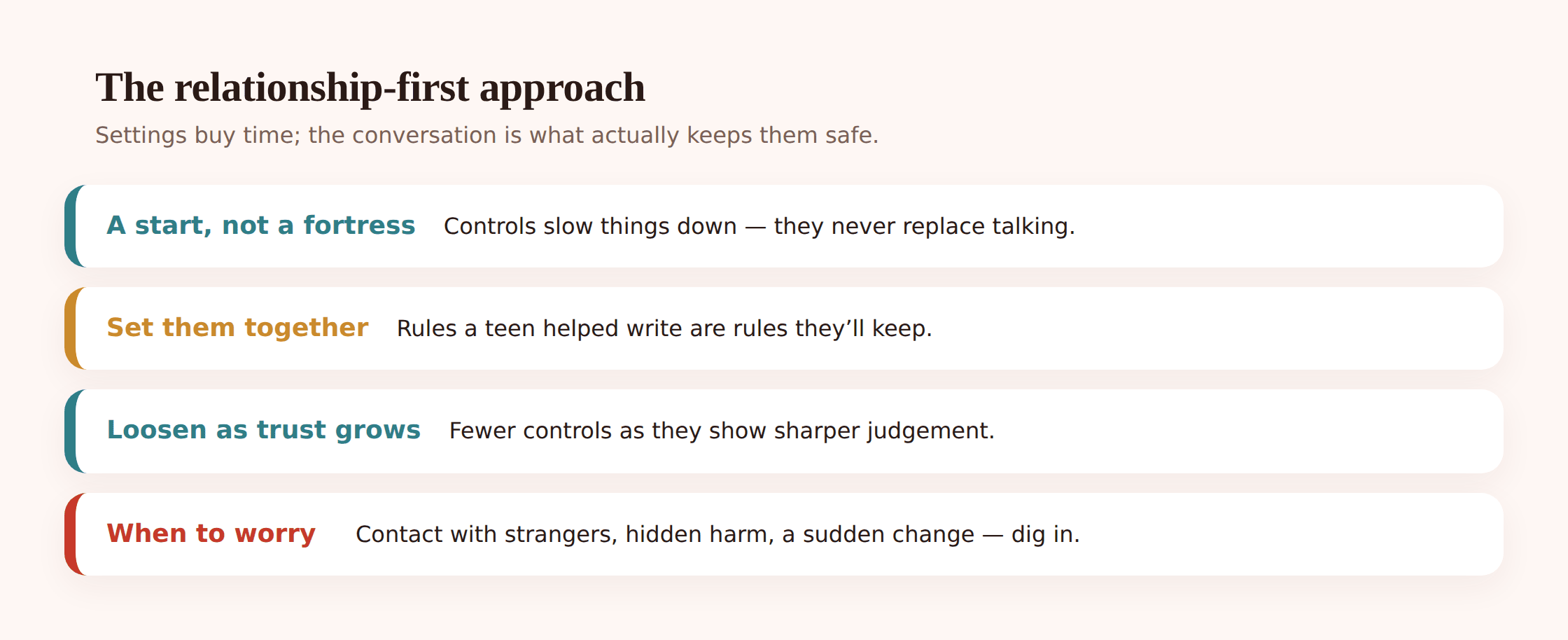
Openness is what takes the sport out of circumvention. A child who sat next to you while you set the controls, understood why each one exists, and knows they’ll loosen as trust grows has far less reason to go around them — and going around them means breaking a real agreement, not just outsmarting a machine. If you’re putting a system in place, doing it transparently from the start beats bolting it on in secret. There’s practical guidance on setting up Google Family Link for the built-in Android tools, and it works best when the setup is a joint activity rather than something imposed overnight.
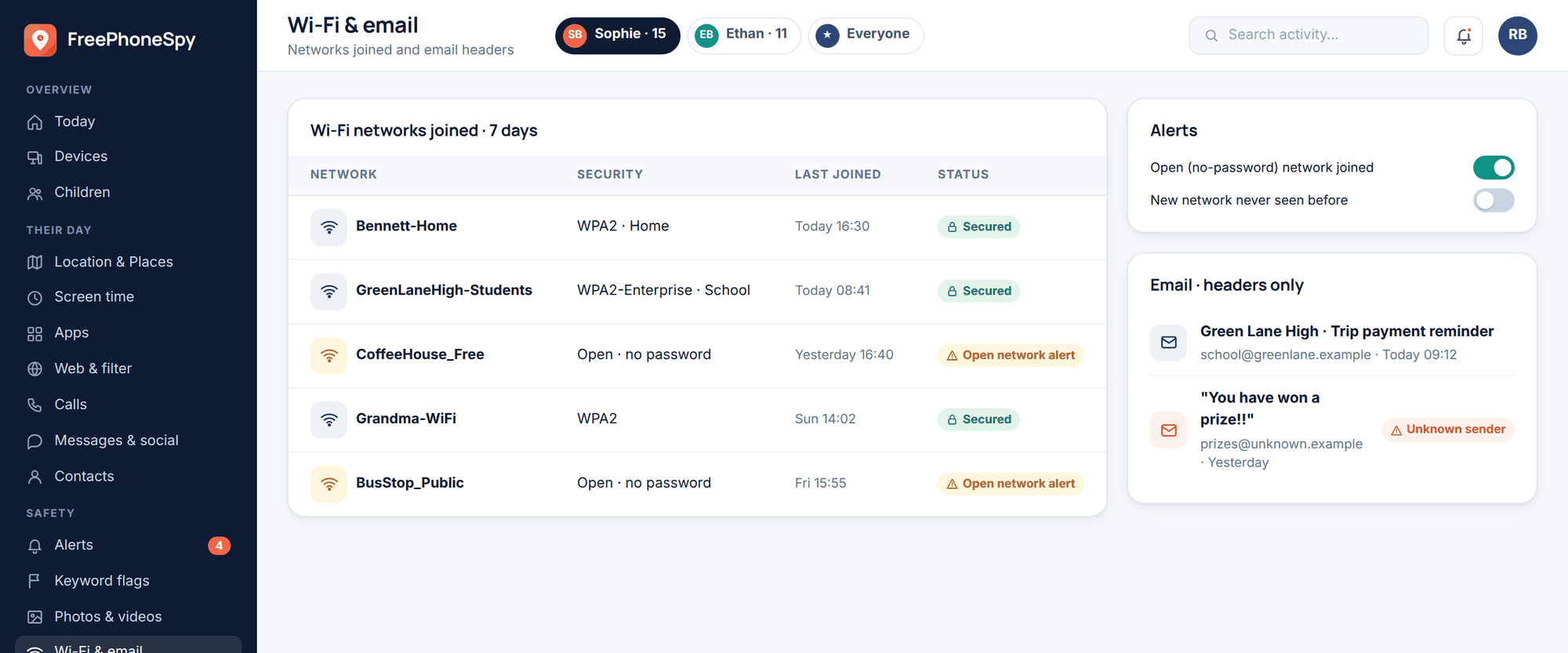
This is where a transparent monitoring tool fits, if you choose to use one. FreePhoneSpy is built to be set up together and stay visible to the child. It runs on Android, you view what it shares from any browser, and it’s free to start — so you can begin light and adjust as you go. The point of a tool like this isn’t to win a technical contest; you’d lose that eventually anyway. It’s to give a family an honest, shared picture that supports the conversations, on a phone where the child knows exactly what’s shared and why. The antidote to workarounds is openness, not stealth — a hidden tool just becomes one more thing to find and defeat.
Kids will keep finding gaps; that’s part of growing up with technology, and it doesn’t mean you’ve failed. What determines whether those gaps become a problem is far less about the strength of your settings than about whether your child feels they can be honest with you. Get that right, and the occasional workaround becomes a conversation instead of a crisis.
Should I punish my child for getting around the controls?
Usually not as a first move. A harsh punishment tends to teach concealment rather than honesty, and it frames you as the opponent. Start by finding out why they did it — often the control was outdated or the reason was harmless. Save firmer consequences for genuinely serious concealment, and even then pair them with a clear route back to trust.
Does finding a workaround mean the controls are useless?
No. Controls do a real job — stopping accidental stumbles, slowing impulsive choices, marking out what’s agreed — even though a determined teenager can eventually get around them. They were never meant to be unbreakable. Treat a workaround as a signal to update the setup and talk, not as proof the whole approach has failed.
My teen used a VPN to get past the web filter. What now?
Ask them about it calmly before doing anything else. Find out what they were trying to reach and whether the filter was blocking something reasonable. Then adjust the controls to fit their age, agree the new terms together, and reinforce that you’d rather they ask you than route around you. Simply adding a stricter filter usually just prompts a cleverer workaround.
How do I keep my parent PIN from being guessed?
Choose a code that isn’t a birthday or an obvious sequence, don’t type it where your child can watch, and keep it genuinely separate from anything they know. Many “how did they get past it?” cases come down to a passcode that was never really private. That said, a strong PIN is a guardrail, not a guarantee — the relationship still does the real work.
At what point should a workaround genuinely worry me?
When the effort is elaborate and deliberately hidden — a secret second phone, wiping the device to shed oversight — particularly if it comes with real shifts in mood, sleep, or secrecy about who they’re in contact with. That combination points to something underneath the workaround that needs attention. An ordinary teenager toggling the clock to stretch bedtime does not.
Every parent who uses controls eventually meets their limits, and it can feel like being outmanoeuvred by your own child. It isn’t, really. A workaround is information — about your child’s growing independence, about a rule that may have aged out, about curiosity or the pull of the group chat. Meet it with a question rather than a clampdown, adjust the guardrails to who your child is becoming, and keep the line home open. The families who stay safest online aren’t the ones with the tightest settings. They’re the ones where the child still comes to talk.