How to Spot a Phishing or Scam Text (Smishing)
Your phone buzzes. “Royal Mail: your parcel is held. Pay the £1.99 handling fee here.” There’s a link. For half a second you think about that thing you ordered last week — and that half-second is exactly what the scammer paid for. That’s smishing, and once you can name the trick, you stop falling for it. So does your kid.
What “smishing” actually is
Phishing is when someone pretends to be a person or company you trust to get something out of you. Smishing is phishing done by text message. The word is just “SMS” plus “phishing.”
The goal is always one of three things: get you to tap a link that leads to a fake login page, get you to hand over a code or password, or get you to send money (a “small fee,” a gift card, a crypto transfer). Everything else in the message — the logos, the tracking number, the friendly tone — is decoration around one of those three asks.
Text works better than email for this. A text feels personal. It lands on the lock screen. There’s no spam folder standing in the way, and most people read a text within minutes. Add a countdown — “act now or your account is closed” — and the scammer is betting you’ll tap before you think. That’s the whole game.
The scam texts you’ll actually get
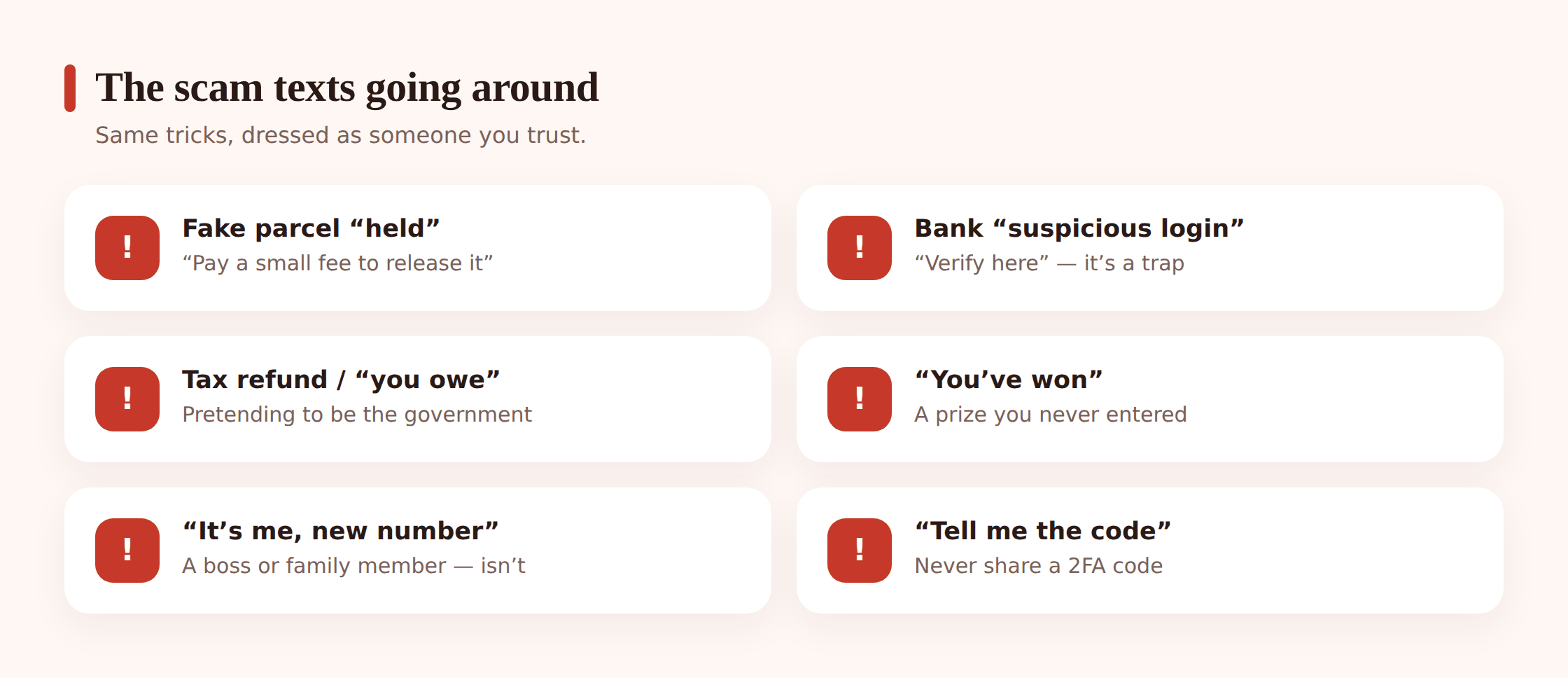
Scammers reuse a handful of scripts because they work. Here’s what they look like in real life.
The fake parcel. “DPD: we missed you. Redelivery requires a £1.45 fee: [link].” The fee is tiny on purpose — small enough that you don’t stop to question it, but the payment page harvests your full card details. Nobody charges you to receive a package you already paid postage on.
The bank or payment alert. “HSBC: a login from a new device was detected. If this wasn’t you, verify here: [link].” It’s designed to make your heart jump. The link goes to a page that looks exactly like your bank’s and quietly records your username and password as you type them.
Tax and government. “HMRC: you are due a refund of £312.40. Claim now: [link].” Or the darker version: “You owe unpaid tax. Legal action pending.” Real tax offices don’t text you a link to claim a refund or settle a debt.
“You’ve won.” A prize you never entered for — a gift card, an iPhone, a supermarket voucher. To “claim” it you pay postage or fill in a form with your details. You didn’t win. There was no draw.
The wrong number that gets friendly. “Hi Sarah, are we still on for lunch?” You reply that they’ve got the wrong number. They’re apologetic, chatty, warm. Over days or weeks it drifts toward romance, or a “great crypto tip.” This one is slow and patient, and it’s aimed at loneliness more than panic.
“It’s me, new number.” “Hi mum, I dropped my phone down the loo, this is my new number. Can you pay a bill for me? I’ll send you back.” No name that only your real kid would use, an urgent money ask, and a reason you can’t just call the old number. Same trick lands as a “boss” asking a new employee to buy gift cards.
The 2FA code request. You get a genuine verification code from a service — then a text: “This is [service] support, please read back the code we just sent to confirm your identity.” Nobody legitimate ever asks you to read back a code. That code is the key to your account, and they’re asking you to hand it over.
Subscription and renewal. “Your Netflix payment failed. Update your details to avoid suspension: [link].” Or a fake “your antivirus renews today for £299, call to cancel.” Fear of a charge pushes you to the fake page or phone number.
Delivery-driver reschedule. A newer twist: “Your driver couldn’t find your address. Confirm your location and card here to reschedule.” It borrows the feel of a real courier app to grab an address and card in one go.
The red flags that give it away
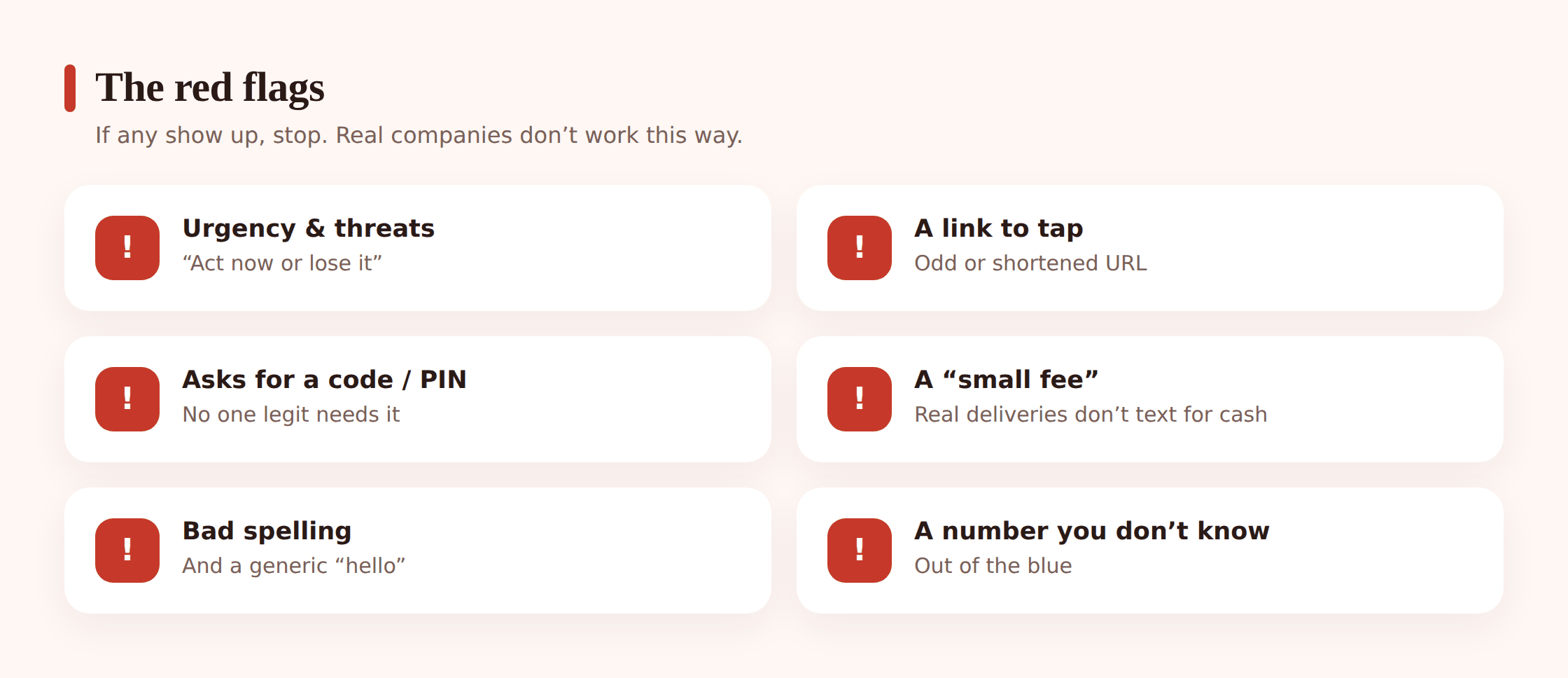
You don’t have to memorise every scam. Learn the flags, because the flags stay the same even when the story changes.
- Urgency and threats. “Act now,” “final notice,” “account will be closed,” “legal action.” Real organisations give you time. Pressure is the tell.
- A link to tap. Especially a shortened one (bit.ly, tinyurl) or an address that’s almost-but-not-quite right: royaImail.co (capital I for the L), hsbc-secure-verify.com, amazon.delivery-track.net.
- Asking for a password, PIN or 2FA code. No bank, courier, or company will ever ask for these by text. Ever. This one is close to a guarantee.
- A payment or “small fee.” Especially by card on a linked page, or by gift card. Gift cards are the scammer’s favourite because they can’t be reversed.
- A generic greeting. “Dear customer,” “Dear user,” or no name at all. Your real bank knows your name.
- Spelling and grammar that’s off. Odd capital letters, missing words, a stilted tone. Not always — some are polished — but sloppiness is a giveaway.
- A number you don’t recognise, or a message that claims to be from someone you know but comes from a “new number.”
- “Don’t tell anyone.” Any message that wants secrecy is protecting the scammer, not you.
The golden rules to teach kids (and yourself)
These are short on purpose. A rule your kid can’t repeat back to you isn’t a rule they’ll use at a bus stop when a “you’ve won 1,000 free coins” text lands. Keep them simple and say them out loud together.
- Never tap links in unexpected texts. Not to check, not “just to see.” The tap is the trap.
- Never share a login or a 2FA code with anyone. Not a friend, not “support,” not someone claiming to be family. Codes are private, always.
- Banks, couriers and government don’t ask for details by text link. If a message says they do, the message is fake.
- When in doubt, go there yourself. Worried about a parcel or a bank alert? Open the official app or type the website in yourself. Never use the link in the text.
- Check with a grown-up. For younger kids, this is the whole strategy. “If a text is weird or scary or too good to be true, show me first.”
That fourth rule — go there yourself — is the one that quietly defeats most smishing. The scammer’s entire plan depends on you using their link. Take that away and there’s nothing left. If you’re building broader habits at home, this fits naturally alongside how you talk to kids about online safety and teaching them to question what they read online.
What to do with a scam text
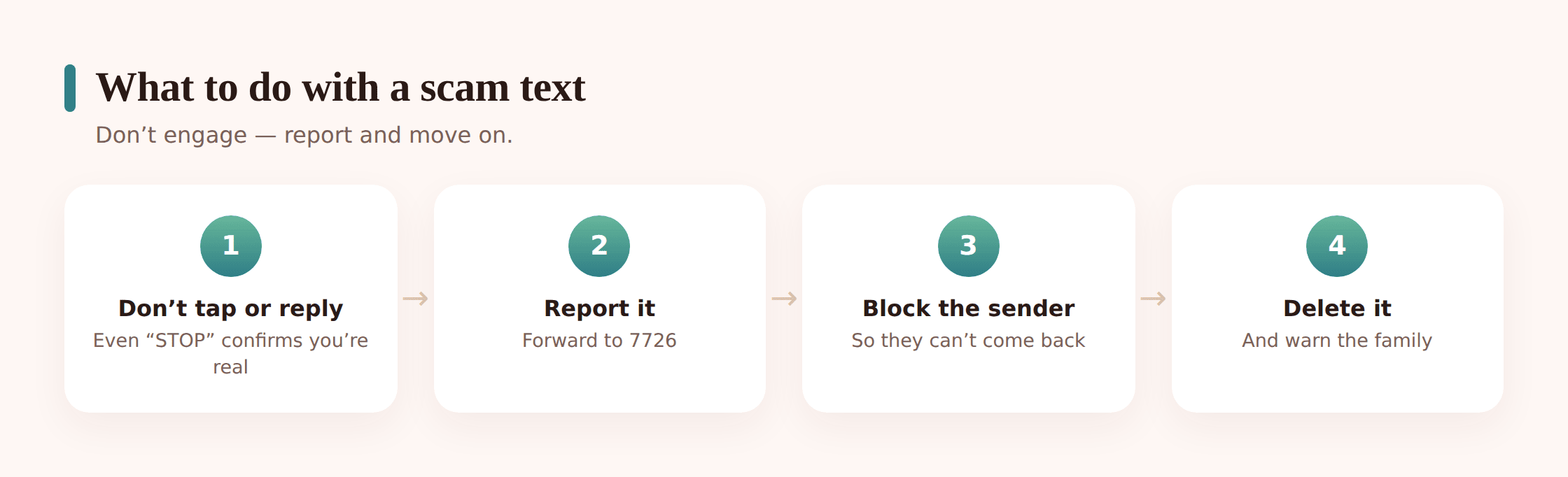
Step 1 — Don’t tap.
Not the link, not any button, not “unsubscribe.” Tapping can load a fake page or confirm your number is live.
Step 2 — Don’t reply.
Even replying “STOP” tells some scammers that a real person reads this number, which puts you on more lists. Silence is the right move.
Step 3 — Screenshot it, if it’s useful.
Handy if you want to report it or show your kid a real example later. Skip this if it just means keeping the thing around.
Step 4 — Report it.
Forward the text to 7726 (it spells “SPAM” on the keypad) — that’s the free spam-reporting number in the UK, US and many other countries. Your messaging app also has a “report junk” or “report spam” option. And you can tell the real company being impersonated; most banks and couriers have a “report a scam” page.
Step 5 — Block the sender.
Long-press the message or open the contact and choose block. It won’t stop every scammer (they cycle through numbers), but it clears this one.
Step 6 — Delete it.
Once you’ve reported and blocked, delete it so nobody in the house taps it by accident later.
If you already tapped or shared a code
It happens to careful people. Don’t spiral — move fast and calmly.
- Change your passwords for anything you may have entered — and turn on two-factor authentication — from a different, safe device, not the phone you’re worried about.
- Call your bank if you entered card or banking details, or if you sent any money. Use the number on the back of your card, not any number from the text. Ask them to watch the account and, if needed, freeze the card.
- Watch for follow-ups. Scammers who get one hook in often come back as “fraud support here to help” — a second scam aimed at the people the first one worked on. Treat any new “we’re helping you recover” message as suspicious too.
Kids and smishing
Kids get scam texts too, and they’re often tuned for them: “Free 5,000 V-Bucks, claim in 10 minutes,” “your Roblox account will be deleted, verify here,” “you’ve been picked for a free phone.” The urgency and the freebie hit a kid harder than a fake tax refund ever would.
The defence is the same as it is for you: the golden rules above, said often, plus an open door. Make it clear that showing you a weird message is always the right call and never gets them in trouble. A kid who’s afraid of losing their phone will hide the text and maybe tap the link alone. A kid who knows you’ll help will show you. That difference is the whole ballgame — and it’s the same trust that protects them from fake profiles and catfishing and the wider world of scams that specifically target kids.
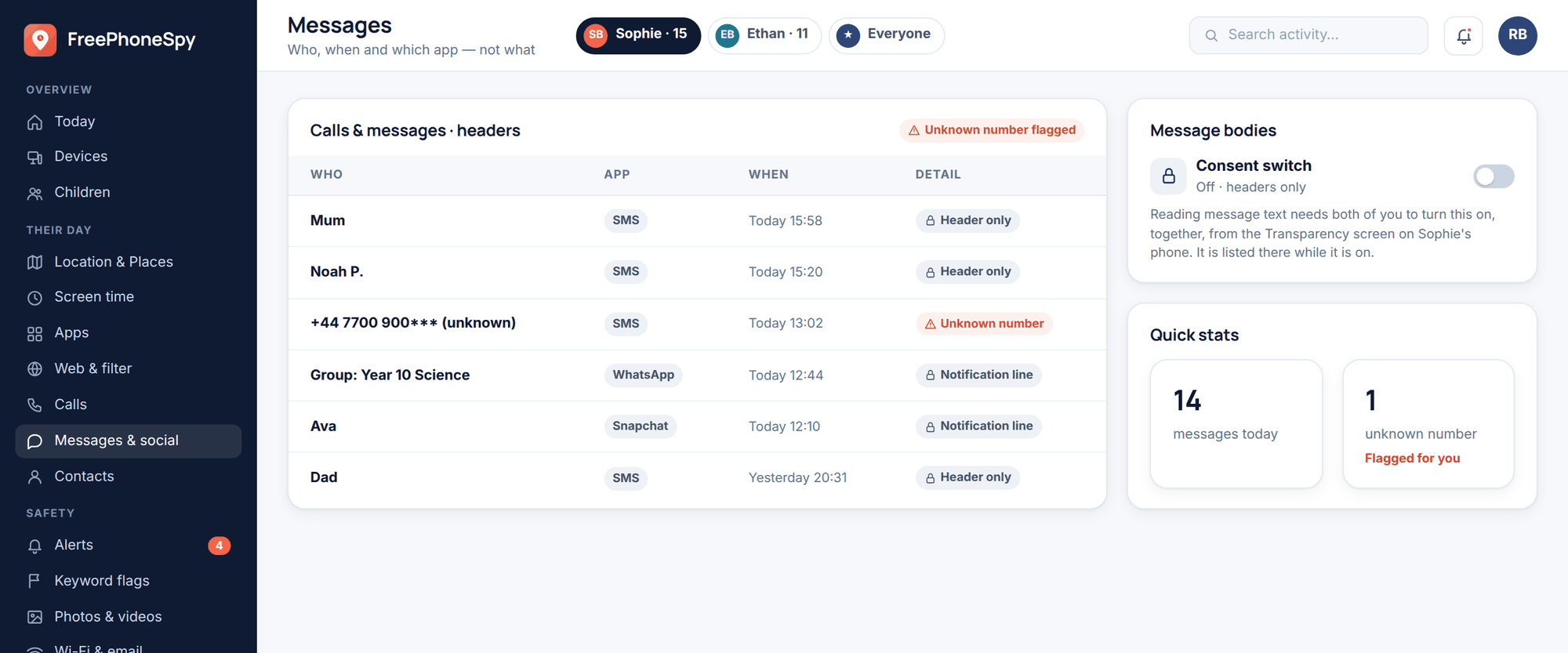
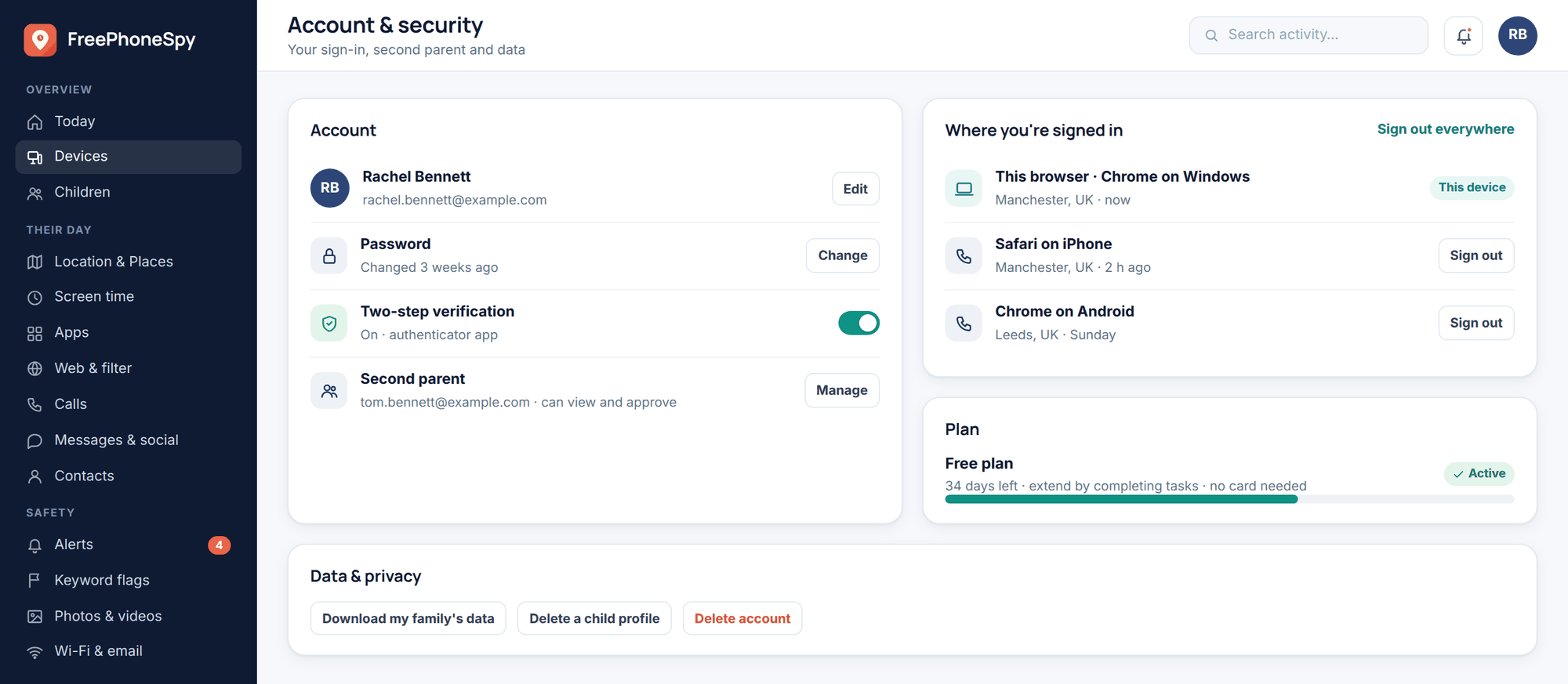
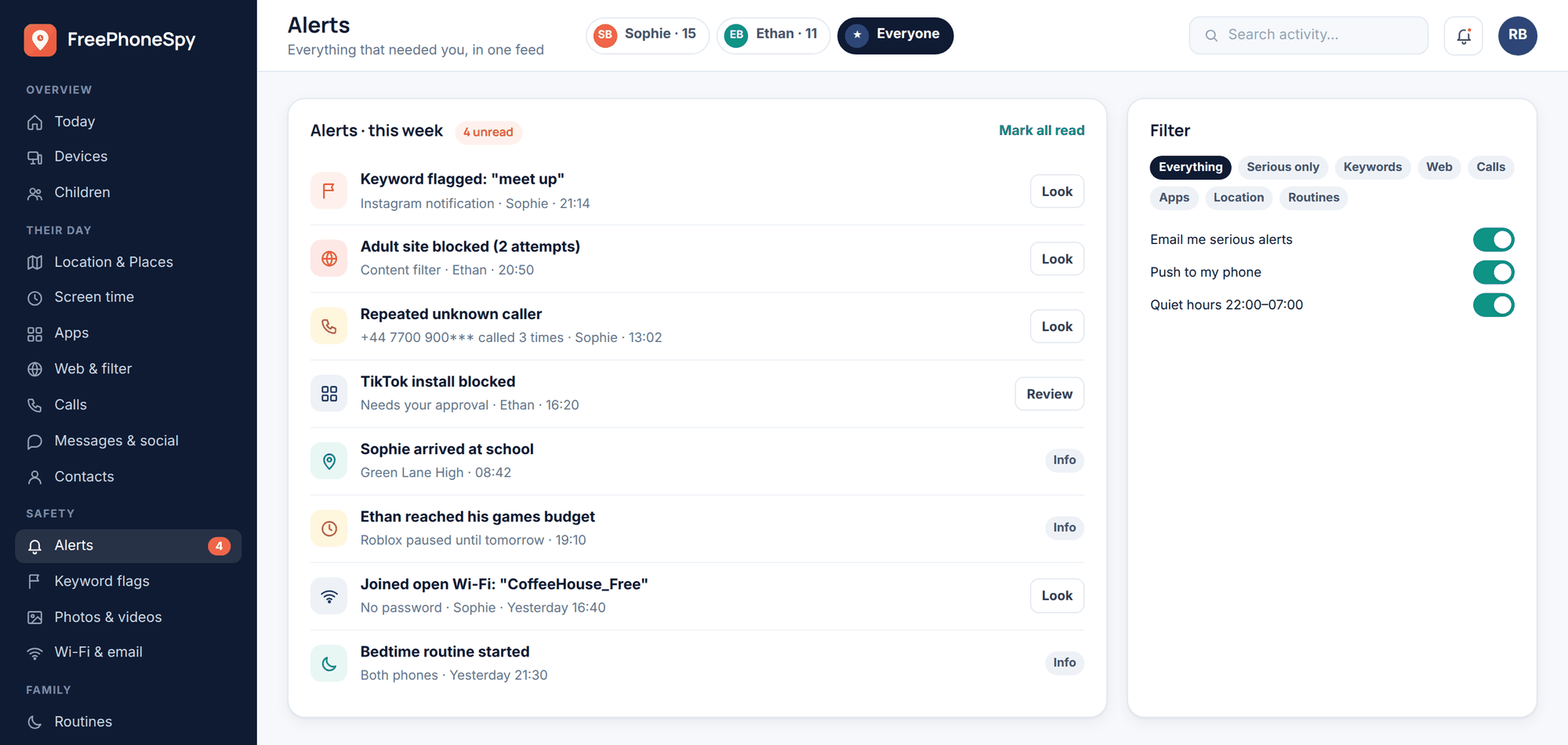
Tools can back you up a little here, and it’s worth being honest about how little. FreePhoneSpy is transparent parental monitoring for an Android phone your child knows is monitored, viewed through a web panel. Two features touch on smishing: a keyword alert can flag worrying words — “gift card,” “send money,” “password” — turning up in a message or notification, and a content filter blocks many known phishing sites if a link does get tapped. Neither one reads a scammer’s mind, and neither replaces the conversation. Think of them as a smoke alarm: useful, but you still teach the family not to leave the pan on.
How to get fewer of them
You can’t stop scam texts entirely, but you can turn the tap down.
- Don’t post your number publicly. Not on social profiles, not in comments, not on a “for sale” listing where it sits in plain text. Scrapers collect these.
- Turn on spam filtering and, on both Android and iPhone, “silence unknown senders.” Unknown numbers still come through, just quietly, so a scam text can’t demand your attention on the lock screen.
- Register with a do-not-contact service if your country has one (the Telephone Preference Service in the UK, for example). It won’t stop criminals, but it cuts the legal junk so the scams stand out more.
- Keep the phone updated. Software updates patch the holes that malicious links try to use. Turn on automatic updates and forget about it.
The 20-second “is this a scam?” checklist
Next time a text makes your stomach drop, run it through this before you do anything.
- Is it urgent or threatening? Scammers rush you.
- Is there a link, and does the address look even slightly off?
- Is it asking for a password, PIN or code? Nobody legitimate does.
- Does it want a payment or a small fee, especially a gift card?
- Is the greeting generic and the number unfamiliar?
- Could you check this another way — the official app or site, or by calling a number you already trust?
Two or more yeses? Treat it as a scam. Don’t tap, don’t reply, report it, block, delete. When it’s genuinely your bank or a real parcel, you lose nothing by going to the official app directly — the real thing will still be there.
FAQ
Is it dangerous just to open a scam text?
Opening and reading it is almost always fine. The danger is in tapping the link, replying, or entering details. Read it, then follow the steps above.
Why shouldn’t I reply “STOP” to make them go away?
Legitimate marketing texts honour “STOP.” Scammers don’t — to them, any reply just confirms a real person is on the other end, and your number gets sold to more of them. Report and block instead.
How do scammers get my number in the first place?
Data breaches, numbers posted publicly, marketing lists, and plain guessing — some just dial through blocks of numbers. It usually isn’t personal, which is why the messages are generic.
My kid gets these on a phone I monitor. Won’t the app catch them all?
It helps a little — a keyword alert might flag “gift card” or “send money,” and the content filter blocks many known phishing sites. But no tool spots every new scam. The real protection is teaching the rules and keeping the door open so your kid shows you anything odd.
What number do I forward a scam text to?
In the UK, US, and many other countries, forward it free to 7726. Your messaging app also has a “report junk” option, and you can report to the company being impersonated directly.
My child is on an iPhone — does FreePhoneSpy help?
FreePhoneSpy monitors Android child phones. For an iPhone, use Apple’s own tools — Screen Time and Family Sharing — for filtering and oversight. The smishing lessons in this article work on any phone.