Screen Time & Kids’ Physical Health: Eyes, Posture & Movement
Most worry about screen time is about the mind — attention, mood, what all that scrolling does to a growing brain. This piece is about the body instead. The eyes that ache after a long session, the neck bent over a phone, the hours a kid sits still that they used to spend running around. None of it is a crisis. Almost all of it is fixable with a few boring habits. Here’s what’s real, what’s overblown, and what actually helps.
The honest version
Let’s set the tone before anything else. Screens do not “damage” a healthy child’s eyes in the way sun damages skin. A phone won’t wear out a neck or wreck a spine. The physical effects of screen time are mostly about strain and habit — muscles held in one position too long, eyes focused up close for hours without a break, a body that sits when it could move. Those things are real, they cause genuine aches and tired eyes, and left unchecked over years some of them nudge a child’s development in unhelpful directions. But they respond fast to small changes. That’s the whole story in one paragraph.
So this isn’t a scare piece. It’s a maintenance manual. If your child spends a fair chunk of the day on a screen — for school, for games, for chatting to friends — a handful of habits keep the physical costs low. You don’t have to police every minute. You mostly have to build in breaks, get the setup right, and protect time outdoors and time moving.
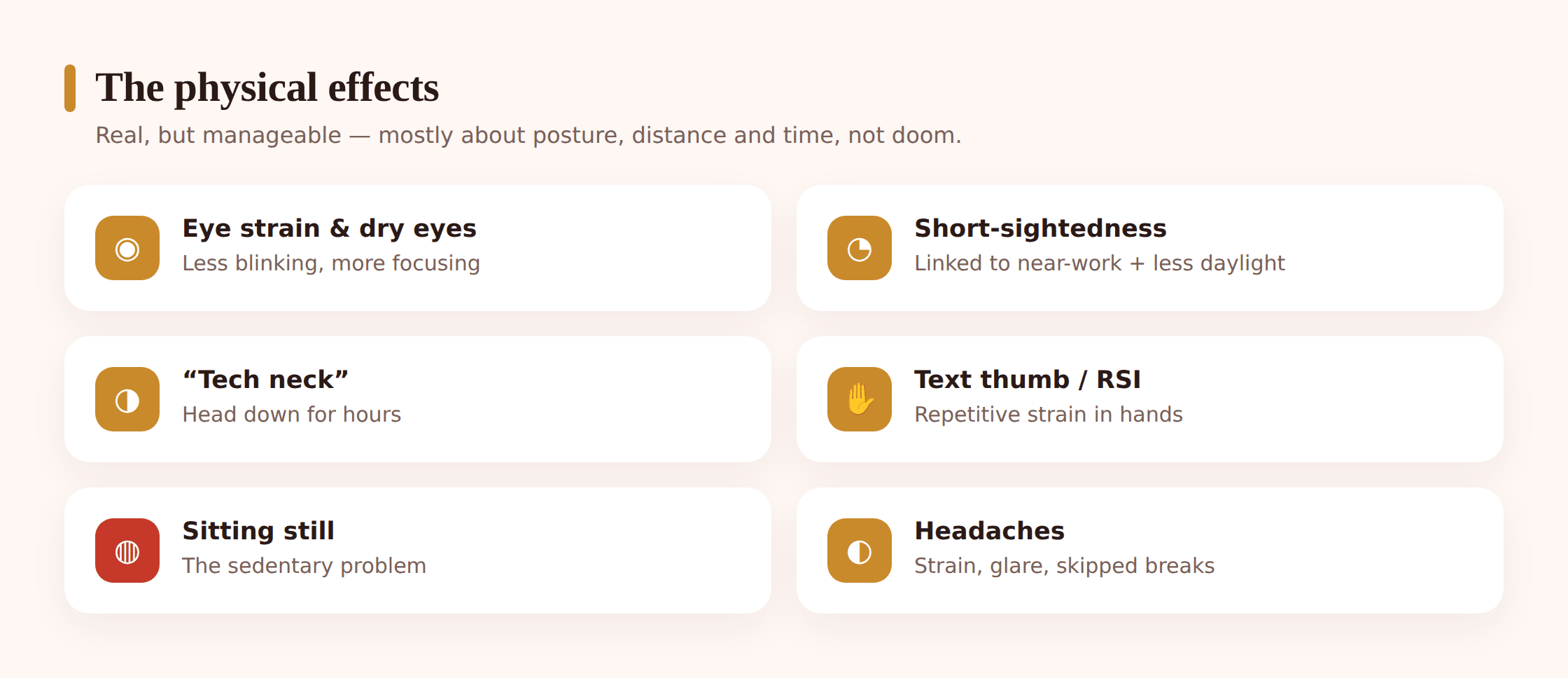
None of these deserve panic on their own. Together they add up to a kid who feels a bit worse than they need to — and a few tweaks that make them feel better. If mood, sleep or self-esteem are what’s really on your mind, those live in separate pieces: sleep & screens and teen mental health. This one stays on the body.
Eyes: strain, dryness and the myopia question
Start with the most common complaint: tired, gritty, aching eyes after a long screen session. Optometrists call it digital eye strain. It’s uncomfortable but temporary, and it comes from two things.
The first is focus. Looking at something up close makes the muscles inside your eye work to hold that near focus. Do it for a few minutes and you don’t notice. Do it for two hours without looking away and those muscles get tired, the same way your arm gets tired holding a bag. The eyes feel strained because they literally have been.
The second is blinking, or rather not blinking. People blink far less when they stare at a screen — concentration cuts the blink rate down. Blinking is what spreads tears across the eye and keeps it moist, so fewer blinks means drier eyes. That’s the gritty, scratchy, slightly sore feeling. It’s why a child glued to a game can end up rubbing their eyes without realising why.
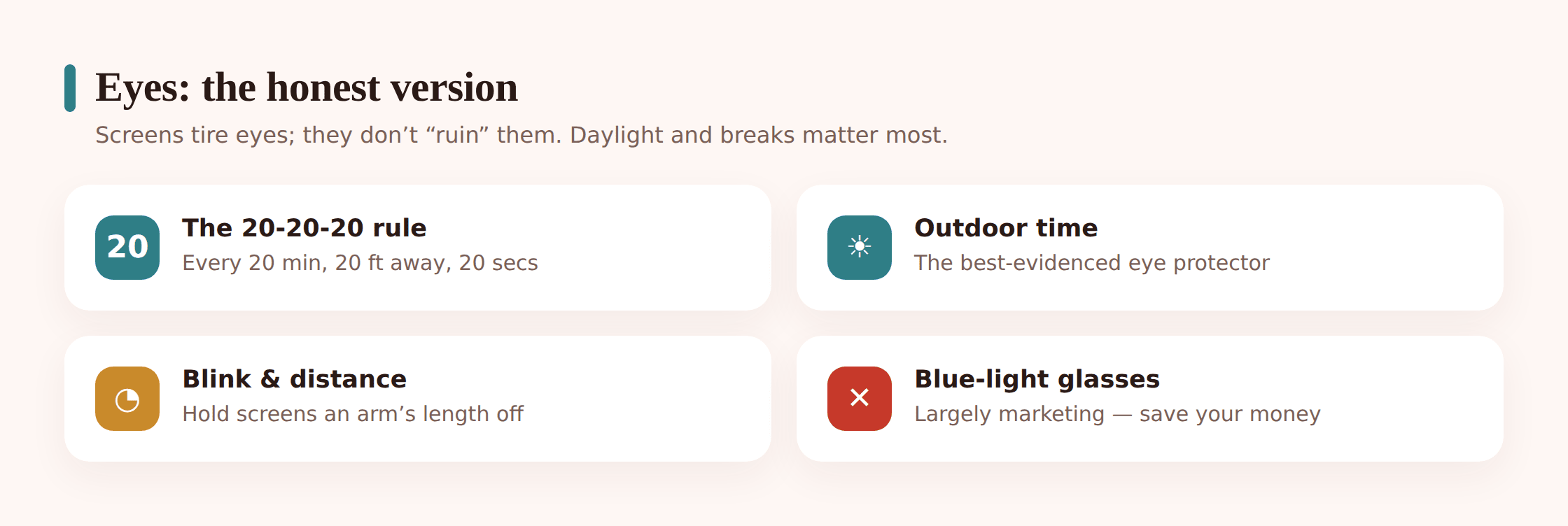
The 20-20-20 rule
Here’s the one habit worth teaching by name. Every 20 minutes, look at something about 20 feet away for about 20 seconds. Out of a window is perfect. That short far-focus break lets the eye’s focusing muscles relax, and glancing up naturally makes a child blink a few times, which re-wets the eye.
You don’t need a stopwatch. Tie it to natural breaks — the end of a level, a new video, the next chapter. The point isn’t military precision. It’s simply that eyes shouldn’t be locked at one close distance for an hour straight. Any regular pause to look far away does the job.
The myopia link — worth understanding properly
Short-sightedness (myopia) is becoming more common in children across a lot of the world, and screens get blamed. The picture is more interesting than the headline. Researchers link rising myopia to two things: a lot of prolonged close-up work (near-work), and — this is the big one — less time spent outdoors.
Note that “screens” isn’t really the variable. Reading print books up close for hours does much the same near-work. What seems to matter most is the balance: children who spend more time outside in daylight are less likely to become short-sighted, and the leading theory is that bright natural light plays a role in how the eyeball grows during childhood. So the useful takeaway isn’t “screens ruin eyes.” It’s “long stretches of near-focus plus not enough daylight are the pattern to avoid.”
That reframes the fix in a much friendlier way. You don’t have to fight the screen so hard if you’re winning on daylight. Time outside — properly outside, not just by a window — is one of the best things you can do for a child’s developing eyes, and it happens to help sleep, mood and fitness too. Aim for a good chunk of outdoor time every day and you’ve addressed the strongest myopia lever there is.
The truth about blue light
You’ll have seen blue-light glasses marketed hard, often aimed at parents. Here’s the honest position, because it saves money and stops you worrying about the wrong thing.
The evidence that blue-light-filtering glasses reduce eye strain or protect the eyes is weak. Well-run reviews have found little to no benefit for comfort, and no good evidence they prevent any eye damage. The eye strain a child feels from screens comes from the near-focus and the reduced blinking described above — not from the colour of the light. Filtering blue light doesn’t change how hard the focusing muscles work or how often your child blinks, so it doesn’t touch the actual causes.
Where blue light genuinely matters is timing. Bright, blue-ish light in the evening does nudge the body clock and delay sleep — but that’s a sleep issue, not an eye-health issue, and the fix is putting the screen away before bed rather than tinting it. If that’s your concern, the full explanation is in sleep & screens.
So: don’t spend money on blue-light glasses expecting healthier eyes. If your child likes how a warm “night mode” screen looks in the evening, fine, it’s harmless. But the things that actually help eyes are breaks, distance, blinking and daylight — not a coating on a lens.
Posture, tech neck and text thumb
Now the frame and levers. Watch a kid on a phone and you’ll usually see the same shape: head dropped forward, shoulders rounded, spine curled into a C. Hold that for long enough and the neck and upper back complain. People call it “tech neck.” It’s not an injury, it’s a strain — muscles working overtime to hold a heavy head out of its balanced position. A head weighs a fair bit, and the further forward it tips, the harder the neck has to pull to hold it up.
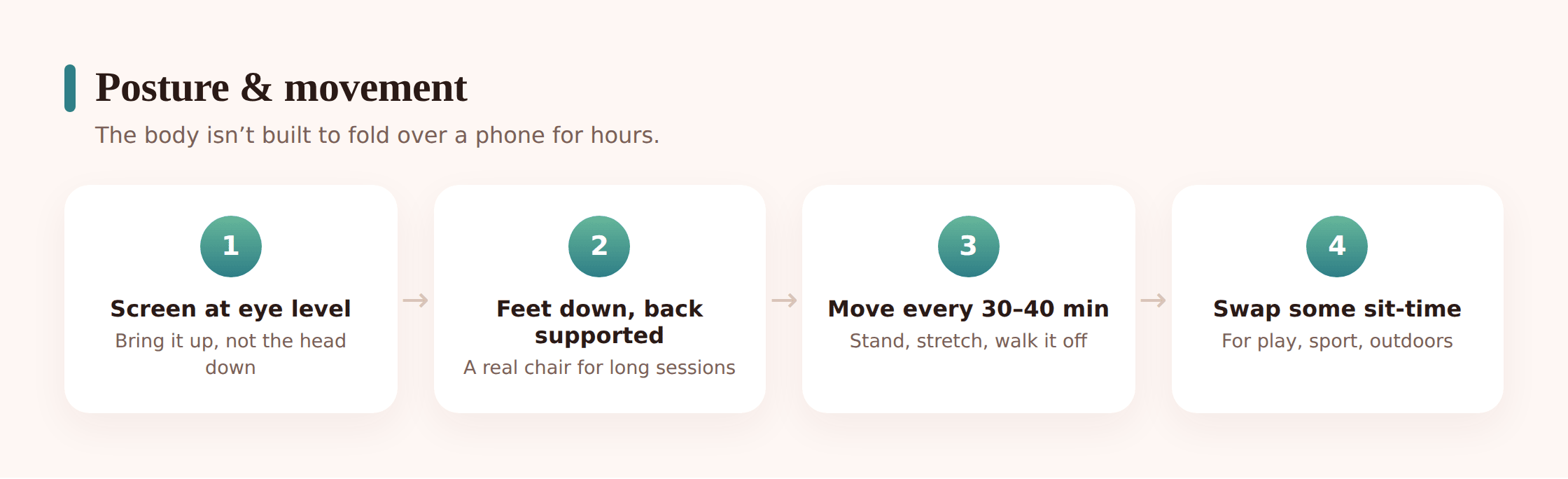
The single biggest fix is screen height. When the phone or tablet is down in the lap, the head has to drop to see it. Raise the device — hold it higher, prop a tablet on a stand, put a laptop on a proper table rather than an actual lap — and the head comes back over the shoulders where it belongs. You can’t keep perfect posture for hours, and you don’t need to. You just want the default position to be less extreme, and regular breaks to unfold from it.
“Text thumb” and repetitive strain are the other side of it. Thumbs weren’t designed for hours of fast typing and tapping, and some kids do get sore, aching thumbs and wrists from heavy gaming or messaging. It’s the repetition that does it — the same small movement thousands of times. The answer is the same as everywhere else on this page: breaks. Stop, shake the hands out, stretch the fingers, do something else for a bit. Persistent pain in a thumb, wrist or hand is worth a GP visit, but most of it eases once the marathon sessions get broken up.
The sitting-still problem
Here’s the effect that probably matters most over the long run, and it’s the quietest one. A screen is sedentary by default. Every hour spent sitting with a device is an hour not spent running, climbing, kicking a ball or just fidgeting about. The harm isn’t the screen itself — it’s the movement it replaces. Children’s bodies are built to move a lot, and the strength, coordination and fitness they build in childhood come from all that activity.
You don’t fight this by shrinking screen time to nothing. You fight it by protecting movement. If a child gets plenty of active play and then spends time on a screen, that’s a very different situation from a child who does neither and sits all day. The goal is a body that moves enough, not a phone that’s banned.
Practical moves: make some screen time active where you can — a dance game, something that gets them off the sofa. Break up long sessions with a reason to stand — a snack, a chore, walking the dog, a quick errand. And guard the genuinely active stuff: outdoor play, sport, cycling, walking to school. Those aren’t just fitness; they’re the counterweight to a screen-heavy day, and they double as the daylight your child’s eyes want anyway.
Headaches
Screen headaches are common in kids and usually come from a stack of small things rather than one big cause. Eye strain from long near-focus. Squinting at a screen that’s too bright, too dim, or has glare on it. A hunched neck feeding tension up into the head. Skipped meals and skipped water during a long gaming session. Sometimes an uncorrected vision problem making the eyes work harder than they should.
Work through the obvious ones first. Is the room lit sensibly, with no glare bouncing off the screen? Is the brightness comfortable rather than blazing? Are they taking breaks, drinking water, eating? Fix those and most screen headaches fade. If a child gets frequent or bad headaches despite decent habits, that’s an eye test and possibly a GP visit — recurring headaches are exactly the kind of thing worth getting checked rather than guessing at.
Habits that protect a young body
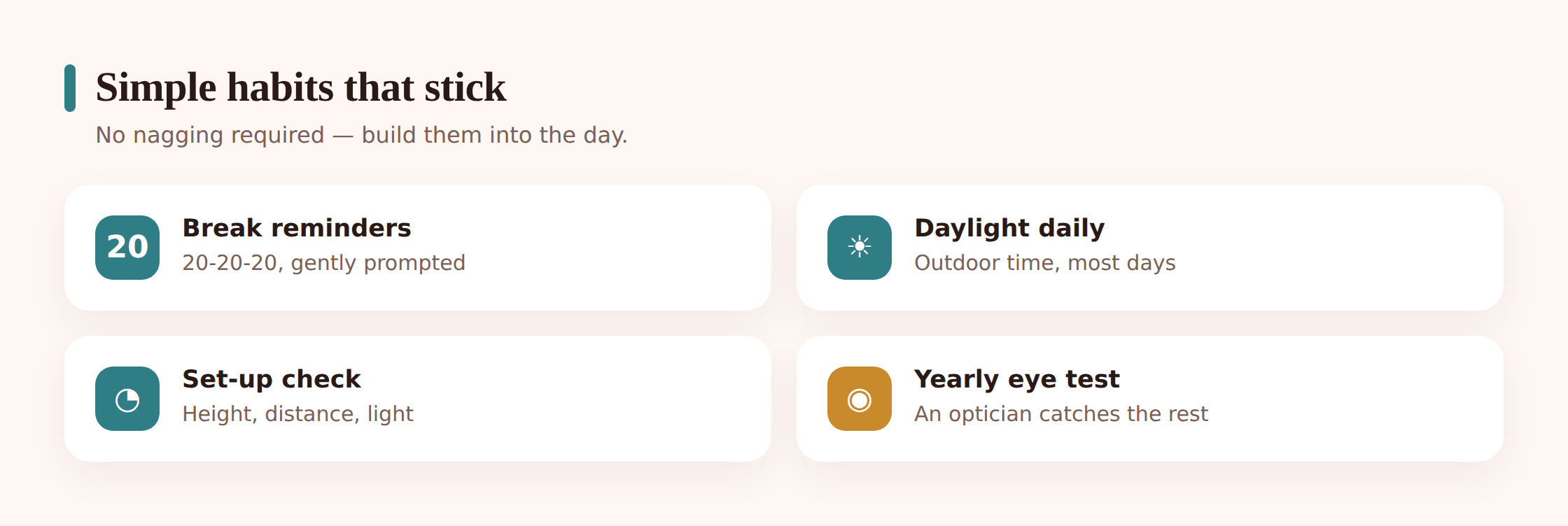
None of this needs a rulebook. It needs a few defaults that become normal. Here’s what actually moves the needle, in rough order of payoff.
Get them outside every day
This is the big one, so it’s first. Daily outdoor time in daylight is the strongest lever you have — good for eyes (the myopia link), for movement, and for sleep. It doesn’t have to be exercise. Walking to school, playing in the garden, mucking about at the park all count. If you fix one thing on this list, fix this.
Build breaks into long sessions
Teach the 20-20-20 idea for eyes, and add a stand-up-and-move break every half hour or so for the neck, back and thumbs. Tie breaks to natural stopping points rather than a timer where you can. The aim is simply that no body part stays frozen in one position for an hour straight.
Fix the setup: distance and height
Screens want to be about an arm’s length away, and up near eye level rather than dropped into the lap. A tablet stand, a laptop on a table, a phone held higher — small changes that stop the head tipping forward. Sort out glare and brightness too, so eyes aren’t fighting the light.
Make some of the time active
Where you can, swap some sit-still screen time for the kind that moves them — active games, or screen time that’s a reward after they’ve been out and about. And protect the non-screen active stuff fiercely: sport, cycling, outdoor play. That’s the counterweight.
Book a yearly eye test
Regular eye tests catch short-sightedness early, and children’s eye tests are often free. If a child squints, sits too close to the TV, holds things right up to their face or gets frequent headaches, don’t wait for the yearly slot — book one. Genuine vision problems are fixable, and glasses that are actually needed make a real difference.
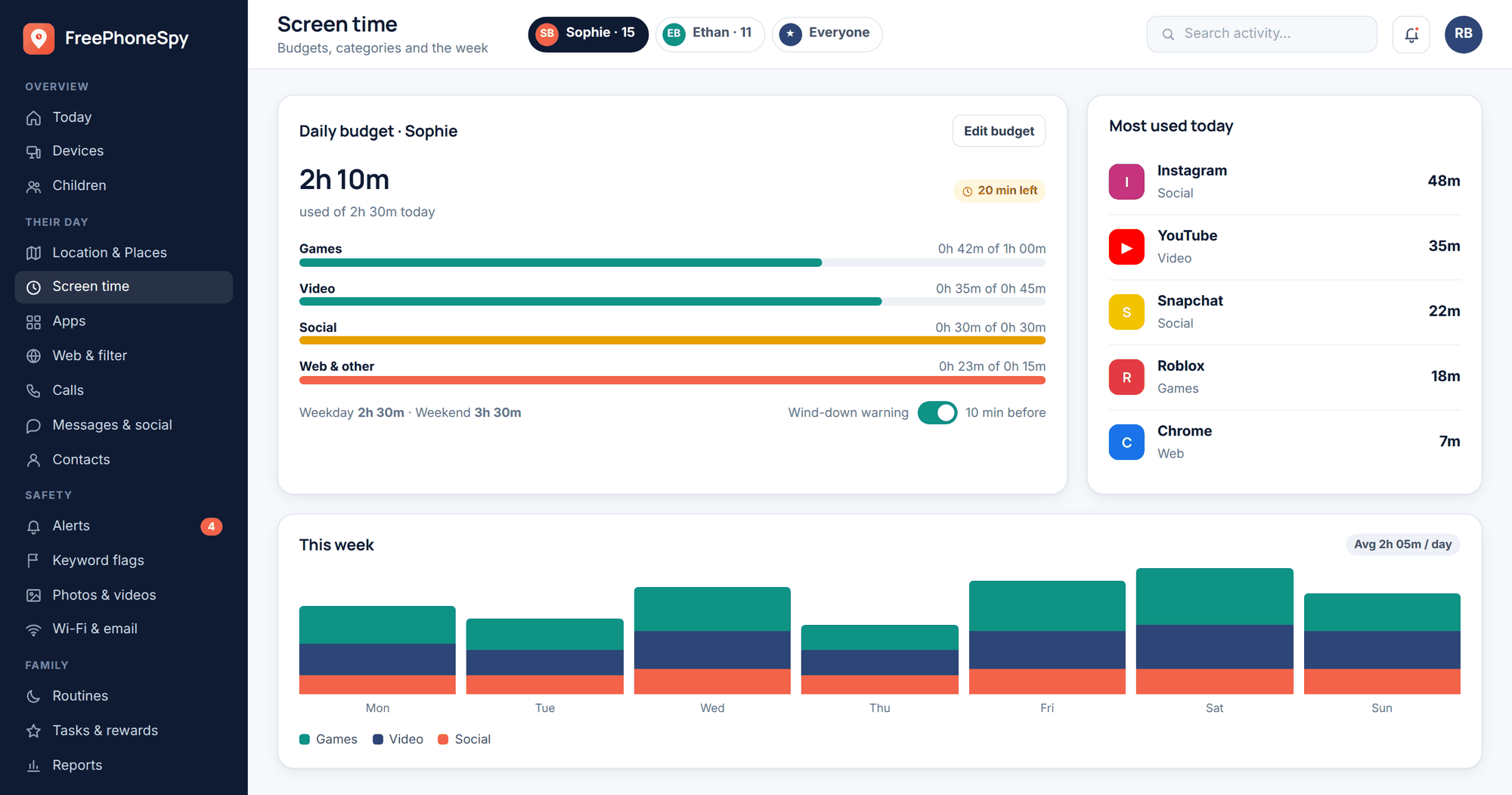
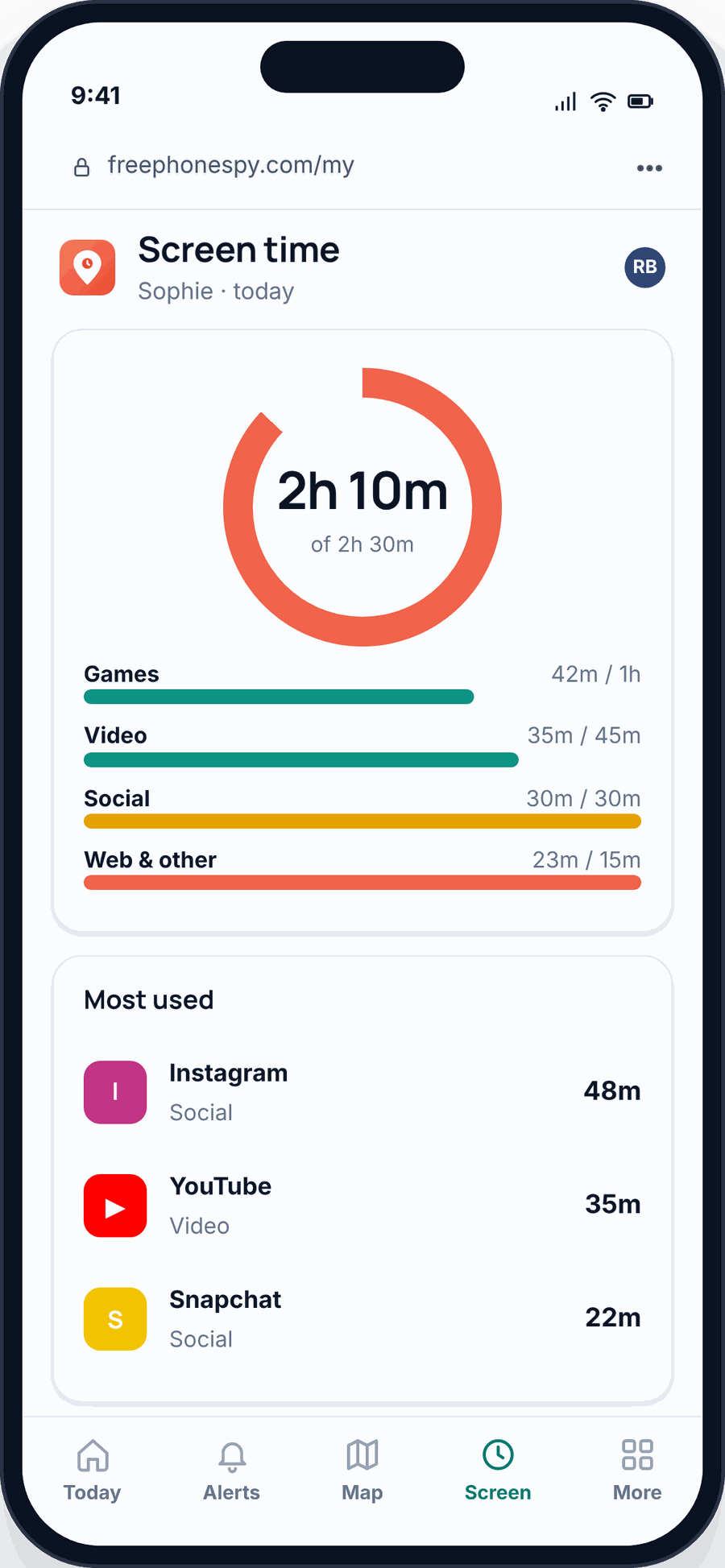
Reminders help these stick without turning into nagging. If your family already uses shared digital wellbeing tools, an open, agreed prompt — a gentle “time to look away and stretch” that everyone knows about — beats you calling up the stairs for the fifth time. FreePhoneSpy can send that kind of break or limit reminder as something you set up together and out in the open, not as a secret watching over their shoulder. The habit does the work; the tool just nudges.
A quick checklist
- Daily time outdoors in daylight — the best single thing for young eyes and bodies.
- The 20-20-20 rule for eyes: every 20 minutes, look ~20 feet away for ~20 seconds.
- Stand-up movement breaks in long sessions — good for neck, back and thumbs.
- Screen about an arm’s length away and up near eye level, not dropped in the lap.
- Sensible room lighting, no glare, comfortable brightness.
- Active play and sport protected as the counterweight to sit-still screen time.
- Water and food during long gaming sessions to head off headaches.
- A yearly eye test — sooner if they squint, sit too close, or get frequent headaches.
- Skip the blue-light glasses; spend the effort on breaks and daylight instead.
When to see an optician or GP
Most of the aches on this page ease on their own once habits improve, but some things deserve a professional. See an optician if a child squints, holds screens or books very close, sits right up to the TV, complains of blurry vision, or gets frequent headaches — any of those can point to short-sightedness that a proper eye test will catch. See a GP for persistent pain in a thumb, wrist, neck or back that doesn’t settle with breaks, or for headaches that keep coming back despite good habits. None of this page is medical advice. When something feels off, get it checked rather than guessing.
FAQ
Do screens actually damage kids’ eyes?
Not in the sense of permanent damage from a healthy child using a screen. What screens cause is temporary strain — tired, dry, achy eyes from long near-focus and reduced blinking — which clears up with breaks. The one longer-term concern is short-sightedness, and that’s linked more to prolonged near-work of any kind plus not enough daylight than to screens specifically.
Do blue-light glasses work?
The evidence says largely no. Good reviews have found little to no benefit for eye strain or comfort, and no proof they protect the eyes. The strain kids feel comes from focusing up close and blinking less, which blue-light lenses don’t change. Blue light does matter for evening sleep, but the fix there is putting the screen down before bed, not wearing tinted glasses.
What’s the 20-20-20 rule?
Every 20 minutes of screen time, look at something about 20 feet away for about 20 seconds. It rests the eye’s focusing muscles and prompts a few blinks to re-wet the eye. It’s the simplest eye habit to teach, and you can tie it to natural breaks rather than watching a clock.
Is tech neck permanent?
No. “Tech neck” is muscle strain from holding the head bent forward, not structural damage. It eases when the head comes back over the shoulders — mostly a matter of raising the screen towards eye level and taking breaks to unbend. Ongoing neck or back pain that doesn’t settle is worth a GP visit.
How much outdoor time should my child get?
As much as you can reasonably manage, ideally some every day. There’s no magic number, but more daylight is consistently linked to lower rates of short-sightedness in children, and it delivers movement and better sleep as a bonus. It doesn’t need to be exercise — walking, playing and pottering about outside all count.
My child gets headaches after gaming — what should I check first?
Lighting and glare, screen brightness, whether they’re taking breaks, and whether they’ve had water and food during the session. Fixing those clears most screen headaches. If they keep coming back despite decent habits, book an eye test and speak to a GP — recurring headaches are worth checking rather than living with.