QR Code Scams (Quishing): What Families Should Know
A QR code is just a picture of a web link. Point your camera at it and your phone offers to open that link — but the picture gives you no clue where it leads. That gap, between the harmless-looking square and the address hiding inside it, is the whole reason scammers have fallen in love with QR codes. The trick even has a name now: “quishing,” short for QR-code phishing. It sounds technical. It isn’t. Once your family understands the one thing a QR code actually does, spotting the scams gets a lot easier.
What a QR code actually does
Strip away the mystique and a QR code is nothing more than a machine-readable way of writing something down — most often a web address. When your camera reads the pattern of squares, it decodes the text stored inside and, if that text is a link, offers to open it. That’s it. The code itself isn’t a program, it can’t reach into your phone on its own, and scanning one is not the same as being hacked.
The problem is what you can’t do. You can read a printed link with your own eyes and decide whether “yourbank.com” looks right. You cannot read a QR code with your eyes at all. It’s a scramble of black and white to you, and completely legible to the phone. So you’re trusting the phone to take you somewhere without ever seeing the destination yourself first. Scammers live in exactly that blind spot.
Here’s the reassuring flip side, and it runs through this whole guide. A QR code can only ever suggest a link. It can’t force your phone to do anything, it can’t take your money by itself, and it can’t steal a password you never type. Every scam below needs a second step from you after the scan — visiting a fake page, entering details, approving a payment. Learn to pause at that second step and the code loses its bite.
Why quishing works
QR codes went from novelty to everyday almost overnight. Menus, parking, event tickets, payment, package tracking, Wi-Fi logins — pointing your camera at a square is now such an ordinary reflex that most people do it without a flicker of thought. Scammers didn’t create that habit. They just noticed it and moved in.
A few things stack up to make quishing effective. The destination is hidden, so the usual “does this link look dodgy?” check simply can’t happen at a glance. Phones are eager — many camera apps pop up a tappable link the moment they see a code, and a quick tap feels like nothing. The context usually looks legitimate, because the code is stuck somewhere you’d expect one: a parking meter, a restaurant table, a poster. And there’s the plain human pull of curiosity — a code that promises a prize or a discount is hard to leave un-scanned.
On top of all that, a QR code slips past defences that would catch a bad link elsewhere. Email spam filters scan text and web addresses, but a code is an image, so a phishing message can hide its link inside a picture and sail through. And people are simply less suspicious of a physical square on a wall than of a link texted by a stranger. It’s the same underlying trick as a scam message — our guide to spotting a phishing or scam text covers that cousin — but wearing a friendlier, more physical disguise.
The scams, one by one
People say “QR code scam” as if it’s one thing. It isn’t. Knowing the specific shapes makes them far easier to catch in the wild, when you’re standing at a parking meter in the rain and just want to get on with your day. That distracted, in-a-hurry moment is precisely when these work best.
Fake stickers over real codes
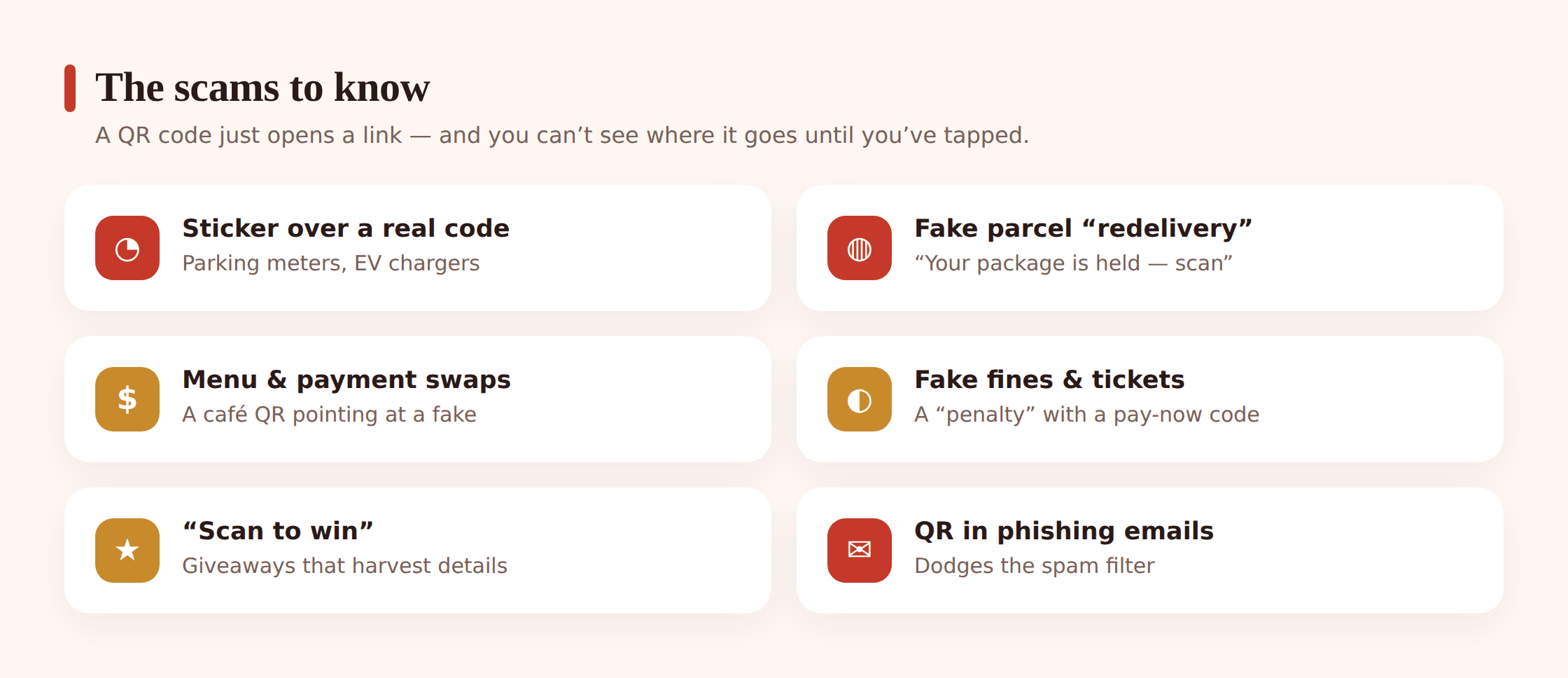
The signature quishing move, and the sneakiest, because it hijacks something genuine. A scammer prints a QR sticker that leads to their fake page and sticks it directly over the real code on a parking meter, an EV charging point, or an information sign. You scan the “official” code, land on a convincing lookalike payment page, and hand over your card details to pay for parking that no one collects. The setting does all the persuading — you had every reason to expect a code right there.
“Your parcel is held” and redelivery codes
A card through the door or a text says a delivery couldn’t be completed and you must scan a code to rearrange it or pay a small “redelivery fee.” The code leads to a page that harvests your address, card details, and sometimes a login. Most of us are waiting on something most weeks, so the story lands. The tiny fee is bait — it feels too small to be a scam, which is exactly the calculation the scammer made.
Swapped menu and payment codes in restaurants
Table-service QR menus and “scan to pay the bill” codes are everywhere now, and a scammer only needs a moment to stick their own code over the café’s. Scan it and you reach a fake ordering or payment page that pockets your card details instead of settling your tab. Because paying by code at the table is normal, nothing about it feels off in the moment.
Fake fines, tickets, and official notices
A “parking fine” tucked under your wiper, a letter about an unpaid toll or tax, a notice that looks like it’s from a council or agency — each carrying a QR code to “pay now and avoid a bigger penalty.” The code leads to a spoofed government-style page built to take a payment and your details. The whiff of officialdom plus a deadline is engineered to make you pay first and think later.
“Scan to win” and giveaway codes
A poster, a flyer, a social post, or a card left on a windscreen promises a prize, a gift card, or free something-or-other if you scan and “claim.” The page asks for personal details, a card number “to cover postage,” or a login to a real account. This one leans purely on curiosity and the pull of a freebie, which is why it snags teenagers and adults alike.
Crypto and donation code swaps
Where money moves by QR code, someone will try to swap the code. A fake charity collector, a doctored donation poster, or a substituted code on a crypto payment request can route your money to a stranger’s account instead of the intended one. With crypto especially, a payment sent to the wrong address is gone for good, which is why scammers target it. Teens dabbling in crypto are worth a specific heads-up here — our guide to crypto investment scams goes deeper.
QR codes hidden in phishing emails
Increasingly the code arrives on a screen, not a wall. A phishing email — a fake security alert, a “verify your account,” a bogus invoice — contains a QR code and tells you to scan it with your phone to sort the problem out. Two things make this nasty. The image slips past filters that would have flagged a text link, and it bounces you from a locked-down work computer onto a personal phone, which usually has fewer protections. You then land on a credential-stealing page. The same caution you’d apply to a suspicious link applies to a suspicious code.
The red flags
These signs seldom appear alone. When two or three stack up around a single code, treat it as suspicious until you’ve proven otherwise — not the reverse.
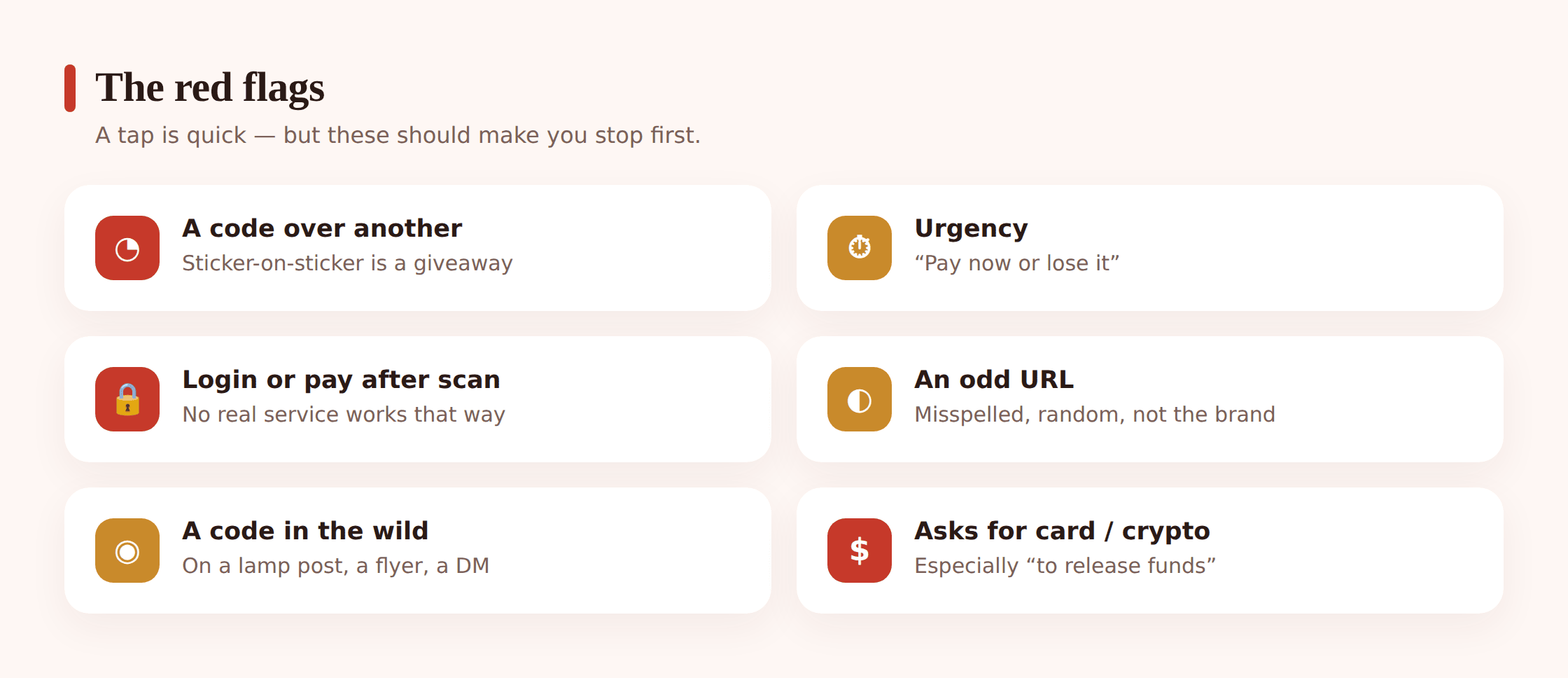
- A code stuck over another code. A sticker on top of a printed code, a raised edge, a square that doesn’t match the surface it’s on, or one placed slightly crooked over existing artwork. On a meter or charger, this is the giveaway.
- A URL preview that looks wrong. If the link your phone shows before opening doesn’t match the business you’re dealing with — a random string, a misspelled brand, an odd country ending, a link-shortener hiding the real address — stop there.
- Urgency. Pay now to avoid a fine, rearrange delivery today, claim before the offer ends. Real services rarely hinge on you scanning a square this instant. Pressure is there to stop you checking.
- A request to log in or pay straight after scanning. A code that drops you onto a password page or a payment form, especially for an account you didn’t choose to visit, deserves deep suspicion.
- A code from an unexpected message. One arriving in an email or text you weren’t expecting — a “security alert,” an invoice, a delivery you didn’t order — is a classic quishing setup.
- A code with no context. A bare code on a flyer, a windscreen card, or a random poster with a vague “scan me” and a prize dangled. Legitimate codes usually sit alongside a clear, checkable reason to scan.
How to scan safely
You don’t need to swear off QR codes. They’re genuinely useful, and most are exactly what they claim to be. The goal is a couple of small habits that turn scanning from an automatic reflex into a two-second check. Here’s the sequence worth teaching everyone in the house.
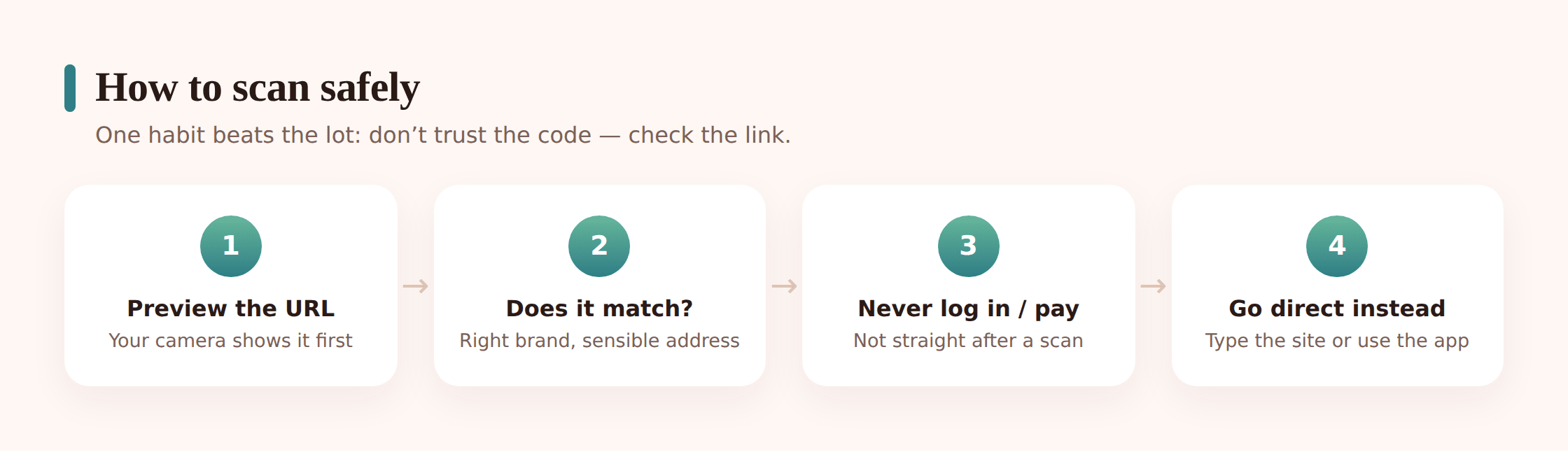
Step 1 — Look at the code before you scan it
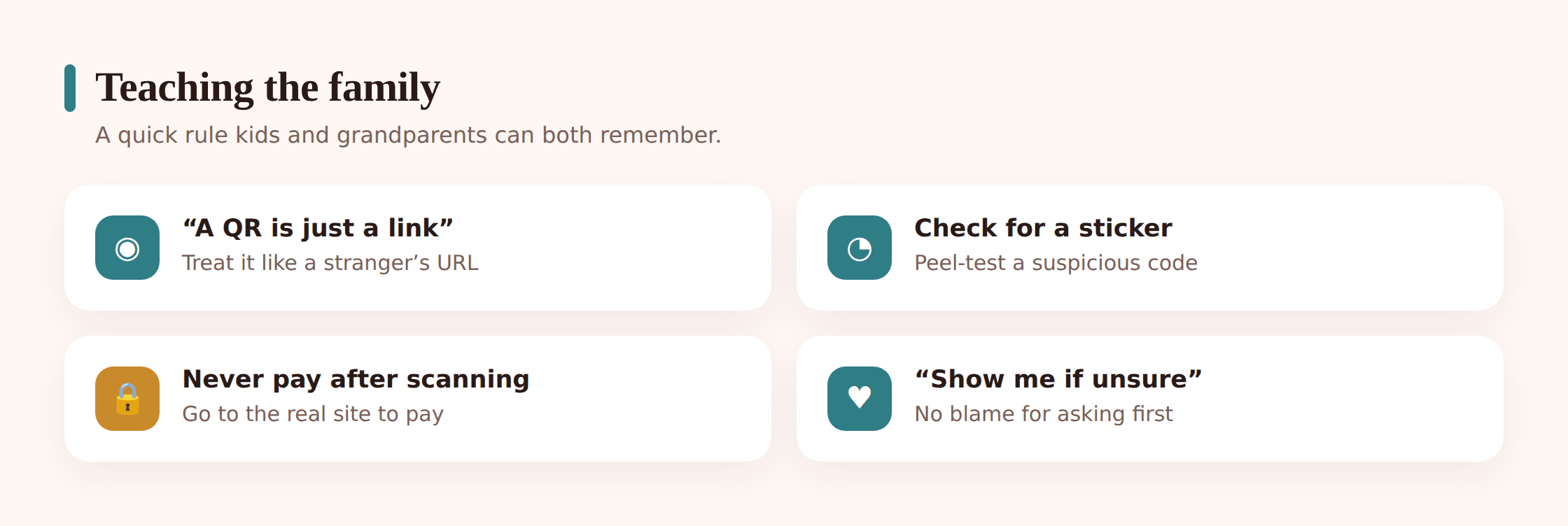
Especially on anything outdoors or public — a meter, a charger, a sign, a menu — take a second to check whether the code is a sticker sitting on top of another one. Feel for a raised edge, look for a peeling corner, notice if it’s crooked or doesn’t match the surrounding print. If it looks stuck on as an afterthought, don’t use it. This one glance defeats the most common quishing scam of all.
Step 2 — Read the URL preview before you open it
Modern phones show you the web address after they read a code, before opening it. Actually read it. Does the domain match the business you expect — the real company name, spelled correctly, with a sensible ending? Be wary of shortened links that hide the real destination, misspelled brand names, and addresses that have nothing to do with what you’re doing. If it doesn’t look right, close it. Nothing bad has happened yet.
Step 3 — Never enter passwords or payment straight off a scan
This is the rule that saves you even if a bad code slips through. If a page you reached by scanning asks you to log in or hand over card details, stop. A code should not be the doorway to typing your bank password or paying a stranger. Treat any login or payment demand that appears right after a scan as guilty until proven innocent.
Step 4 — When in doubt, go direct instead
The safest move costs almost nothing. Rather than trusting the code, reach the destination yourself: open the parking app you already use, type the retailer’s known website, phone the number on your official paperwork, or use the delivery firm’s own app to check a parcel. Going direct sidesteps the whole scam, because you’re no longer relying on a link someone else controlled.
Step 5 — Keep the phone itself sensible
Keep your phone and browser updated so known trickery is blocked, and don’t install an app just because a scanned page told you to. If a code pushes you to download something, that’s a reason to slow down, not speed up. Our guide to fake apps and phone malware covers why a pushy “install this now” is a warning sign in itself.
None of this requires a special scanner app — your phone’s built-in camera is fine, and it’s the URL preview that matters, not the tool. The habit that does the heavy lifting is simply reading the address before you tap, the same instinct you’d use on any link.
What to do if you’re scammed
Maybe you spot a dodgy code and walk away clean. Maybe you only realise afterward that the “parking page” was fake. Either way, here’s the calm sequence. Speed matters most in the first hour.
Step 1 — Stop and don’t add to it
If you’re mid-flow — a page loading, a form half-filled — close it. Don’t enter anything further, don’t complete a payment, and don’t install whatever it’s pushing. If you’ve typed details but not submitted, back out now.
Step 2 — Contact your bank or card provider
If you entered card details or made a payment, call your bank or card issuer straight away and tell them it was a scam. Ask them to block the card and watch for or reverse any transactions. Moving fast is what makes a stopped or refunded payment possible. If money went by crypto, contact the platform immediately, though recovery there is much harder.
Step 3 — Change any passwords you gave away
If the fake page had you log in to anything, change that password now, and change it anywhere else you reused it. Turn on two-factor authentication where you can, so a stolen password alone isn’t enough. Our guide to family passwords and 2FA walks through locking accounts down.
Step 4 — Report it
Report the scam to your local fraud or cybercrime service, and tell the real business whose code was faked — a café, a parking operator, or a delivery firm will usually want to know one of their codes was tampered with, and where. Reporting helps others avoid the same code. Our guide on how and where to report points you to the right places.
Step 5 — Tell your family
There’s no shame in being caught by a well-placed code — these are designed to fool careful people in a hurry. Telling the household means everyone recognises the trick, and a teen who got stung once is exactly the person who’ll spot the next sticker-over-sticker before anyone else does.
Talking to teens about it
Teenagers scan codes constantly and rarely stop to read a URL — they’re fast, trusting of anything that looks official, and drawn to a “scan to win.” That’s not carelessness so much as habit, and habits shift with a quick, concrete conversation rather than a lecture.
Keep it practical. Show them the link preview on your own phone once, so they see with their own eyes that a code hides an address. Give them the two rules that matter most: read the preview before opening, and never type a password or card number straight after a scan. And normalise going direct — if a “prize” or a “fine” wants details, close it and check through the real app or site. The wider picture of how these tricks target young people sits in our guide to online scams targeting kids, and the money side, from fake shops to sketchy payment requests, in money and shopping safety for teens.
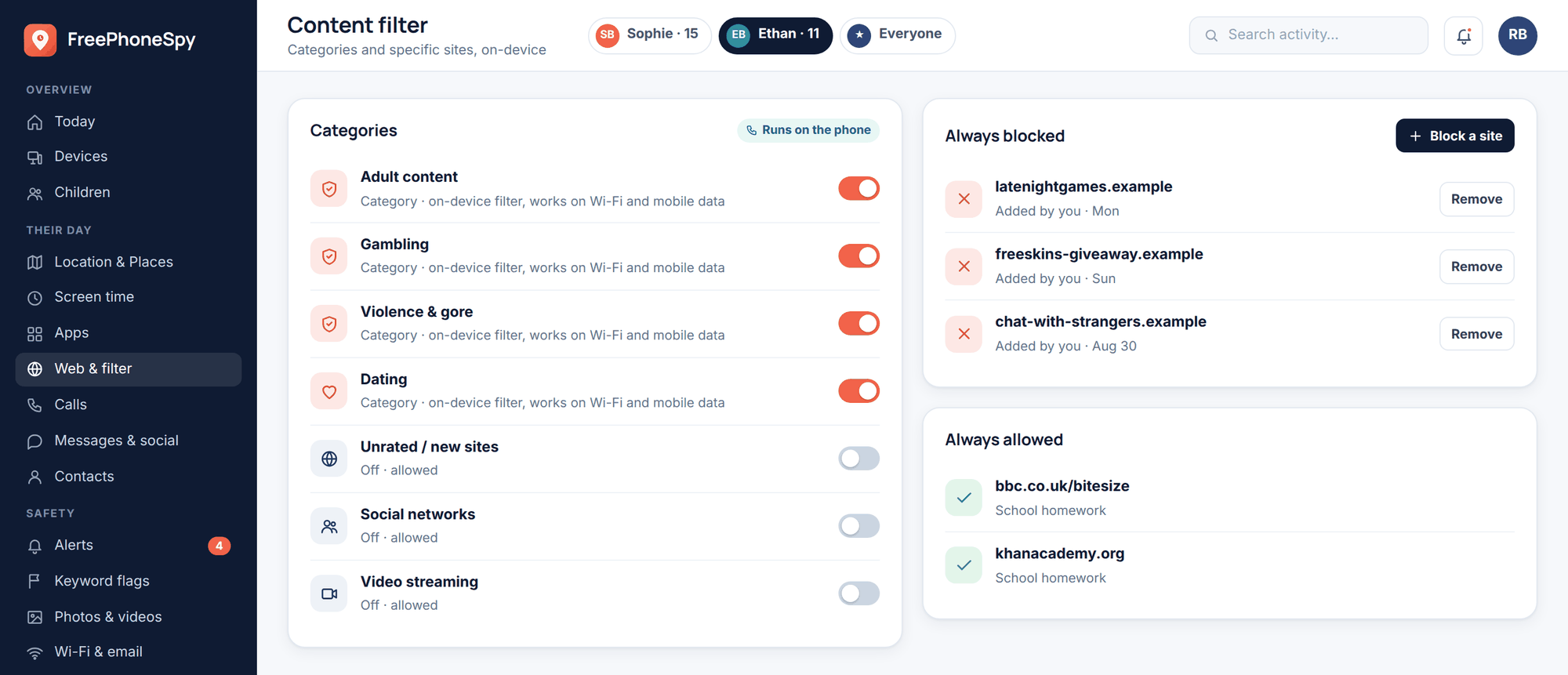
Be clear-eyed about what any tool does here. No app can read a QR code’s intent for you, and none can stop a determined scan on a wall in the real world. On a younger child’s phone, transparent monitoring and web filtering can add a backstop — flagging or blocking some known-bad destinations, and giving you a shared record to talk over — but the real defence is the two-second habit of reading the link.
FreePhoneSpy is transparent, consent-based monitoring for a child’s Android phone, run from a web panel your child knows about. It’s a way for families to keep an eye on things openly, together — not a scam-detector, and never a substitute for teaching a teen to check the preview and go direct. That habit costs nothing and travels with them everywhere, which is more than any app can say.
FAQ
Is it safe to scan a QR code?
Scanning one is generally safe in itself — the code can’t hack your phone or take your money just by being read. The risk is entirely in the second step: the page it opens and what you do there. So scanning to see the link preview is fine, but treat the destination with the same caution you’d give any link. Read the address before you open it, and never enter a password or payment straight after a scan.
The code was stuck over another one — is that a bad sign?
Yes, that’s one of the clearest warning signs there is. Fixing a fake QR sticker over a real code, especially on parking meters, EV chargers, and public signs, is the single most common quishing scam. If you spot a sticker sitting on top of a printed code, a peeling edge, or a square that looks stuck on as an afterthought, don’t scan it. Use the official app, phone the number on your paperwork, or go to the business’s known website instead.
How can I tell where a QR code will send me?
Your phone shows the web address after it reads the code, before opening the page — read that preview. Check the domain matches the business you expect, spelled correctly, with a sensible ending, and be wary of shortened links that hide the real destination. If the address looks nothing like who you think you’re dealing with, close it. Nothing has happened yet at that point; the danger only starts if you open the page and act on it.
I scanned a scam code but didn’t enter anything — am I in trouble?
Almost certainly not. Simply landing on a scam page, without typing details, paying, or installing anything, generally does no harm — the code and the page can’t reach into your phone on their own. Close the page and carry on. If it pushed you to download an app, don’t. If you’re uneasy, keep your phone and browser updated as a general precaution, but a scan alone that you backed out of is not a disaster.
Why do scammers put QR codes in emails?
Because an image dodges the filters that would catch a bad text link, and because it moves you from a computer onto your phone, which often has fewer protections. A phishing email with a code — a fake security alert, an invoice, a verification request — is counting on you scanning without the suspicion you’d apply to a link. Treat a QR code in an unexpected email exactly as you’d treat a suspicious link: don’t scan it, and reach the company through their real app or site instead.
My teen scanned a “scan to win” code and gave some details. What now?
Work through it calmly. If they entered a password, change it there and anywhere it was reused, and turn on two-factor authentication. If they gave card details or paid, contact your bank or card provider right away to block the card and watch for charges. Report the scam to your local fraud service. Then treat it as a teaching moment rather than a telling-off — the next sticker-over-sticker is likely to be the one they catch.