Family Tech on Holiday: Screen Time, Safety & Roaming
Holidays are meant to loosen everyone up, and that includes the rules about phones. But the phone doesn’t stop being useful just because you’ve crossed a border — it’s your map, your camera, your boarding pass and the thing that keeps a bored eight-year-old from melting down on a delayed flight. The trick is getting it to help the trip instead of hijacking it. A little setup before you leave, a couple of easy agreements while you’re away, and the phones fade into the background where they belong.
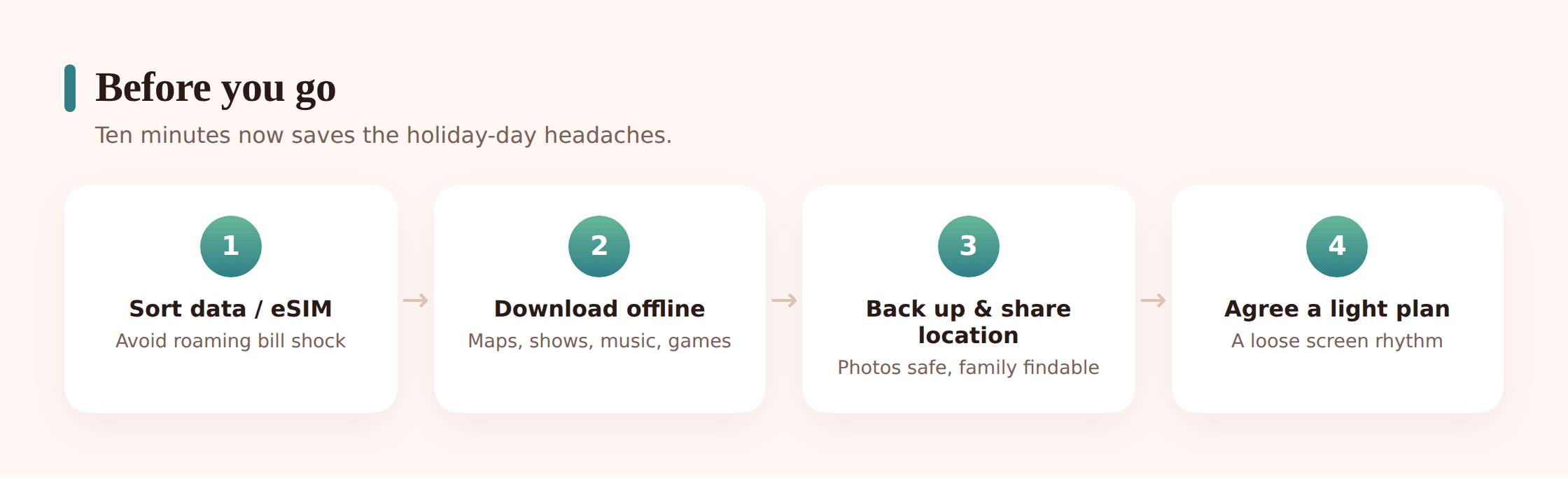
Before you go
Most holiday phone stress is really just admin you didn’t do at home. A dead battery at a foreign train station, a £90 roaming bill, a map that won’t load in a valley with no signal — all of it is avoidable with twenty minutes on the sofa the week before. Do the boring bit early and you get to be relaxed later.
1. Sort your data before you land
Decide how each phone connects abroad — a roaming add-on, a travel eSIM, or leaning on Wi-Fi. Set it up now, while you can read the small print in your own language and your own kitchen. There’s more on the how below.
2. Download everything you’ll want offline
Offline maps of your destination, a few films and playlists per child, an audiobook or two, any travel or airline apps, and translation packs if you’re crossing a language. Download it all on home Wi-Fi so you’re not burning data — or patience — the moment you arrive.
3. Back up every phone
Phones get lost, dropped in pools and left in taxis on holiday more than any other time. A fresh backup means a lost handset is an annoyance, not a disaster. Our guide to backing up your phone walks through it in a few taps.
4. Set up location sharing within the family
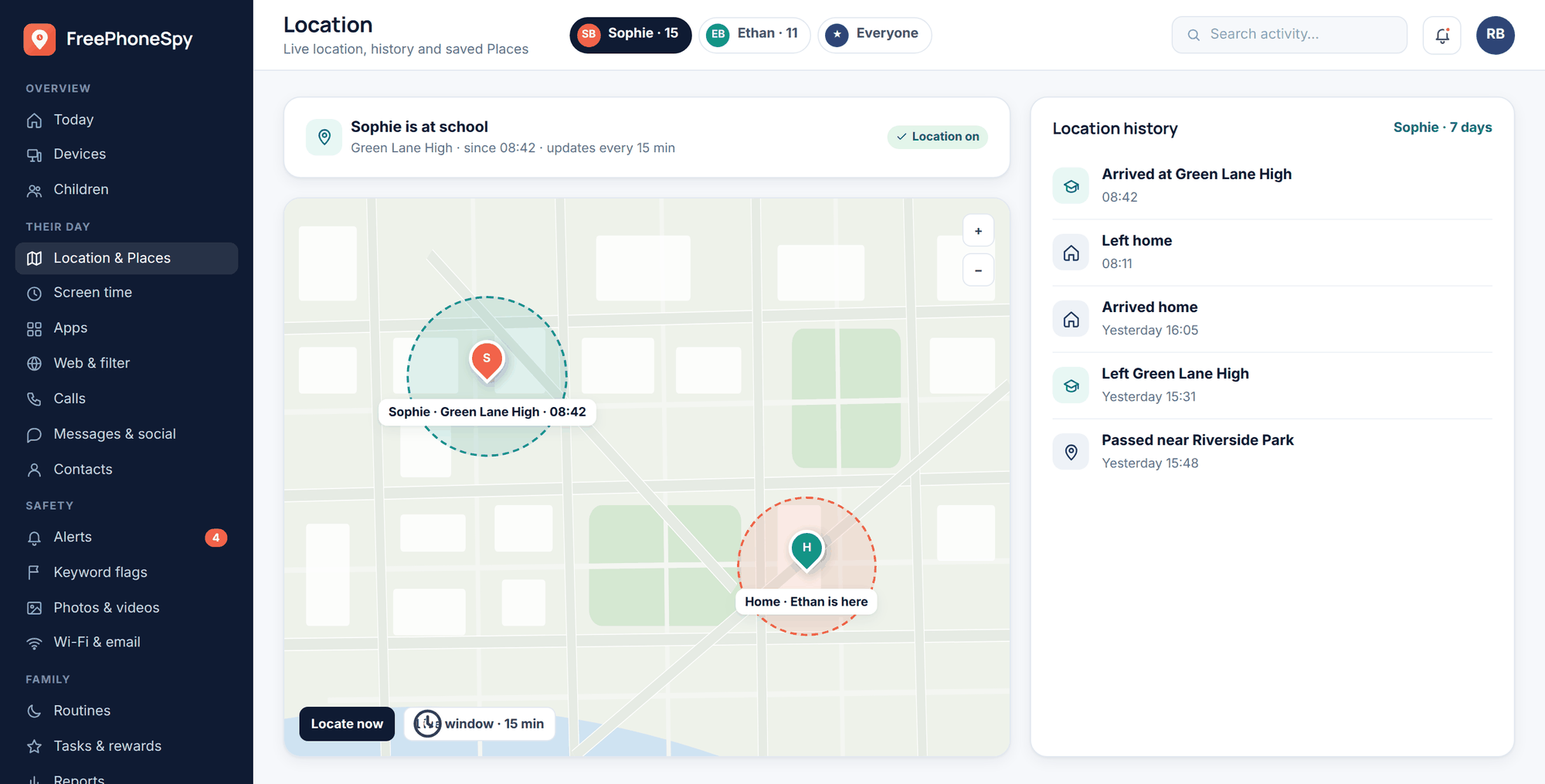
Agree, out in the open, that the family will share live location with each other while you’re away. In a crowded market or a big theme park, being able to glance at where everyone is turns a small panic into a non-event. Set it up together so nobody’s surprised by it.
5. Travel-proof the devices
Chargers, a plug adapter, and one decent power bank per bag. A protective case and, for younger kids, a wrist strap or lanyard. Note down each phone’s IMEI and make sure “find my device” is switched on. Small stuff, but it’s the difference between a shrug and a ruined afternoon when something goes missing.
6. Agree a light holiday screen plan
Have the conversation before you pack, not on day three when someone’s glued to a tablet by the pool. Loosen the weekday rules on purpose — that’s part of a holiday — but decide together where the screens still step back. More on that further down.
- Offline maps downloaded for your city, region or route.
- Entertainment loaded per child, so the journey isn’t a data emergency.
- Every phone backed up the night before you leave.
- Location sharing on within the family, agreed openly.
- Power banks charged and adapters packed.
- Emergency contacts saved and reachable offline (see below).
Roaming, eSIMs and staying connected
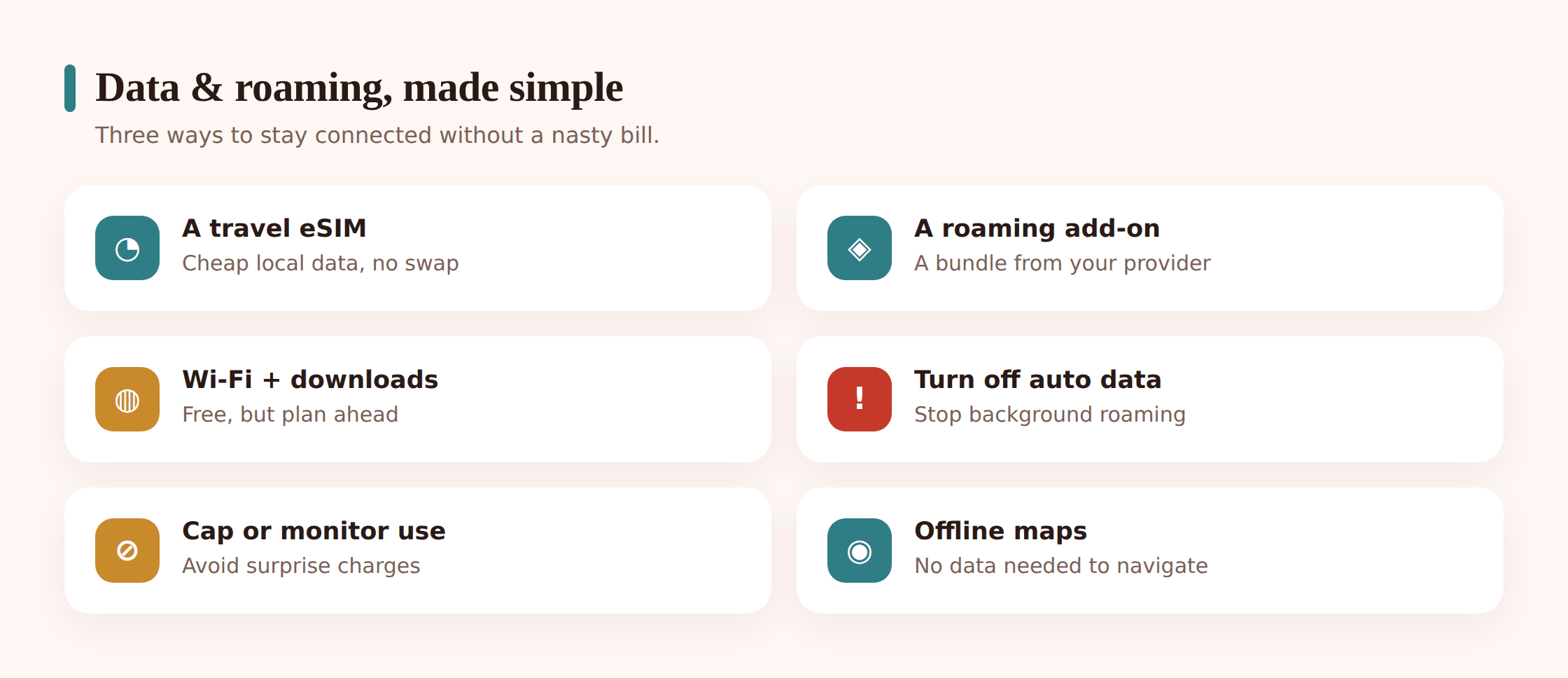
Roaming is where holidays quietly get expensive. Rules vary wildly by country and network, so the golden habit is simple: check your own plan before you travel and turn data roaming off until you’ve decided how you’re connecting. Then pick the option that fits the trip.
Your existing plan’s roaming
Easiest if it’s fair. Some networks include a bundle of European or worldwide roaming; others charge a daily fee or bill by the megabyte, which adds up frighteningly fast. Read exactly what’s covered and where. If it’s a flat daily rate, work out whether it’s cheaper than an eSIM for the length of your stay.
A travel eSIM
On most newer phones you can buy a local or regional data plan as an eSIM and install it before you leave, keeping your normal number active for calls and texts. It’s often the cheapest route for a week or two abroad, and it means you land with working data instead of hunting for a SIM kiosk. Set it up on home Wi-Fi and test that it activates.
Leaning on Wi-Fi
Plenty of families keep data roaming off entirely and use hotel and café Wi-Fi with offline maps filling the gaps. It’s the cheapest option by far. It also means treating every network you join as untrusted — which you should be doing anyway, and which we come back to below.
Screens on the journey
Let’s be honest about the long flight, the eight-hour drive, the delayed connection with a toddler who has decided this is the moment to lose it. This is exactly what screens are good for, and there’s no prize for suffering through it unplugged. A downloaded film at 35,000 feet is not a parenting failure. It’s common sense.
The difference between screens that save the journey and screens that start it early is a bit of planning. Load the entertainment before you leave the house, so you’re not fighting airport Wi-Fi to download a cartoon while boarding is called. Pack headphones — including a splitter or a second pair, because two kids and one tablet is its own kind of turbulence. Bring the charger into your hand luggage, not the hold.
A loose rhythm helps more than a rigid rule. Screens for the long, dull middle stretch; a book, snacks, window-watching or a card game for take-off, landing and the bits with something to look at. Nobody needs a spreadsheet for this — just don’t let the tablet run start to finish by default. And when you land, the screens go away and the holiday starts. Say that out loud before you leave so it’s an agreement, not an ambush.
Staying safe abroad
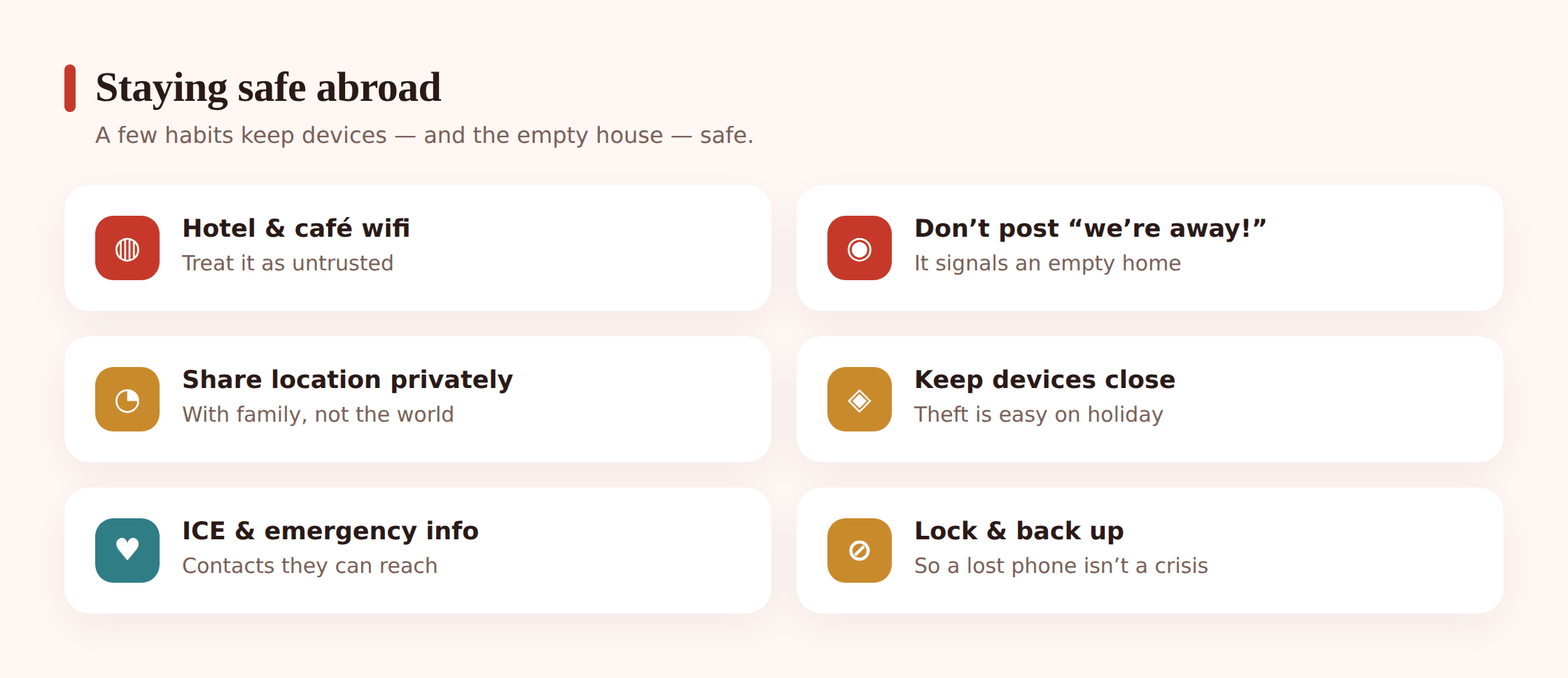
Away from home, on unfamiliar networks and unsure of your surroundings, a few habits keep the holiday from being spoiled. None of this needs to make anyone anxious. It’s just the travel equivalent of locking the door.
Public and hotel Wi-Fi
Airport, hotel and café Wi-Fi is convenient and genuinely handy — and you should assume you don’t know who else is on it. Avoid banking, shopping or anything with a password you’d hate to lose while you’re on an open network, or run it through a VPN. Watch for fake hotspots with plausible names (“Free_Airport_WiFi”) set up to harvest logins. Our full guide to public Wi-Fi and VPNs goes deeper, and it’s worth a read before you travel.
Don’t broadcast an empty house
The holiday photo dump is a joy, but a running feed of “day three in Spain!” is also a public notice that your home is sitting empty. Post the highlights when you’re back, or keep them to a private group of people you actually trust. The same goes for tagging your exact hotel and location in real time — you can share the trip without publishing a live map of where your kids are to strangers.
Live location, kept inside the family
Sharing location within the family is one thing, and a good thing on a busy trip. Broadcasting it to the wider internet is another. Keep the live-location sharing between the people who need it — you and your kids — and off any public post. There’s a fuller walkthrough on our family location sharing page.
Keep the devices physically safe
Phones get pickpocketed, left on café tables and slid out of open bags far more often when everyone’s relaxed and distracted. Zip pockets, a strap for the kids, and a firm family habit of not leaving a phone face-up on a restaurant table. Make sure “find my device” and a screen lock are on every handset, so a stolen phone stays a locked brick rather than an open door.
Emergency contacts and ICE
Every family member’s phone should have an ICE (“in case of emergency”) contact that a stranger or paramedic can reach from the lock screen, plus the local emergency number saved and known. Write the address of where you’re staying on a card in each child’s pocket, in the local language, for the youngest ones who can’t recite it. Make sure the kids know what to do and who to call if they get separated from you — a two-minute chat that you hope never matters.
Balancing screens with the holiday
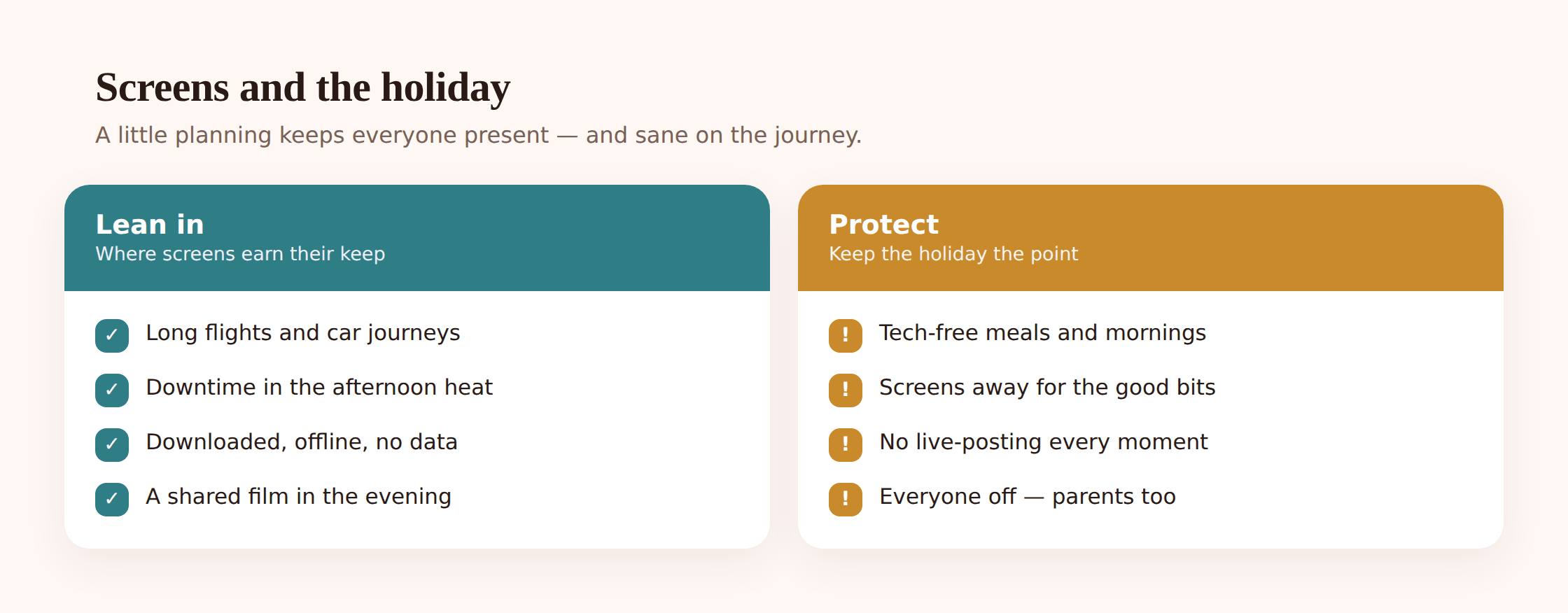
Here’s the thing you already know: you can travel a thousand miles to a beautiful place and still spend it looking at the same screen you look at on the sofa. The holiday is the whole point. The phones exist to serve it, and it’s worth being a little deliberate so they don’t quietly swallow it.
Agree the expectations early
Loosen the rules on purpose — that’s part of what makes it a holiday — but say out loud what “loosened” means. Maybe screen time is freer on travel days and rainy afternoons, and lighter when there’s a beach, a pool or a new city in front of you. Kids handle a relaxed rule far better than a vague one. When they know the shape of it, they stop testing the edges.
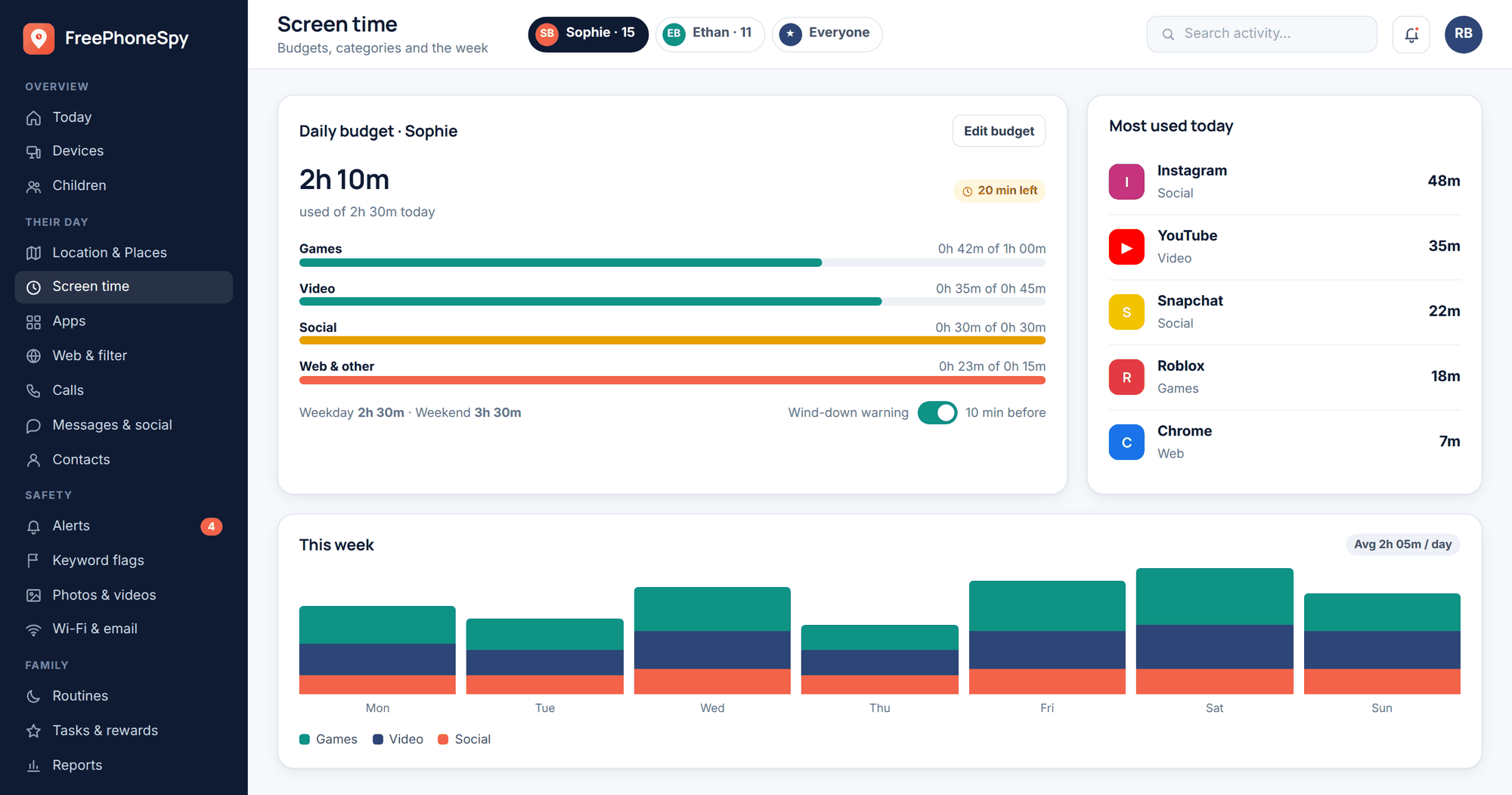
If your family already runs screen-time limits, you don’t have to switch them off entirely — a looser holiday setting keeps a bit of structure without you playing referee on the sunlounger. And if you’d rather drop the limits for a week, that’s a fine choice too, as long as everyone knows it’s a deliberate holiday thing and not the new normal. Our screen time by age guide has sensible starting points if you want them.
Protect a few tech-free times
You don’t need a device ban to have a present holiday. You need a handful of protected moments. Meals together with phones in a stack. The first hour on the beach. Sunset. The walk to dinner. Pick two or three that matter to your family and hold them gently. The rest of the day can be as relaxed as you like.
Be present, and model it
This is the part no rule can do for you. Kids clock the gap between “put your phone away” and a parent scrolling through work email at breakfast. If you want the holiday to feel like a proper break, you have to take one too. Put the phone in the bag, look at the actual view, and let them see you do it. Your presence is the thing they’ll remember, not the destination.
If you want a longer read on stepping back from screens as a family, our guide to a family digital detox pairs neatly with a holiday — a trip is one of the easiest times to reset the habits, because there’s so much else to reach for.
Reconnecting after you’re home
Coming home has its own small admin, and doing it in the first day or two saves surprises later. Turn off data roaming and remove or pause any travel eSIM so nothing keeps ticking over. If you loosened screen-time limits for the holiday, put them back to the everyday setting — together, with a quick word about it, so the return isn’t a shock. Check your data usage and any roaming charges while the trip is fresh, in case something ran in the background you didn’t expect.
Then there’s the nicer part. Sit down together and actually look at the photos, instead of letting them sink unseen into the camera roll. Pick a few favourites, print one if you’re feeling it, delete the forty near-identical shots of the same beach. The reconnecting bit isn’t about the phone at all — it’s the conversation about the trip you have while sorting through it. That’s the holiday getting a second life, and it’s worth ten unhurried minutes.
And go easy on the transition back. The first few days home, everyone drifts back toward their screens — it’s normal after a break. If a bit of the holiday’s lightness stuck, a phone-free dinner that carried on, a walk that became a habit, keep that and let the rest settle. You brought something home that isn’t in the suitcase. That’s the win.
Questions families ask
Should I let my kids use screens on a long flight?
Yes, without guilt. A long flight or drive is exactly the situation screens are built for, and there’s no medal for a miserable eight hours. Load the entertainment before you leave home, pack headphones and a charger, and let the phone do its job. Just don’t let it run door to door by default — mix in a book, a snack and a look out the window.
What’s the cheapest way to have data abroad with a family?
It depends on the trip, so compare two things before you fly: your own network’s roaming (a flat daily rate can be fine for a short stay) against a travel eSIM per phone (often cheaper for a week or more). The cheapest of all is turning roaming off and living on Wi-Fi with offline maps downloaded — just treat every network as untrusted.
Is it safe to bank or shop on hotel Wi-Fi?
Assume not, unless you’re using a VPN. Open networks in hotels, airports and cafés can be watched, and fake hotspots with convincing names exist specifically to harvest logins. Save anything sensitive for your mobile data or a trusted connection, and read our public Wi-Fi and VPNs guide before you travel.
Should we post holiday photos while we’re away?
Better to wait, or keep them to a private group. A live “we’re in Greece!” feed also tells the wider world your home is empty, and real-time location tags publish where your kids are to anyone watching. Share the highlights when you’re back — the memories keep just fine for a week.
How do I handle location sharing on holiday without it feeling like surveillance?
Set it up together and out in the open, as something the whole family does for each other — not something done to the kids. On a busy trip, being able to glance at where everyone is turns a lost-in-the-market moment into nothing. Keep it inside the family and off any public post. Our family location sharing page covers the how and the conversation.
My teen wants to stay glued to their group chat the whole holiday. What do I do?
Meet it halfway. Being cut off from friends genuinely stings at that age, so don’t make it all-or-nothing. Agree a few protected times — meals, the beach, dinner out — where phones step back, and leave the rest relaxed. When you’re present and off your own phone too, “but everyone’s online” loses most of its force.