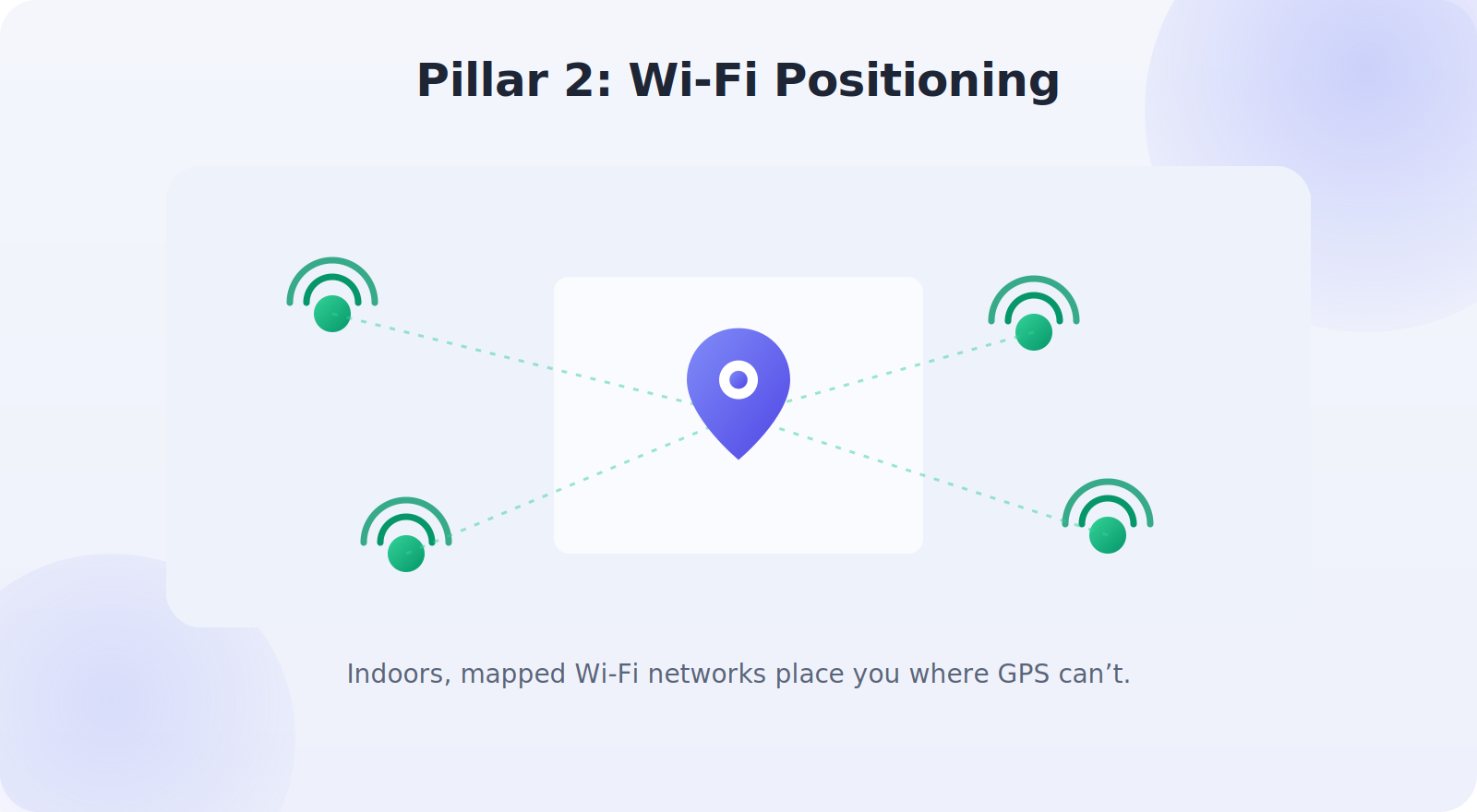
Every day, your phone quietly answers a remarkable question millions of times: where am I? It guides you through unfamiliar cities, summons a ride to your exact spot, and helps you find the phone itself when it slips down the sofa. But how does it actually know? The answer is a genuinely clever blend of satellites, radio signals, and clever software working together in a fraction of a second. This guide pulls back the curtain on how phone location tracking really works — in plain language — so you understand the technology you rely on every day, and can use it more wisely.
And there’s a real payoff to understanding it beyond simple curiosity. Once you grasp how the pieces fit together, you can coax better accuracy out of your phone, troubleshoot a stubborn blue dot with confidence, and make smarter, calmer decisions about your location privacy — because you finally know what’s happening under the glass.
Understanding the how also demystifies the quirks: why your blue dot drifts indoors, why it’s pinpoint in an open field, and why a dead phone still shows a last location. By the end, you’ll see your phone’s location features in a whole new light.
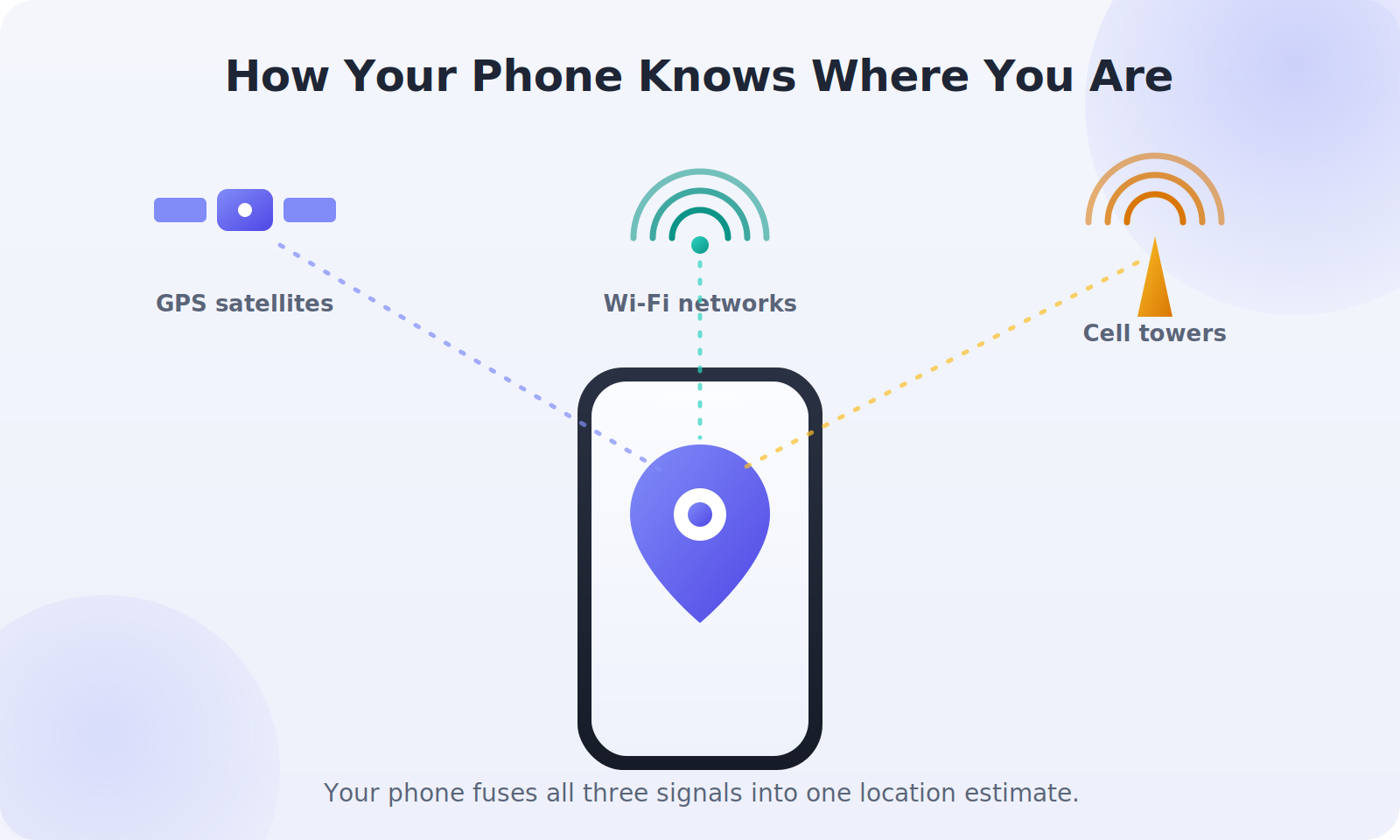
The Four Pillars of Phone Location
Your phone doesn’t rely on a single method. It combines up to four different sources, each with its own strengths, and fuses them into one best-guess position. Understanding each is the key to understanding the whole system.
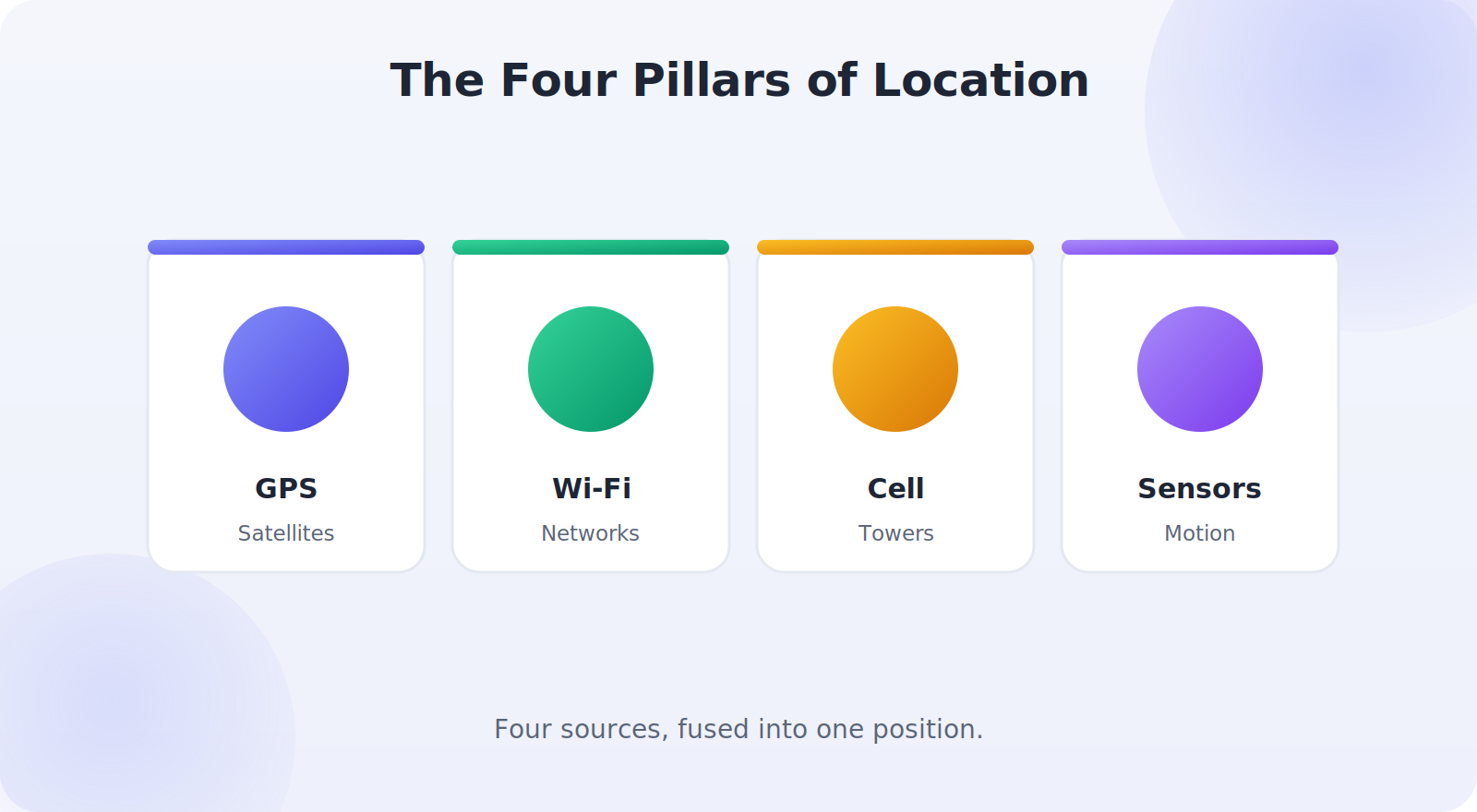
Pillar 1: GPS Satellites
The most famous source is GPS — the Global Positioning System — a constellation of satellites orbiting Earth, broadcasting precise time signals. Your phone listens to several of them at once and measures how long each signal took to arrive. Because it knows where each satellite is and the signals travel at the speed of light, it can calculate its distance from each one and, by combining several, triangulate its position on the ground.
This is why GPS works best with a clear view of the sky: the phone needs an unobstructed line to several satellites. Outdoors in the open, it’s astonishingly accurate, often to within a few meters. Modern phones also listen to other countries’ satellite systems alongside GPS, which means more satellites in view and an even faster, tighter fix.
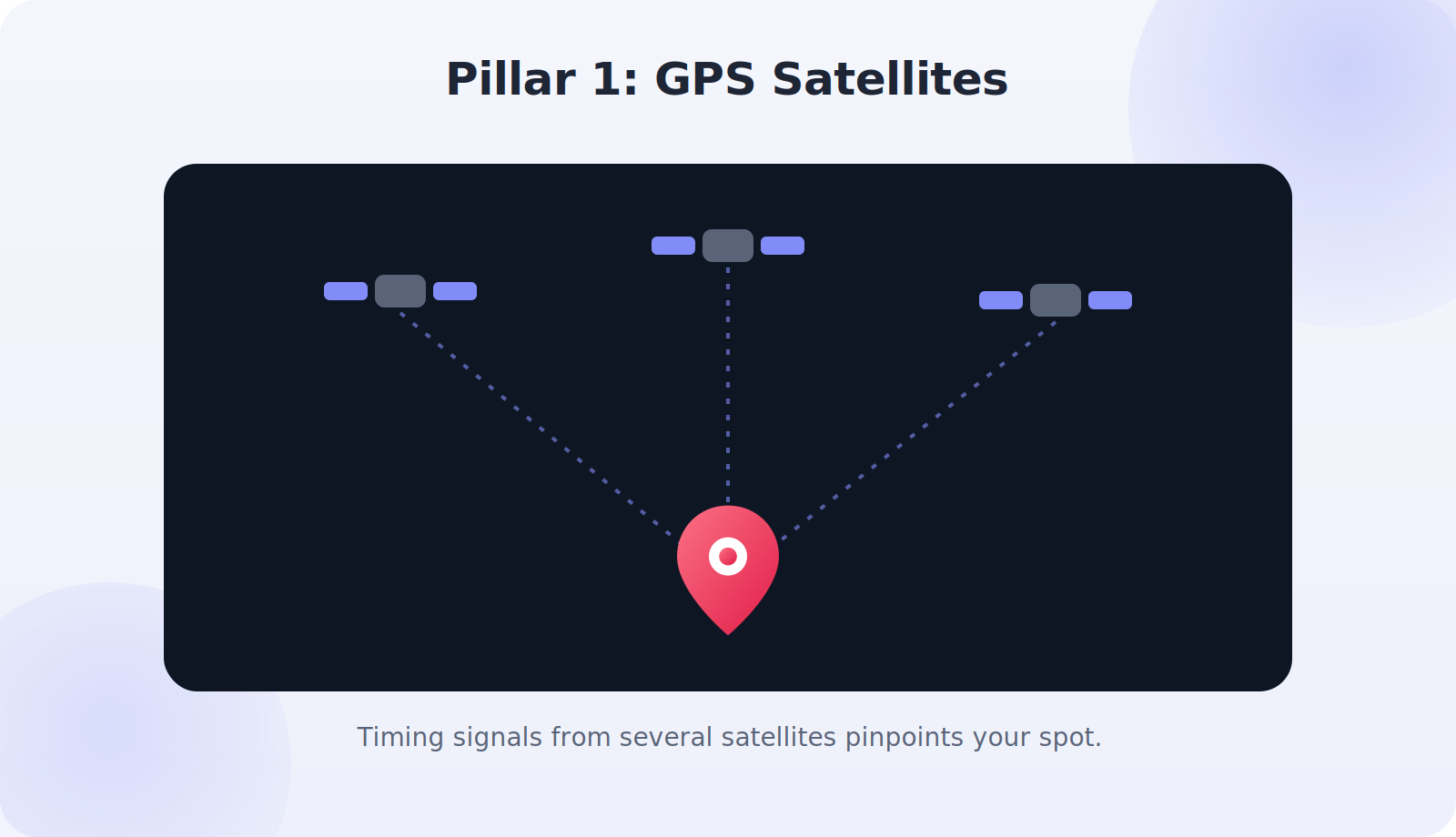
Pillar 2: Wi-Fi Positioning
Indoors or among tall buildings, GPS struggles — so your phone turns to Wi-Fi. Every Wi-Fi network has a unique identifier, and companies have mapped the locations of millions of them. Your phone doesn’t need to connect to these networks; it simply notes which ones are nearby and compares them against the database to estimate where it must be. This is the magic that lets your blue dot work inside a shopping mall or an office building where satellites can’t reach.
Pillar 3: Cell Towers
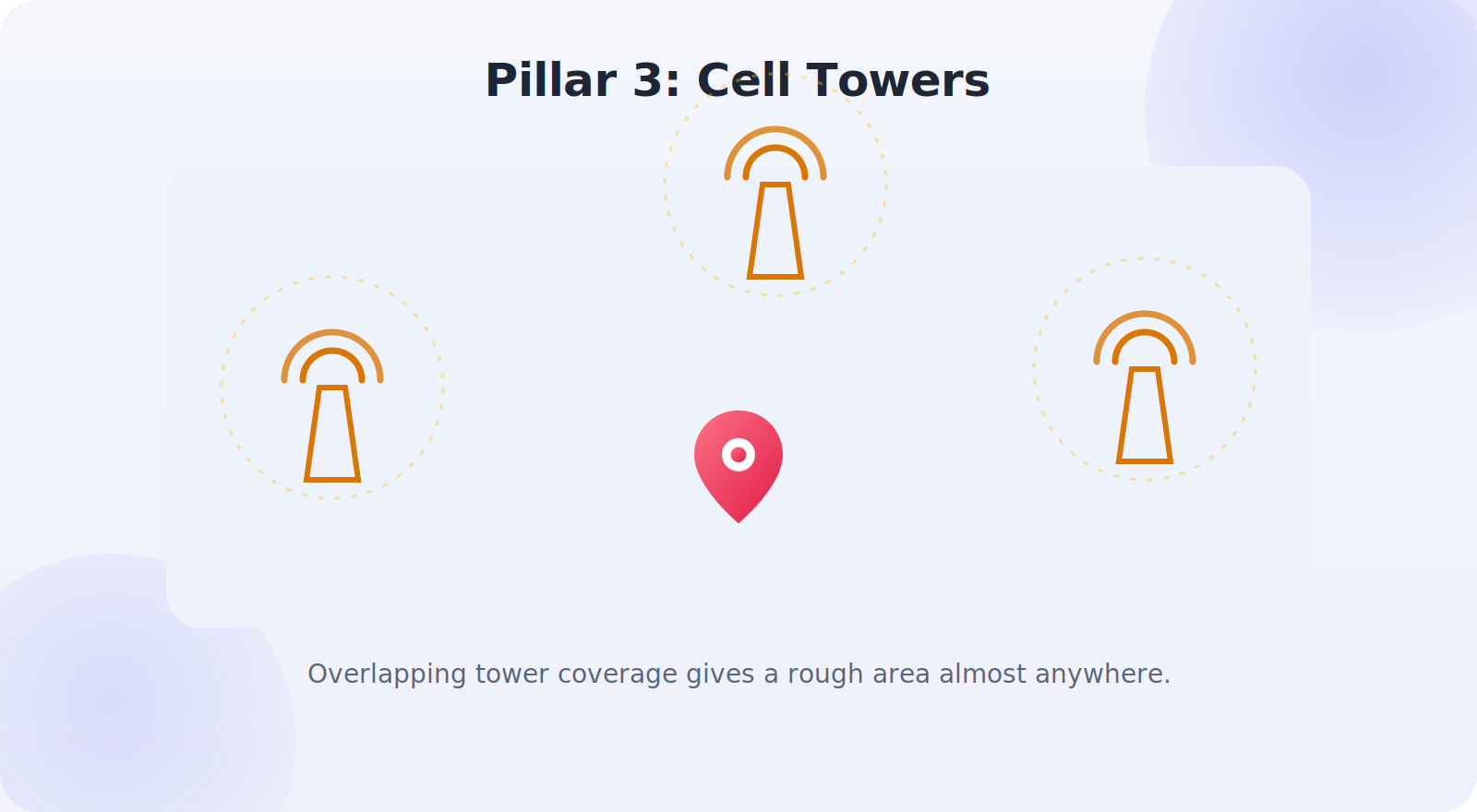
Your phone is always in contact with nearby cell towers, and their known locations provide another way to estimate position. By measuring its connection to several towers, your phone can work out a rough area, even with no GPS or Wi-Fi at all. This method is the least precise — it places you within a general zone rather than a specific spot — but it’s reliable almost everywhere there’s phone signal, and it helps the system get a quick initial fix while GPS warms up.
Pillar 4: Sensors and Dead Reckoning
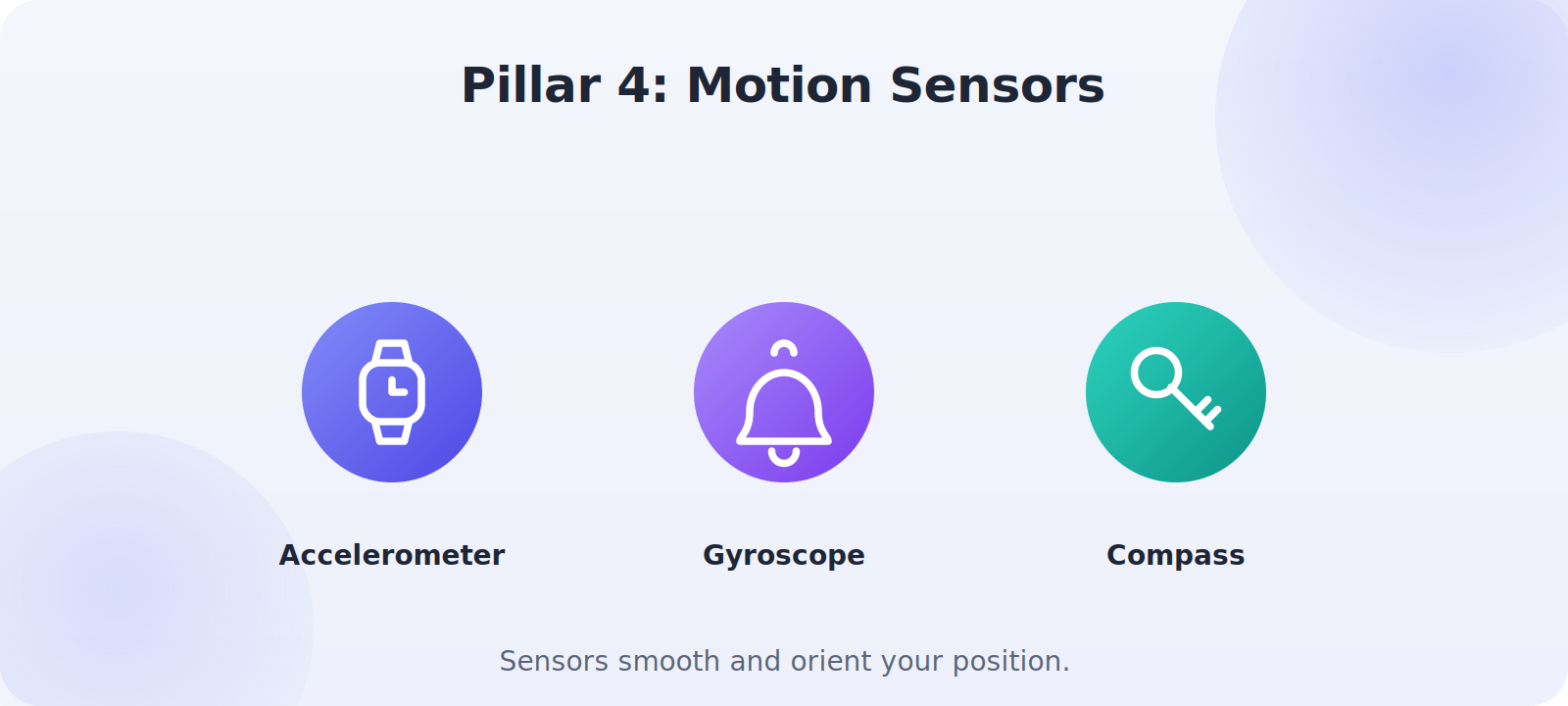
Finally, your phone’s internal sensors — the accelerometer, gyroscope, and compass — refine and steady your location. They detect movement and direction, which helps the phone keep tracking you smoothly when signals briefly drop, like in a tunnel, by estimating your progress from your last known position and speed. The compass also orients the map so it points the way you’re actually facing. These sensors are why navigation feels so fluid even as the underlying signals come and go.
Sensor Fusion: Putting It All Together
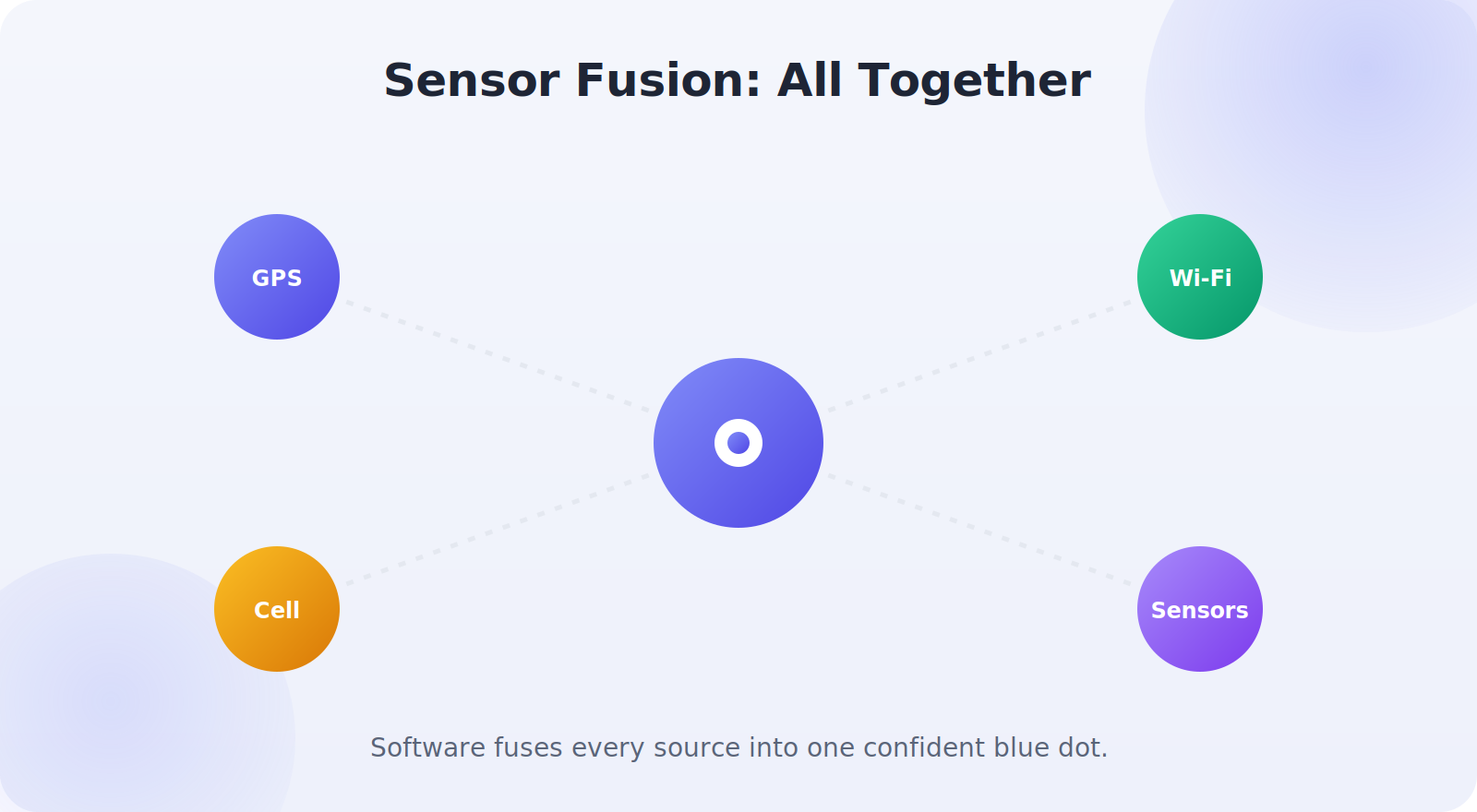
The real magic isn’t any single source — it’s how your phone fuses them. Sophisticated software weighs all the available signals at once, trusting GPS more in the open, leaning on Wi-Fi indoors, falling back to cell towers when needed, and using the motion sensors to smooth it all out. The result is the single, confident blue dot you see, recalculated many times a second. This blending is why your phone can hand you a seamless location experience as you walk from the open street into a building and back out again.
Why Accuracy Varies
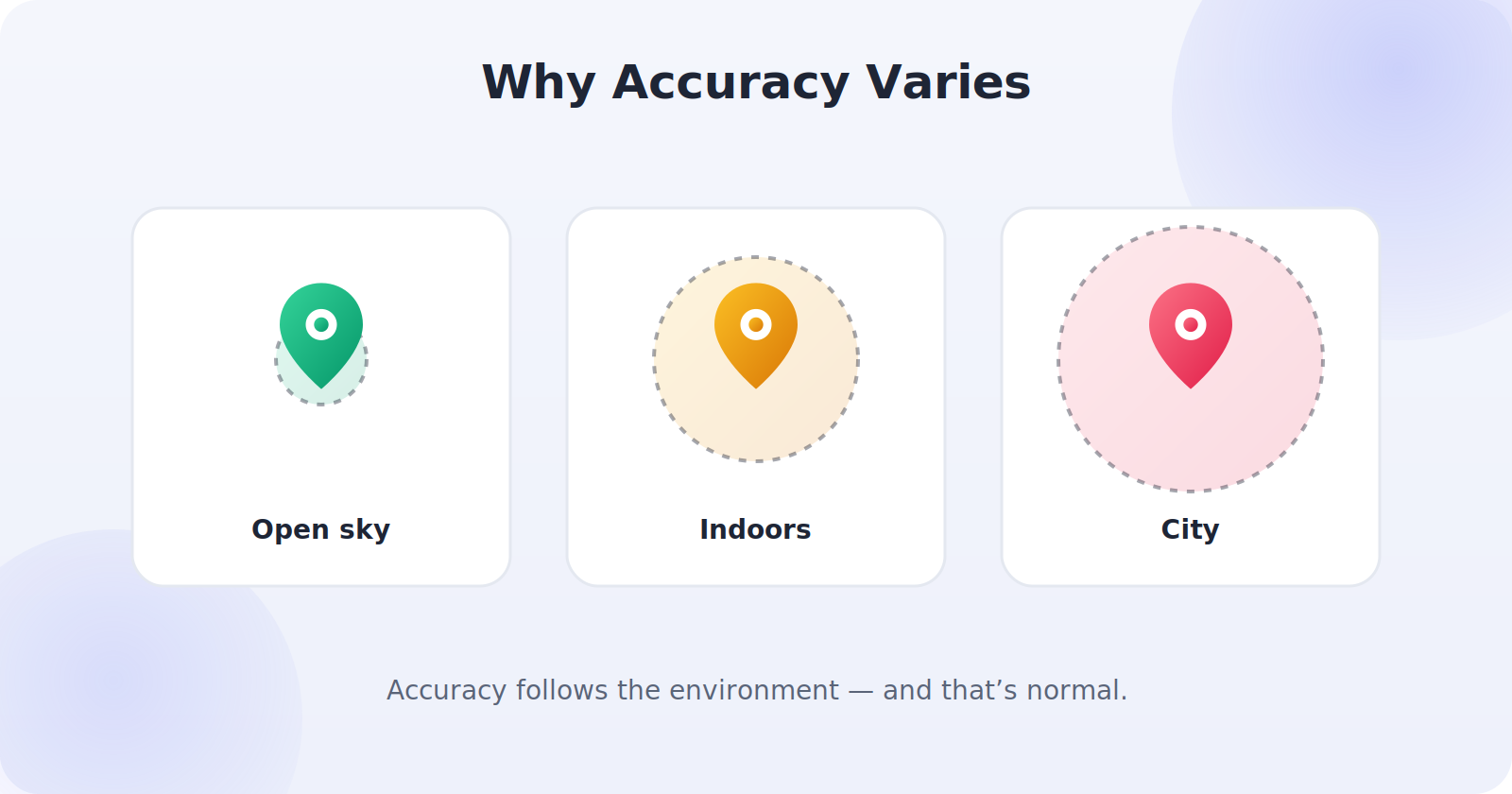
With the pillars in mind, the quirks make sense. Outdoors with a clear sky, GPS dominates and accuracy is excellent. Indoors, the phone leans on looser Wi-Fi positioning, so the dot is fuzzier. Among tall buildings, signals bounce and block, which is why a city center can confuse your location. And a phone that’s switched off or out of signal can’t determine its position at all — which is why finder apps show its last known location rather than a live one. None of this is a fault; it’s the predictable result of which pillars are available.
What This Means for You
Understanding the system helps you use it better. If you need accuracy, get a clear view of the sky and give the phone a moment to lock on. If you’re indoors, keep Wi-Fi on so the phone has its best indoor tool. If your location seems stuck, remember it may be reporting a last-known position from when the phone last had signal. And knowing how much your phone can sense about your location is also a nudge to manage your privacy thoughtfully — granting location access intentionally, to the apps that earn it.

The Privacy Dimension
Because your phone can determine your location so capably, it’s worth remembering that this capability is something you control. The same technology that guides you home can, if you let it, feed your movements to apps and advertisers. That’s not a reason for alarm — it’s a reason for intention. Knowing how location works empowers you to decide which apps get access, to keep useful features while limiting needless tracking, and to take advantage of the genuinely valuable tools, from navigation to find-my-phone, with your eyes open.
A Brief History of Knowing Where You Are
It’s easy to forget how recently this became ordinary. GPS began as a military system before being opened for civilian use, and for years dedicated satnav devices were the only way most people navigated. The leap came when smartphones combined a GPS receiver with internet connectivity and, crucially, the Wi-Fi and cell-tower positioning that made location work indoors and in cities where satellites alone fall short. That combination — satellites plus network-assisted positioning in one pocket-sized device — is what turned location from a specialist tool into something woven through everyday life.
Today the technology has matured further: phones listen to multiple global satellite systems at once, the databases of mapped Wi-Fi networks are vast, and the software that fuses every signal has grown remarkably sophisticated. The result is the seamless, instant location we now take for granted — a capability that would have seemed like science fiction a generation ago, quietly running in the background of the most routine moments of your day.
The Everyday Magic Worth Appreciating
Step back and the whole system is genuinely remarkable. In the time it takes you to glance at a map, your phone has listened to satellites orbiting thousands of miles overhead, recognized the Wi-Fi networks around you, measured its link to nearby cell towers, read its own motion sensors, and fused all of it into a single dot accurate enough to guide you to a specific doorway. It does this continuously, instantly, and so reliably that we only notice when it occasionally falters. Understanding the four pillars and how they combine doesn’t just satisfy curiosity — it transforms a feature you took for granted into one you can use deliberately, troubleshoot calmly, and appreciate properly. The next time your blue dot guides you home, you’ll know the quiet orchestra of technology playing behind it, and you’ll know that you, not your phone, are the one holding the conductor’s baton.
Where Location Technology Is Heading
The system keeps improving in ways that quietly benefit you. Newer phones support more satellite systems and more precise positioning techniques, narrowing accuracy in some conditions from several meters toward something much tighter. Indoor positioning is steadily advancing, with finer Wi-Fi and Bluetooth-beacon mapping helping phones place you within large buildings where satellites never reach. And the software that fuses all these signals grows more capable with each generation, handling tricky environments like dense cities more gracefully. For you, this means location that gets quietly more accurate and more reliable over time, often without you noticing the upgrades at all. The fundamentals you’ve learned here — satellites, Wi-Fi, cell towers, sensors, and the fusion of them — will remain the foundation, even as each pillar sharpens, so your understanding of how it works will keep serving you well into the future.
Common Misconceptions
- “It’s all GPS.” In fact GPS is just one of four sources; Wi-Fi and cell towers matter enormously, especially indoors.
- “GPS works everywhere equally.” It needs a sky view; indoors and in cities it struggles and other methods take over.
- “A stuck location means a broken phone.” Usually it’s an offline device showing its last known spot.
- “My phone tracks me whether I like it or not.” You control which apps get location access and when.
Frequently Asked Questions
Can my phone be located when it’s switched off?
No — a powered-off phone can’t determine or report its position, so finder apps show its last known location from when it was last on and connected. It updates again as soon as the phone powers back on.
Does using location always drain my battery?
Active GPS use, like navigation, does use power, but occasional location checks are light. The biggest drains are the screen during navigation and background apps — both of which you can manage.
How does my phone know where I am?
It combines up to four sources — GPS satellites, nearby Wi-Fi networks, cell towers, and motion sensors — and fuses them with software into a single position estimate, recalculated many times a second.
Why is GPS less accurate indoors?
GPS needs a clear line to satellites, which buildings block. Indoors, your phone relies more on Wi-Fi positioning, which is looser, so the location is less precise.
How does my phone find its location with no signal?
With no signal it can’t determine a live position, so finder apps show the last known location from when it last had a connection. Motion sensors can briefly estimate movement, but only for a short time.
Quick Takeaways
- Your phone uses four sources: GPS, Wi-Fi, cell towers, and sensors.
- GPS is most accurate outdoors; Wi-Fi rescues indoor location.
- Cell towers give a rough fix; sensors smooth and orient it.
- Sensor fusion blends them into one confident blue dot.
- You control which apps share in all this — use it intentionally.
The Bottom Line
Phone location tracking is a quiet marvel: four different technologies — GPS satellites, Wi-Fi positioning, cell towers, and motion sensors — blended by clever software into the single blue dot you trust every day. Knowing how they work explains every quirk, from pinpoint accuracy in the open to a fuzzy dot indoors to a last-known location on a dead phone. It also reminds you that this remarkable capability is yours to direct — so you can enjoy navigation, ride-shares, and find-my-phone to the full, while keeping your location private exactly where you want it to be.