There’s a particular helplessness to losing a phone that’s on silent. You can hear it isn’t ringing, calling it does nothing, and you’re left patting down cushions and retracing your steps with no audio clue to follow. The good news is that “on silent” is not the dead end it feels like. There are several reliable ways to make a silent phone reveal itself, and this guide covers all of them — from the official finder tools to clever voice-assistant tricks and a few low-tech tactics.
We have all been there: the phone is on silent, ringing it does nothing, and it stays stubbornly hidden. The instinct is to keep calling and hoping, but a muted phone will not answer that way. The trick is to stop relying on a sound the phone has been told to suppress and start using tools that cut straight through the mute setting. There are more of them than you might think, and several work even if the phone is buried or face-down.
Most of these work best if you’ve done a little setup beforehand, so we’ll flag what to switch on today to make a silent phone easy to find tomorrow.
Why Calling It Doesn’t Work
When your phone is set to silent, vibrate, or Do Not Disturb, an incoming call arrives without a sound. If the phone is also screen-down or buried, even the vibration and screen light go unnoticed. That’s why simply calling your own number so often fails — you’re relying on a signal the phone has been told to suppress. The solution is to use tools that override silent mode entirely.
Method 1: Use Find My Device or Find My
The most reliable trick is the Play Sound feature in the official finder tools, which deliberately ignores silent mode and rings at full volume.
- From any browser or another device, open google.com/android/find (Android) or icloud.com/find (iPhone).
- Sign in with the account on your missing phone.
- Select the device and tap Play Sound.
- The phone rings loudly even on silent — follow the noise.
This works as long as the phone is powered on and online. If it’s around the house on Wi-Fi, the command reaches it instantly. Re-trigger it as you search; there’s no limit.
Method 2: Ask Your Voice Assistant
If you have a smart speaker or another device with the same voice assistant signed in, you can simply ask it to find your phone.
- Google: Say “Hey Google, find my phone” to a Google speaker or display, and it can ring your phone even on silent.
- Apple: Ask Siri on your HomePod, Watch, or another Apple device to ping your iPhone, or use the Find My app.
- Alexa: With the right setup, Alexa can call your phone, though this won’t override silent unless paired with a finder feature.
Method 3: The Smartwatch Shortcut
If you wear a smartwatch paired to your phone, you may be carrying the fastest finder of all. Most smartwatches have a ping my phone button that makes the phone chime, often overriding silent. On Apple Watch, swipe up to Control Center and tap the ping-phone icon; on Wear OS and other watches, look for a find-phone tile or app. It’s a one-tap rescue that doesn’t even need another device.
Method 4: Low-Tech Tactics That Still Work
Sometimes the simplest approaches find a silent phone fastest, especially when it’s nearby.

- Retrace your steps deliberately, room by room, in the order you moved.
- Check the muffling spots: between cushions, in coat pockets, under laundry, in bags, down the side of car seats.
- Look for the screen glow in a darkened room — trigger a call and watch for the light.
- Feel for vibration on hard surfaces, where a vibrate-only phone can be heard as a faint buzz.
Set Up Now So Silent Never Means Lost
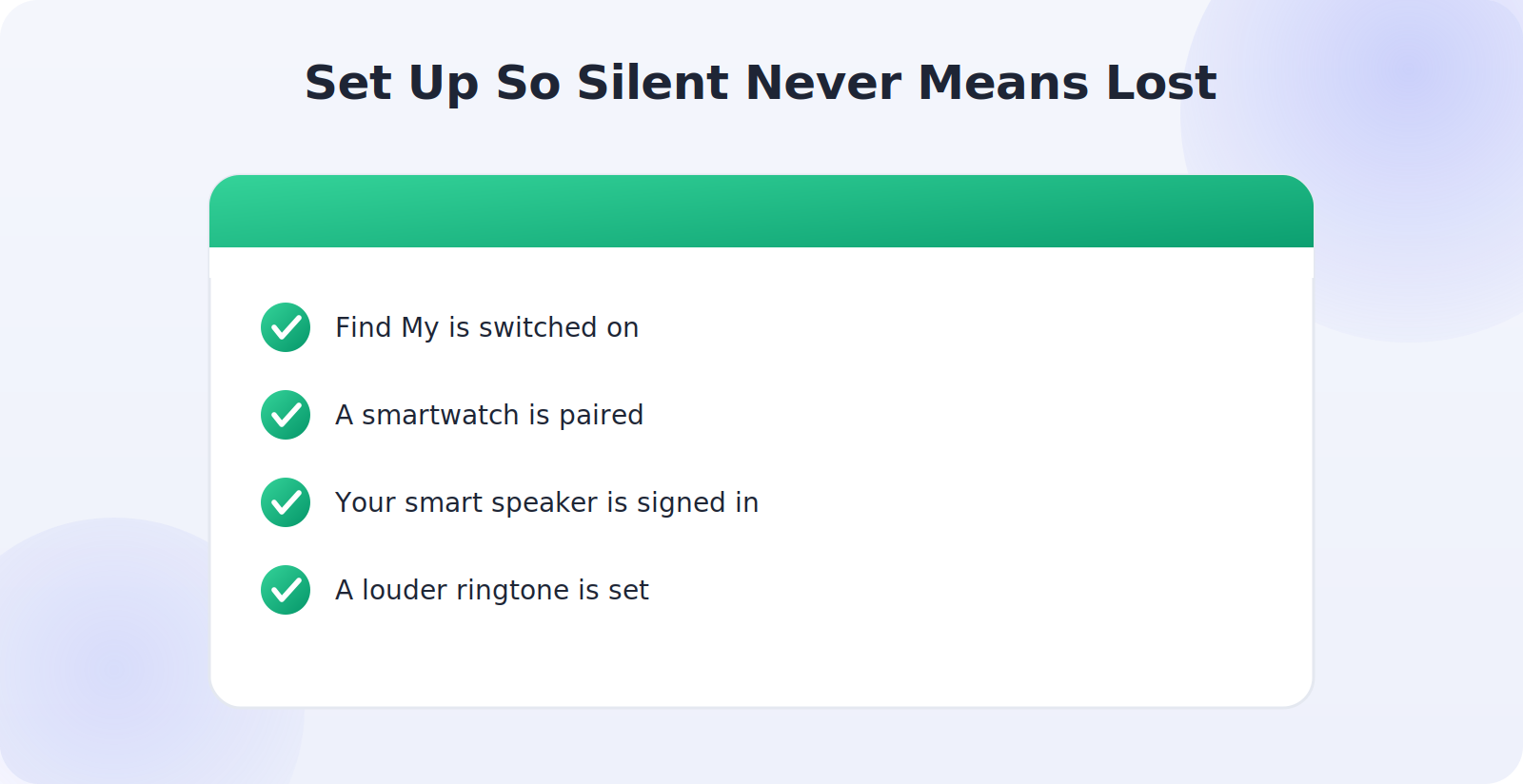
Every method above is more powerful with a little preparation. The single most important step is to make sure Find My Device or Find My is switched on, because that’s what enables Play Sound and the voice-assistant tricks. While you’re at it, pair a smartwatch if you have one, and confirm your smart speaker is signed in to the same account as your phone.
When the Phone Is Offline
If your silent phone is also powered off, dead, or out of signal, Play Sound and voice tricks can’t reach it — the command needs a live connection. In that case, fall back on the finder map’s last known location and the low-tech search around that spot. And remember that the moment the phone comes back online, any queued Play Sound command will fire, sometimes ringing it right when someone picks it up.
Common Mistakes to Avoid
- Only calling the phone, which silent mode defeats — use Play Sound instead.
- Giving up after one room; soft furnishings muffle even a loud ring.
- Forgetting the smartwatch ping, often the fastest option of all.
- Not having Find My switched on, which disables the best methods.
Frequently Asked Questions
My phone is silent and I have no other device — what now?
Borrow any device with a browser and sign in to the finder, or ask a nearby smart speaker. If neither is available, fall back on a methodical room-by-room search and watch for the screen glow in a darkened room when you call it.
Does Play Sound work on a tablet or smartwatch too?
Yes. The same finder tools list your tablets, watches, and earbuds, and can play a sound on them just as they do on your phone — handy because small devices are easy to misplace.
Will Do Not Disturb block the finder?
No. Play Sound is specifically designed to override Do Not Disturb, silent, and vibrate, so it rings regardless of those settings.
Can I make my phone ring if it’s on silent?
Yes. The Play Sound feature in Find My Device and Find My overrides silent, vibrate, and Do Not Disturb, ringing the phone at full volume.
Will a voice assistant find a silent phone?
If it’s signed in to the same account and your phone is online, yes — Google and Apple assistants can ping your phone even on silent.
What if my phone is silent and offline?
Use the last known location on the finder map and search there. Any Play Sound command will ring the phone as soon as it reconnects.
Why Phones End Up on Silent in the First Place
Understanding the habit can help you prevent the problem. Most phones land on silent for innocent reasons: a meeting, a movie, a night’s sleep with Do Not Disturb scheduled, or an accidental flick of the mute switch in a pocket. Many people also keep their phones permanently on vibrate, which behaves the same way for finding purposes — a normal call produces no audible ring. None of this is a problem until the phone goes missing, at which point the silence becomes the obstacle.
The takeaway is that you can’t rely on your phone being audible when you need it, so the smart move is to set up the tools that work regardless of its sound settings. That’s exactly what Play Sound, voice assistants, and smartwatch pings do — they ignore the mute switch entirely.
A Quick Decision Guide
When a silent phone goes missing, a moment’s thought about which method to reach for saves time. If you’re wearing a smartwatch, ping it from your wrist first — it’s instant. If there’s a smart speaker in the room, just ask it. If you’re at a computer or have another device, open the finder and hit Play Sound. And if the phone might be dead or offline, skip straight to the last known location on the map. Matching the method to your situation turns a scattered search into a quick, confident one.

Make Your Phone Easier to Hear
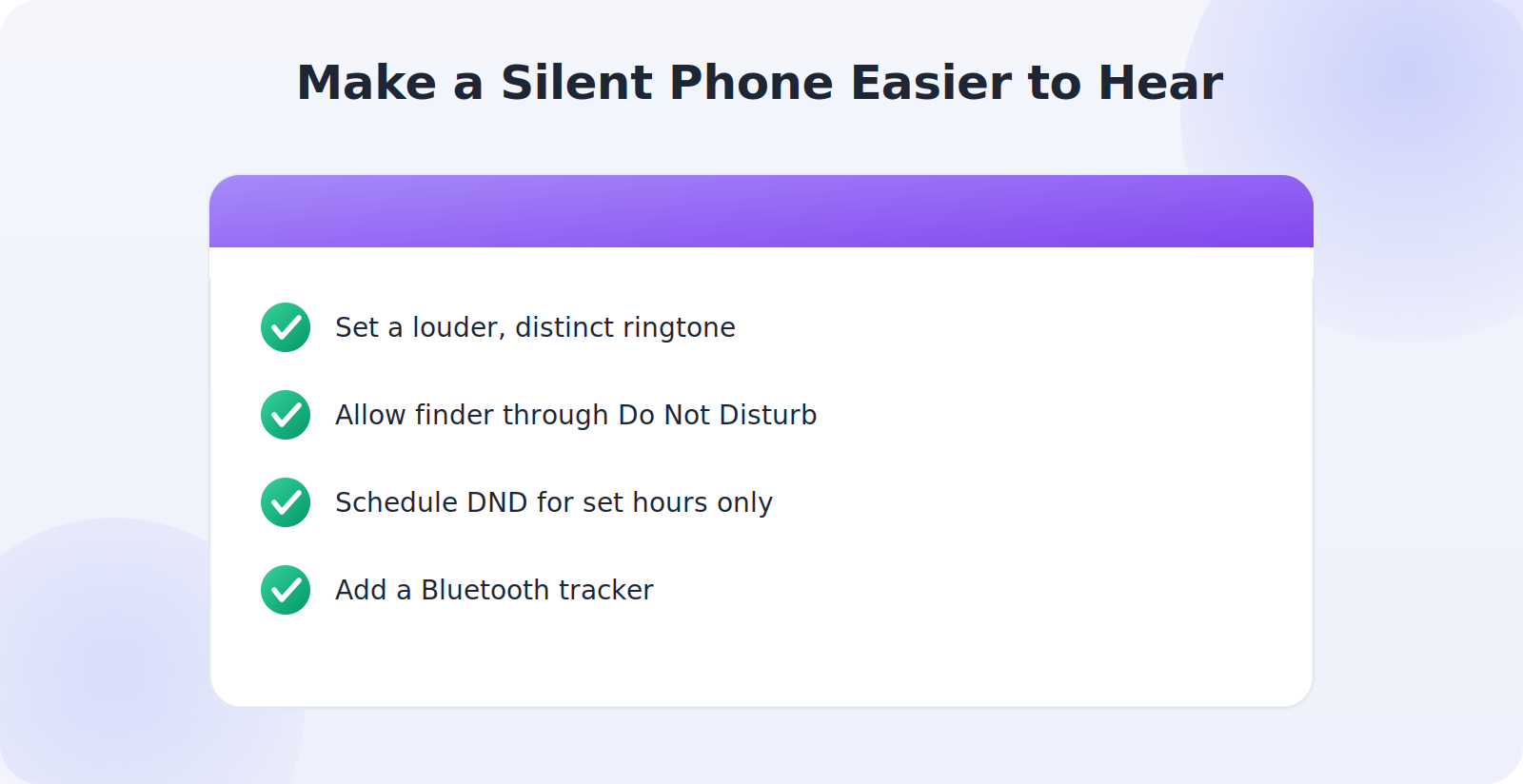
A few settings tweaks make a silent phone less silent when it matters. Many phones let you set a louder or more distinctive ringtone, and some offer a “find my phone” exception that lets the finder ring through even strict Do Not Disturb schedules. Consider scheduling Do Not Disturb only for the hours you actually need it, rather than leaving the phone permanently muted. And if you frequently lose your phone on silent, a Bluetooth tracker attached to the case adds a second, independent way to make it chime.
Helping Someone Else Find Their Phone
These tricks aren’t just for your own phone. If a family member who’s set up location sharing with you misplaces their phone, you can help from your own device through the Find My app or shared finder — ringing their phone even on silent. It’s a small kindness that turns a household phone hunt into a quick favor. Just remember the golden rule: this works only with people who have opted in to sharing with you, which keeps the whole arrangement consensual and transparent.
Building a Habit That Prevents the Panic
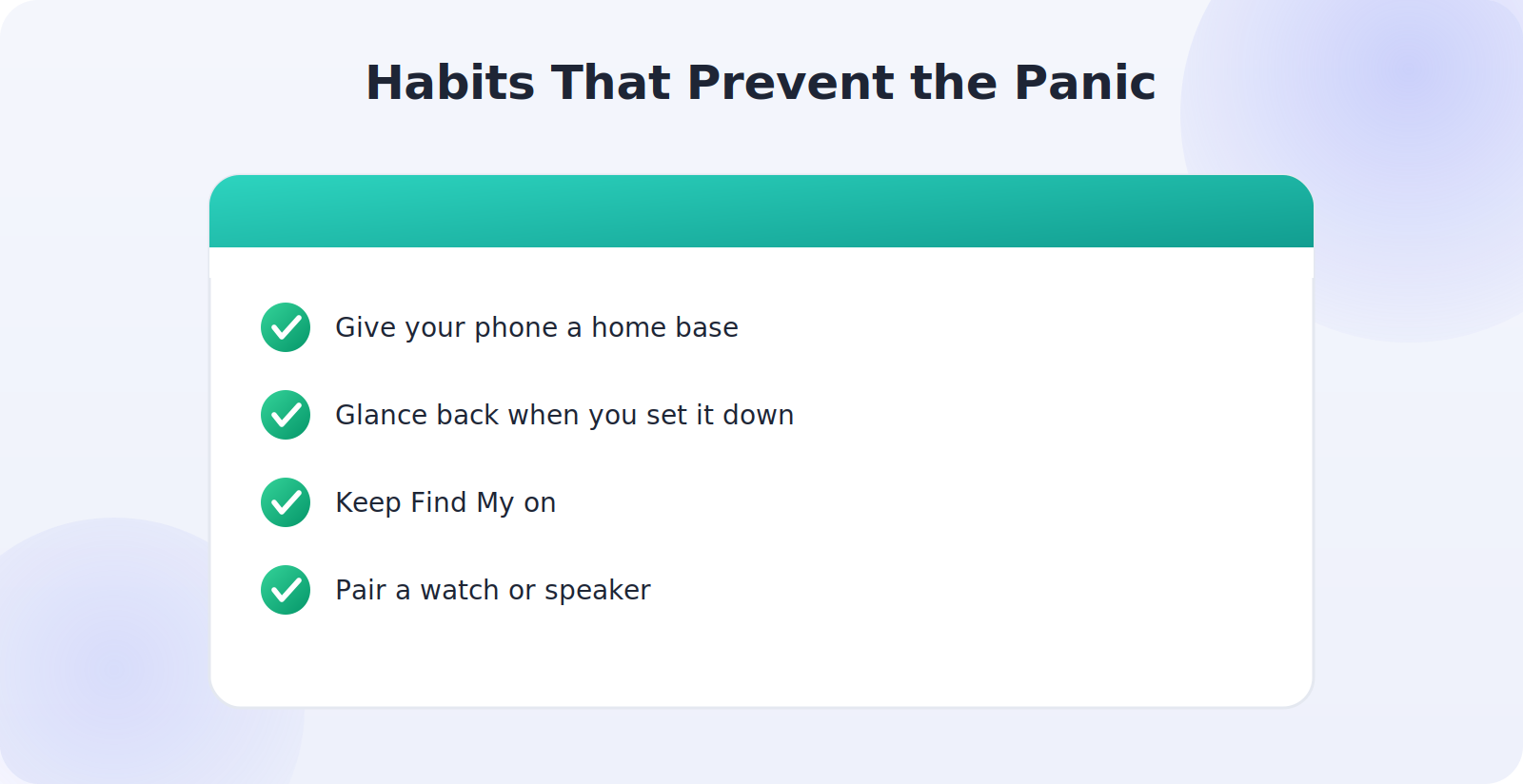
The most reliable way to find a silent phone is to rarely lose it in the first place, and a couple of gentle habits get you most of the way there. Give your phone a consistent home base — a spot by the door, a bedside tray, a particular pocket — and return it there by default. When you set it down somewhere unusual, say the spot out loud or glance back as you walk away; that tiny moment of attention is what your memory will reach for later.
Pair those habits with the technical setup — Find My switched on, a smartwatch paired, a smart speaker signed in — and you’ve covered both sides of the problem. You’ll lose the phone less often, and when you do, you’ll have three different ways to make it announce itself regardless of whether it’s on silent. The combination is what turns a recurring frustration into a non-event.
What the Different Sound Settings Actually Do
It helps to know what you’re up against, because the three quiet modes behave a little differently. Silent mutes the ringer entirely, so a call produces no sound at all. Vibrate replaces the ring with a buzz, which can be audible on a hard surface but vanishes on soft ones. Do Not Disturb is the trickiest, because it can silence calls and notifications on a schedule even when the ringer is technically on. The reassuring part is that the finder’s Play Sound feature is designed to punch through all three, which is why it’s the most dependable method by far.
Knowing this also explains why simply turning your ringer up doesn’t help once the phone is already lost — you can’t change a setting on a device you can’t reach. The answer is always to use a tool that overrides the setting remotely, rather than wishing you’d left the volume higher.
Quick Takeaways
- Calling fails on silent — use Play Sound, which overrides it.
- Smart speakers and smartwatches can ping your phone hands-free.
- Low-tech tactics still work: retrace, check muffling spots, watch for glow.
- Find My must be on for the best methods to work.
- Offline? Use the last known location and search nearby.
The Bottom Line
A phone on silent feels impossible to find, but it isn’t. The Play Sound feature rings it at full volume regardless of its sound settings, a smart speaker or smartwatch can ping it hands-free, and a methodical low-tech search covers the rest. The key is preparation: switch on Find My Device or Find My today, and a silent phone becomes a quick rescue rather than a frustrating hunt.