Bluetooth trackers are brilliant for finding your own belongings — but the same technology can be misused to track a person without their knowledge, and that’s something everyone should know how to detect and stop. The good news is that AirTags and similar trackers were built with anti-stalking protections, and both iPhone and Android can now alert you to an unknown tracker moving with you. This guide explains, calmly and clearly, how to tell if an unwanted tracker is following you, how to find it, how to disable it, and where to turn for help. It’s about protecting your safety and peace of mind.
It’s natural to feel uneasy reading about this, but knowledge is exactly what turns worry into control. The protections built into modern phones are genuinely capable, and once you know how to read the alerts, find a hidden tracker, and get help if you need it, you hold all the tools required to keep yourself safe. This guide is here to hand you those tools, calmly and completely.
If you’re reading this because you’re worried right now, take a breath — you have more tools and options than you might think, and we’ll walk through them step by step.
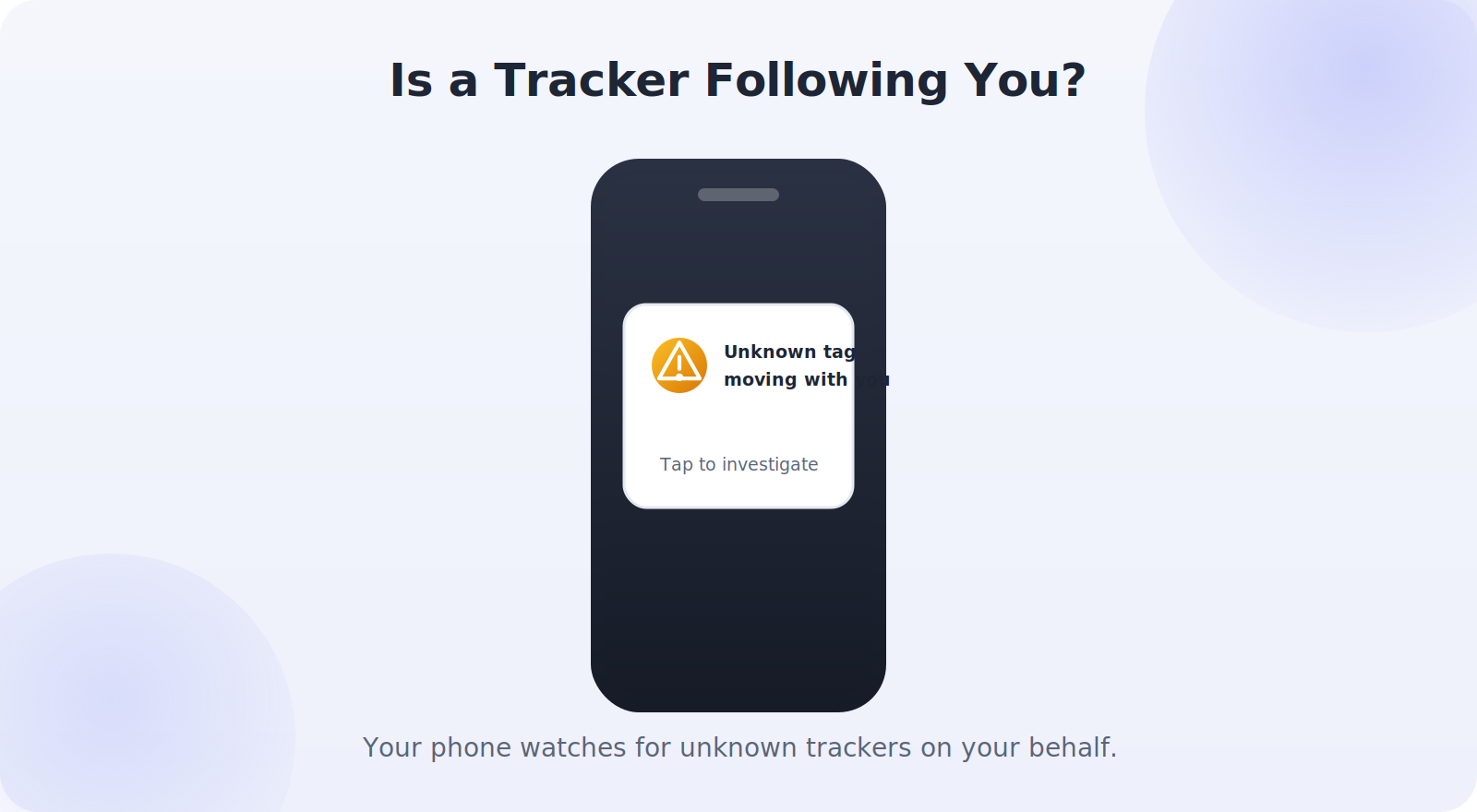
How Unwanted Tracking Alerts Work
Modern phones actively watch for trackers that aren’t yours but keep showing up wherever you go. If an unknown AirTag or compatible tracker is separated from its owner and moving along with you over time, your phone can flag it.
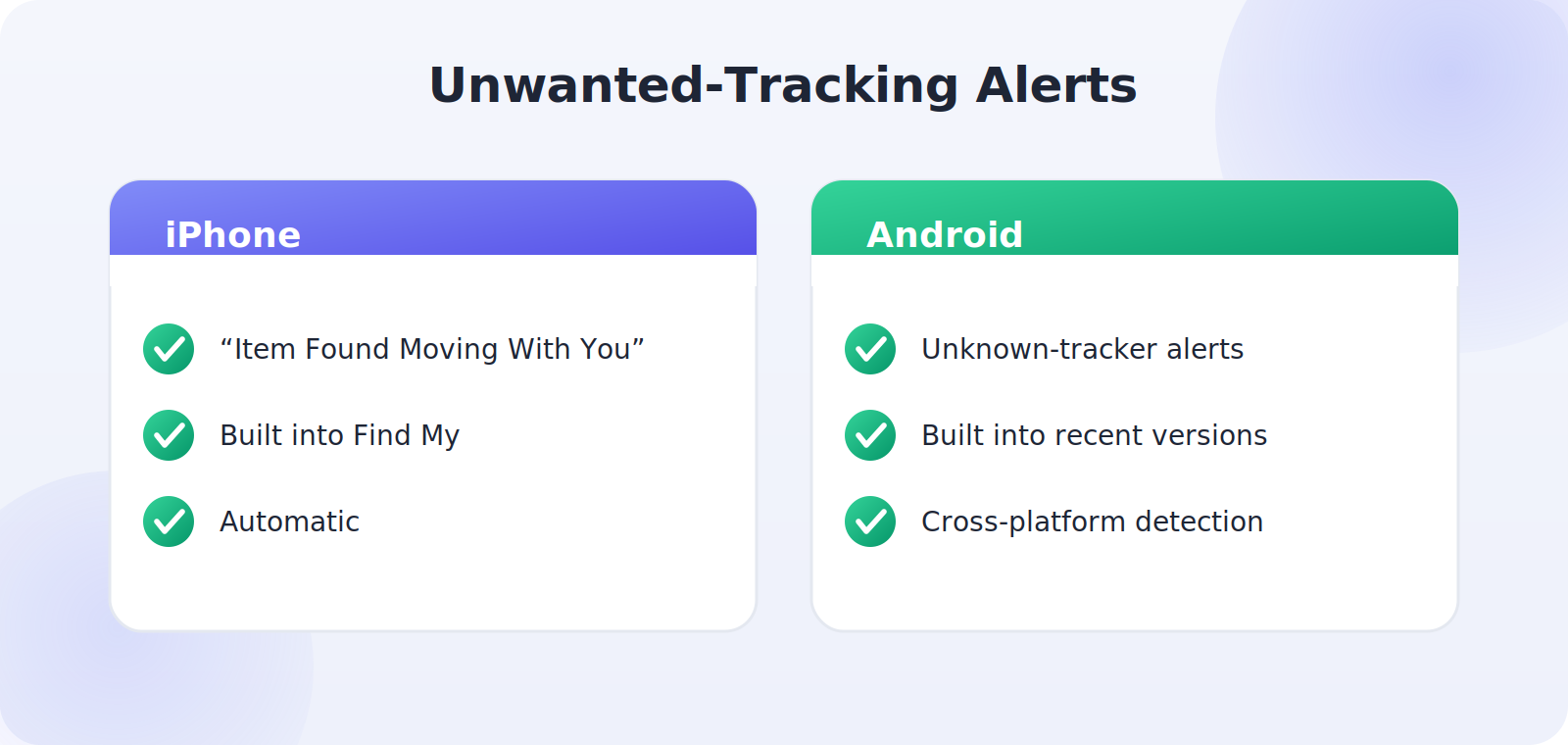
- On iPhone: you’ll get a notification such as “Item Found Moving With You,” tied into the Find My system automatically.
- On Android: unknown-tracker alerts are built into recent versions, warning you about compatible trackers traveling with you.
- Automatic sound: an AirTag separated from its owner for a while will also start playing a sound on its own to reveal itself.
Signs Something Might Be Tracking You
Beyond the automatic alerts, a few signs are worth knowing so you can stay aware:
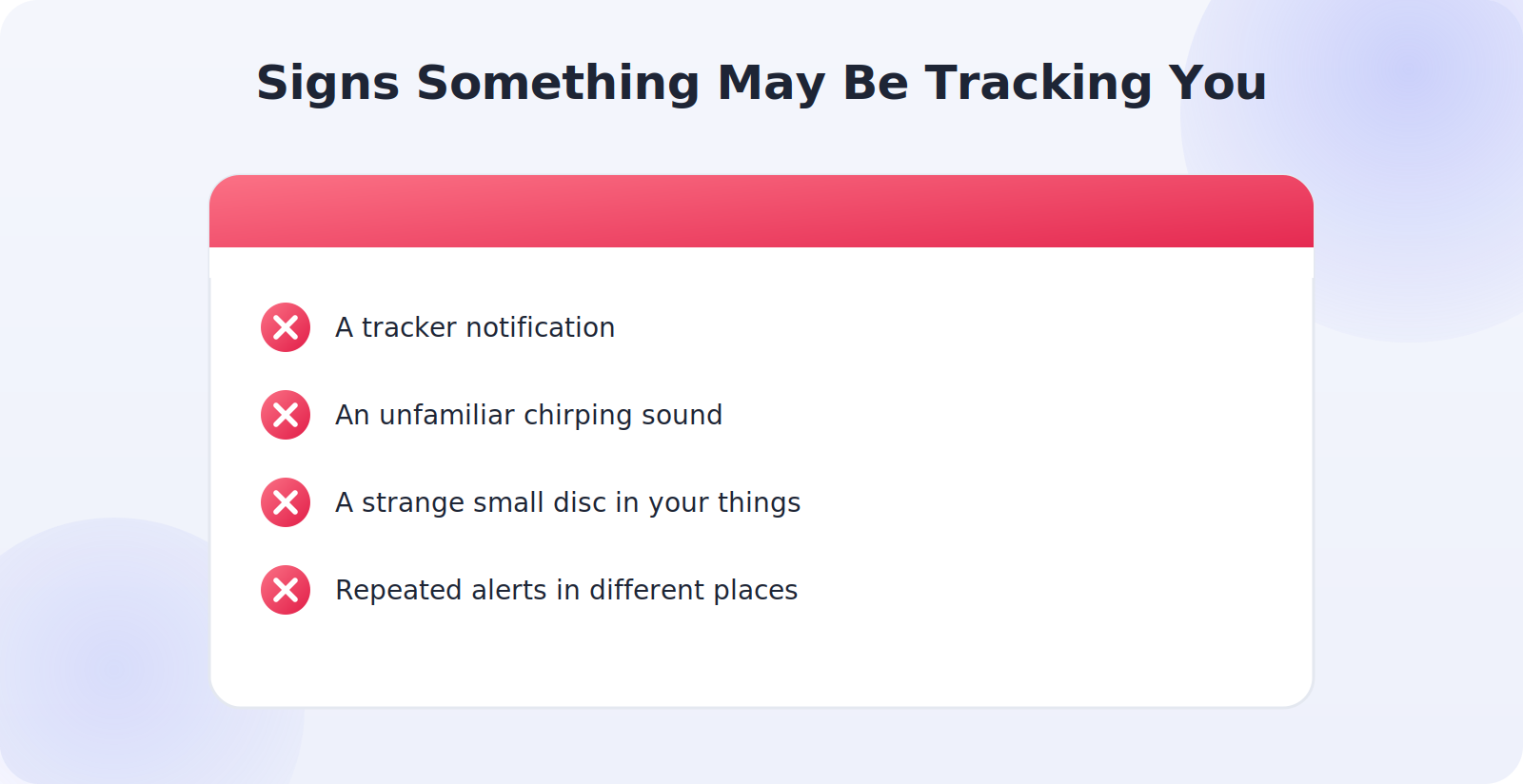
- A tracker notification on your phone — the clearest signal, so don’t dismiss it.
- An unfamiliar chirping sound coming from your bag, car, or belongings.
- A small unfamiliar disc or tag tucked into your things, a pocket, or your vehicle.
- Repeated alerts in different places, suggesting the tracker is genuinely moving with you.
Step 1: Don’t Panic — Investigate
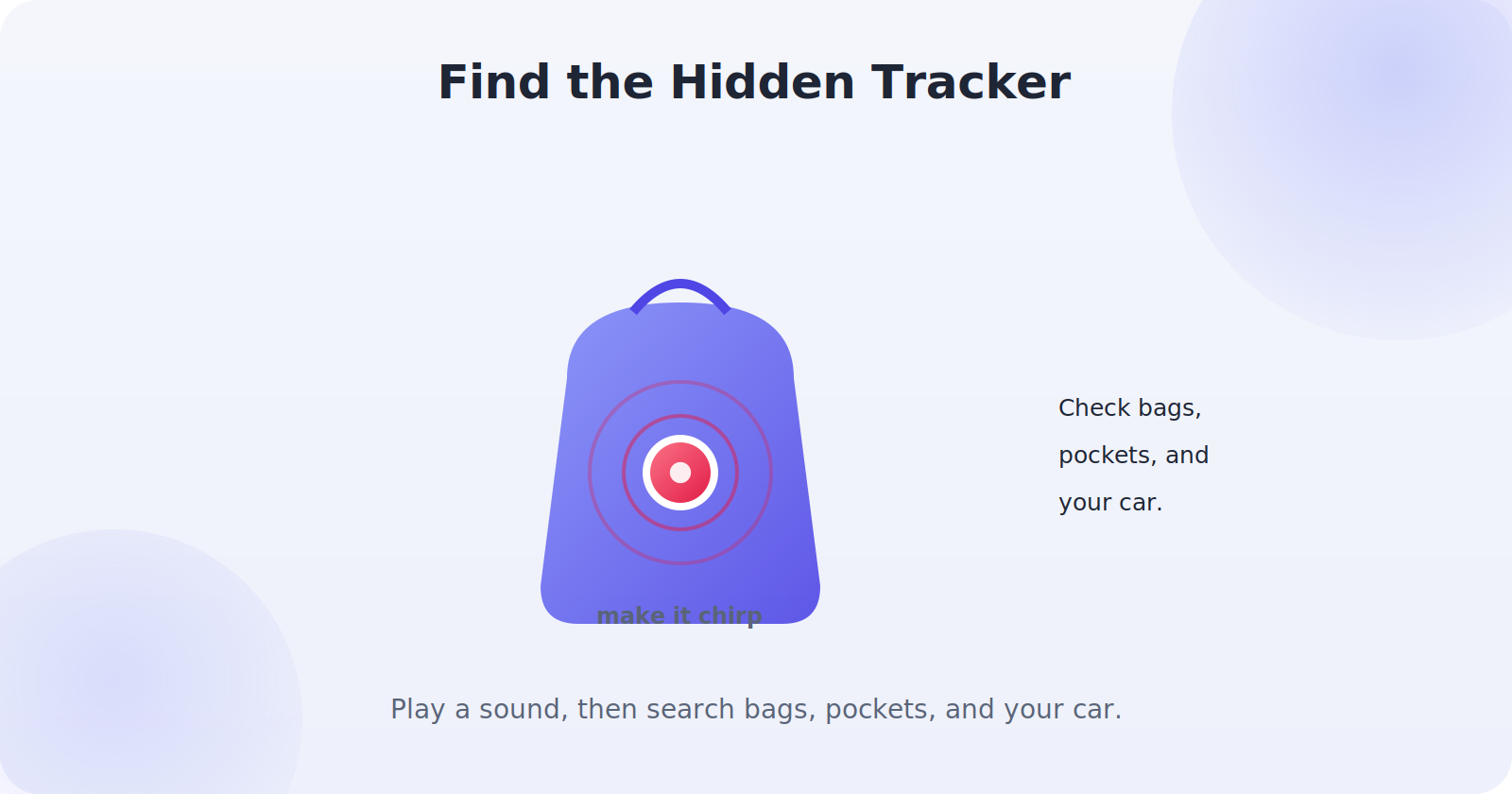
If you get an alert or suspect a tracker, stay calm and use your phone to investigate. Tap the notification — both iPhone and Android let you see details about the detected tracker and, in many cases, make it play a sound so you can locate it. This turns an abstract worry into something concrete: you can find the actual device rather than wondering. If you’re somewhere you don’t feel safe, though, prioritize getting to a safe place first.
Step 2: Find the Tracker
Use the tools your phone offers to locate the physical tracker. On iPhone, if it’s an AirTag, you can often use the app to play a sound and even get guidance toward it. On Android, the unknown-tracker feature can help you make it chirp. Then search the likely places: the bottom of bags, coat pockets, the seams and pockets of your car, and among items someone may have handed you. Trackers are small, so check thoroughly.
Step 3: Disable It
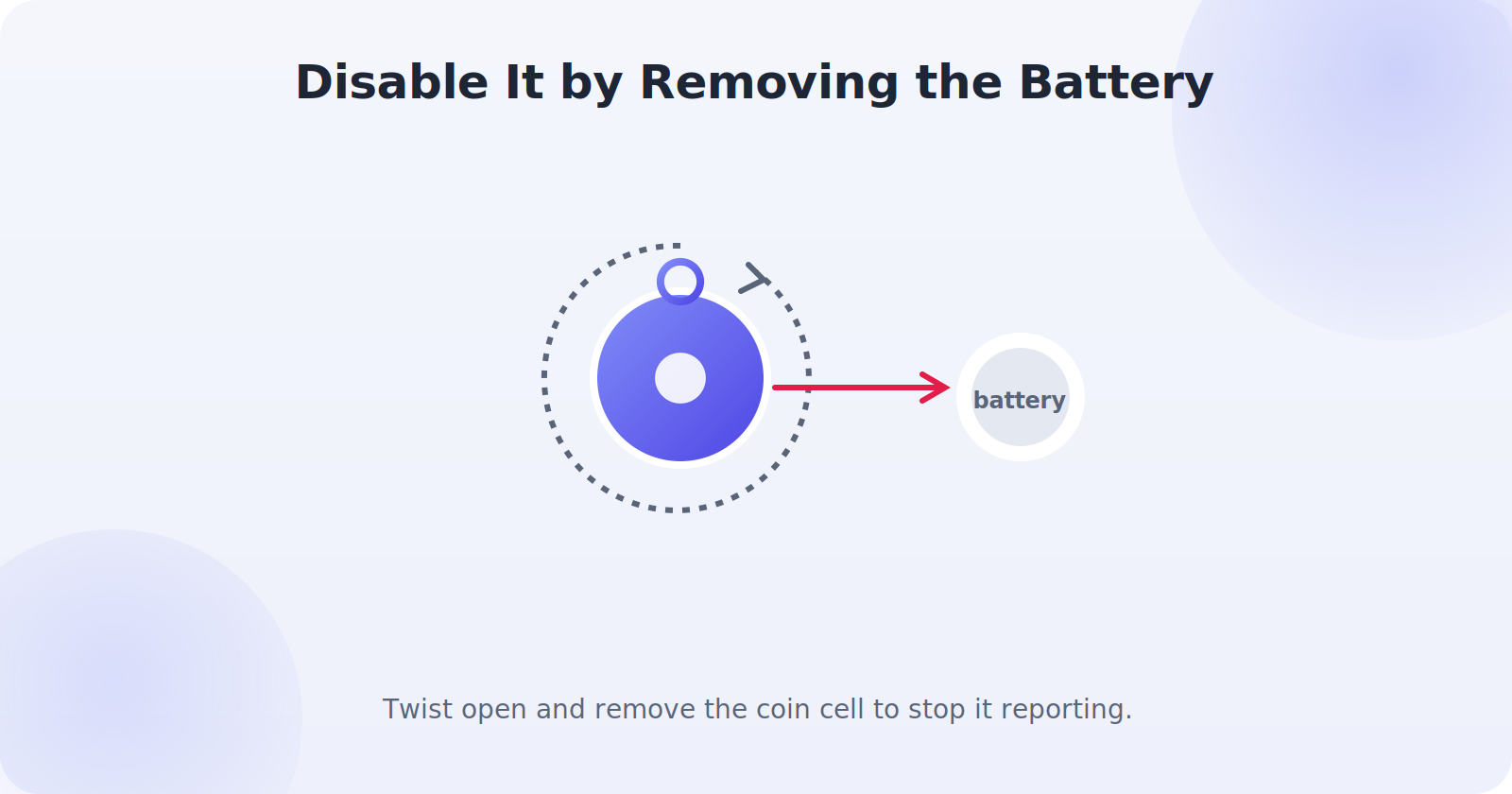
Once you’ve found the tracker, you can disable it to stop it reporting your location. Most coin-cell trackers, including AirTags, can be disabled by removing the battery.
- For an AirTag: press down on the metal back and twist counter-clockwise to open it, then remove the battery.
- For other trackers: open the battery compartment (your phone’s detected-tracker screen often shows instructions) and take out the battery.
- If you can’t open it, placing it in a signal-blocking spot or handing it to authorities are alternatives.
Step 4: Preserve Evidence and Get Help
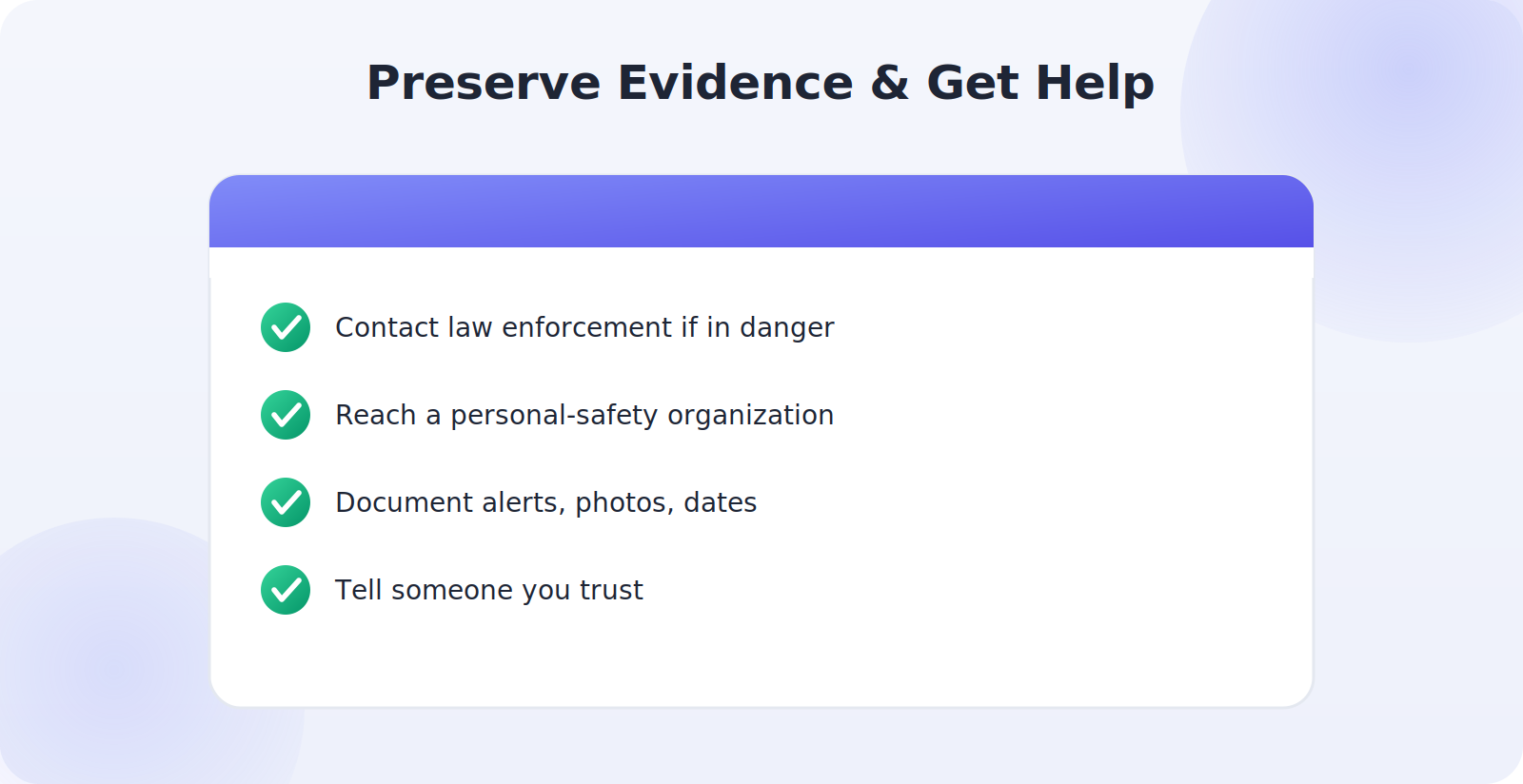
This is the most important part. If you believe someone is deliberately tracking you, your safety comes first, and you don’t have to handle it alone. Before disabling a tracker, consider whether you need to preserve it as evidence — your phone can often show the tracker’s identifier, which law enforcement can use. Then:
- Contact law enforcement if you feel you’re being stalked or are in danger; unwanted tracking is illegal in many places.
- Reach out to a domestic-violence or personal-safety organization, which offers confidential, expert support.
- Document everything: screenshots of alerts, photos of the tracker, dates, and locations.
- Tell someone you trust so you’re not dealing with it alone.
Protecting Yourself Going Forward
A few habits keep you protected. Keep your phone updated so you have the latest tracker-detection features. On Android, make sure unknown-tracker alerts are enabled in your settings. Periodically run a manual scan if your phone offers one, especially after being somewhere you felt uneasy. And stay aware of unfamiliar sounds or objects among your belongings. These simple practices mean an unwanted tracker has very little chance of following you unnoticed.
A Note on Perspective
It’s worth keeping this in balance. The overwhelming majority of trackers are used exactly as intended — helping people find their keys and bags — and the manufacturers have built in genuine safeguards precisely because they take misuse seriously. The detection features on your phone exist to protect you, and they work. Knowing how to use them means you can enjoy the convenience of trackers for your own things while staying confidently protected against the rare bad actor.
Why These Protections Exist
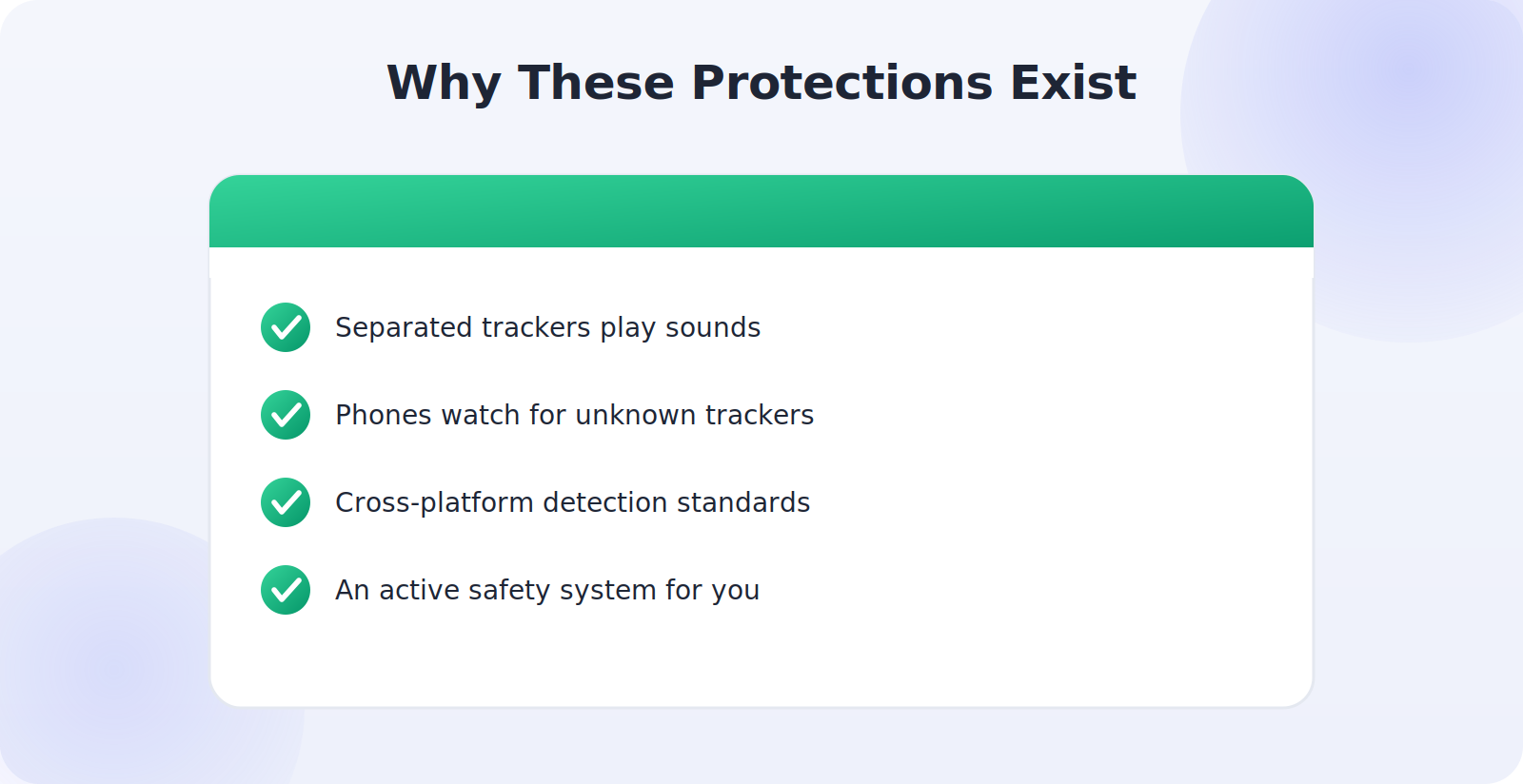
It’s worth understanding the context, because it’s genuinely reassuring. When personal trackers became popular, manufacturers recognized early that the same technology that finds a lost bag could be misused to follow a person — and rather than ignore it, they built in anti-stalking protections and have kept strengthening them. Separated trackers play sounds to reveal themselves, phones actively watch for unknown trackers traveling with you, and the major companies have worked together on cross-platform detection standards so an iPhone can warn you about an Android-network tracker and vice versa.
This matters because it means you’re not relying on luck or vigilance alone — there’s an active safety system working on your behalf in the background. The protections aren’t perfect, and staying aware still helps, but the direction is strongly positive: detecting unwanted tracking gets easier with each phone and software update. Knowing that a serious, coordinated effort exists to protect you can take some of the fear out of the topic and replace it with practical confidence.
Manually Scanning for Trackers
Beyond automatic alerts, you can take a proactive role by manually scanning for nearby trackers, which is especially reassuring after you’ve been somewhere you felt uneasy. On iPhone, features in the Find My system and Apple’s support tools let you look for items detected near you; on Android, the safety section of settings includes a manual scan for nearby unknown trackers. Running a scan takes a moment and either confirms all is well or surfaces something worth investigating.
Making this an occasional habit — not an anxious daily ritual, but a sensible check now and then — puts you firmly in control. If you share a car, receive a gift, or spend time around someone you don’t fully trust, a quick manual scan afterward is a small, empowering step. Combined with keeping your phone updated and alerts enabled, it means an unwanted tracker has very little room to operate undetected around you.
Helping Others Stay Safe
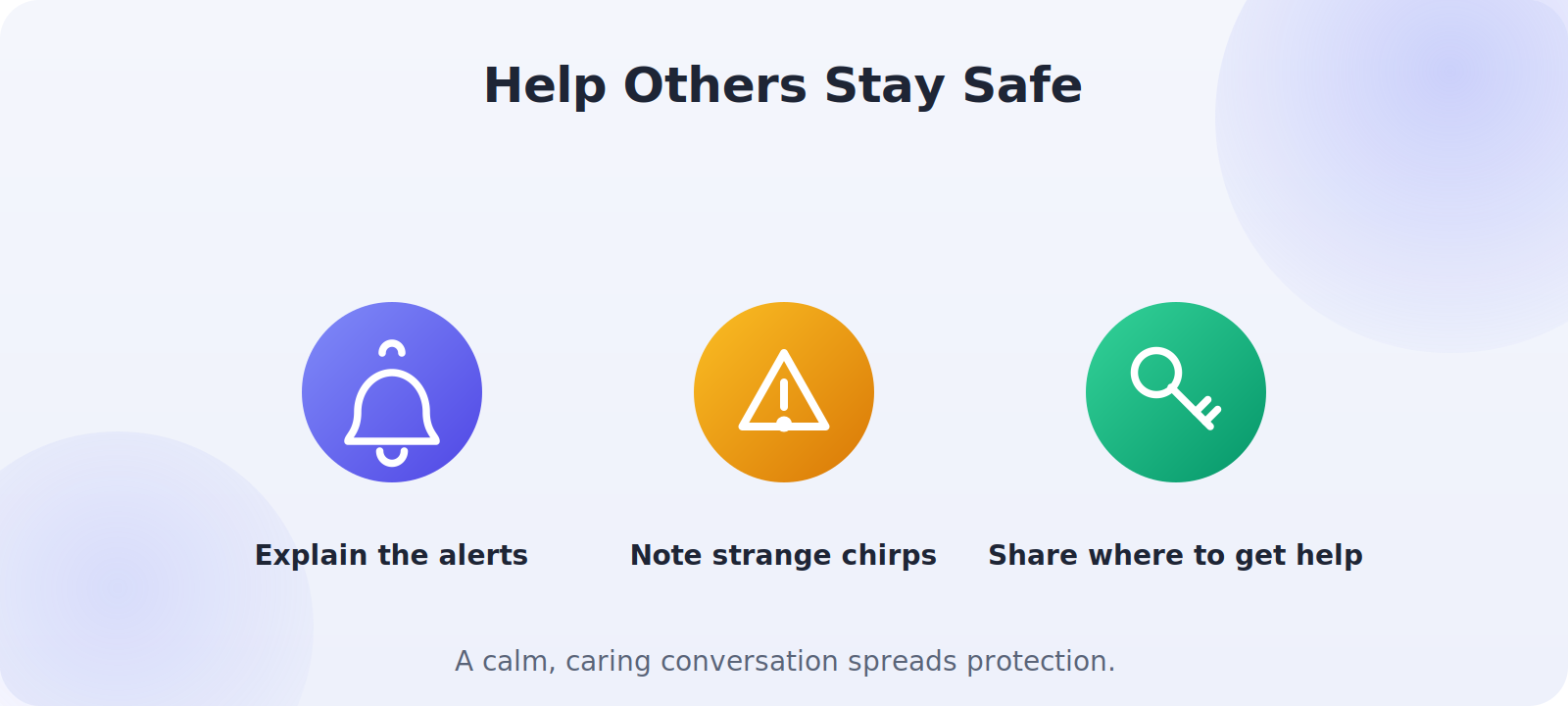
Once you understand how to detect and handle unwanted tracking, sharing that knowledge is genuinely valuable, because not everyone knows these protections exist or how to use them. Consider talking through the basics with people in your life who might be more vulnerable — explaining that their phone can alert them to an unknown tracker, that a strange chirping from their belongings is worth checking, and that help is available if they ever feel followed. Keep the tone calm and empowering rather than frightening; the goal is confidence, not fear. For someone who has reason to be concerned about their safety, knowing how to check for and disable a tracker — and knowing that organizations exist to support them — can be genuinely important. A short, caring conversation spreads exactly the awareness that makes these safety features work as intended, and it costs you nothing but a few minutes. In a world where this technology is everywhere, that shared understanding is one of the best protections a community can have.
Common Mistakes to Avoid
- Dismissing a tracker alert without investigating it.
- Disabling a tracker before documenting it, if you may need evidence.
- Trying to handle a stalking situation alone instead of seeking help.
- Turning off unknown-tracker alerts and losing the protection.
- Ignoring an unfamiliar chirp from your bag or car.
Frequently Asked Questions
Can someone track me if I have an Android phone?
Recent Android versions include unknown-tracker alerts, and the major companies have built cross-platform detection so your phone can warn you about trackers from other ecosystems. Keep your phone updated and alerts enabled for the best protection.
What if I find a tracker but it’s not moving with me?
A tracker you own or that belongs to a housemate near their own things is normal. The concern is an unknown tracker that keeps traveling with you. If you’re unsure or feel unsafe, investigate calmly and reach out for support.
Will my phone always alert me to an unknown tracker?
Modern iPhones and recent Android versions alert you to unknown trackers moving with you over time, and separated AirTags also play a sound on their own. Keeping your phone updated and alerts enabled gives you the best protection.
How do I disable an AirTag I found?
Press down on the polished metal back and twist counter-clockwise to open it, then remove the battery. Your phone’s detected-tracker screen can guide you through it.
What should I do if I think I’m being stalked?
Prioritize your safety, preserve evidence like alert screenshots and the tracker itself, and contact law enforcement and a personal-safety organization. You don’t have to face it alone, and specialized help is available. This is a sensitive situation, and reaching out to professionals is the right step.
Quick Takeaways
- Your phone can alert you to an unknown tracker moving with you.
- Watch for notifications, unfamiliar chirps, and strange small discs.
- Investigate calmly — make the tracker play a sound to find it.
- Disable it by removing the battery once found.
- For deliberate tracking, preserve evidence and get expert help.
If there’s one message to carry away, it’s that you are not powerless here. Between your phone’s active alerts, your ability to find and disable a tracker, and the support organizations ready to help, you hold real, practical control over your own safety. Awareness is the foundation, and you now have it.
The Bottom Line
The same trackers that make finding your keys effortless could, in the wrong hands, be misused — but you are far from defenseless. Your phone actively watches for unknown trackers moving with you, alerts you, and helps you find and disable them. If you ever face deliberate tracking, your safety comes first: document what you find and reach out to law enforcement and support organizations rather than handling it alone. Keep your phone updated and your alerts on, and you can enjoy trackers’ convenience while staying confidently protected. The technology that helps you find your keys and the technology that protects you from misuse are the same system working in your favor — and now you know how to make both work for you.