The moment you realize your phone has been stolen, your heart sinks — and then the worry sets in. It’s not just the device; it’s your photos, your messages, your banking apps, your email, and the keys to half your online life. The good news is that the first hour matters most, and if you act in the right order you can protect your accounts, preserve your chance of recovery, and make the phone nearly worthless to whoever took it. This guide is your calm, step-by-step playbook for exactly that.
Keep this page handy or skim it now, because the best time to know these steps is before you ever need them. Panic makes people erase too soon or chase a thief in person; a clear sequence keeps you safe and effective instead.
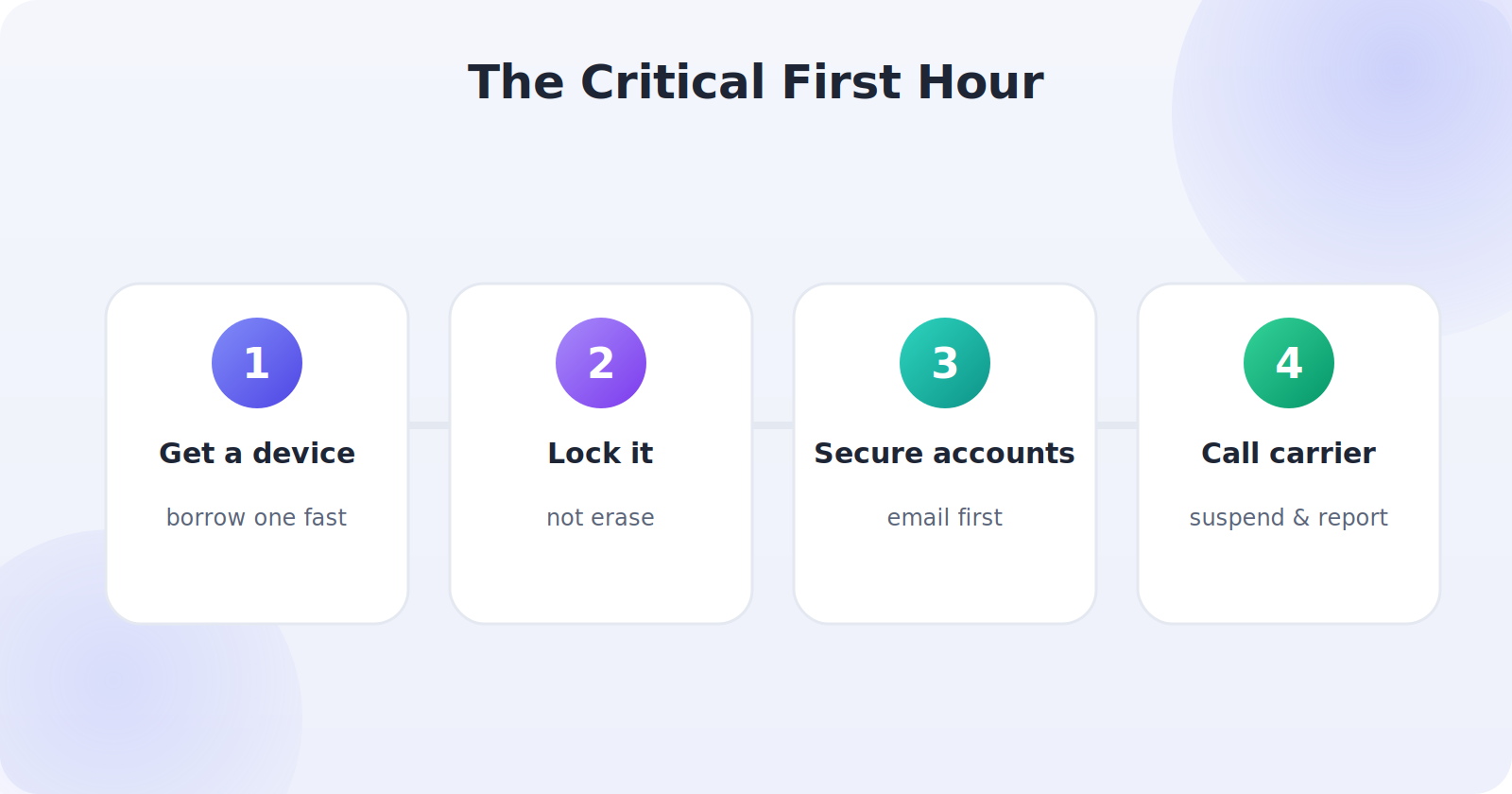
Step 1: Get to Another Device Quickly
Everything you need to do happens through another device — a friend’s phone, a laptop, a library computer, or a tablet. The faster you get to one, the more options you have while the phone may still be online. Don’t waste time searching your bag for the tenth time; borrow a device and start the process.
This is also the moment you’ll be grateful you know your account passwords. If you use a password manager you can reach from any browser, signing in takes seconds. If you don’t, this is the hurdle that slows people down most, so consider setting one up today as insurance.
Step 2: Locate and Lock — Don’t Erase Yet
Open the finder — google.com/android/find or icloud.com/find — and sign in. If the phone is online, you’ll see it on the map. Resist the urge to erase it immediately. Instead, lock it (Secure Device on Android, Mark As Lost on iPhone). Locking protects your data while keeping the phone trackable, which preserves every option.
Add a lock-screen message with a callback number in case an honest person ends up with it. Then watch the map for a few minutes. The phone’s movement often tells you whether this was an opportunistic grab or something more deliberate.
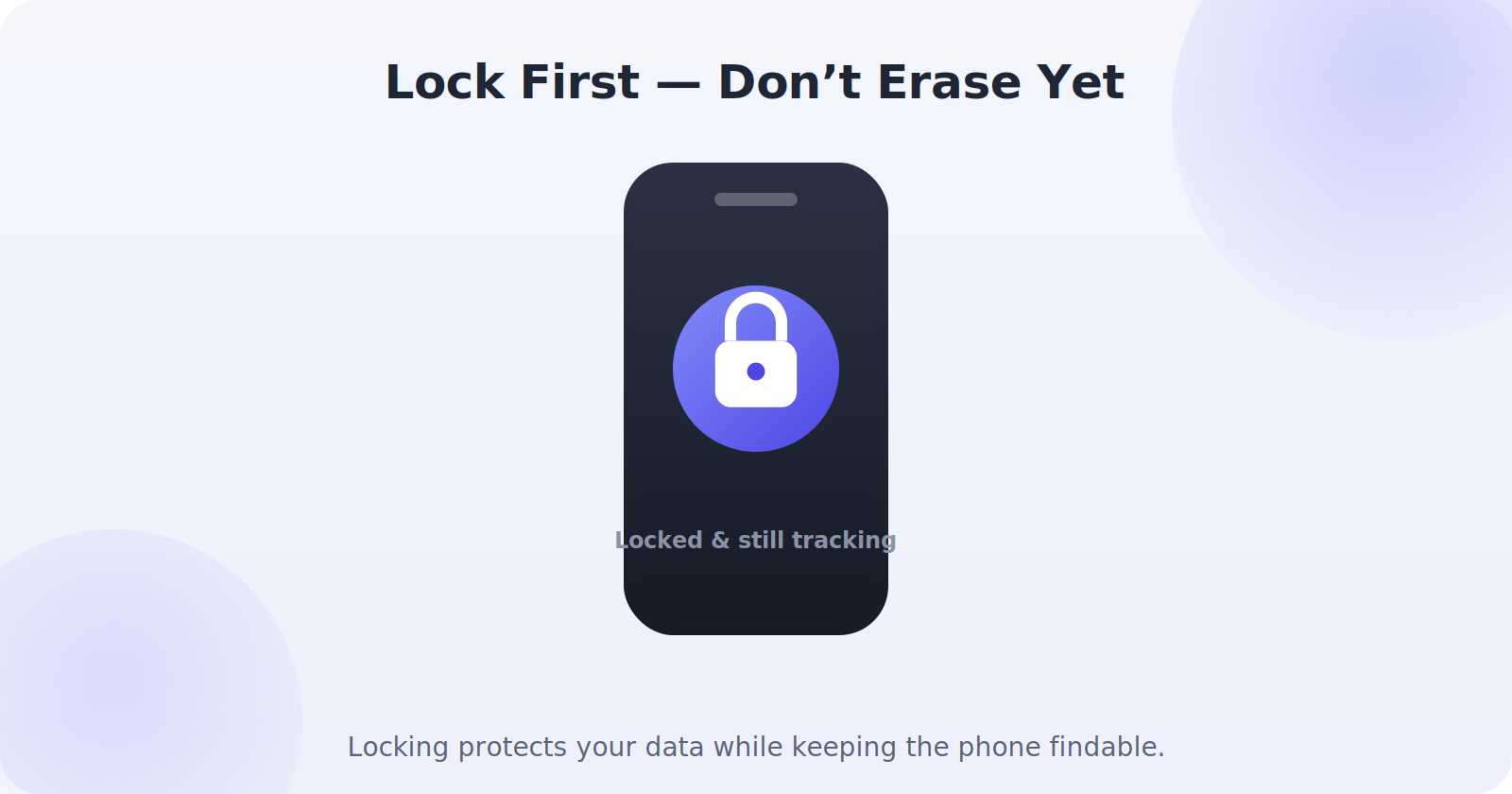
Locking is reversible and keeps tracking alive. Erasing is permanent and usually ends it. When in doubt, lock.
Step 3: Do Not Chase the Phone Yourself
This is the most important safety rule in the whole guide. A map pin is not an invitation to confront anyone. The accuracy circle can be wide, the location may be a stranger’s home, and a phone is never worth your physical safety. If the map shows the phone somewhere private and you suspect theft, that information belongs with the police, not on your to-do list for the evening.
If the phone surfaces somewhere public — a cafe, a gym, a shop — it’s reasonable to call that venue and ask whether someone handed it in. But going in person to recover a stolen phone from an individual is exactly the situation police exist to handle.
Step 4: Lock Down Your Accounts
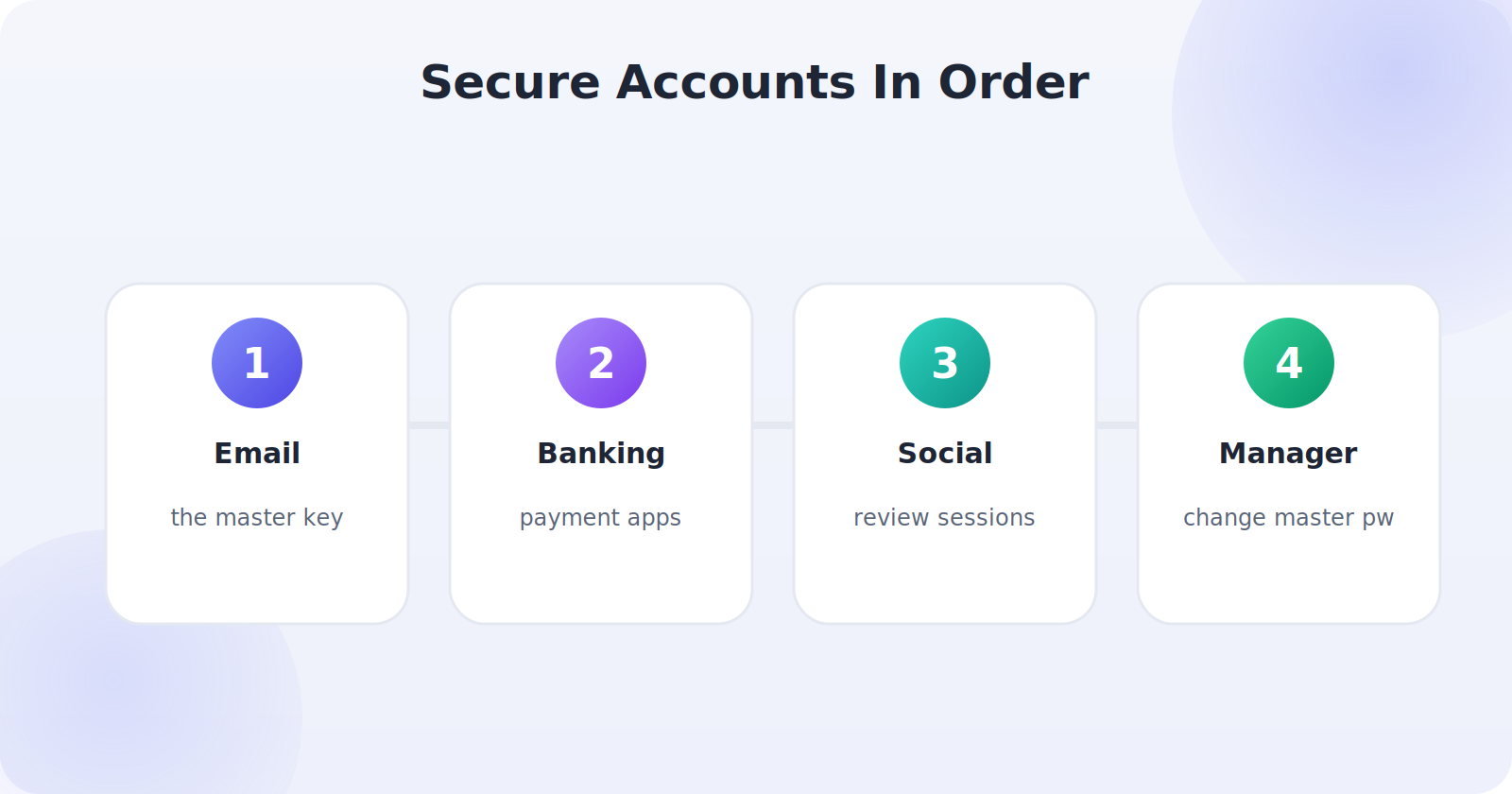
Your phone is a gateway to your accounts, so secure those next from another device. Work in order of risk:
- Email first. It’s the master key — whoever controls your email can reset most of your other passwords. Change it and sign out of all sessions.
- Banking and payment apps. Change passwords and, if anything looks off, call your bank.
- Social and messaging accounts. Change passwords and review active sessions.
- Password manager. If it’s on the phone, change its master password immediately.
Step 5: Suspend Your Line and Blacklist the IMEI
Call your carrier and ask them to do two things: suspend the line so the thief can’t use your number or rack up charges, and blacklist the IMEI, the phone’s unique hardware ID. A blacklisted IMEI can’t be activated on most networks, which is what truly kills the phone’s resale value.
Suspending the line also stops a thief from receiving your SMS two-factor codes, which is a real security risk if any of your accounts rely on text-message verification. If you can, move those accounts to an authenticator app once you’re back up and running.
Step 6: File a Police Report
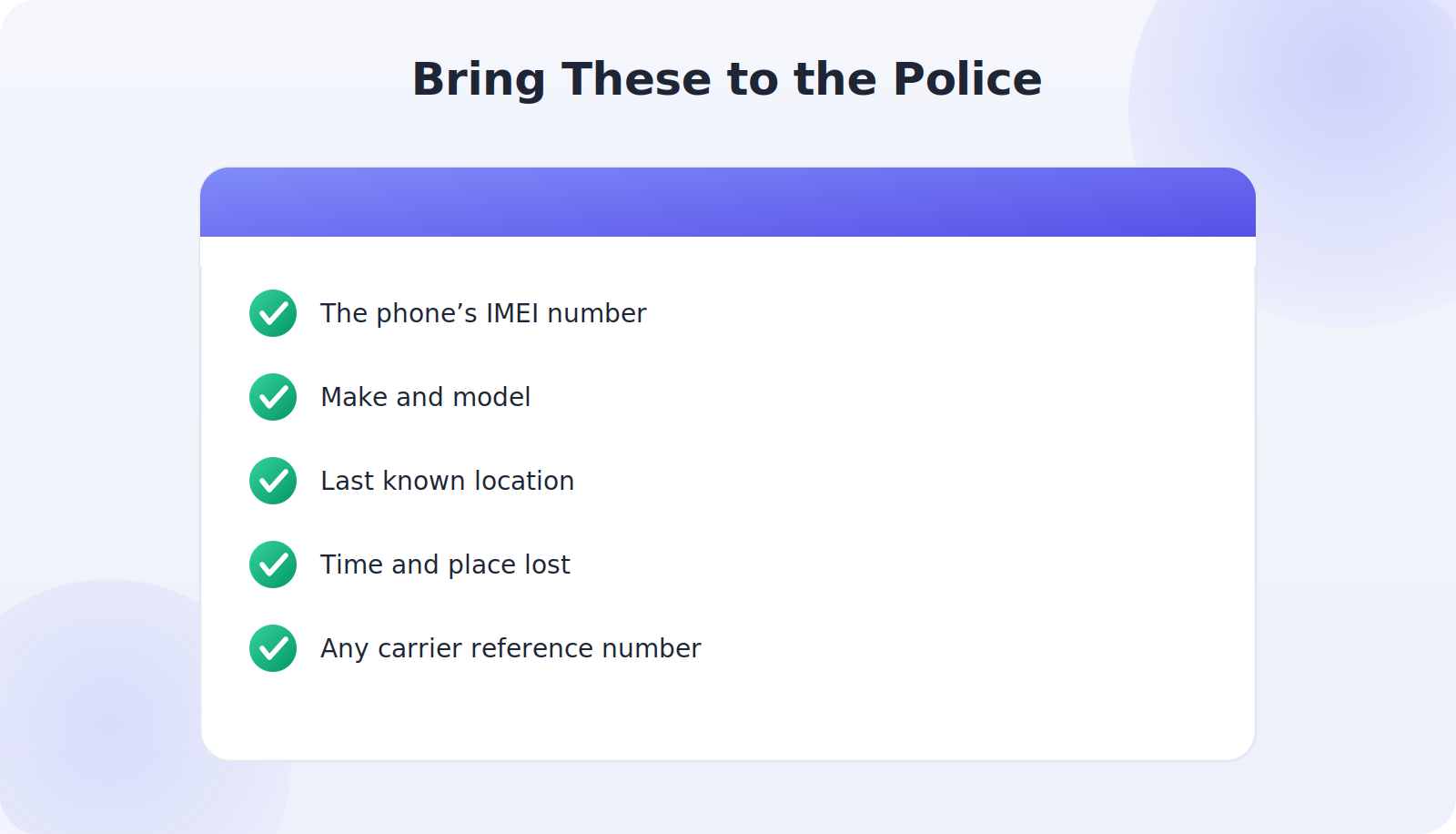
Report the theft to the police and get a report number. You’ll typically need the phone’s IMEI, its make and model, and the last known location from the finder. A police report matters for several reasons: many carriers and insurers require one, it creates an official record, and it gives law enforcement the details they need if the phone resurfaces.
Step 7: Decide Whether to Erase
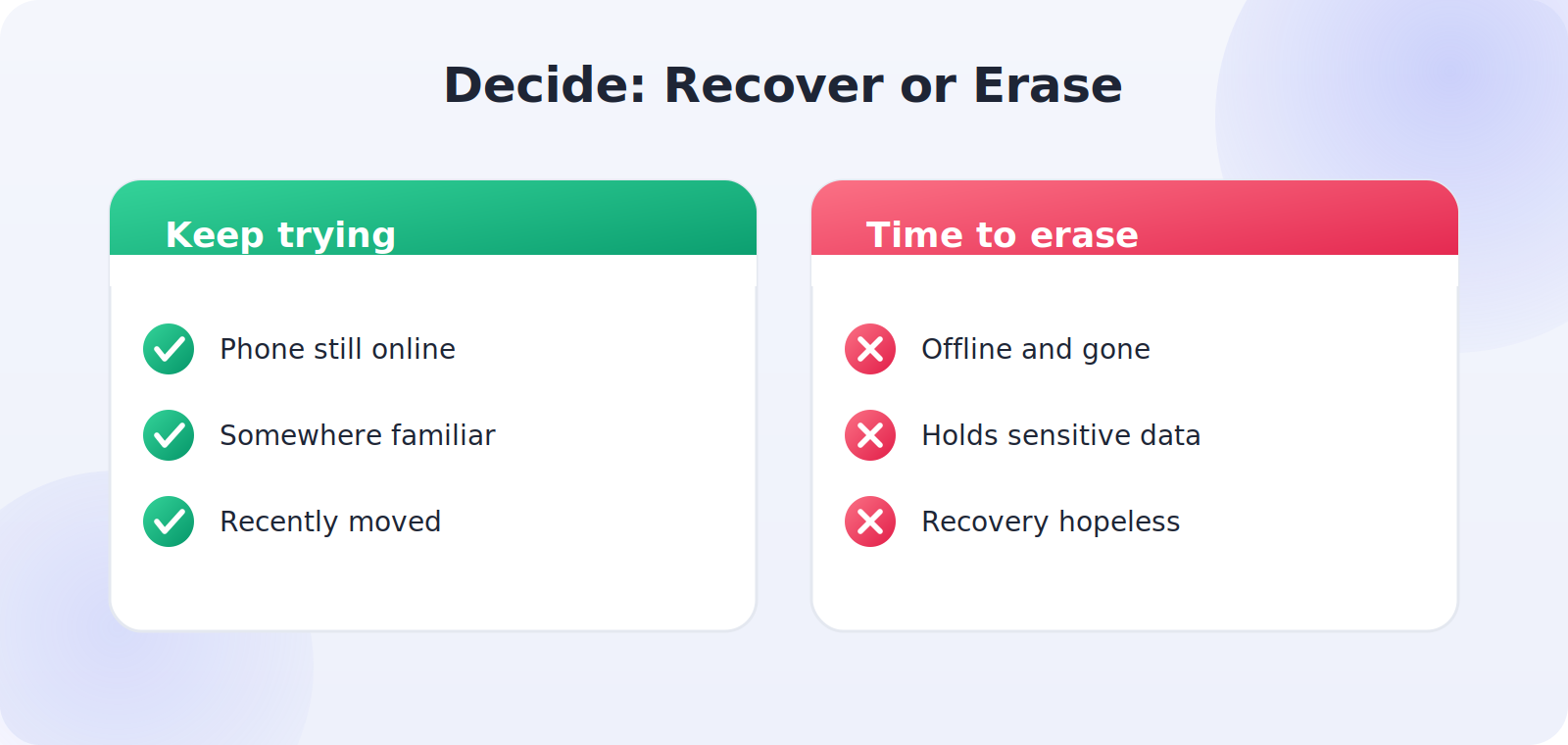
Once your accounts are secured, your line is suspended, and you’ve filed a report, you can make the final call on erasing. If the phone is clearly gone — offline, moving away, or unrecoverable — and it holds sensitive data, a remote wipe is the right move. With cloud backups in place, you lose nothing important. Just remember you’ve already captured the IMEI and last location, because erasing usually ends tracking.
Step 8: Replace and Rebuild Safely
When you get a replacement phone, restore from your backup and take a few minutes to start on a stronger footing: turn on Find My Device or Find My right away, confirm backups are running, set a strong passcode, and move two-factor authentication to an app rather than SMS. A theft is unsettling, but most people come out of it with a noticeably more secure setup than before.
What If You Didn’t Have Find My Set Up?
If the finder wasn’t enabled before the theft, you can’t locate or remotely lock the phone — but the rest of the playbook still applies and still protects you. Secure your accounts, suspend the line, blacklist the IMEI, and file a report. The location step is the only one you lose, which is the strongest possible argument for switching Find My on for every phone you own, today.
Common Mistakes to Avoid
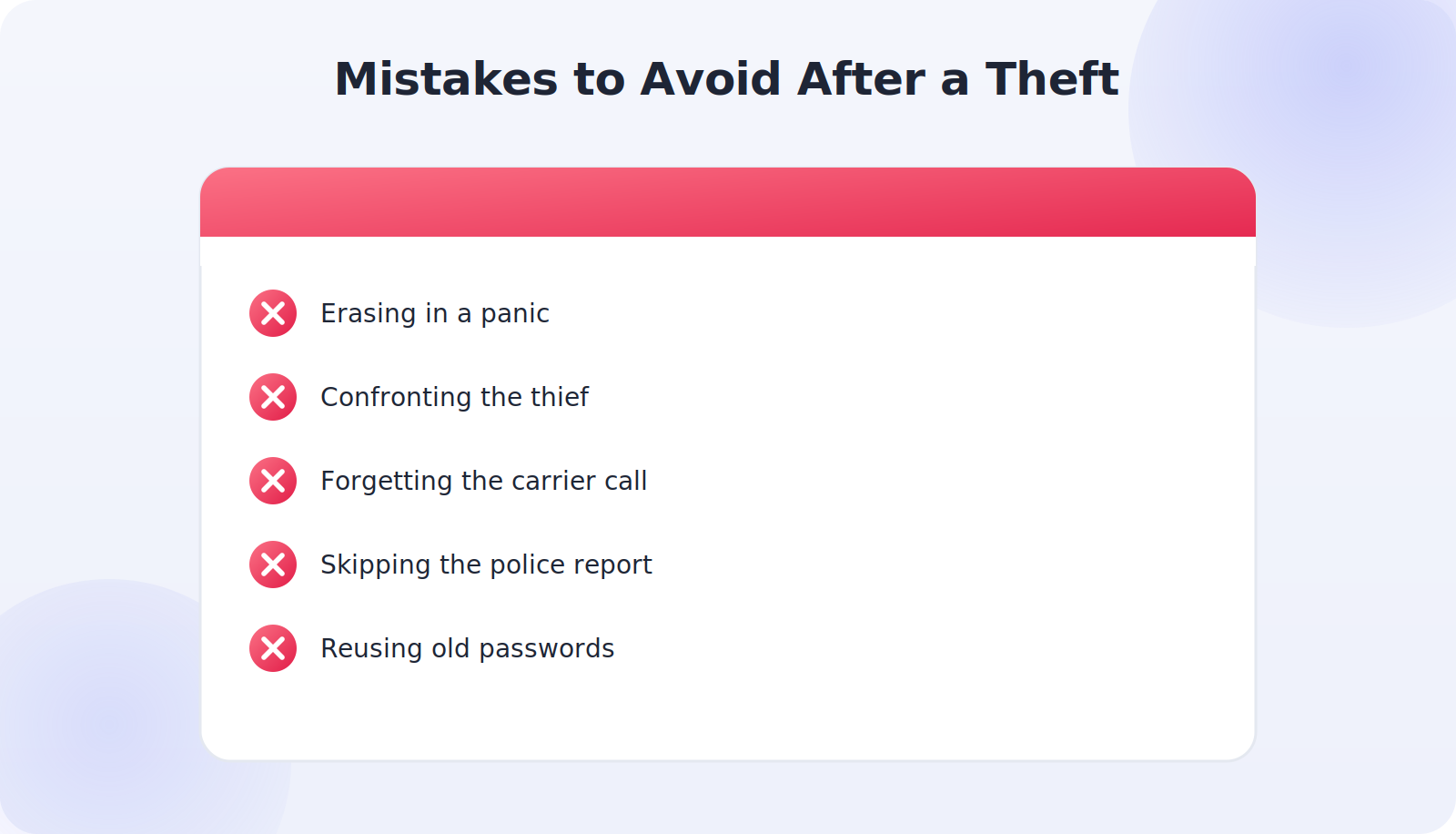
- Erasing in a panic before securing accounts or capturing the IMEI and location.
- Confronting the thief based on a map pin — never worth the risk.
- Forgetting the carrier call, leaving the line and SMS codes exposed.
- Skipping the police report, which many insurers require.
- Reusing the same passwords on the replacement phone.
Frequently Asked Questions
How quickly should I act after a theft?
As fast as you safely can. The phone is most likely to still be online in the first few minutes, which is your best chance to locate and lock it. Securing your email and suspending the line are also far more effective the sooner you do them, since they cut off the thief’s access before any damage is done.
Should I erase my phone right away?
Usually no. Lock it first to protect your data while keeping it trackable, secure your accounts, and capture the IMEI and last location. Only erase once recovery looks hopeless.
Can the police track my phone for me?
They can act on the information you provide, including the IMEI and last known location. Hand them those details rather than trying to recover the phone yourself.
Will blacklisting the IMEI stop the thief from using it?
On most networks, yes — a blacklisted IMEI can’t be activated, which makes the phone far less useful and less valuable to resell.
A Realistic Timeline of Those First Minutes
It helps to picture how this unfolds in real life, because the order is everything. Say your phone is snatched on a busy street. In the first five minutes, you borrow a companion’s phone and open the finder — the phone is still online, moving down the road, so you lock it and add a callback message. In the next ten minutes, you change your email password and your banking password from that borrowed device, cutting off the thief’s access to your accounts. Within half an hour, you’ve called your carrier to suspend the line and blacklist the IMEI, and you’ve noted the last known location to give the police.
Notice what you did not do: you didn’t run after the phone, and you didn’t erase it in a panic. By the time the device finally goes offline, it’s locked, blacklisted, and cut off from your accounts — nearly worthless to whoever has it, while your digital life stays intact. That calm, ordered sequence is the difference between a bad afternoon and a genuine crisis.
Protecting Yourself From Follow-On Scams
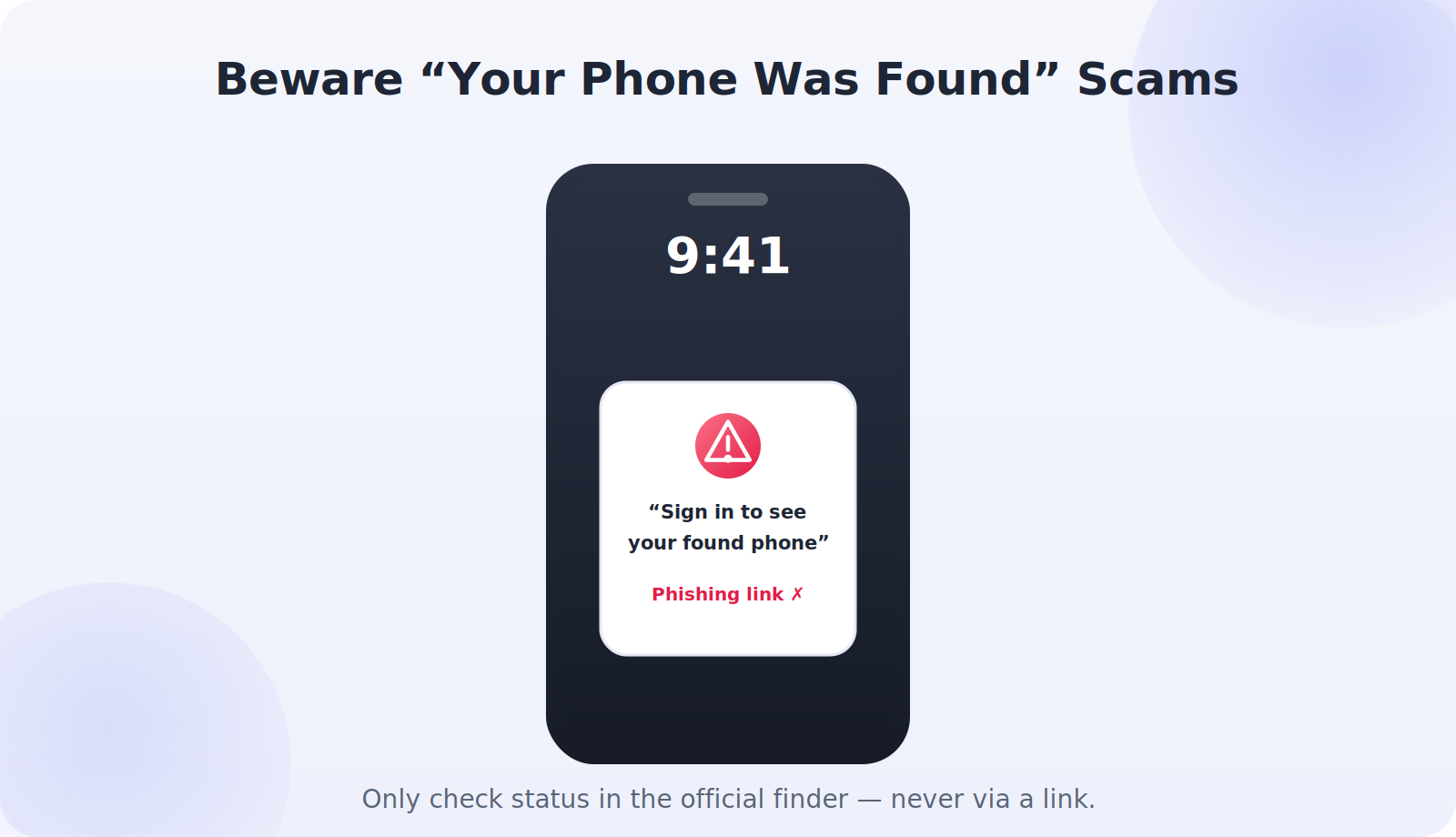
Phone theft sometimes comes with a nasty sequel: a follow-up scam. A thief or an accomplice may use details from your phone, or simply your phone number, to try to trick you into handing over the very credentials that would unlock the device. A common version is a message or call claiming to be from Apple or Google saying your lost phone has been “found,” with a link asking you to sign in. That link is a trap designed to steal your Apple ID or Google password and defeat Activation Lock.
Protect yourself with one simple rule: only ever check your device’s status through the official finder, typed directly into your browser — never through a link in a text or email. Genuine recovery happens through Find My, not through a message demanding your password. If something feels urgent and pushy, that urgency is the red flag.
If the Phone Was Taken by Force
If your phone was taken in a mugging or any situation involving threat or violence, your priorities shift. Your safety comes first, always — never resist or chase to keep a replaceable device. Once you’re safe, treat it as both a theft and a crime against you: report it to the police promptly, mention that force was involved, and let them lead any recovery. The account-securing and carrier steps remain exactly the same, but in this case the human side matters more than the hardware. Reach out to someone you trust, and don’t hesitate to seek support.
Preparing Before It Ever Happens
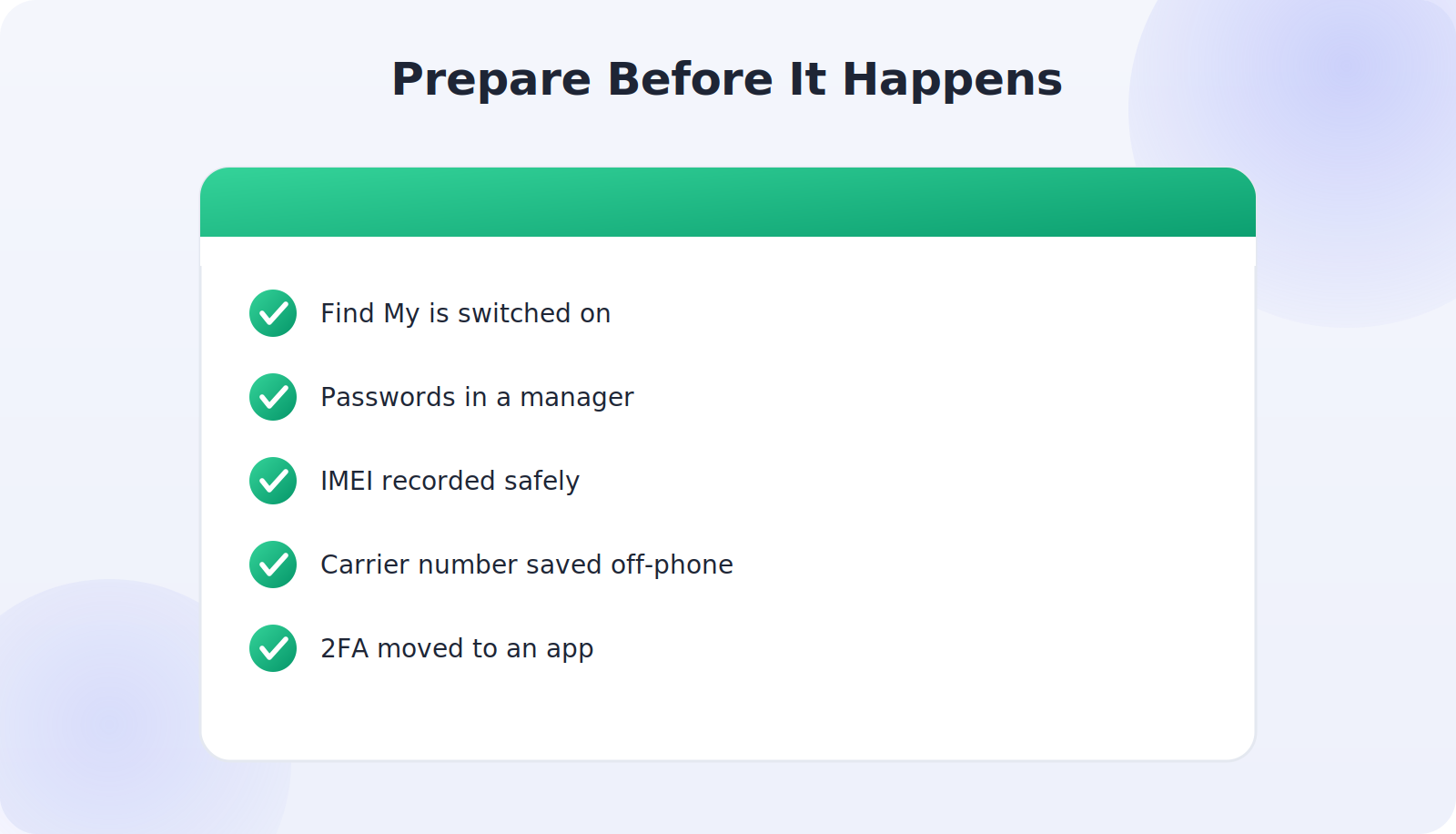
The people who handle phone theft best are the ones who set themselves up in advance. None of it takes long, and it transforms a theft from a panic into a procedure. Switch on Find My Device or Find My so you can locate and lock the phone. Store your account passwords in a manager you can reach from any browser, so being without your phone doesn’t lock you out of everything. Record your IMEI somewhere safe. Save your carrier’s lost-or-stolen number outside the phone. And move your two-factor authentication to an app rather than SMS, so a stolen phone can’t intercept your codes.
Think of it as a fire drill for your digital life. You hope never to need it, but if the moment comes, muscle memory and a little preparation mean you act in minutes instead of flailing for an hour. A quarter of an hour spent on this today is the best insurance you can give your future self.
Quick Takeaways
- Get to another device fast, while the phone may still be online.
- Lock — don’t erase — to protect data and keep tracking alive.
- Never chase the phone in person; give the police the location.
- Secure email first, then banking and social accounts.
- Suspend the line, blacklist the IMEI, and file a police report.
The Bottom Line
A stolen phone feels like a crisis, but a calm, ordered response turns it into a manageable problem. Get to another device, lock the phone, protect your accounts, suspend the line, blacklist the IMEI, and file a report — in that order. Keep yourself safely out of any confrontation, lean on your backups, and rebuild on a more secure footing. Do that, and the thief ends up with little more than a locked, blacklisted brick while your digital life stays firmly in your hands.