AI Chatbots & Kids: A Parent’s Guide
Your kid asks a chatbot to explain photosynthesis, then asks it to write the essay. A younger one spends an hour “talking” to a cartoon character that never gets bored of them. AI is already part of how children learn, play, and socialise. It can be genuinely great. It can also give confident wrong answers, soak up personal details, and feel like a friend when it isn’t one. Here’s how to help your kid get the good parts without the mess.
Where kids actually meet AI
“AI chatbot” isn’t one thing. Kids run into several kinds, and they behave differently.
- General assistants. The big ones that answer questions, write, summarise, and help with code. Kids use them for homework, essays, revision, and coding side-projects.
- Companion and character apps. Apps built specifically to chat and role-play — an “AI friend,” a fictional character, a made-up persona. The whole point is the relationship feel.
- Chatbots inside apps they already use. Assistants baked into social platforms, search, and games. Your kid might be talking to an AI without opening a separate app at all.
- Voice assistants. The speaker on the shelf, the assistant on the phone. Younger kids especially treat these as people.
Worth saying plainly before we get to risks: a lot of this is good. A patient tool that explains a maths concept five different ways, never sighs, and is free at 9pm is a real thing to have. The goal isn’t to keep AI away from your kid. It’s to help them use it well.
The genuine benefits
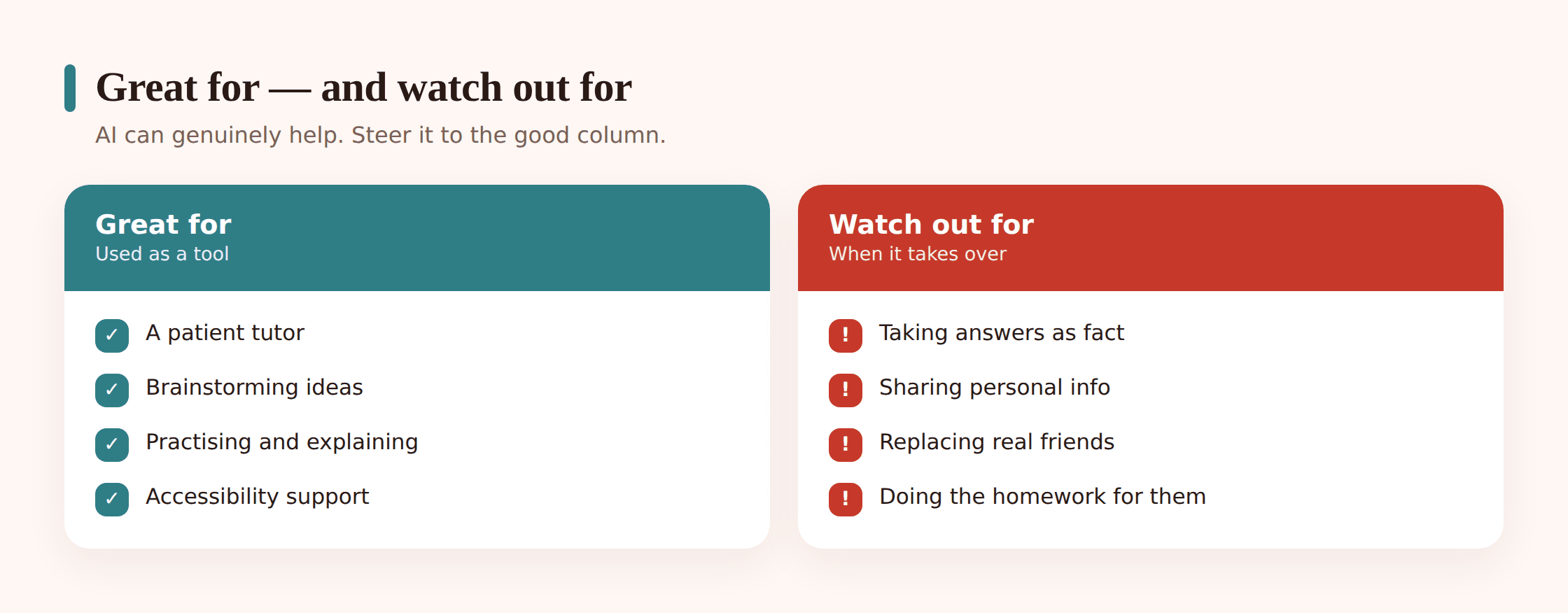
Let’s be fair about this, because pretending it’s all bad makes you easy to ignore.
- A patient tutor. A kid can ask the same question three times without embarrassment. Ask for a simpler explanation. Ask for an example about football instead of trains. That’s genuinely useful for how children learn.
- A brainstorming partner. Stuck on a story opening or a science-fair idea? A chatbot is a decent wall to bounce a ball off. The kid still does the thinking — it just breaks the blank-page freeze.
- Practice for shy kids. Rehearsing how to ask a teacher for help, or practising a language out loud, feels lower-stakes with a bot than with a person. For an anxious child that lower bar can be the difference between trying and not.
- Accessibility. Reading text aloud, rephrasing dense material, helping a kid who struggles with writing get thoughts onto the page. This matters a lot for some children.
Keep this list in mind. If you only ever frame AI as danger, your kid will nod, log off, and use it exactly as before — just without telling you.
The real risks, one by one
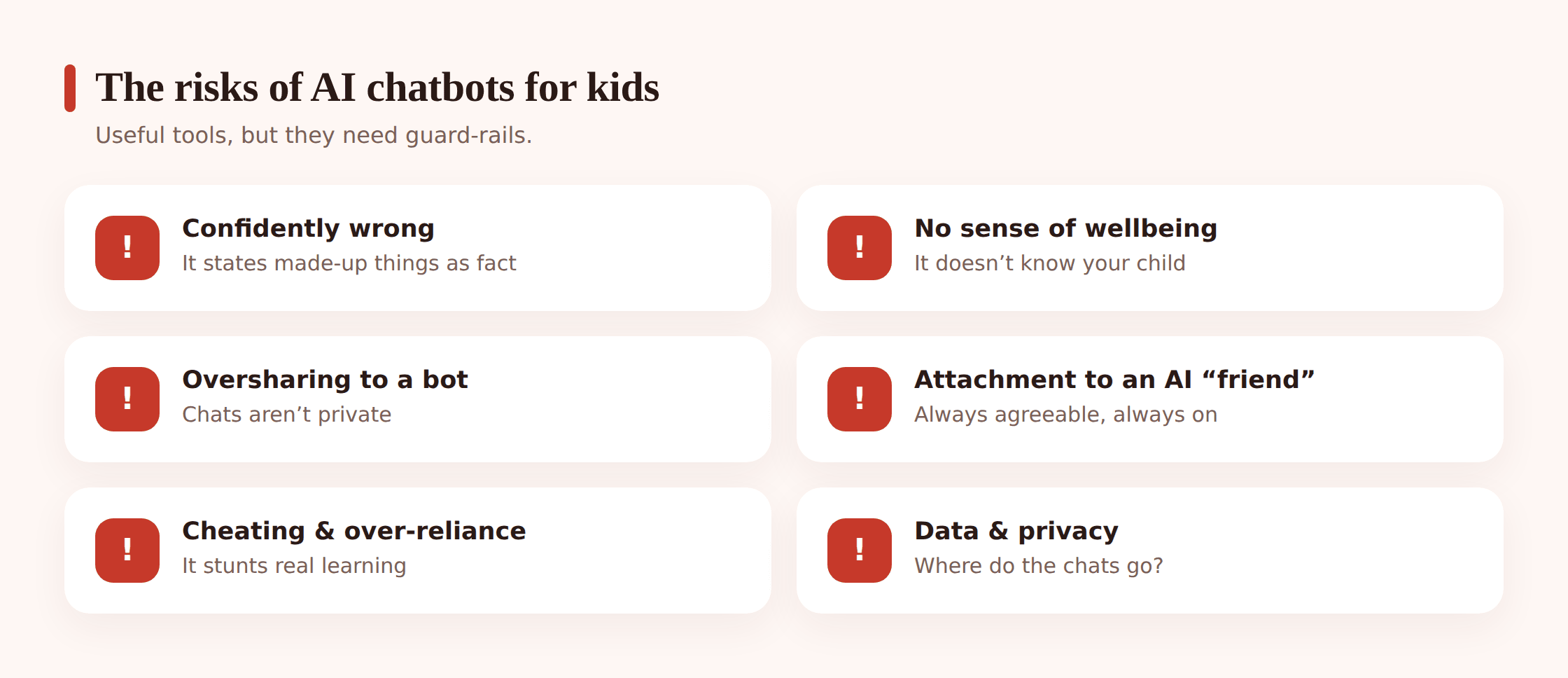
Now the honest downsides. Each one is manageable once you and your kid can name it.
- Confidently wrong answers. Chatbots make things up — dates, quotes, facts, “sources” that don’t exist. The industry calls it hallucination. The problem is it sounds exactly as sure when it’s wrong as when it’s right. A kid who trusts it blindly can hand in confident nonsense.
- No real understanding of your child. A bot doesn’t know your kid is having a bad week. It has no idea if advice is safe for them. It pattern-matches words. It doesn’t care, because it can’t.
- Inappropriate content slips through. Filters exist and mostly work, but “mostly” isn’t “always.” Content meant for adults, dark themes, or graphic material can surface, especially in open-ended role-play apps.
- Oversharing. Kids type things into a chat window they’d never say out loud — their name, their school, worries, photos, secrets. It feels private. It isn’t.
- Emotional attachment to companions. An AI “friend” is always available and always agreeable. For some kids that becomes a pull away from real, messier human relationships. More on this below, kept high-level.
- Harmful advice on sensitive topics. On mental health, relationships, or risky behaviour, a bot can give responses that are wrong, unsafe, or just hollow. On anything serious, a child needs a real person. If your kid is struggling, steer them to you, a trusted adult, or a professional — not a chat window.
- Cheating and over-reliance. The line between “helped me understand” and “did it for me” is thin, and easy to cross. Lean on it too hard and the actual learning never happens.
- Age ratings ignored. Plenty of companion apps are rated for older teens or adults and are used by much younger kids. The rating is a starting point most children stroll right past.
- Data and privacy. Chats may be stored and used to improve the models. What your kid typed doesn’t just vanish. It’s worth knowing what a given app actually does with conversations before your child pours their life into it.
Cheating vs. learning
This is the fight in most households, so let’s be specific. The same tool can wreck learning or boost it. It depends entirely on how it’s used.
Using it to learn looks like: “Explain why I got this wrong.” “Give me three practice questions.” “Check my essay for weak arguments — don’t rewrite it.” The kid still does the work. The bot is a coach.
Using it to cheat looks like: “Write my essay.” “Do question 4.” “Give me the answers.” The kid hands in something they can’t explain and learned nothing making.
How to steer toward the good version
- Agree a simple rule: AI can help you understand and check, never do. If you couldn’t re-explain it to me, you didn’t learn it.
- Ask your kid to show their working, not just the answer. Process over product.
- Have them fact-check anything important against a real source. Make “verify it” a reflex.
- Talk to the school. Policies vary a lot — some subjects welcome AI, some ban it for specific tasks. Your kid needs to know the actual rule for their class, not guess.
If you want to go deeper on spotting nonsense and checking sources, our guide to media literacy for kids pairs well with this. And because AI can fake images and video convincingly now, a parent’s guide to deepfakes is worth a read too.
Privacy: treat a bot like a stranger
Here’s a rule that’s easy for kids to hold onto: talk to a chatbot the way you’d talk to a stranger on the street. Polite, fine, but you don’t hand over your name, your address, your school, your photos, or your secrets.
- No full name, school, home address, or phone number.
- No photos of themselves, friends, or home.
- Nothing they’d be upset to see shared or stored.
- Assume the conversation could be kept and used to train the system. “Private” chat rarely means private.
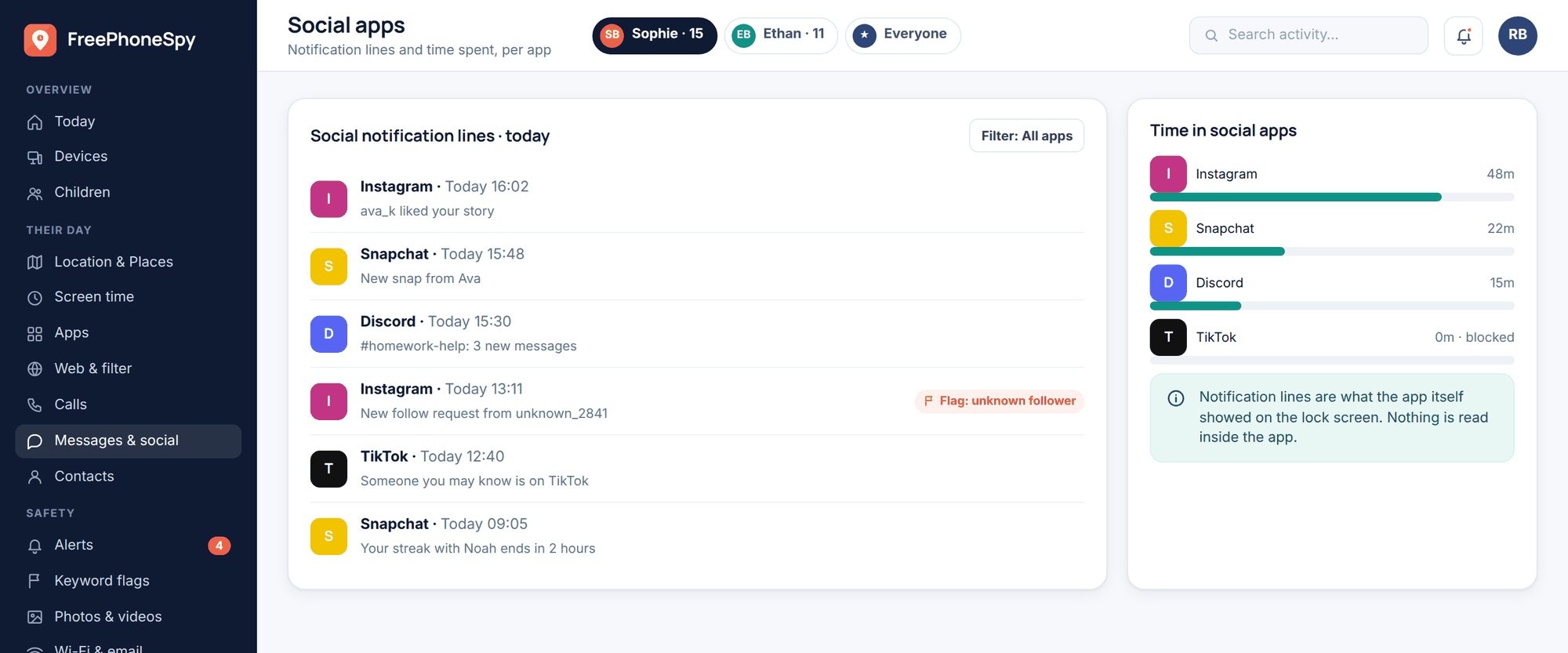
Kids leave traces everywhere, and AI chats are just one more. If the wider question of what your child leaves behind online interests you, we cover it in your child’s privacy and digital footprint.
AI “companions” and attachment
This one’s sensitive, so we’ll keep it high-level and practical.
A companion bot is designed to feel like a relationship. It’s always there. It always has time. It tends to agree with you. For a lonely or anxious kid, that can feel really good — and that’s exactly why it’s worth watching. A friend who never pushes back and never has their own bad day isn’t preparing your child for actual people, who do both.
You’re not looking for a crisis. You’re just keeping an eye out for a bot starting to crowd out real life. Signs worth a gentle conversation:
- Choosing the app over friends or family, repeatedly.
- Getting upset or secretive about time spent with it.
- Talking about the bot as their main confidant.
- Pulling back from hobbies or people they used to enjoy.
The response isn’t to yank the phone and shame them. It’s to keep human connection central — shared meals, time with friends, activities off-screen — and to stay curious rather than alarmed. If you’re genuinely worried about your child’s mood or isolation, talk to them and, if needed, a professional. A real person beats any app here. Our piece on phones and teen mental health goes further on this.
Family rules that hold up
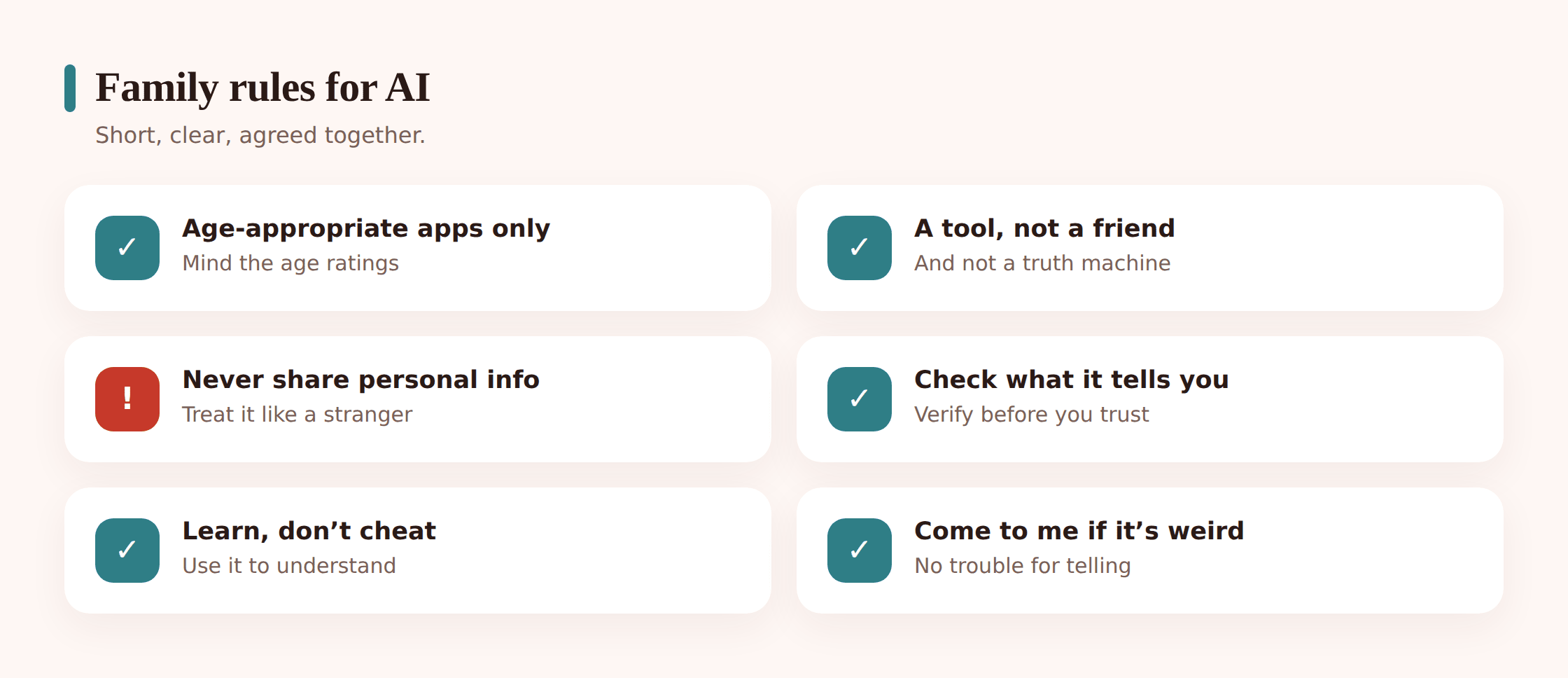
Keep it to a handful your kid can repeat back. Long lists die on the fridge.
- Age-appropriate apps only. Check the rating. If it’s built for adults, it’s not for you yet.
- AI is a tool, not a friend or a truth machine. Helpful, sometimes wrong, never a person.
- Never share personal info. Stranger rules apply.
- Check what it tells you. Confident doesn’t mean correct. Verify anything that matters.
- Use it to learn, not to cheat. If you couldn’t explain it, you didn’t do it.
- Come to me. If it says something upsetting, weird, or scary, tell me. You won’t be in trouble for telling me.
That last one is the keystone. A kid who’s afraid of losing their phone will hide problems. A kid who knows honesty is safe will bring them to you — which is the whole point.
How monitoring tools help (honestly)
Settings and monitoring are backup for the conversation, not a replacement. Used openly, on your own child’s phone, with their knowledge, a few features can quietly reduce risk on Android devices.
- App limits and blocking. If an age-inappropriate companion app keeps reappearing, blocking it or setting limits removes the constant temptation while you sort out the rules.
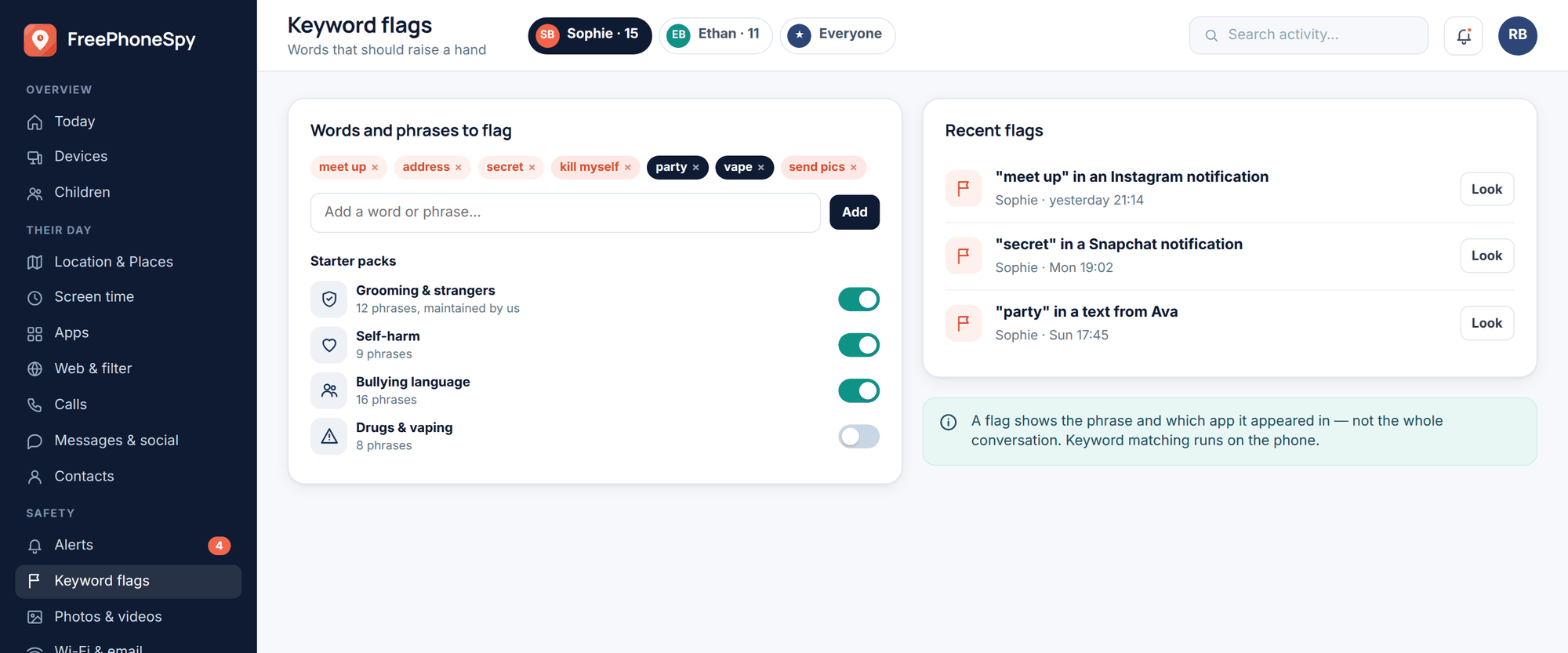
- Keyword alerts. Set alerts on words that worry you and you’ll get a heads-up if a concerning topic comes up — a prompt to have a conversation, not a verdict.
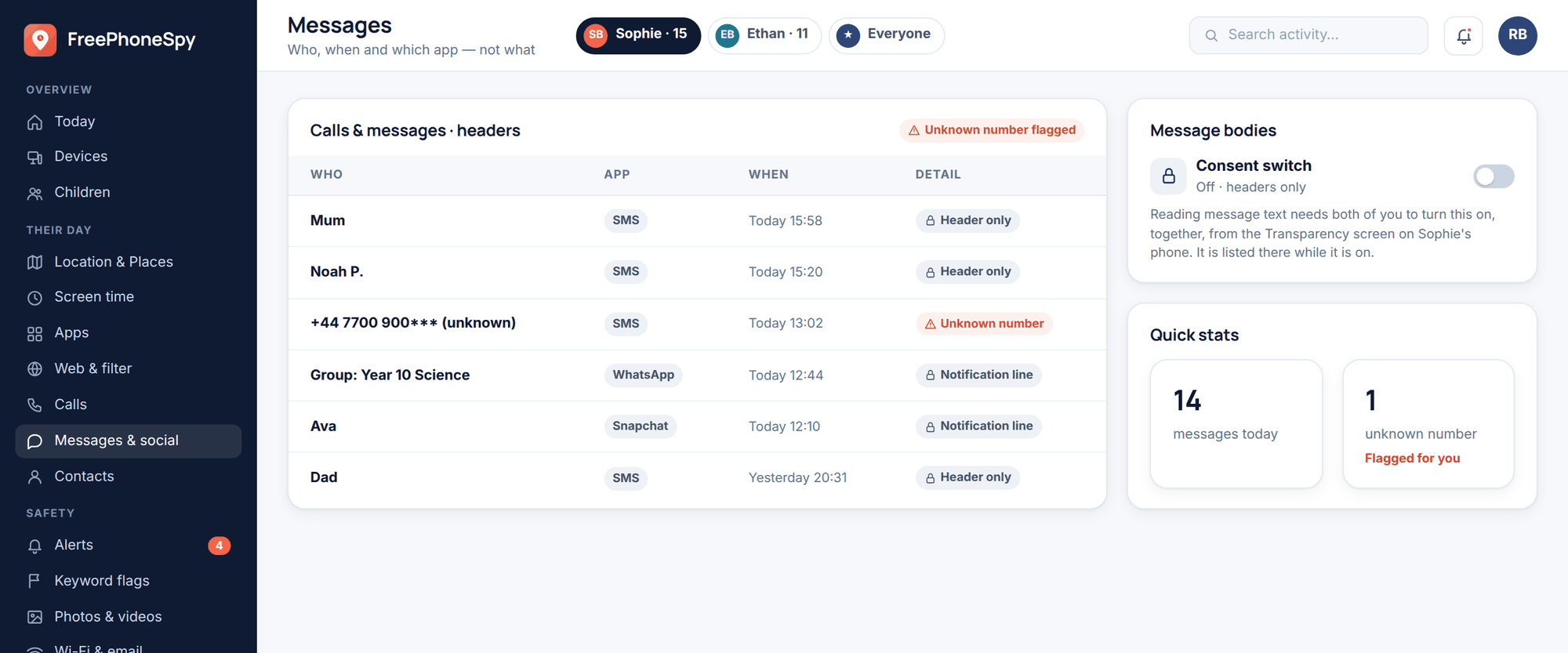
FreePhoneSpy is transparent, consent-first monitoring for your own child’s Android phone through a web panel — the kid knows it’s there. It’s for protecting your own child openly, never for covertly spying on another adult. On iPhone, lean on Apple’s own Screen Time and Family Sharing controls instead. Either way, the tools flag things worth talking about. The talking is still yours to do.
Talking about it
Curiosity beats a ban. Kids route around bans and stop telling you things. A parent who’s interested stays in the loop.
A first conversation that works
- Ask, don’t lecture. “Show me the AI thing you’ve been using — what’s good about it?” You’ll learn more in five minutes than in an hour of rules.
- Try it together. Ask it something you both know the answer to and catch it being wrong. Nothing teaches “don’t trust it blindly” faster than watching it flub a fact.
- Agree the rules together. Kids follow rules they helped write. Walk through the family list and let them push back on it.
- Leave the door open. End with the come-to-me rule and mean it. Reward honesty when they use it.
For the wider skill of talking to kids about their online lives without it turning into a standoff, we’ve got a whole guide: how to talk to your kids about online safety.
FAQ
Should I just ban AI chatbots?
Usually no. They’re already part of school and social life, and a flat ban mostly teaches kids to hide their use. Aim for supervised, age-appropriate, rule-bound use instead. Save hard blocks for apps that are clearly too old for your child.
Is my kid cheating if they use AI for homework?
Depends how. Using it to understand a topic, check work, or generate practice questions is fine and often genuinely helpful. Having it write the answer they hand in is cheating. Ask them to explain their work, and check the school’s actual policy — it varies by subject and task.
Are AI companion apps safe for kids?
Many are built for older teens or adults, and open-ended chat means content can drift somewhere you’d rather it didn’t. For younger children, most companion apps aren’t appropriate. If your teen uses one, keep it in the open, watch that it’s not crowding out real relationships, and keep talking.
What if a chatbot gives my kid harmful or upsetting advice?
Stay calm, thank them for telling you, and don’t punish the honesty. Look at what happened together. For anything serious — mental health, safety, a worry that won’t shift — get a real human involved: you, a trusted adult, or a professional. A bot is never the right source for that.
Is what my kid types into a chatbot private?
Treat it as not private. Conversations may be stored and used to improve the system. Teach the stranger rule: no names, no school, no address, no photos, no secrets.
Which is better, blocking apps or talking?
Talking, by a distance. Blocking and keyword alerts are useful backup — they catch what slips past — but a kid who trusts you enough to come to you when something goes wrong is far better protected than one who’s simply been locked out.