Smartwatches & Wearables for Teens: A Parent’s Guide
A teen’s smartwatch is a different animal from the GPS tracker a younger kid wears. This one buzzes with group chats, pays for a coffee with a tap, counts every step, and watches how they sleep. It’s a wrist-sized version of the phone — most of the good and a fair bit of the friction. The point of setting it up together isn’t control. It’s helping your teen own a genuinely useful device without it running their attention, their sleep, or their sense of their own body.
Not a kids’ tracker
If you’ve read our guide to kids’ GPS watches, forget most of it here. Those devices are built for a young child who doesn’t have a phone yet — an SOS button, a couple of approved contacts, a dot on a map, and nothing else. A teen’s smartwatch is almost the opposite. It assumes the teen already carries a phone, and it exists to extend that phone onto their wrist. Notifications, real messaging, calls, apps, music, tap-to-pay, and a stack of health sensors. The conversation isn’t “where is my child right now.” It’s “how does my teen use a powerful little computer without it using them.”
That shift changes your job as a parent. With a young kid’s tracker, you’re the one holding the map. With a teen’s watch, the device belongs to them, the settings are mostly theirs, and your role is to help them make good defaults and then step back. Independence is the whole point of the teen years. A watch handled well can support that. Handled as a surveillance tool, it quietly damages the trust you’ll need for the harder conversations later.
What these watches actually do for teens
It helps to be concrete, because “smartwatch” covers a lot. Here’s what a teen is actually doing with one on an ordinary Tuesday.
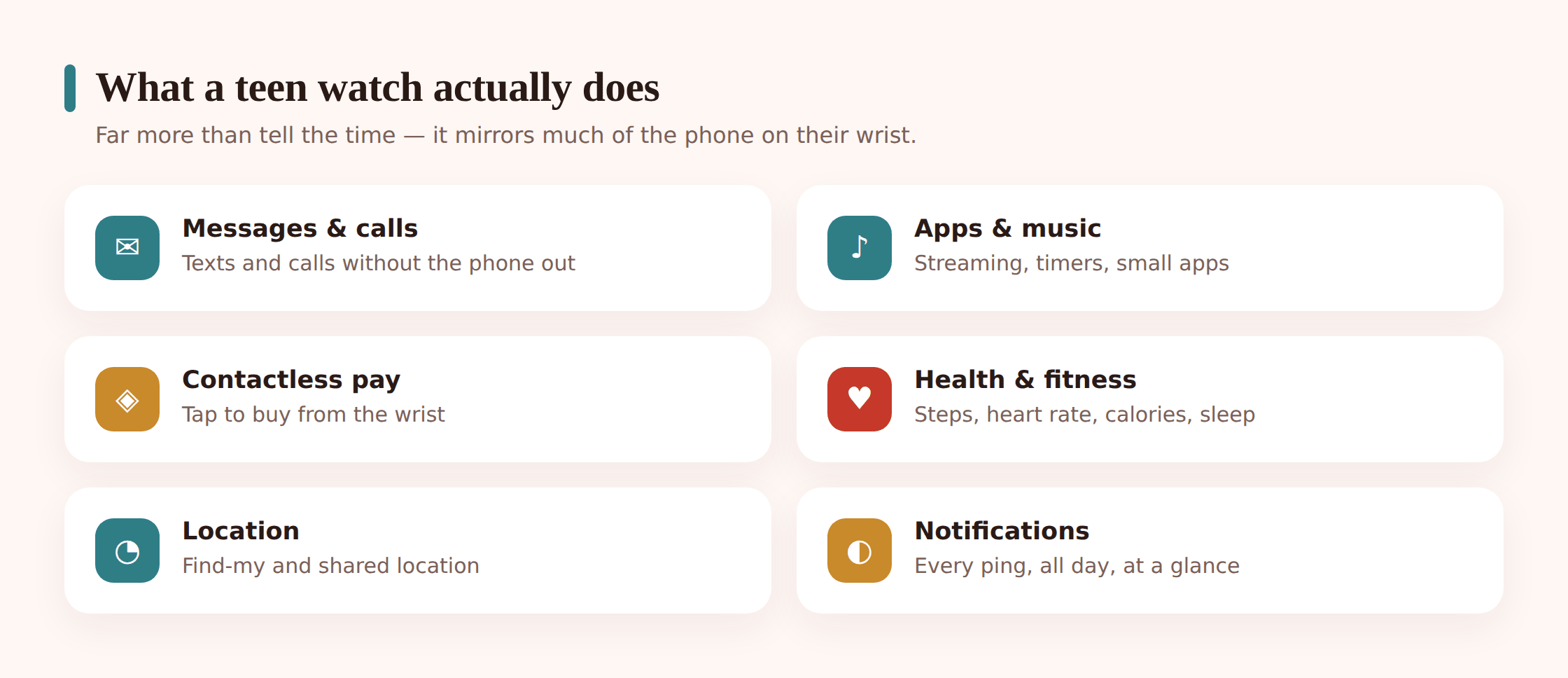
Notifications and messaging. Texts, WhatsApp, Snapchat, Instagram, group chats — they land on the wrist with a buzz, and on most watches your teen can fire back a quick reply, a voice note, or an emoji without touching the phone. Convenient. Also relentless if left unfiltered, because now the pings follow them even when the phone is in a bag.
Calls. Full watches with their own cellular plan can call and text on their own, so a teen can leave the phone at home for a run and still be reachable. Cheaper watches route calls through the paired phone nearby. Worth knowing which you’re buying, because a standalone cellular watch is a second line with its own number and its own monthly cost.
Apps and music. Spotify or Apple Music straight from the wrist to their earbuds, workout apps, timers, transit cards, maps. Some watches run a small app store of their own. It’s a genuinely handy way to leave the phone in the bag during a workout or a walk.
Contactless payments. This is the one parents underestimate. Apple Pay, Google Wallet and Samsung Pay let a teen tap the watch to pay for a bus fare, a sandwich, a top-up — no card, no phone, just a wrist near a reader. Fast and, honestly, quite safe from a fraud point of view. But it removes the small friction that makes a young person notice their spending.
Health and fitness tracking. Steps, heart rate, active minutes, workouts, sometimes blood oxygen or an ECG feature. For a teen who runs, plays a sport, or is finding their feet with exercise, this can be motivating and genuinely fun. It’s also the part that needs the most care, for reasons we’ll come to.
Sleep tracking. The watch logs how long they sleep and breaks the night into stages. Useful information — but it means the watch is on the wrist in bed, in the bedroom, overnight, which is exactly where we usually want screens to not be.
Location. A teen’s watch can share live location through the same family-sharing tools a phone uses. Handled as a mutual, agreed thing — “we can both see each other” — it’s a reasonable safety net for a late night out. Handled as covert monitoring, it isn’t. Our family location sharing guide covers doing this the honest way.
The main options, compared
Teens usually land on one of four kinds of wearable, and they’re built for different things. The watch also has to match the phone: an Apple Watch needs an iPhone, a Wear OS or Samsung watch pairs best with Android, and Fitbit and Garmin work across both.
| Type | Good at | Things to check |
|---|---|---|
| Apple Watch | Full messaging, Apple Pay, apps, tight iPhone integration, Schooltime mode | iPhone only; pricier; cellular models add a monthly line and their own number |
| Samsung / Wear OS | Android equivalent — Google Wallet, apps, notifications, Google Maps | Pairs best with Android; battery varies; app store maturity differs by model |
| Fitbit | Fitness, steps and sleep done simply; long battery; lighter on distractions | Limited apps and payments; some features sit behind a paid subscription |
| Garmin | Serious sport and outdoor tracking, superb battery life, GPS | Fewer smart features; can lean hard into performance metrics; can feel gadget-y |
The genuine considerations
None of these are reasons to say no. They’re the things worth a five-minute conversation and a couple of settings before the watch becomes a daily habit.
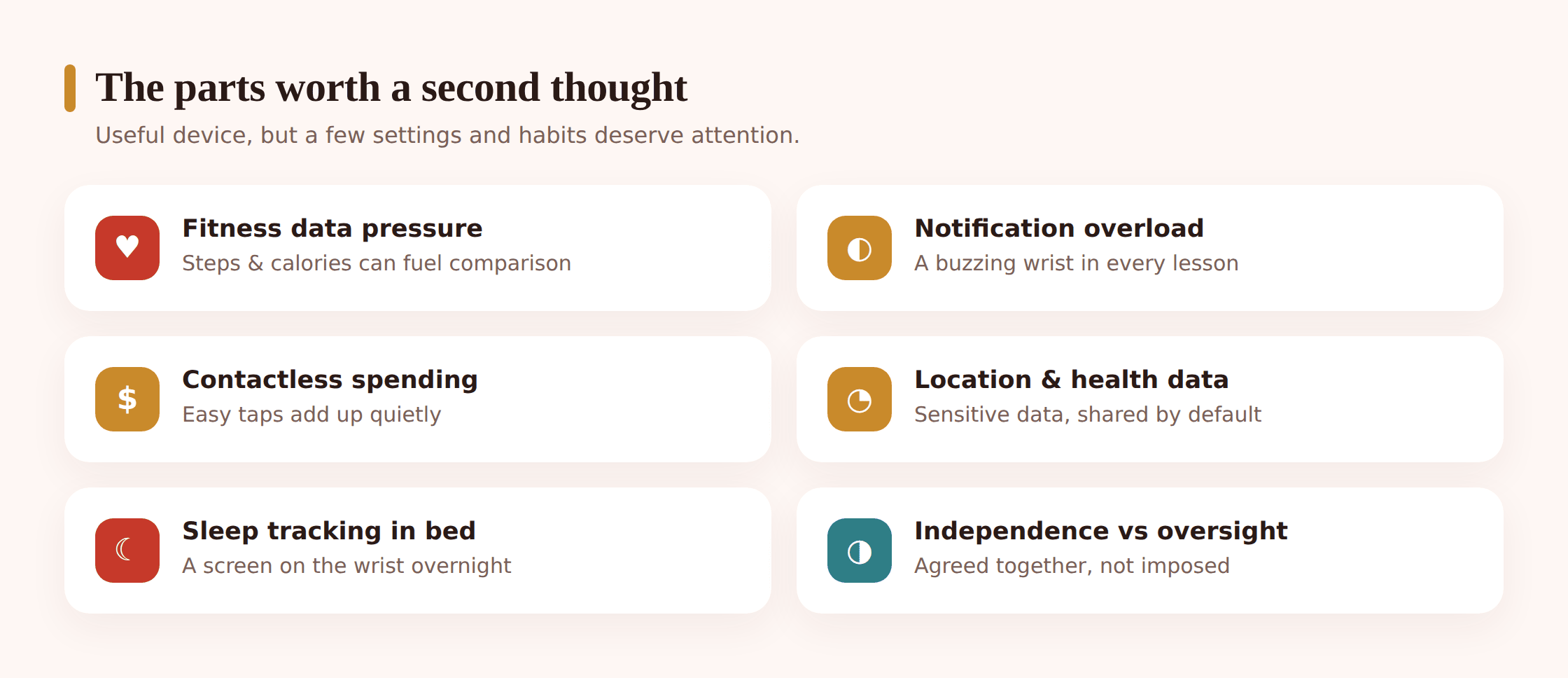
Notification overload and class distraction
A buzz on the wrist is harder to ignore than a buzz in a bag, because it’s touching your skin. In class, a watch lighting up every few minutes is a steady pull away from whatever the teacher just said. The fix isn’t banning the watch — it’s aggressive filtering plus a school or focus mode that silences everything but the essentials during the school day. Our piece on managing notifications and focus goes deeper on the general habit.
Spending through contactless pay
Tap-to-pay is frictionless by design, and friction is the thing that makes a teen pause before buying. When paying is a wrist flick, small purchases stack up quietly. The answer is a sensible setup: link the watch to a teen debit card or a kids’ account with a real balance rather than an open credit line, keep the limit modest, and let the transaction alerts land where your teen sees them. The goal is that they learn to watch their own money, not that you police every coffee.
Health and location data privacy
Fitness watches gather intimate data — heart rate, workouts, sleep, sometimes location routes. That data lives in an account with the watch maker and often syncs to a phone app. Before it becomes routine, sit down together and read the privacy settings. Two questions matter: what’s being collected, and who can see it. Turn off ad-related data sharing where you can, be cautious about third-party apps that ask to slurp health data, and make sure any location sharing is mutual and known, not silent. This is a good, real-world lesson in data privacy that your teen will use for the rest of their life.
Sleep tracking in the bedroom
Sleep tracking is useful, but it plants a charged, buzzing device on the wrist overnight, right next to the pillow. For some teens that’s fine. For others it means the watch pulls them back into notifications at 11pm, or turns sleep into one more thing to score and stress about. If you use sleep tracking, pair it with a hard rule that the watch goes into a sleep or bedtime mode overnight — no notifications until morning. Our notes on screen time by age and bedtime routines are worth a look here.
Independence versus oversight
This is the quiet tension under all of it. The whole developmental job of the teen years is building independence, and a watch that a parent monitors closely works against that. Aim for the lightest touch that still meets a real need. Mutual location for safety on a night out — reasonable. Reading their step count and heart rate and messaging patterns from afar — not your business, and a fast way to lose their trust. Let the default be that the watch is theirs.
Fitness data and body image
This one deserves its own space, gently. Fitness trackers turn the body into a stream of numbers — steps, calories “burned,” rings to close, streaks to protect. For plenty of teens that’s harmless and even motivating. For some, especially those already anxious about food, weight or how they look, a constant scoreboard can feed unhealthy comparison, over-exercising, or a fixation on hitting a number every single day. A missed step goal shouldn’t feel like a moral failure, and a calorie readout shouldn’t shape whether they let themselves eat.
You know your own teen. If there’s any history of disordered eating or intense body-image worry, think hard before handing over a device that counts calories and rewards restriction, and consider turning off the calorie and weight-tracking features while keeping the parts they enjoy. Watch for signs the numbers are running them rather than the other way round — distress at a low step day, exercising to “make up for” food, checking the rings compulsively. If any of that shows up, it’s worth reaching out for support. The National Alliance for Eating Disorders runs a helpline and clinician directory and is a good first place to turn.
The healthiest framing you can model is that the watch is a tool for feeling good and moving in ways they enjoy, not a judge. It’s fine to celebrate a fun run. It’s not fine for a device to make a teenager feel they owe it something. Our guide to teen mental health sits alongside this.
Setting one up together
Do this side by side, on the day the watch arrives, before the defaults harden into habits. It takes twenty minutes and saves a lot of friction later.
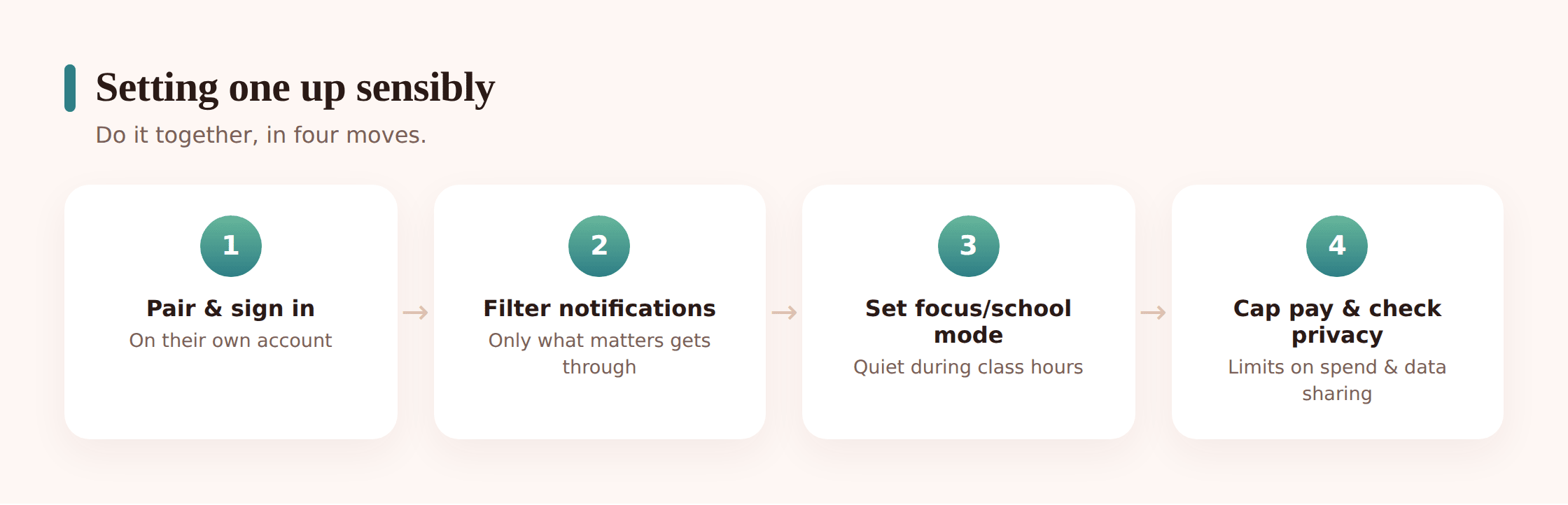
Step 1 — Pair it and talk through what it does
Connect the watch to your teen’s phone and walk through the features together so you’re both clear on what it can do — messaging, payments, health, location. This is the moment to agree, out loud, what’s private to them and what (if anything) you’ll both see.
Step 2 — Filter notifications hard
By default a watch mirrors every notification the phone gets. Turn that off and let through only what genuinely deserves a wrist buzz — calls, texts from close family, maybe one or two apps. Everything else can stay on the phone.
Step 3 — Set up a school or focus mode
Apple Watch has Schooltime; Wear OS and Samsung have bedtime and focus modes; every platform has Do Not Disturb on a schedule. Set one to run through the school day so the watch goes quiet in class automatically, without your teen having to remember.
Step 4 — Sort out payments sensibly
If you’re enabling tap-to-pay, link it to a teen debit card or a kids’ account with a set balance, keep any limit modest, and switch on transaction alerts. Let your teen see their own spending — that’s the skill you’re building.
Step 5 — Walk through privacy and health settings
Open the privacy menu together. Turn off ad and marketing data sharing, review what health data syncs where, and be selective about third-party apps asking for health or location access. If body image is a concern, this is where you’d hide calorie and weight metrics.
Step 6 — Set a bedtime rule for the watch
Decide together whether the watch tracks sleep at all. If it does, put it in a proper sleep or bedtime mode overnight so no notifications get through, and agree where it charges — ideally not right next to the pillow.
Healthy habits that last
Settings get you started; habits keep it healthy. A short shared understanding beats a long list of rules nobody remembers.
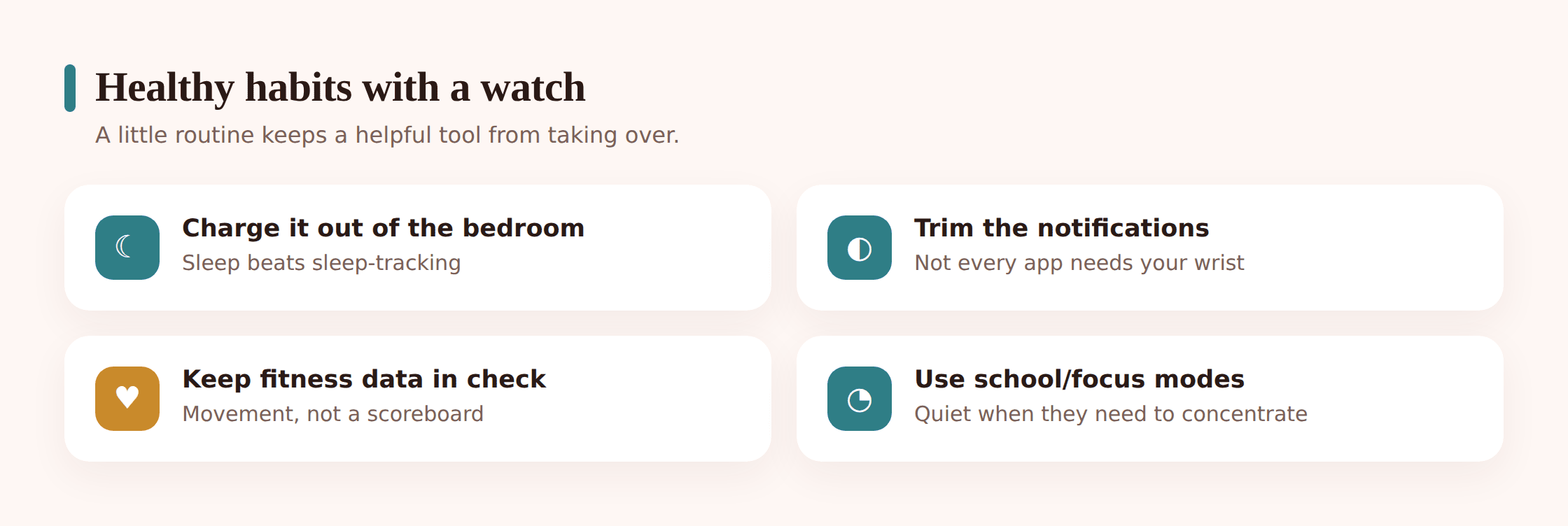
- Notifications go quiet during class and overnight — set once, on a schedule, so nobody has to police it.
- Fitness numbers are for encouragement, not judgment; a missed goal is not a failure.
- Calorie and weight tracking stay off unless there’s a clear reason to have them on.
- The watch charges outside the bedroom, or at least in a proper sleep mode, at night.
- Any location sharing is mutual and known — both people can see, nobody’s watching in secret.
- Payments are capped and visible to your teen, so they build the habit of tracking their own spending.
- Health and location data settings get a quick review every few months, not once and never again.
- Your teen knows they can raise it if the watch is stressing them out, and the answer will be help, not a lecture.
FAQ
What age is a smartwatch right for a teen?
There’s no magic number. The better test is whether they already handle a phone responsibly, since a teen watch mostly extends the phone. If phone habits are still a work in progress, sort those first — a wrist that buzzes with everything the phone does will only amplify whatever’s already going on.
Do I need the cellular version?
Usually not. A cellular watch can make calls and texts on its own, away from the phone, but it costs more up front and adds a monthly line with its own number. For most teens who carry a phone anyway, the cheaper Wi-Fi-and-Bluetooth model that pairs to the phone is plenty. Cellular earns its keep mainly if they regularly go out without the phone — long runs, for example.
Is tap-to-pay on a watch safe?
From a fraud standpoint, yes — it’s tokenized, so the actual card number isn’t shared with the shop, and it needs the watch on the wrist to work. The real issue isn’t security, it’s how easy it makes spending. Link it to an account with a set balance and modest limit, and turn on transaction alerts so your teen sees where their money goes.
Should I track my teen’s location through their watch?
Only openly and mutually, if at all. A shared “we can both see each other” arrangement for safety on a late night out is reasonable and honest. Silently watching their movements is covert surveillance, and it does more damage to trust than any safety it buys. If you share location, both of you should know and agree.
My teen is anxious about their weight. Should I avoid a fitness watch?
Be cautious. A device that counts calories and rewards restriction can feed unhealthy patterns in a teen who’s already worried about food or their body. You can often keep the parts they enjoy — messages, music, movement they like — while turning off calorie and weight tracking. Watch for signs the numbers are running them, and if you’re concerned, the National Alliance for Eating Disorders is a good place to start for support.
Can I see what’s on the watch from my phone?
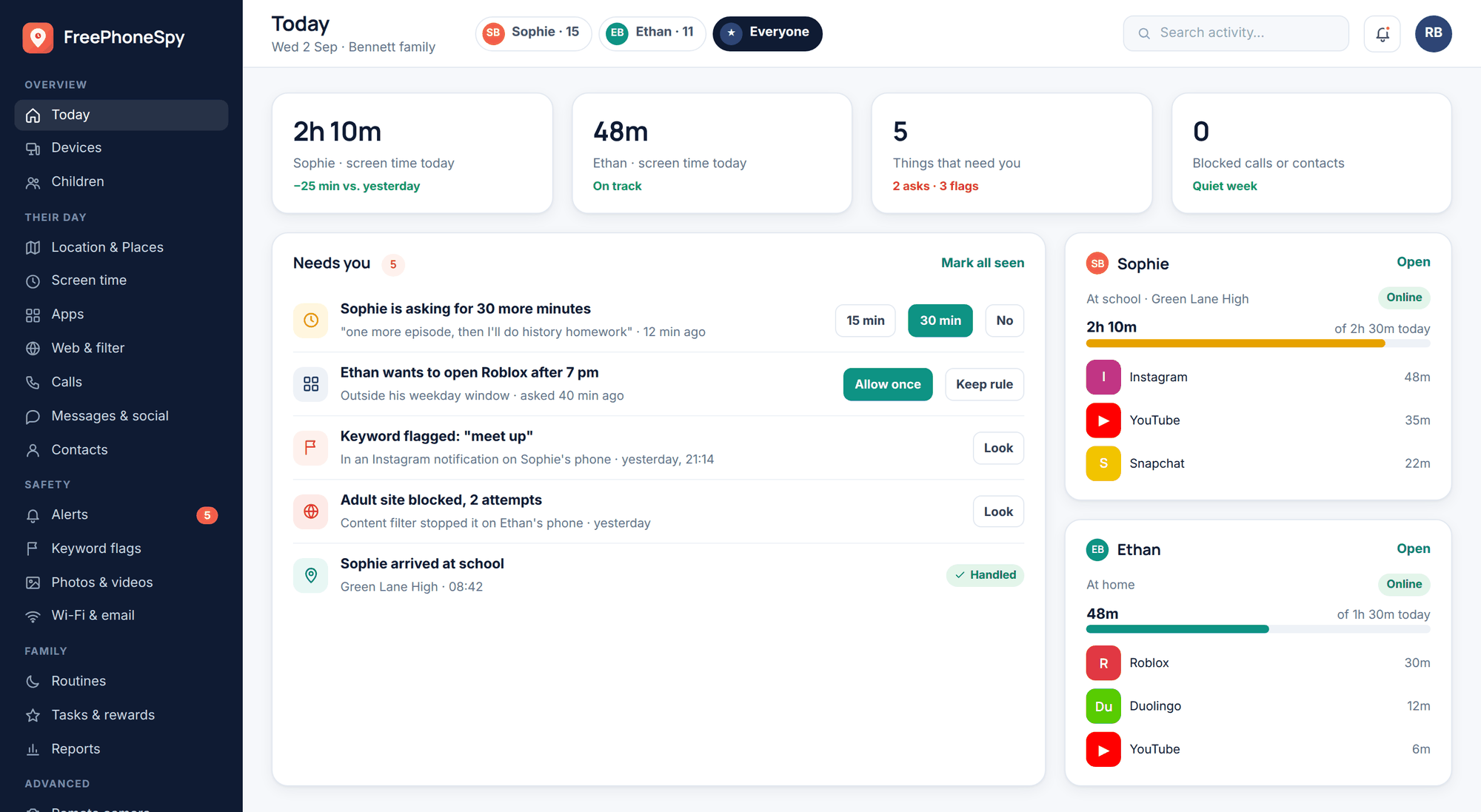
A watch mostly mirrors the phone, so anything you’d know from the phone is broadly the picture. Rather than trying to peer at the watch itself, the honest approach is a shared agreement about the phone. Consent-based awareness tools like FreePhoneSpy work on the phone side and give a screen-time picture you’ve both agreed to — the watch just echoes what’s already there.