Remote Phone Monitoring: How to Check In From Your Own Device
The word “remote” scares people off monitoring apps, and it shouldn’t. It doesn’t mean reaching into a phone you’ve never touched, or watching someone who has no idea you’re there. It means something far more ordinary: the app runs on your child’s Android with their knowledge, and you look at the results from your own phone or laptop, from your desk, the school pickup line, or another house entirely. This guide unpacks what remote monitoring actually is, what it isn’t, and how to use it in a way that stays honest and keeps you connected rather than turning you into a background snoop.
A quick note on scope before anything else. Everything here assumes one situation: you’re a parent, the phone belongs to your own child, you own or manage the device, and your child knows the app is there. That’s the only version of remote monitoring worth doing, and it’s the only version this guide covers. If you’re thinking about watching a partner, a housemate, an employee off the clock, or any adult who hasn’t agreed to it, close this tab. That’s not what these tools are for, and in most places it’s against the law.
What “remote” really means
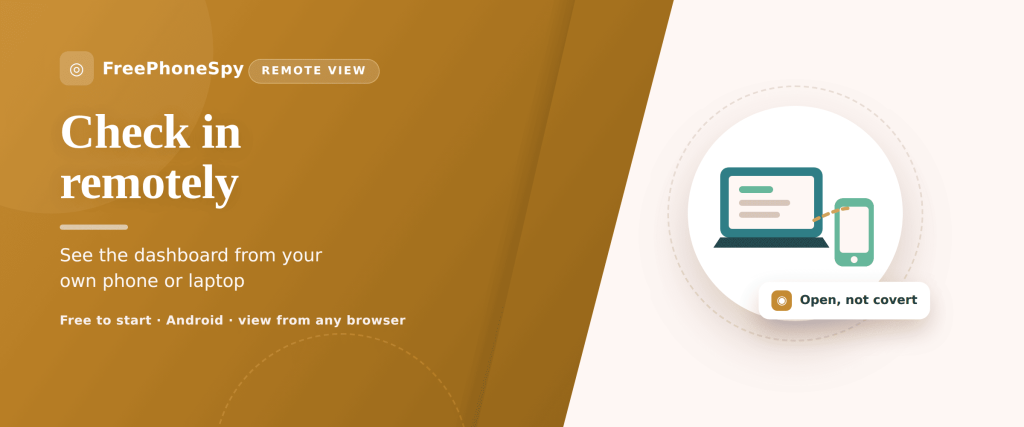
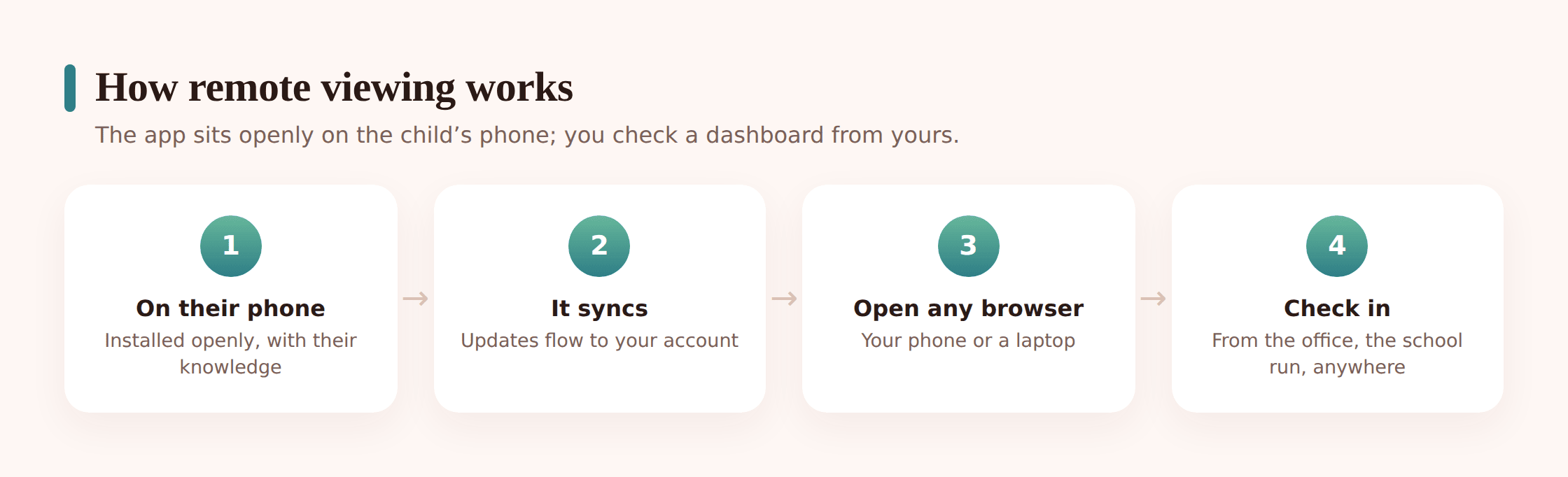
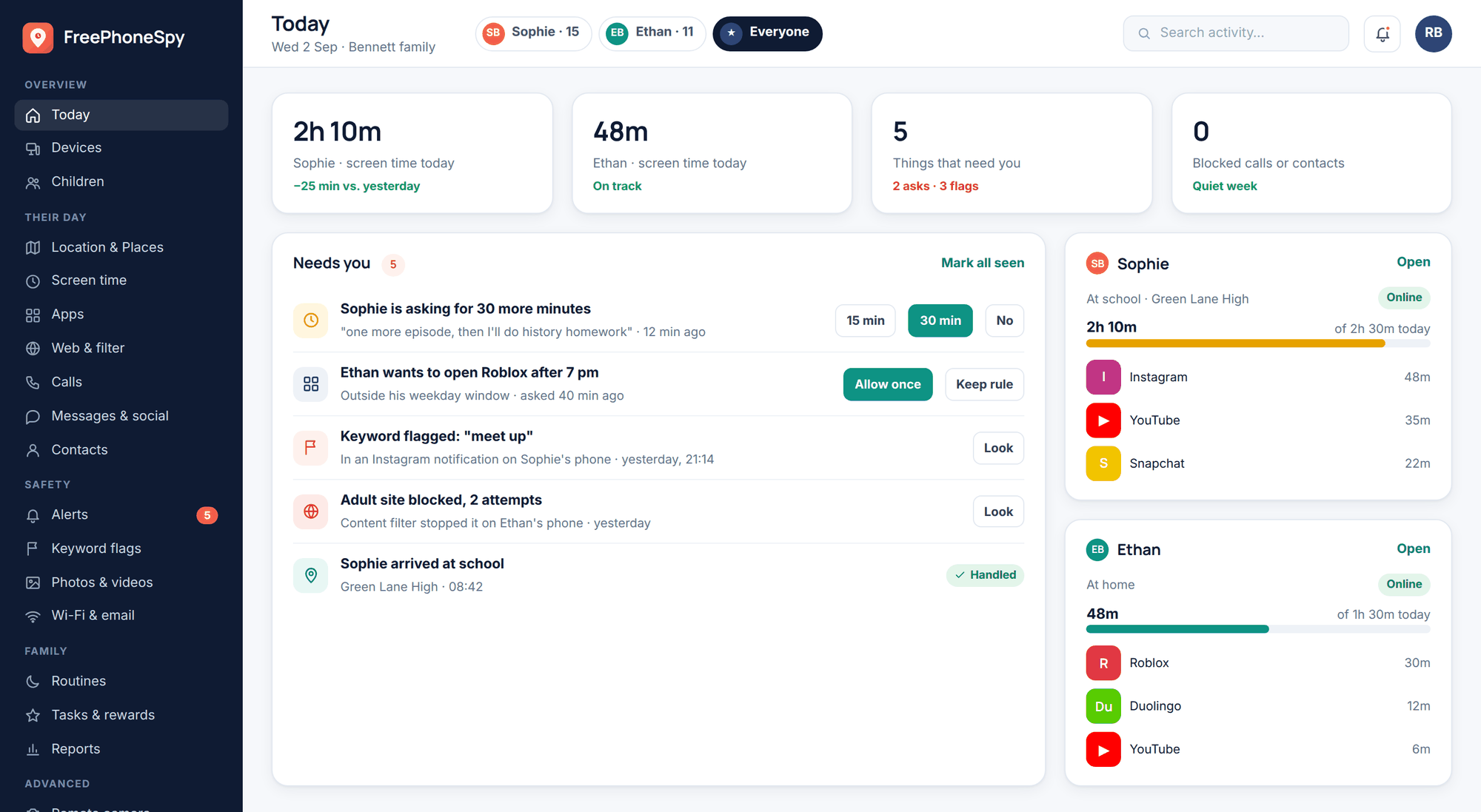
Picture the setup in two halves. On one side sits your child’s Android phone, running a monitoring app they helped install and know is there. On the other side sits you, holding a completely different device, your work laptop, your own phone, a tablet, a library computer. Between them sits a web dashboard, a private page you log into with your own account.
The phone gathers the handful of things you both agreed it would: where it is, how long the screen’s been on, which apps got used. It sends that to your account. You open a browser anywhere with an internet connection, sign in, and see it. That’s the entire mechanism. Nothing about it requires you to be in the same room, the same building, or even the same country as the phone.
So when a product says “monitor from any browser” or “check remotely,” it’s describing convenience, not stealth. It’s the same idea as online banking. Your money sits in an account; you check the balance from your phone on the bus. Nobody calls that spying on your bank. Remote monitoring is your child’s agreed safety information, viewable from wherever you are.
The covert-spyware myth it gets confused with
Here’s where the confusion creeps in, and it’s worth naming plainly. A slice of the internet sells “remote spy apps” with promises to read someone’s messages “without them knowing,” to install “undetectably,” or to give you access to a phone you don’t control. That’s a different product with a different purpose, and it deserves the suspicion it gets. Much of it is a scam, some of it is malware aimed at you, and the genuine article is frequently illegal to use against another person.
That marketing has poisoned the word “remote” for everyone. People hear it and picture a shadowy tool for catching a cheating partner or bugging a colleague. Understandable, given how it’s advertised. But it’s a false picture of what family monitoring is.
The honest version differs on every point that matters:
- The app is visible. It sits on the home screen. Your child can see it, tap it, and knows what it does. Nothing is buried.
- Consent came first. You had the conversation, maybe wrote it into a family agreement, before a single permission was granted.
- You own the device. It’s your child’s phone, on your family plan, set up by you. You have every right to manage it.
- The purpose is care, not gotcha. The point is knowing they got somewhere safely, not building a case against them.
Covert remote spyware fails all four. If a tool’s main selling point is that the person will never find out, that’s the tell that it’s the wrong tool. Reject it. The open approach is the only one that holds up ethically, legally, and, honestly, practically, because a hidden app discovered later does more damage to a family than almost anything it could have caught.
What you can check remotely, and responsibly
A good family dashboard shows a small, useful set of things, the same set you’d want if you were glancing at the phone in person. Viewing them from afar doesn’t change what’s appropriate to look at. Start narrow and add only what a real need justifies. For the fuller picture of features and how they fit together, the complete guide to child phone monitoring lays it out in depth.
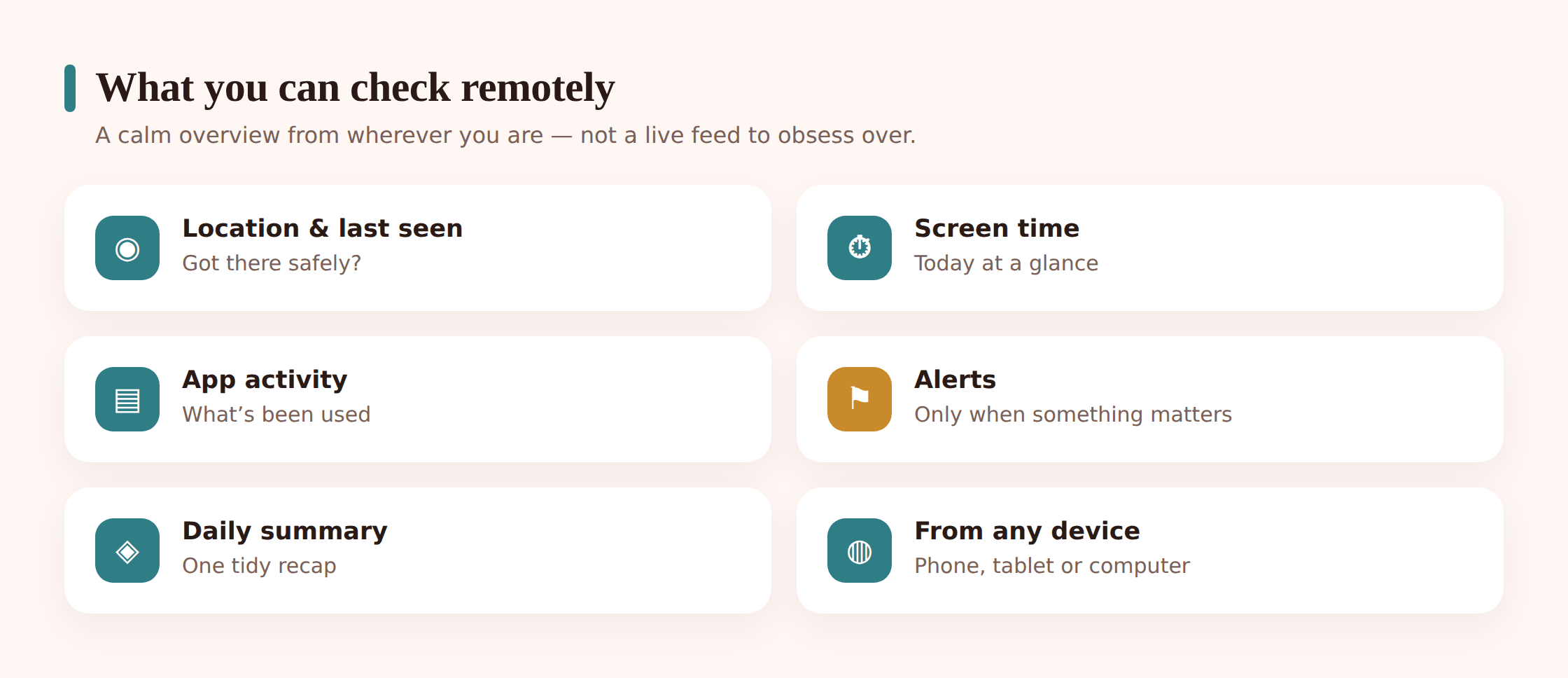
Location and last-seen
The one most families use most. A map showing where the phone is now, and when it last checked in. This is what answers “did they get to school?” from your desk without a single text exchanged. Set a place alert or two, arrived at school, left home, and skip the blanket net around the whole town.
Screen time
How long the phone’s been in use and roughly when. Useful for spotting a 2 a.m. habit forming, or for a calm weekly chat about balance. You don’t need to police every minute; the pattern over a week tells you more than any single day.
App activity
Which apps get opened and for how long. This helps you notice a new app appearing or a sudden shift in what’s eating the day. It’s a summary, not a live feed of everything typed, and for most ages that summary is plenty.
Alerts
The dashboard can nudge you when something specific happens, a certain place reached, a flagged keyword, contact from an unknown number. Configured with restraint, alerts are the feature that lets you stop checking constantly, because you trust you’ll hear if something genuinely matters.
- Location and last-seen, for the “arrived safe” reassurance.
- Screen-time totals, viewed as a weekly shape rather than a daily verdict.
- App activity as a summary, to catch big changes.
- A small number of meaningful alerts, not one for everything.
- Nothing switched on that you agreed to leave off.
Why viewing from any device is genuinely convenient
The remote part earns its keep in the texture of ordinary family life, and it earns it most in the households where a quick glance saves a stressful phone call.
Take a working parent mid-meeting. School lets out at 3:15. Instead of stepping out to call, or worse, sitting there worrying, a five-second look at the map confirms the phone reached home. No interruption to your child’s afternoon, no interruption to your work. You checked, you’re reassured, everyone carries on.
Separated and co-parenting families feel the benefit even more sharply. When a child splits time between two homes, both parents can share appropriate visibility without one having to text the other for every update. It sidesteps a whole category of friction, the “is she at yours yet?” messages that so easily turn tense. Handled openly, with the child in the loop, a shared dashboard becomes a neutral fact both households can see rather than a source of argument. If that’s your situation, our piece on co-parenting digital rules across two homes goes deeper on making it fair.
And there’s the simple fact that you’re not always near the phone. You might be travelling, at work, or in another room while your teen’s at a friend’s house. Remote access means the safety net doesn’t switch off the moment you’re apart. That’s the whole appeal: staying lightly connected across the ordinary gaps of a busy week.
Setting up and securing the remote dashboard
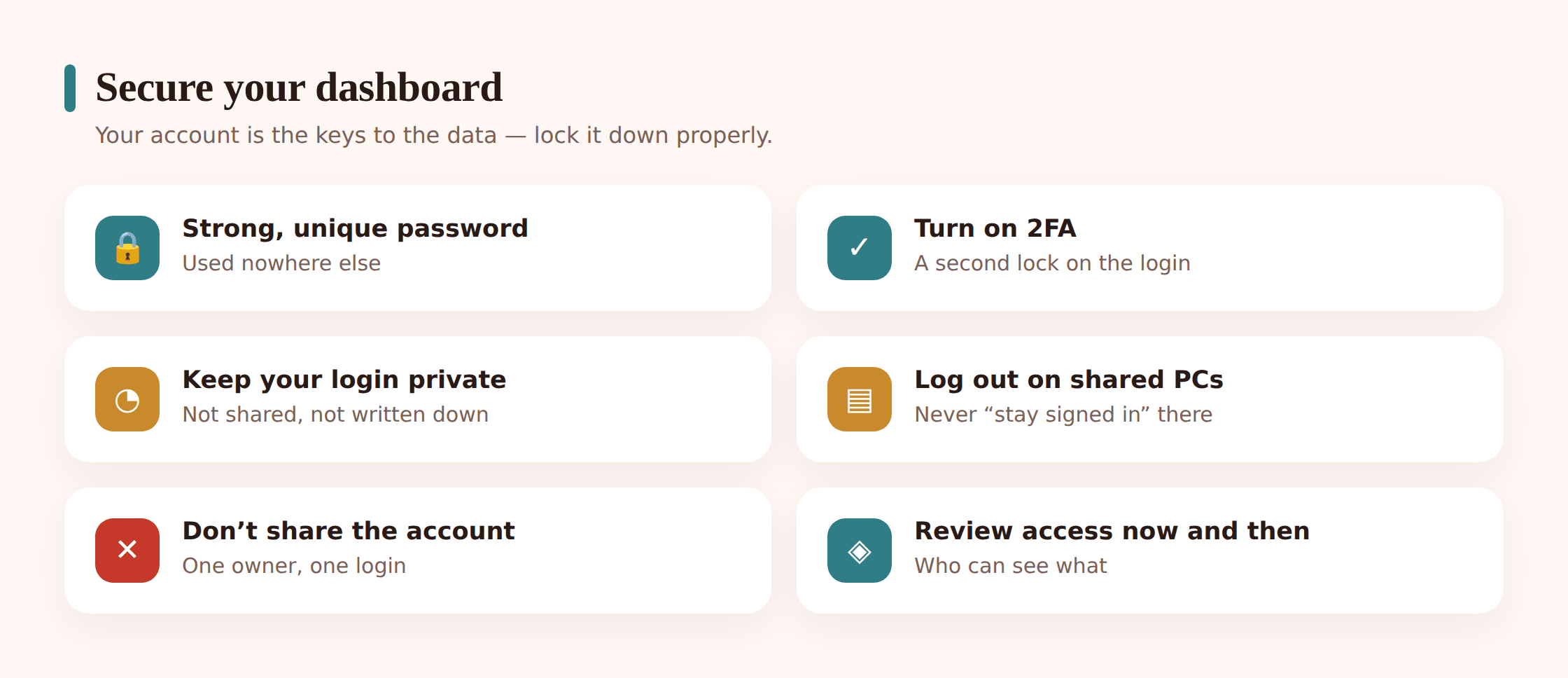
Because that dashboard holds your child’s information and reaches from anywhere, the account behind it deserves proper care. This is the one part where a little diligence pays off for years. Treat the login as you’d treat online banking, because in a sense you’re guarding something just as personal.
- Use a strong, unique password. Not one you’ve used elsewhere. A long passphrase you can remember, or a password manager’s random string, keeps the account yours alone. This login is the front door to everything, so it gets the strongest lock.
- Turn on two-factor authentication. If the service offers 2FA, switch it on. It means that even if someone learns your password, they still can’t get in without the second code on your phone. It’s the single biggest upgrade to account safety you can make in a minute.
- Keep your login private. This is your account. Don’t share the password around, don’t write it on a sticky note, and think twice before saving it in a browser other people use. The convenience of remote access depends entirely on that access staying yours.
- Log out on shared or public computers. If you check from a work machine, a library computer, or anyone else’s device, sign out fully when you’re done rather than just closing the tab. Skip the “remember me” box on anything that isn’t your own.
- Keep your own device locked. The phone or laptop you check from should have its own screen lock. A dashboard is only as private as the device it’s open on.
One more thing on the child’s side. Part of being open is your child knowing the phone is monitored, which also means they benefit from understanding how to tell if a phone is being monitored in general, so the topic never feels like a secret being kept from them. Transparency runs both directions.
Good habits: check in, don’t obsess
The biggest risk with remote access isn’t technical. It’s you, refreshing the map forty times a day. Easy access can tip into anxious watching, and that helps nobody. It raises your stress, it raises your child’s when they sense it, and it adds no actual safety. A rhythm beats a compulsion every time.
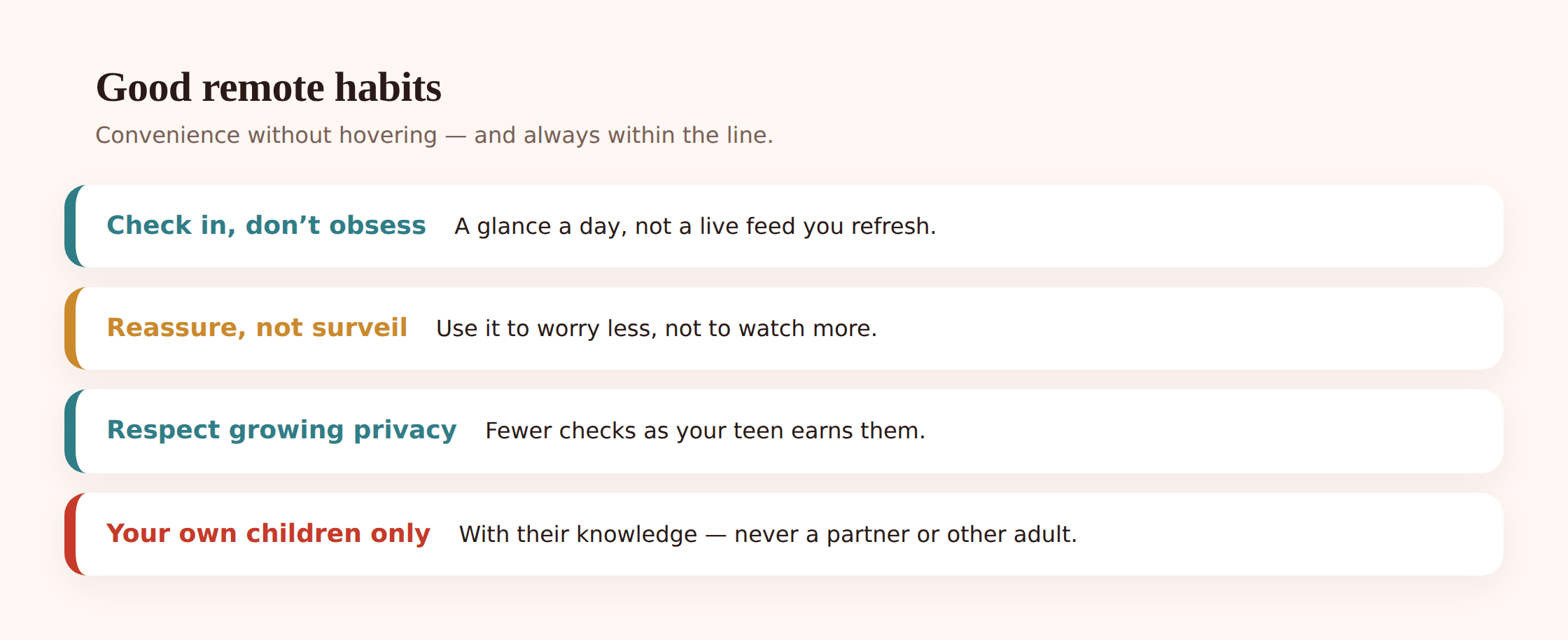
A few principles keep remote checking on the right side of the line:
- Set a rhythm, not a reflex. A quick daily glance and a proper weekly review is plenty for most families. Let alerts handle the urgent stuff so you don’t have to keep looking.
- Use it to reassure, not to surveil. The goal is confirming your child is safe, then getting on with your day, not reading meaning into every gap in the data. If checking makes you calmer, good. If it makes you more anxious, check less.
- Respect a teen’s growing privacy. What was right at eleven is heavy-handed at fifteen. As your child shows they can handle more, ease off, monitor fewer things, check less often. The tool should shrink as trust grows.
- Talk about what you see. If the dashboard raises a real question, ask your child about it directly rather than quietly stockpiling observations. Openness is what makes the whole arrangement work.
- Don’t let it replace conversation. A map tells you where the phone is, not how their day went. The dashboard is a backstop, not a substitute for asking.
Handled this way, remote monitoring does what it’s meant to: it lets your child roam a little further because there’s a light net, and it lets you worry a little less because you can check when you genuinely need to. The moment it becomes a habit of anxious surveillance, it’s working against the relationship it was supposed to protect.
The legal and ethical line
This is the part that’s non-negotiable, so it gets said plainly. Family monitoring is lawful and appropriate in one clear situation: your own minor child, on a device you own or manage, with their knowledge. That’s the version described throughout this guide, and doing it openly keeps you comfortably inside both the law and decent practice.
Step outside that and the ground shifts fast. Monitoring another adult, a partner, an ex, a friend, a colleague, without their consent is a serious matter and, in most jurisdictions, illegal. It doesn’t matter that the same app could technically do it. The tool being capable of something doesn’t make that use acceptable. Consent and ownership are what separate legitimate family monitoring from covert surveillance, and there’s no clever workaround that changes that.
The rules genuinely vary by where you live, and the specifics are worth understanding rather than assuming. Our overview of whether phone monitoring is legal covers the shape of it, but the short version fits in a sentence: your own kids, openly, yes; anyone else, or anyone in secret, no.
Where FreePhoneSpy fits
To be straight about our own tool: FreePhoneSpy is built for exactly the open approach described here. It’s an Android app you install on your child’s phone with their knowledge, and you view everything through a dashboard in any web browser on your own device, your laptop, your phone, wherever you are. There’s no covert mode and no pretending otherwise, the app is meant to be visible and set up together. It’s free to start, so you can try the whole approach, the conversation, the setup, the remote check-in, without committing anything up front. Convenience, in other words, without the secrecy.
FAQ
Does “remote monitoring” mean I can install it on a phone I can’t physically reach?
No, and that’s the important distinction. You set the app up on your child’s phone in person, openly, with them present. “Remote” only describes viewing the results afterward from your own device. Any product promising to install on a phone you’ve never touched is either a scam or a tool for something you shouldn’t be doing.
Will my child know I’m checking from my laptop?
They know the app is there, because you set it up together and told them what it does. Whether they can see each individual time you log in varies by tool, but the honesty that matters is the standing agreement: they know it exists, roughly what it shows, and why. That openness is the whole point, not something to work around.
Is remote monitoring the same as spyware?
No. Spyware is defined by being hidden and used without consent, often against another adult, and it’s frequently illegal. Family monitoring done openly, on your own child’s phone, with their knowledge, is the opposite on every count. The word “remote” gets attached to both, but only one of them is legitimate, and this guide is only about that one.
How do I keep the dashboard secure if I check it from different places?
A strong, unique password and two-factor authentication do most of the work. Beyond that, log out fully on any computer that isn’t yours, skip “remember me” on shared machines, and keep your own device screen-locked. The account reaches from anywhere, so its security is what protects your child’s information.
Can I use this to keep an eye on my partner from my phone?
No. These tools are for your own minor children, on devices you own or manage, with their knowledge. Monitoring another adult without their consent is a different matter entirely and, in most places, illegal. If there’s a trust problem with a partner, the answer is a conversation or professional help, not a monitoring app.
Strip away the marketing and remote monitoring is a simple, decent thing: an open app on your child’s phone, a private dashboard you can reach from wherever the day takes you, and the small reassurance of knowing they got where they were going. Set it up together, secure the account properly, check with a light hand, and keep it strictly to your own kids. Done that way, the distance stops being sinister and becomes exactly what it should be, the freedom to stay connected without hovering, and the good sense to log off once you’ve seen what you needed to see.