Teen Banking & Money Apps: A Safety Guide
The first time a teenager taps a phone against a card reader and pays for their own lunch, something shifts. Money stops being coins in a jacket pocket and becomes a number on a screen they carry everywhere. Teen bank accounts and pocket-money apps have made that leap normal — a 13-year-old with a debit card, a savings pot, and instant notifications is unremarkable now. Most of it is genuinely good: kids learn to handle money years before they’re loose in the world with a wage. But a phone that can move money is a phone worth stealing, tricking, and lying to, and teenagers are a softer target than adults precisely because it’s all new to them. This is a plain guide to the good parts, the security that actually matters, and the scams built to empty a young account.
What teen money apps actually offer
There’s a whole category of these now, and they overlap. It helps to know the shape of what your teen might be using, because each feature is also a place where safety lives or fails. None of what follows is a recommendation of any particular brand — think of it as a map of the features you’ll meet.
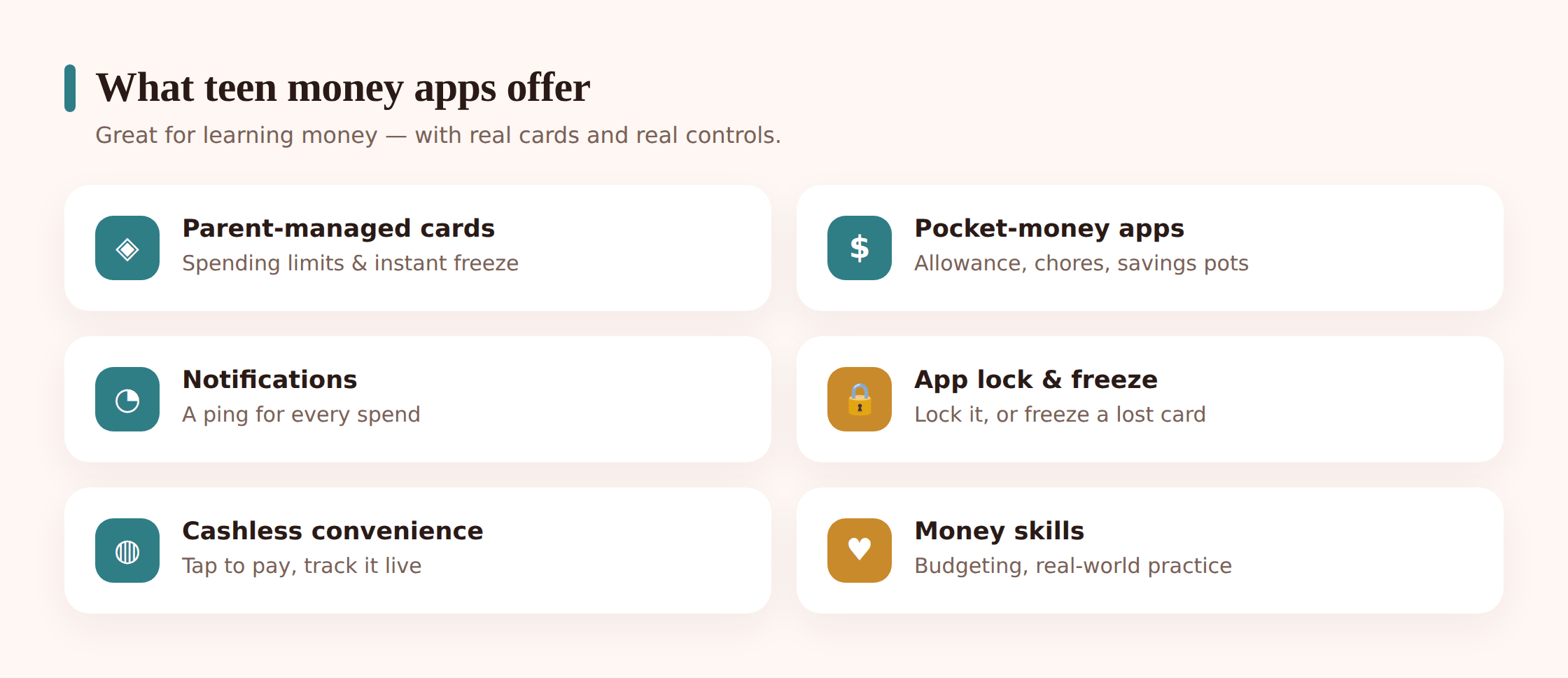
Parent-managed debit cards
The most common setup for younger teens. The child gets a real debit card linked to an account a parent can see and, to a degree, control. Money moves in from the parent’s account; the teen spends it. The card works in shops and online but usually can’t go overdrawn, which caps the damage a mistake can do.
Prepaid and pocket-money apps
Similar idea, often aimed a little younger, built around allowance rather than a full bank account. You load money on, the child spends what’s there, and that’s the ceiling. Some are effectively a digital version of the old envelope system, with a card attached.
Spending controls and instant freeze
This is where these apps earn their keep. A parent (and often the teen) can block certain categories — gambling, some online spending — set limits, and freeze the card in a single tap if it’s lost or something looks wrong. Freezing is reversible, so it’s a safe first move rather than a nuclear one.
Savings pots and goals
Money set aside inside the app toward a thing the teen wants — trainers, a concert, a game. Watching a pot fill up does more to teach saving than any lecture, because the reward is visible and theirs.
Chore and allowance features
Some apps tie money to tasks — a chore gets marked done, an amount lands. Others just automate a weekly allowance. Either way, money starts to feel connected to something rather than appearing by magic.
Notifications
An alert for every payment, often to both the teen’s and the parent’s phone. Underrated as a safety tool: a notification for a payment nobody made is the fastest early warning you’ll get that something’s gone wrong.
The genuine upside
It’s worth being clear that this isn’t a reluctant “well, they all have one.” Handled well, a teen money app is one of the better things a phone does.
The big one is learning by doing. A teenager who has run out of their own money before payday, at 14, with £30 at stake, has learned something an adult explanation never quite lands. Small stakes now beat large stakes later. The app makes the lesson safe — there’s no overdraft to fall into, no debt, just the useful sting of an empty balance and a week to go.
Then there’s independence. Being able to pay for the bus, buy lunch, or split a bill without borrowing from a friend or ringing home is a real step toward standing on their own feet. And the cashless convenience is simply the world your teen is growing into — plenty of shops barely take coins any more, and a lost card can be frozen in seconds where lost cash is just gone.
Security essentials, in order
A money app is only as safe as the phone and the habits around it. None of this is complicated, but the order matters — the basics at the top block far more trouble than the clever stuff further down.
1. Lock the phone itself
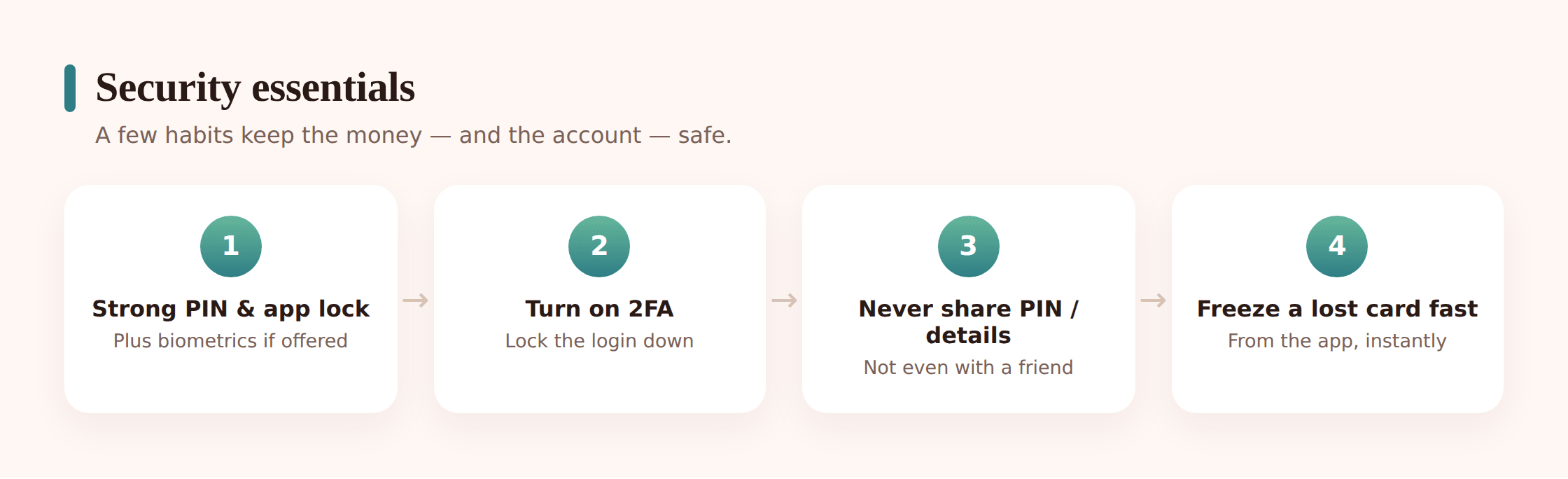
Everything else rests on this. A phone that unlocks with a tap is an open banking app to anyone who picks it up. A decent screen lock — a real passcode, not 0000 or a birthday — plus auto-lock after a short idle time is the single most valuable thing your teen can do. If a friend can grab the phone and it’s already open, no app-level security helps.
2. A strong, unique PIN or password on the app
The money app should have its own lock, separate from the phone. It needs to be different from the phone passcode and different from every other password — reusing the phone PIN as the banking PIN means one shoulder-surf unlocks both. No birthdays, no 1234, nothing a friend could guess.
3. Turn on biometrics where offered
Fingerprint or face unlock on the app is convenient and hard to steal over your shoulder — nobody watches you type your face. It’s a good layer on top of a PIN, not a replacement for one, since the PIN is still the fallback.
4. Switch on two-factor authentication
Two-factor means a login or a risky change needs a second thing — usually a code — as well as the password. It’s the difference between a leaked password being a disaster and being a shrug. Turn it on for the money app and, just as importantly, for the email account that can reset the money app’s password. Our guide to family passwords and two-factor walks through setting it up.
5. Keep notifications on
It’s tempting to mute payment alerts as noise. Don’t. A notification is a live feed of what’s leaving the account, and a payment your teen didn’t make is the earliest warning of a stolen card or a scam in progress.
Beyond the setup, a handful of rules do the heavy lifting, and they’re worth saying out loud to a teen rather than assuming they’re obvious:
- Never share a PIN, password, or card details — not with a best friend, not with a partner, not with anyone who asks. A real bank never needs them either.
- Never read out a card’s long number, expiry, or the three digits on the back to someone who messaged or called you.
- Be wary of “prove it” requests. A friend or partner asking to see your balance, hold your phone unlocked, or “just check something” on your banking is a boundary, not a bonding moment.
- Log out and lock the phone before handing it over for a photo or a game.
- If a card is lost, freeze it in the app first and worry about finding it after.
Scams that target these accounts
Teen accounts hold less money than adult ones, but scammers don’t only want the balance — sometimes they want the account itself, or the login. Here are the ones aimed squarely at young account-holders, named so your teen can spot the shape under the disguise.
“Your account is locked” texts and calls
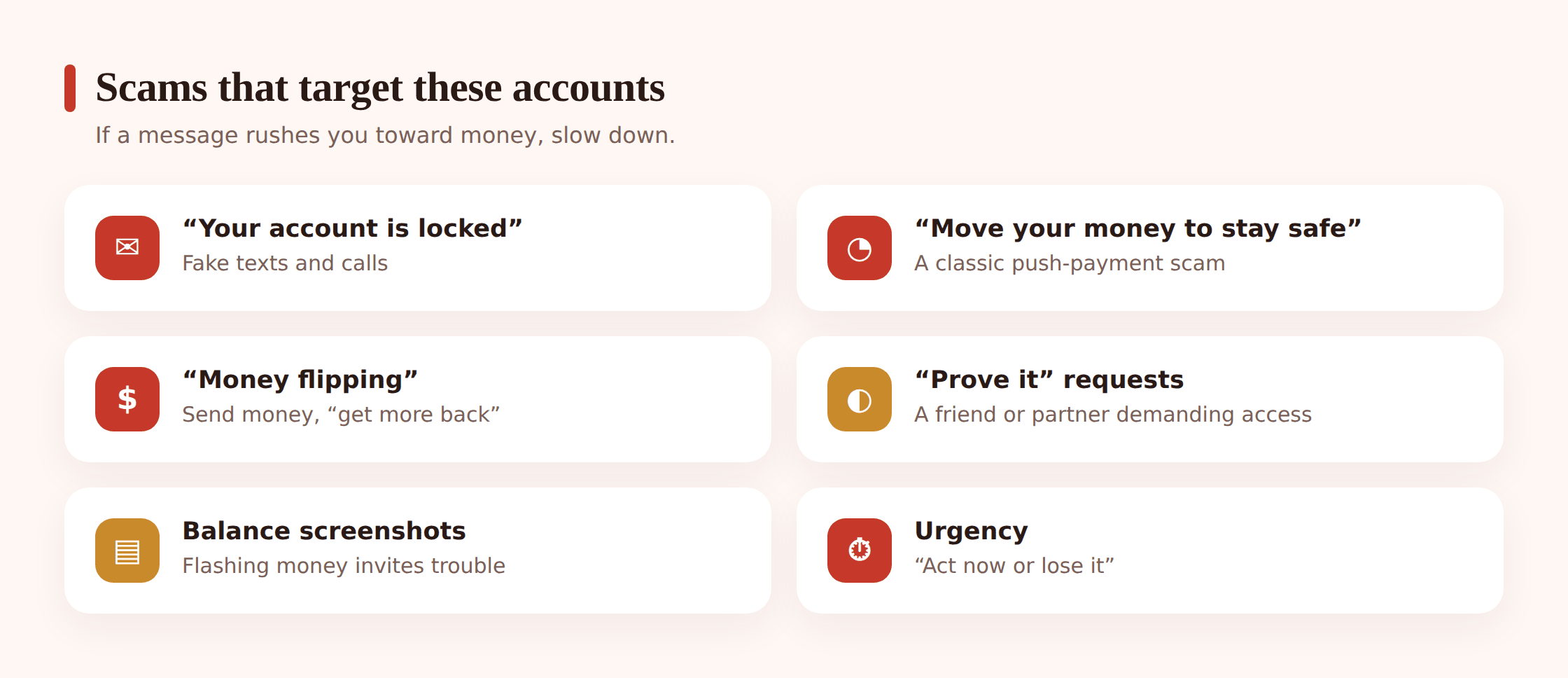
A text or call claiming to be the bank: your account’s frozen, there’s suspicious activity, tap here or read us a code to fix it. It’s designed to panic — the fear of losing access makes people skip the checks they’d normally make. The link leads to a fake login that harvests the password; the “code” they ask you to read out is the two-factor code that lets them in. The rule that never fails: a real bank never rings or texts asking you to move money, read out a code, or log in through a link. When in doubt, hang up and open the app yourself.
Requests to move money “to keep it safe”
A variant of the above, and nastier. The “bank” or “police” say your account’s compromised and you must move your money to a “safe account” they name. There is no such thing. The safe account is theirs. No genuine institution ever asks you to transfer your own money elsewhere for safety.
Money flipping
“Send me £20 and I’ll turn it into £200, I know a method.” Often from a hacked account posing as a friend. The method doesn’t exist; the money’s just gone, or the next message asks for more to “unlock” the payout. There’s no legitimate service anywhere that grows money you hand a stranger. We cover the money-making angle of this in detail in our guide to job and money-making scams targeting teens.
Authorised push-payment scams
The umbrella for any scam where you’re tricked into pressing “send” yourself — a fake seller, a fake landlord for a room, a “friend” in trouble, a too-good deal. Because the teen authorised it, the bank’s own systems didn’t block it, which is exactly why these are so effective. The defence isn’t the bank; it’s a pause before paying anyone you can’t verify. Our guides to selling online safely and crypto and investment scams both live in this territory.
Screenshots of balances as “proof”
Worth naming on its own. Scammers show a screenshot of a huge balance or a green profit to prove they’re legit and rich. Screenshots are trivially faked — a photo of a number is not money and not proof of anything. Teach your teen to treat any balance screenshot as a prop in a sales pitch.
Good habits that stick
Security settings are a one-time job; habits are what actually keep an account safe day to day. A few small ones, done regularly, matter more than any single feature.
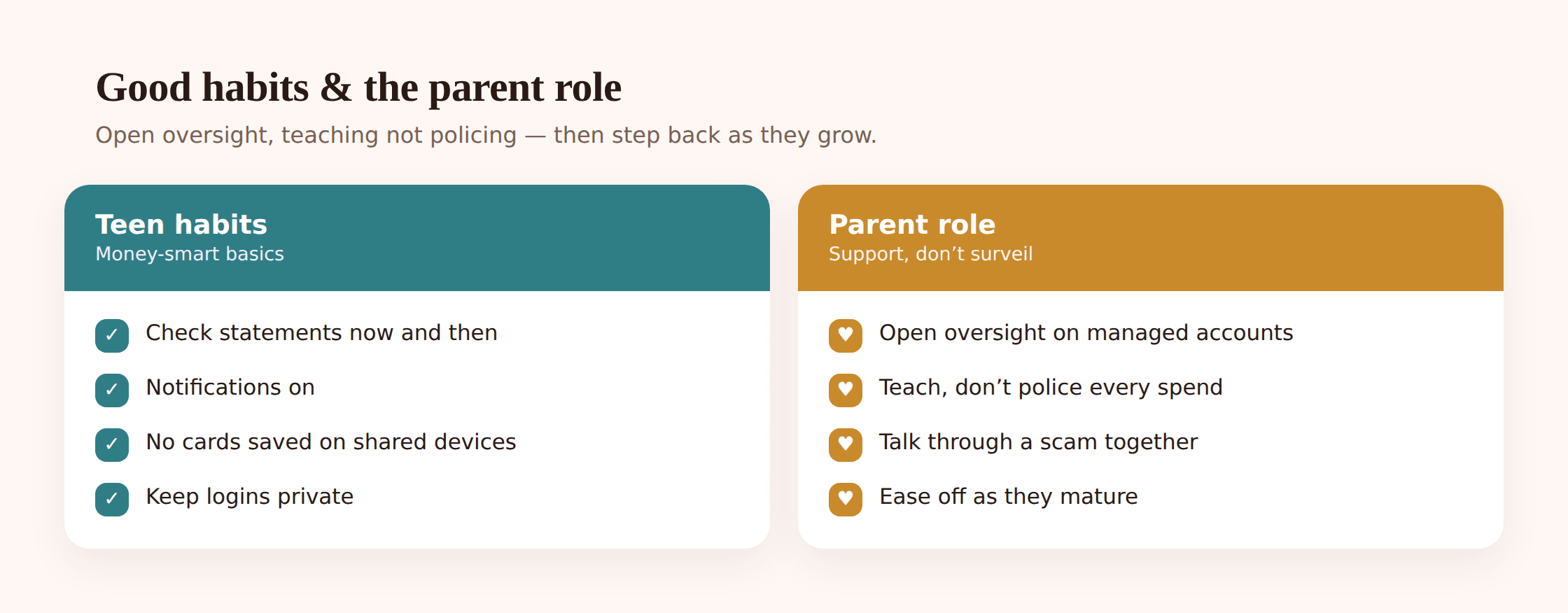
Check the statement now and then. Not obsessively, but a glance through recent payments catches a small fraudulent charge before it becomes a big one, and it builds the habit of knowing where money actually went — which is half of managing it.
Don’t save card details on shared or public devices. A card saved into a browser on a school computer, a library machine, or a friend’s console is a card anyone who sits down next can spend. On a teen’s own, locked phone it’s more defensible; on anything shared, it’s a gift to the next user.
Keep login details private, and treat that as non-negotiable rather than rude. A friendship that survives “I don’t share my banking password” is a friendship worth having. This isn’t about secrecy from parents on a parent-managed account — it’s about not spraying credentials around a friend group.
And keep notifications on, even when they’re annoying. The mild irritation of a buzz for every coffee is the price of an instant alert the day something’s wrong.
If a card or phone goes missing
Speed beats everything here, and a teen who knows the steps in advance acts in seconds instead of freezing. Walk through this together before it’s needed.
1. Freeze the card first
In the app, freeze the card immediately — before searching the bag, before retracing steps. It’s instant and reversible, so if the card turns up in a coat pocket, unfreezing takes a tap. Freezing first means that even if it’s genuinely lost, nobody can spend on it while you look.
2. Check recent payments
Look at the transaction list for anything your teen didn’t make. If there’s nothing, good — the freeze caught it in time. If there is, that’s information the bank needs.
3. Tell the bank or app if anything’s wrong
If the card’s genuinely gone or there are payments nobody made, report it through the app or the number on the back of a spare card. They can cancel and reissue, and start any fraud claim. For a parent-managed account, a parent can usually do this directly.
4. If the whole phone is lost, secure the accounts too
A lost phone is bigger than a lost card. Freeze the card, then change the money-app password and the email password from another device, and use “find my device” to locate, lock, or wipe the phone. Our guide to finding a lost or stolen phone covers the full sequence.
The parent role
With money, more than most things, the job changes as the teen grows — and the whole point is to work yourself out of a job.
On a parent-managed account, oversight is built in and completely fair — it’s your account, funding it, with visibility on spending. The key is to be open about it: your teen should know you can see payments and why. Openness here isn’t a compromise; it’s the thing that makes the oversight teach rather than merely control. A teen who knows you’ll see the payment learns to think about the payment.
Lean toward teaching over policing. The urge to swoop on every questionable purchase — the third takeaway, the impulse buy — is strong, and mostly counterproductive. The occasional bad call, and the empty balance that follows, is the lesson. Reserve the intervention for things that actually matter: a payment to someone suspicious, a sudden transfer, a sign of a scam. Ask about the rest; don’t police it.
Then step back as they mature. The visibility that’s right at 13 is patronising at 17. As your teen shows they can handle money — spotting a dodgy text, saving for something, owning a mistake — the right move is to loosen the controls, not tighten them. A 17-year-old heading toward a full adult account should be running their own money with you as an occasional adviser, not a supervisor. Easing off is the sign it worked.
Oversight in the open
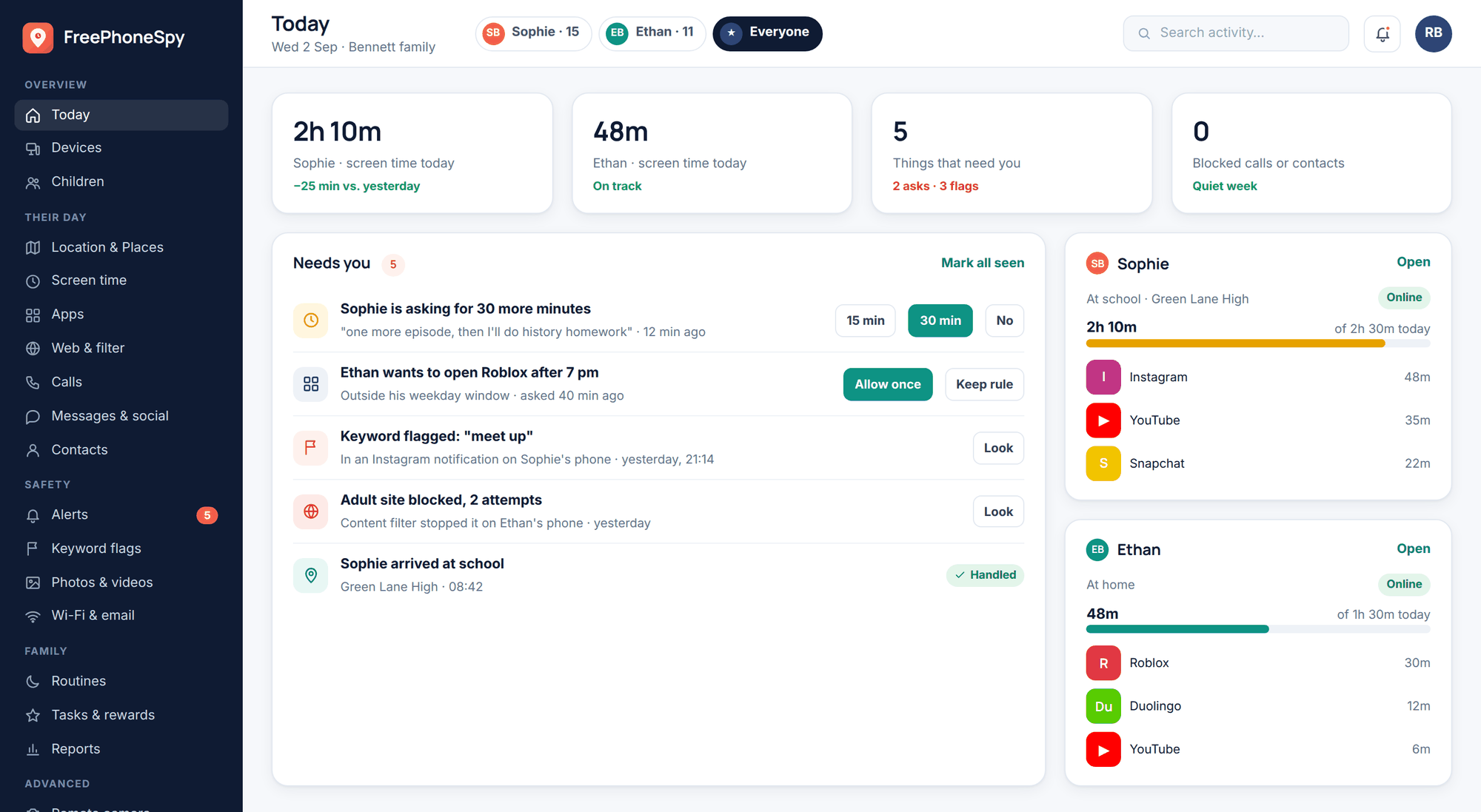
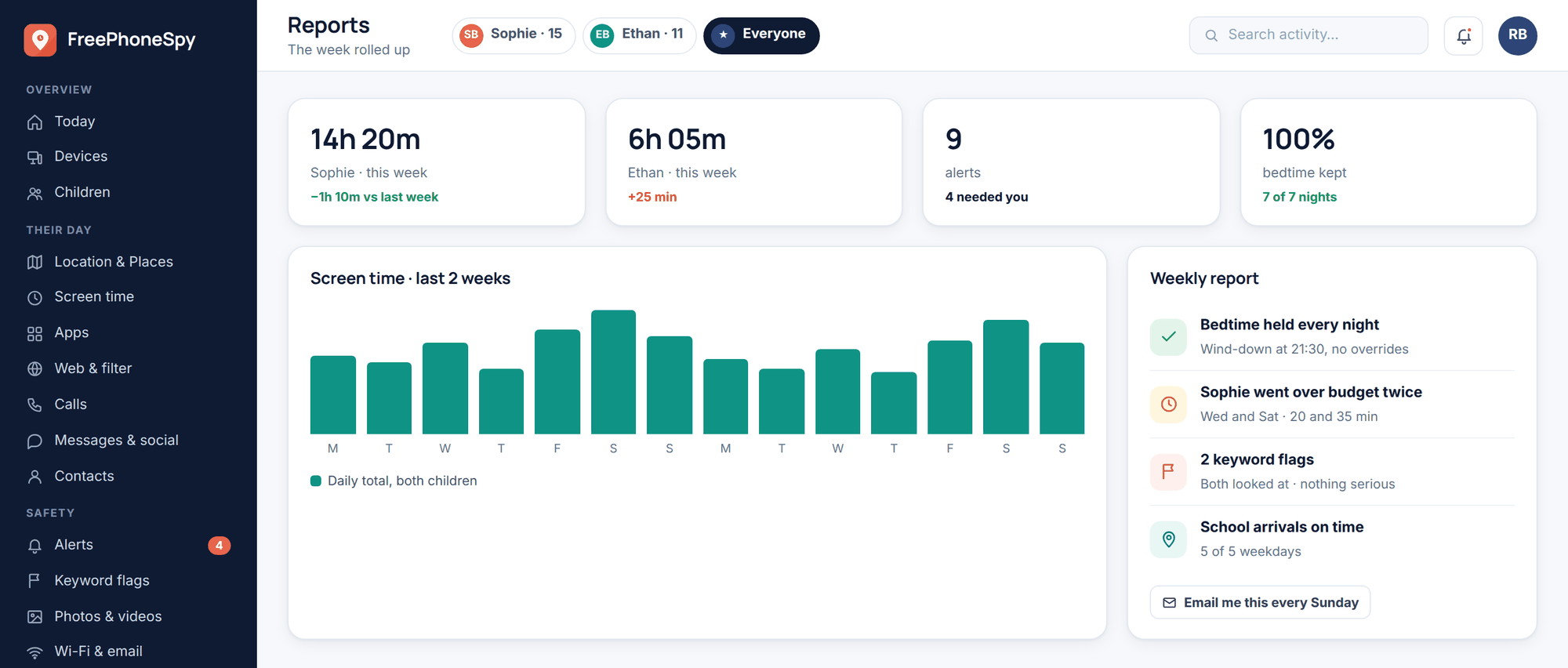
Most of this is handled inside the banking app and through conversation. But money trouble often arrives on the phone before it hits the account — a new “trading” or payment app appears overnight, a flurry of messages from an unknown number about a “locked account,” an app installed to chase a flipping scheme. On an Android phone you own and manage, a tool like FreePhoneSpy can give you visibility of what’s newly installed and unusual activity, so an approach doesn’t stay invisible until money’s gone. Used openly, it’s a prompt to ask a question early, not a way to snoop.
The quick checklist
The article, boiled down to what to set up and what to say.
- Lock the phone with a real passcode and short auto-lock — everything rests on this.
- Give the money app its own unique PIN, different from the phone code.
- Turn on biometrics and two-factor for the app and the email that resets it.
- Keep payment notifications on, however annoying.
- Never share a PIN, password, or card details with anyone, ever.
- Treat any “prove it” request from a friend or partner as a boundary, not a favour.
- A real bank never asks you to move money, read out a code, or log in via a link.
- When a money message wants you to hurry, slow down and check another way.
- Freeze a lost card first, then look for it.
- Check the statement now and then; don’t save cards on shared devices.
- Parents: watch the money openly, teach more than you police, and step back as they grow.
FAQ
A text says my teen’s account is locked and to tap a link — is it real?
Almost certainly not. Genuine banks don’t send a link to “unlock” an account, and they never ask you to read out a code or log in through a message. The whole point of the text is to panic your teen into acting before they think. The safe move every time: ignore the link, and if there’s any doubt, open the banking app directly or call the number on the back of the card. Never use contact details from the message itself.
Should I be able to see my teen’s spending?
On an account you manage and fund, yes — and openly. Being able to see payments is fair and part of how the account teaches. What matters is that your teen knows you can see it and why, rather than discovering it. That said, “seeing spending” isn’t the same as interrogating every purchase; the goal is to spot real problems and let the small, harmless mistakes be the lesson. And as your teen matures toward their own adult account, that visibility should shrink.
My teen’s friend asked to “borrow” their card details or see their balance. What do I say?
That it’s a firm no, and not a rude one. Card details and PINs are private, full stop — a friend who genuinely respects your teen won’t need to see them, and one who pressures for them is showing you something. The same goes for demands to hold an unlocked phone or “just check” the banking app. Framing it as a normal boundary now makes it far easier for your teen to hold the line under pressure later, including in relationships.
Are these teen money apps actually safe?
The reputable ones are built with safeguards — no overdraft, spending caps, instant freeze, and the money often protected the same way a normal bank account is. The bigger risk usually isn’t the app failing; it’s a weak phone lock, a shared PIN, or a scam that tricks the teen into acting. In other words, the security that matters most is the habits around the app, not the app itself. Set up the phone lock, the unique PIN, and two-factor, and you’ve handled the parts most likely to go wrong.
My teen was asked to receive some money and pass it on for a small cut — is that okay?
No — treat that as a serious warning sign and talk about it straight away. Letting anyone move money through your account that isn’t yours is how money-mule schemes work, and it can be a crime even when the person didn’t know where the money came from, with consequences like frozen accounts and worse. Recruiters target teens with clean accounts precisely because they don’t realise the risk. The flat rule to teach: never let anyone put money into your account for you to pass on, however small the “cut” or friendly the offer.
How do I teach good money habits without controlling everything?
Let small mistakes happen while the stakes are small. A teen who spends their week’s money by Wednesday, at 14, has learned budgeting in a way no lecture achieves — and no real harm was done. Use the app’s tools to make lessons visible: saving pots, notifications, an occasional honest chat about where the month went. Intervene on the things that genuinely matter — scams, suspicious payments — and let the ordinary trial and error teach the rest. Then loosen the reins as your teen shows they’ve got it.