Deepfakes & AI: What Parents Need to Know
A photo can be faked in seconds now. So can a voice. Your kid could get a message, a call, or an image that looks completely real and isn’t. That’s the shift AI has brought home, and it’s worth understanding calmly, because most of it comes down to a few habits and one good conversation.
What’s actually changed
AI didn’t invent lies. It made convincing ones cheap and fast. What used to take a skilled editor hours now takes a phone app a few taps. Fake images, fake video, and cloned voices are the three big ones, and all of them are good enough to fool a person who isn’t expecting it.
That’s the honest part. Here’s the other honest part: AI is also genuinely useful. Your kid probably uses it to study, draft, brainstorm, and mess around creatively. Banning it isn’t realistic and isn’t the point. The point is that your child grows up knowing a picture or a voice is no longer proof of anything on its own.
So this isn’t a “the sky is falling” piece. It’s a “here’s what’s real, here’s what to do” piece. Most of the danger evaporates when a kid pauses, gets suspicious, and checks with you.
The real risks, one by one
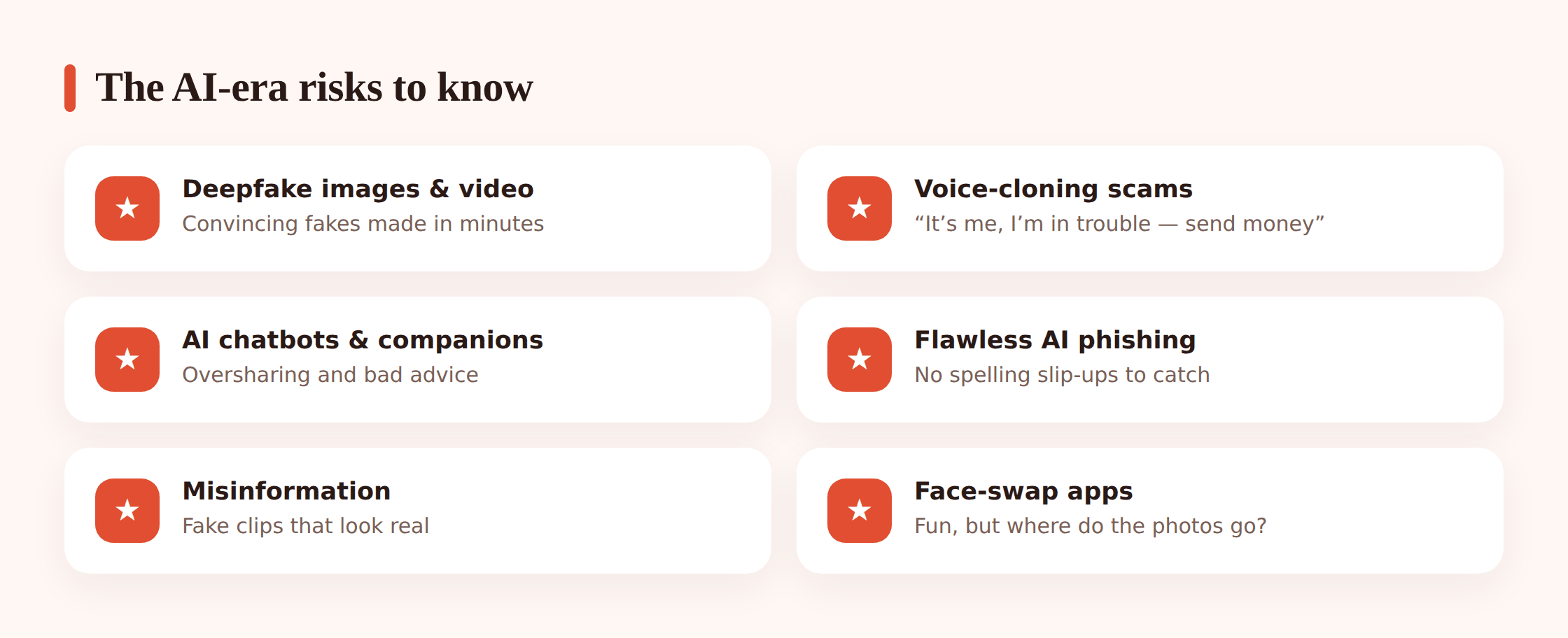
Lumping this all under “deepfakes” hides how different the threats are. Break them apart and each one gets easier to handle.
Deepfake images and video
Someone can take ordinary photos from a public profile and generate fake pictures or clips of a person doing or saying things they never did. For kids, this shows up as bullying, humiliation, or setting a friend up as a joke that isn’t funny.
There’s a serious version of this you should know about, stated plainly and then left there: AI is being used to generate fake intimate or “nude” images of real teenagers from normal clothed photos. If this happens to your child, understand three things. It is abuse. It is illegal. It is not their fault, no matter what photo was used or where it came from. You don’t need details to act, and there is help to get the images removed. Skip to If your child is targeted for the calm steps, and see our guide to sextortion if someone is using an image to threaten or demand anything.
Voice-cloning scams
A few seconds of someone’s voice — from a video, a voicemail, a social clip — is enough to clone it. The classic scam is a panicked call: “It’s me, I’ve been in an accident,” or “I’m in trouble, I need money now, don’t tell anyone.” The voice sounds right. The fear is real. The person on the line isn’t who they claim to be.
Kids and grandparents are both common targets. The defence is almost embarrassingly simple, and we’ll get to it: a family safe word, and a rule that no scary call gets acted on until you verify through another channel.
AI chatbots and companions
Chatbots that act like a friend, a partner, or a therapist are everywhere now. Some are harmless fun. The risks are quieter: kids overshare private things to something that feels like a confidant, they take bad or unsafe advice as if it were true, and they can form a real emotional attachment to something that isn’t a person and doesn’t care about them.
None of that means “forbid chatbots.” It means your kid should know a bot is software, it can be wrong, it can be manipulative, and it is never a substitute for a real person when something actually matters.
AI-written scams and phishing
Scam messages used to give themselves away with clumsy spelling. Not anymore. AI writes clean, natural, personalised messages at scale — the fake prize, the “your account is locked,” the friend who “lost their phone” and needs a code. They look flawless now. Our guide to online scams targeting kids goes deeper, but the headline is: good grammar is no longer a sign that something’s real.
Misinformation that looks real
Fake screenshots, fabricated “news,” doctored quotes, invented events with photorealistic images. Kids share fast and check slowly. A convincing fake can travel through a friend group before anyone asks whether it happened. This one’s less about danger and more about judgment: teaching a kid to ask “where did this come from?” before believing or forwarding it.
Face-swap and “fun” apps
Those apps that swap your face into a movie scene or age you up are fun, and they’re also handing your kid’s face to a company whose data practices nobody read. Some of these images become training data or leak. It’s worth a quick talk about what you’re uploading and to whom. More on that in your child’s privacy and digital footprint.
The thread running through all of these: seeing or hearing something is no longer proof it’s real. Once your kid internalises that one idea, most of these risks lose their teeth.
How to spot an AI fake
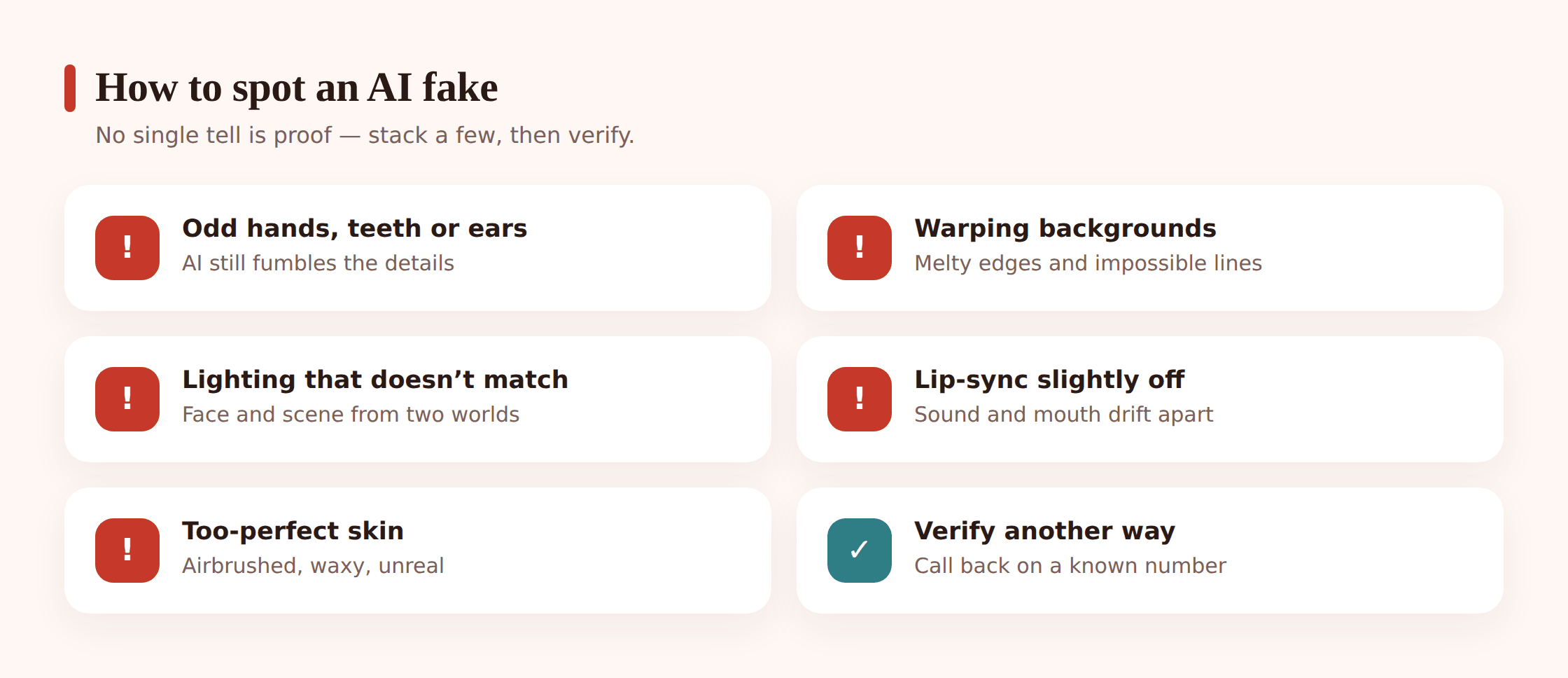
Fakes are getting better, so no checklist stays current forever. Still, a lot of AI content trips over the same things. Teach your kid to look for:
- Hands, teeth and ears. Extra fingers, blurred or oddly-spaced teeth, ears that don’t match. AI still fumbles the fiddly bits.
- Backgrounds that melt. Warped text, objects that merge, a doorway that goes nowhere. The main subject looks fine; the edges give it away.
- Lighting that doesn’t match. A face lit from the left in a scene lit from the right. Shadows that fall the wrong way.
- Lip-sync that’s slightly off. In video, watch the mouth against the words. A small delay or a mouth that doesn’t quite close is a red flag.
- Skin that’s too perfect. No pores, no stray hairs, a plasticky sheen. Real people have texture.
- Context that doesn’t add up. Would this person really say this? Does the account posting it check out? Often the story around the image is faker than the image.
The single most reliable move isn’t visual at all: verify through another channel. A shocking clip of a friend? Message the friend directly. A frantic call from a family member? Hang up and call the number you know. A fake collapses the moment you check it a second way.
Protecting your child before anything happens
Prevention here is mostly ordinary, low-drama habits. None of it requires being a tech expert.
Step 1 — Lock down photos and privacy
Fakes are built from source material. The fewer public photos of your child floating around, the less there is to work with. Set social accounts to private, prune old public posts, and be picky about who follows them.
Step 2 — Think before posting
Every clear photo of a face is training material for something. This isn’t a reason to post nothing, just a reason to pause. That goes for you too — a lot of a kid’s public image was posted by a proud parent.
Step 3 — Agree a family safe word
Pick a word or question only your family knows. If a “relative” calls in a panic asking for money or help, you ask for the safe word. A cloned voice can’t answer. This single habit defeats most voice-clone scams outright.
Step 4 — Build a “pause on urgency” reflex
Scams run on panic and speed. Teach your kid that any message pushing “right now, don’t tell anyone” is a reason to slow down, not speed up. Verify first, always.
Step 5 — Keep the door open
Say it out loud and often: if anything online ever feels off, scary, or embarrassing, come to me and you won’t be in trouble for it. Kids who believe that reach out early, when things are still fixable.
If someone’s building a fake relationship to get at your child in the first place, catfishing and fake profiles covers that angle — AI just makes those fake personas easier to fake convincingly.
If your child is targeted by a fake
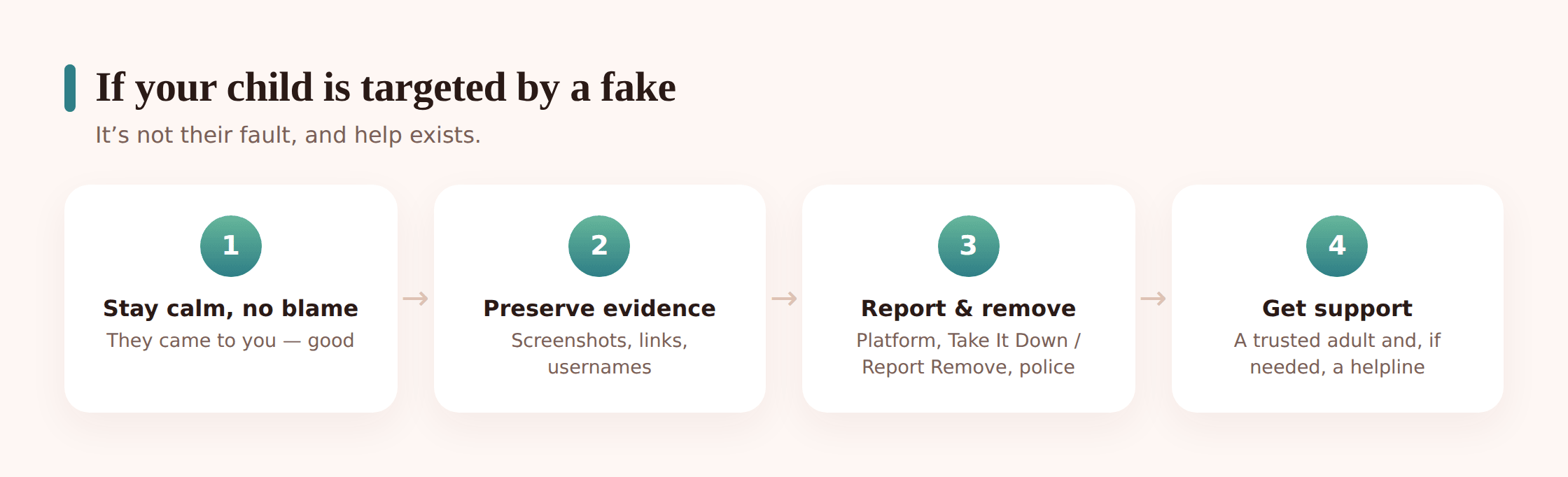
If a fake image, video, or voice is used against your child, your reaction in the first few minutes matters. Here’s the calm version.
- Don’t blame them. Whatever the source photo was, your child didn’t do this. Lead with “we’ll sort this out together,” not “how did this happen?”
- Preserve evidence. Before anything gets deleted, screenshot the content, the messages, the usernames, and the URLs. You’ll need it to report.
- Report to the platform. Every major platform has a way to report fake or non-consensual imagery. Do it, and ask for removal.
- For intimate images of a minor, use the dedicated services. NCMEC’s Take It Down and the IWF’s Report Remove help get intimate images of under-18s taken down across participating platforms. Involve the police — this is a crime, and it should be treated as one.
- Get support. This is upsetting for a kid. Reassure them it’s not their fault, and get them someone to talk to if they need it.
If anyone is using an image — real or AI-made — to threaten your child or demand money, images or silence, that’s sextortion. Don’t pay, don’t negotiate, preserve everything, and read our sextortion guide for the step-by-step. Reporting it is the right move, and your child is the victim here, not the one in trouble.
Talking to kids about AI
You don’t need a formal sit-down. You need a running theme they hear enough times that it sticks. Three ideas do most of the work:
- It’s a tool, not a truth machine. AI can be confidently wrong. Whatever a chatbot says, check it against a real source before trusting it for anything that matters.
- Don’t trust everything you see or hear. Photos, videos and voices can all be faked now. “But I saw it” isn’t proof anymore.
- Come to me if something feels off. A weird call, a strange image, a message that doesn’t sit right — bringing it to you is the smart move, not the embarrassing one.
Our fuller guide to talking to kids about online safety has more on keeping these conversations regular and low-pressure rather than one big scary lecture.
Where tools help (and where they don’t)
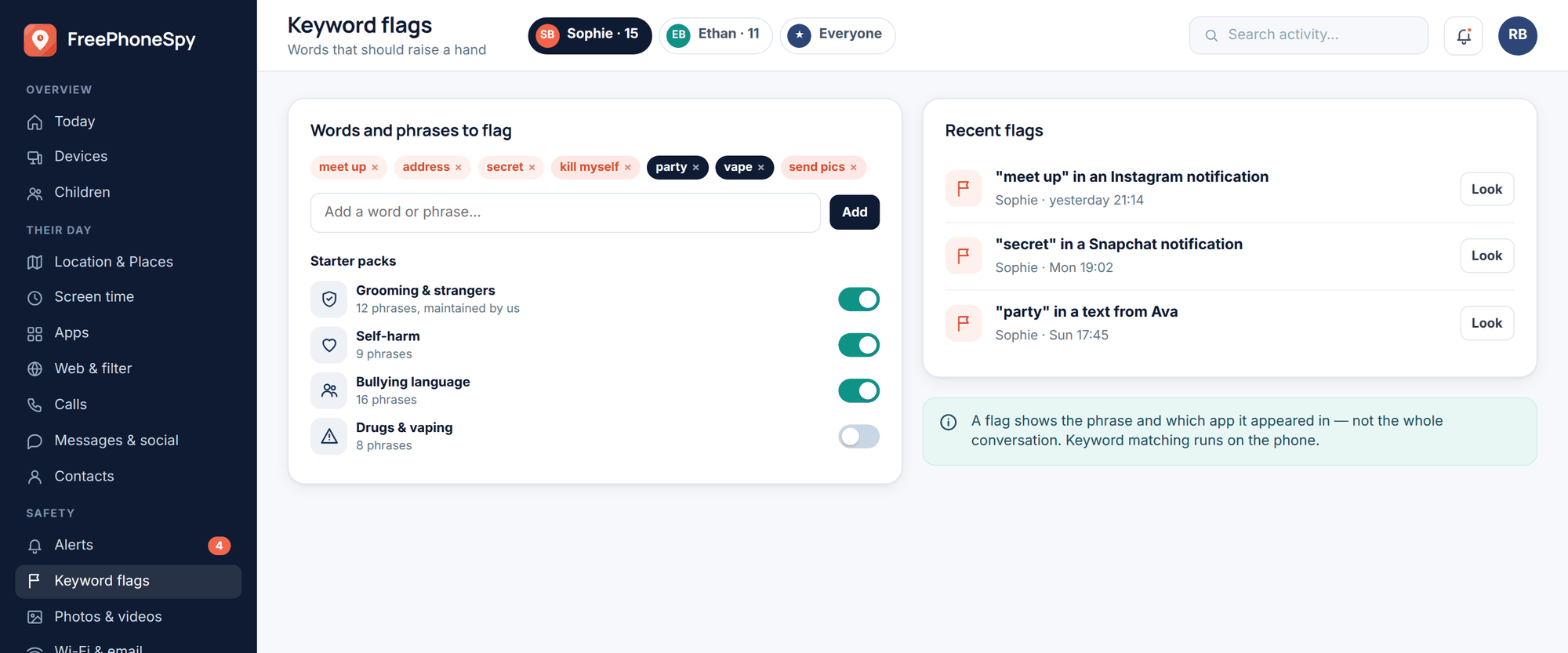
Be honest with yourself about what a tool can and can’t do. It can’t tell a real image from a fake. It can’t stop a scam call. What it can do is help you notice when something’s wrong sooner, so you’re in the conversation earlier.
FreePhoneSpy is transparent, consent-first monitoring for a child’s Android phone, run from a web panel your child knows about. Keyword alerts can flag worrying words in notifications, which is a heads-up, not a verdict — a prompt to check in, gently. (On iPhone, Apple’s own Screen Time and Family tools cover similar ground.)
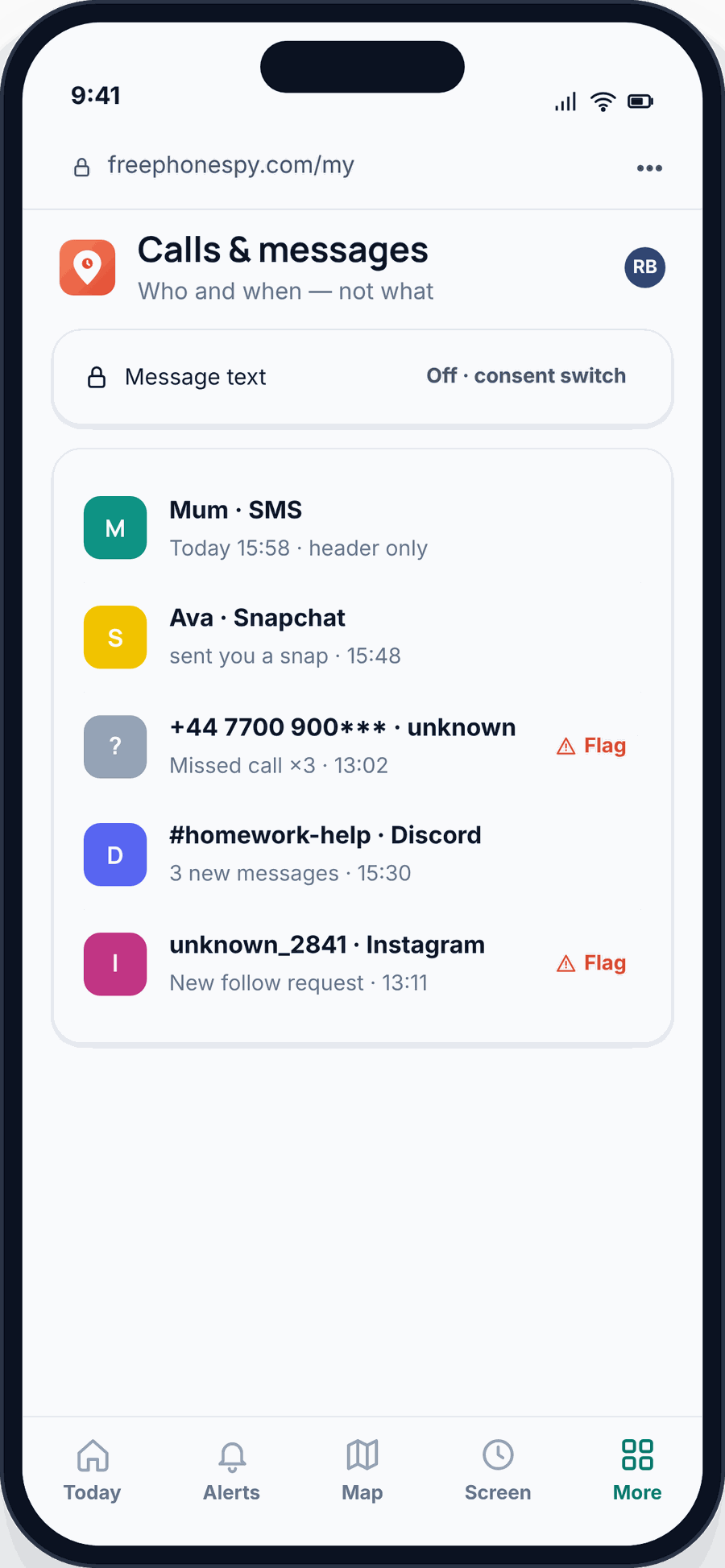
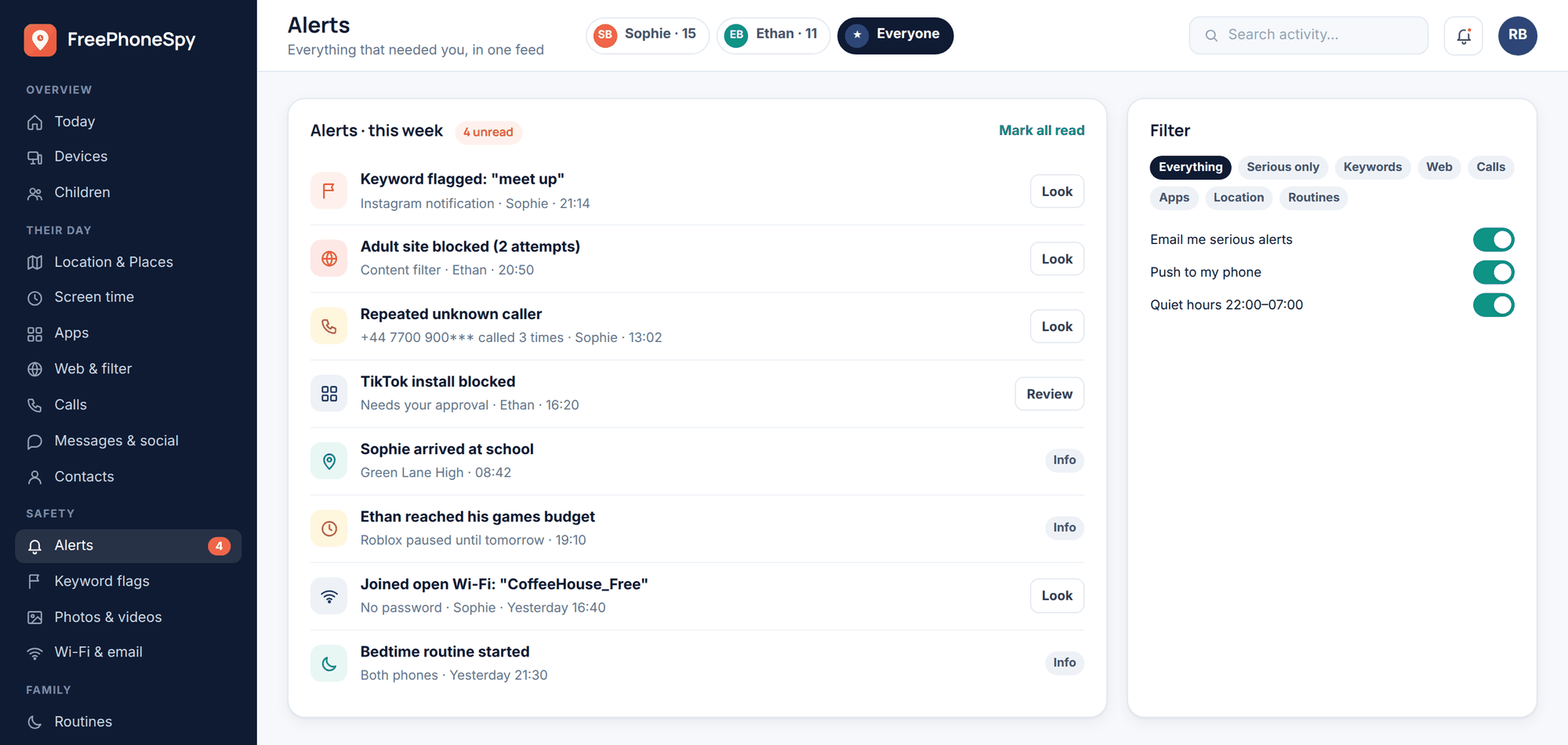
The set-up that works is open, not sneaky. A kid who knows the app is there, and knows why, is a kid who’s learning that safety online is a shared thing you do together. Covert spying does the opposite — it teaches secrecy, and it breaks the trust that makes a child come to you when it counts. The real defence was never surveillance. It’s awareness plus an open door.
FAQ
My child says “everyone uses AI, why can’t I?” Are they wrong?
No, and you don’t have to ban it. AI is a normal tool for studying and creating. The rule isn’t “don’t use it,” it’s “don’t trust it blindly and don’t hand it private things.” Teach the guardrails, not a blanket no.
How can I tell if a photo of my kid online is AI-generated?
Look for the usual tells — hands, teeth, ears, melting backgrounds, mismatched lighting, too-perfect skin — and question the context and the account that posted it. But don’t get stuck proving it’s fake. If it’s harmful, screenshot it, report it, and get it removed regardless of how it was made.
What’s a family safe word and do we really need one?
It’s a word or question only your family knows, used to verify a caller in an emergency. With voice-cloning, a familiar voice is no longer proof of identity. A safe word is a thirty-second conversation that shuts down a whole category of scam. Yes, it’s worth it.
Someone made a fake intimate image of my teenager. What do I do first?
Tell your child it’s not their fault, because it isn’t. Then preserve the evidence, report to the platform, use NCMEC’s Take It Down or the IWF’s Report Remove to get it removed, and involve the police. It’s abuse and it’s illegal. Our sextortion guide walks through it if threats are involved.
Are AI chatbot “friends” bad for kids?
Not automatically, but watch for oversharing, bad advice taken as truth, and real emotional attachment to something that isn’t a person. Make sure your kid knows a bot is software that can be wrong and can’t replace a real person for anything that matters.
Does monitoring software detect deepfakes?
No — no consumer tool reliably does. What monitoring can do is flag worrying words in notifications so you notice trouble sooner and start a conversation. The detection that matters is a kid who pauses, gets suspicious, and checks with you.