

How to Find the Owner of a Cell Phone Number for Free
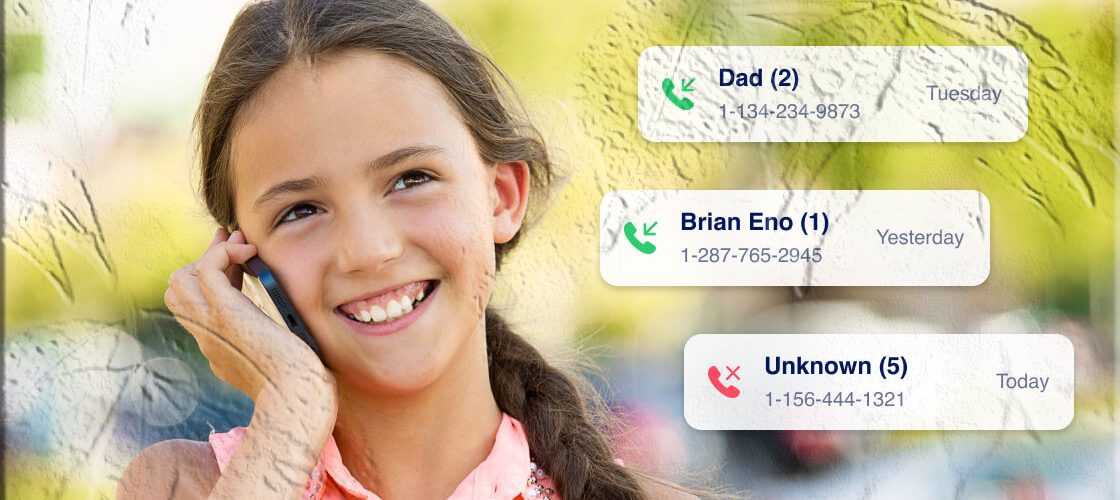
Almost everyone has received a call from an unfamiliar number at some point. With spam calls increasing every year — and nearly half of Americans receiving unwanted calls daily — it’s natural to wonder who’s behind a strange number. Whether you’re trying to avoid scams, verify a caller’s identity, or simply satisfy your curiosity, there are safe and legal ways to look up a phone number for free.
This long‑form guide explains:
- Whether you can find out who owns a phone number
- The limitations of free number‑lookup methods
- Three legal ways to identify a caller
- Why most “free phone lookup” websites don’t work
- How to block unknown numbers
- How families may use parental‑control tools like FreePhoneSpy responsibly
Can You Find Out Who Owns a Phone Number?
Yes — but only under certain conditions. You can often identify the owner of a public phone number, such as:
- Businesses
- Government offices
- Public service hotlines
- Scam or spam callers
- Numbers shared online
However, identifying a private individual is much more difficult due to privacy laws and limited public data.
Limitations When Looking Up a Phone Number
1. Inaccuracy
Reverse‑lookup tools rely on:
- Public databases
- Social media profiles
- Business listings
- User‑submitted data
Because of this, results are often incomplete or outdated.
2. Legal Restrictions
Many countries regulate:
- How phone data is stored
- Who can access it
- How it can be shared
This means you cannot legally access private phone records without proper authorization.
3 Legal Ways to Look Up a Cell Phone Number for Free
Here are the safest and most reliable methods to identify an unknown caller.
1. Use Google Search (Best for Public or Scam Numbers)
Google is one of the most effective free tools for identifying phone numbers. It pulls information from:
- Business directories
- Government websites
- Public records
- Scam‑reporting sites
- Online forums
How to Search a Phone Number on Google
- Open Google
- Type the full phone number (with area code)
- Review the top results
If the number is public, Google will show:
- Business names
- Scam reports
- Online listings
- Public posts containing the number
When Google Works Best
- Business numbers
- Customer service lines
- Spam or scam callers
- Numbers posted online
When Google Won’t Help
- Private individuals
- Numbers never shared online
2. Use Social Media or Messaging Apps
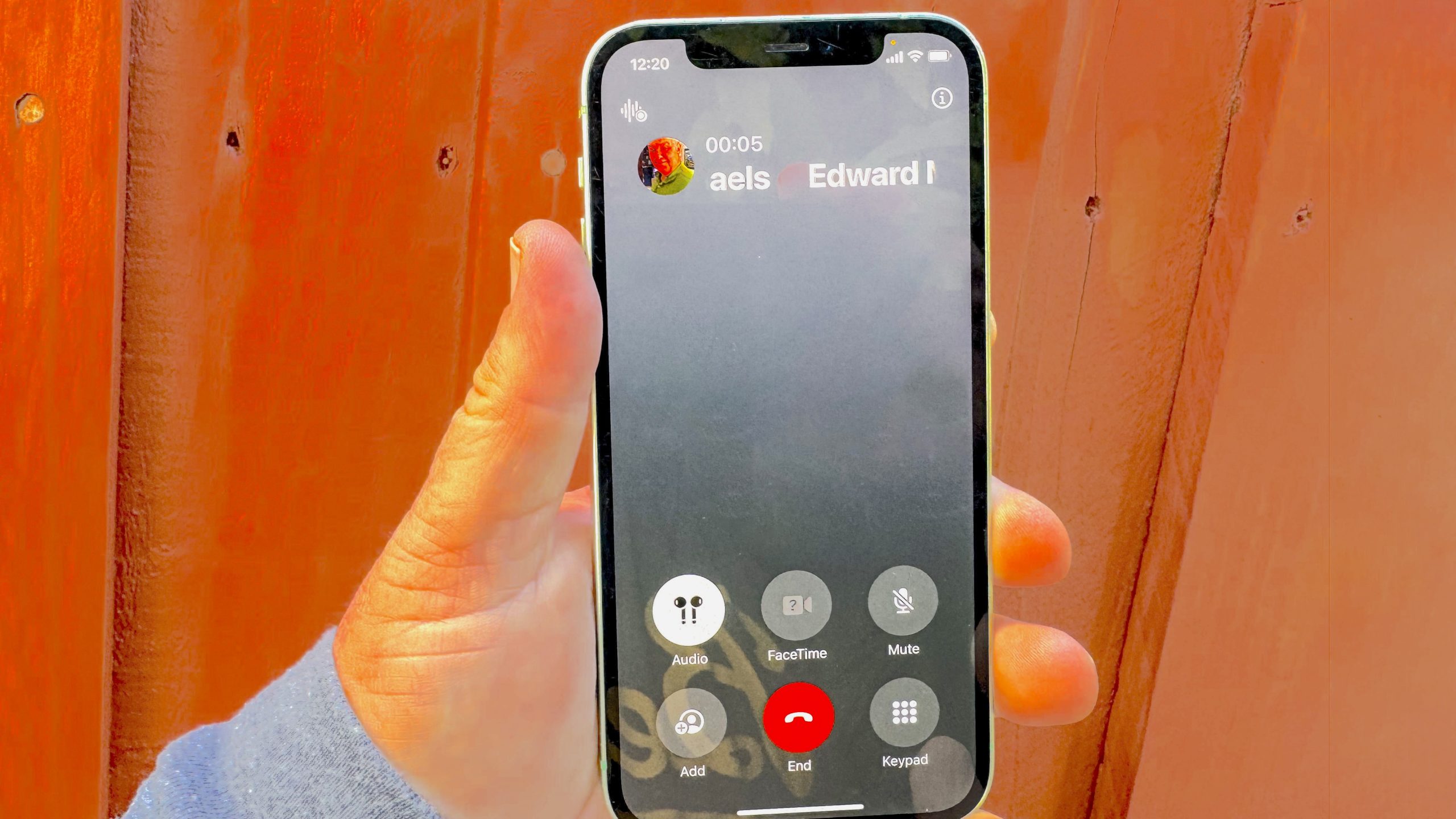
Many apps require users to register with a phone number. If the number is linked to an account, you may be able to identify the owner.
Before You Begin: Save the Number
Most apps only show linked profiles if the number is saved in your contacts.
How to Check a Number on WhatsApp
- Save the number to your phone
- Open WhatsApp
- Tap New Chat
- Look for a new profile that appears
If the number is linked to a WhatsApp account, you may see:
- Profile photo
- Display name
- Status message
How to Check a Number on Facebook
- Save the number
- Open Facebook
- Swipe through recommended profiles
- Look for accounts linked to your contacts
Limitations
- Users may hide their phone number
- Privacy settings may block visibility
- Not all numbers are linked to social accounts
3. Contact Police or Law Enforcement (For Safety Concerns Only)
If you believe the unknown number is involved in:
- Harassment
- Threats
- Fraud
- Stalking
- Emergency situations
…then contacting law enforcement is the safest option.
Authorities can work with carriers to identify the owner of a number — but only when there is a legitimate legal reason.
When Police Can Help
- Scam attempts
- Threatening messages
- Repeated harassment
- Safety‑related incidents
When Police Cannot Help
- Curiosity
- Personal disputes
- Non‑urgent situations
Why Most “Free Phone Number Owner Finders” Don’t Work
You’ve probably seen websites claiming to reveal the owner of any phone number for free. After testing many of these tools, the reality is clear:
Most of them do NOT work.
Here’s why:
1. They Rely on Public Databases Only
Reverse‑lookup sites typically pull data from:
- Public business listings
- Social media profiles
- User‑submitted directories
- Old marketing databases
This means:
- Private numbers rarely appear
- Results are often outdated
- Accuracy is inconsistent
2. Many Sites Require Payment
Most “free” lookup tools show:
- A name preview
- A partial address
- A teaser result
…but require payment to reveal the full details — which still may be inaccurate.
3. Some Sites Request Personal Data
Some platforms ask for:
- Your name
- Your phone number
- Your contact list
- Your location
This raises serious privacy concerns.
4. Some Sites Contain Ads, Spam, or Malware
Low‑quality lookup sites may expose users to:
- Pop‑up ads
- Phishing attempts
- Fake virus warnings
- Malware downloads
To stay safe:
- Avoid unknown lookup websites
- Never enter personal information
- Stick to reputable sources like Google or official apps
Bonus: How to Block Unknown Numbers on Your Phone
If you’re constantly bothered by unknown callers, blocking them may be easier than trying to identify them.
Both iPhone and Android offer built‑in tools to silence or block unknown numbers.
How to Block Unknown Numbers on iPhone
Step 1: Open Settings
Step 2: Tap Phone
Step 3: Scroll to Silence Unknown Callers
Step 4: Toggle it ON
Once enabled:
- Calls from unknown numbers go straight to voicemail
- You still see them in your Recents list
- Your phone won’t ring or vibrate
How to Block Unknown Numbers on Android
Step 1: Open the Phone app
Step 2: Tap the three‑dot menu
Step 3: Select Settings → Blocked numbers
Step 4: Turn on Block unknown numbers
This blocks calls from:
- Private numbers
- Hidden numbers
- Callers not in your contacts
Using FreePhoneSpy to Block Unknown Numbers for Your Child (Neutral Overview)
Some families want to protect their children from spam calls, scams, or unknown contacts. In these cases, some households explore parental‑control brands such as FreePhoneSpy to understand device activity responsibly and transparently.
FreePhoneSpy includes a call‑blocking feature that allows parents to:
- Block unknown callers
- Create a whitelist of trusted contacts
- Receive alerts when the child receives a call
- Monitor call patterns for safety
These tools should always be used ethically, with the child’s awareness and consent where appropriate, and in accordance with local laws.
Conclusion
Identifying the owner of a cell phone number for free is possible — but only in certain situations. Public numbers, business lines, and scam callers are often easy to identify using Google or social media. However, private numbers are protected by privacy laws, and most “free lookup” websites are unreliable or unsafe.
Here’s what works best:
✔ Google Search
Great for public, business, or scam numbers.
✔ Social Media & Messaging Apps
Useful if the number is linked to a public profile.
✔ Law Enforcement
The safest option when dealing with harassment, fraud, or threats.
✔ Blocking Unknown Numbers
A simple and effective way to avoid unwanted calls.
If you’re trying to protect your child from unknown callers, some families explore parental‑control tools such as FreePhoneSpy to understand device activity responsibly and transparently.
Always respect privacy laws, avoid unsafe lookup websites, and use these methods responsibly.
FAQs About Finding the Owner of a Phone Number
1. Can I find the owner of any phone number for free?
Not always. You can identify public numbers, but private numbers are protected by privacy laws.
2. What is the safest free method?
Google search is the safest and most accurate free method for public numbers.
3. Can social media reveal who owns a number?
Yes — if the number is linked to a public profile and privacy settings allow it.
4. Are reverse‑lookup websites reliable?
Most are inaccurate, require payment, or pose privacy risks.
5. Can police trace a phone number?
Yes, but only in legitimate legal or safety‑related situations.
6. Can I find the owner of a private number?
Only if the number appears in public databases or is linked to a visible social media account.
7. How do I block unknown callers?
Use built‑in features on iPhone or Android to silence or block unknown numbers.
8. Can parents block unknown numbers on a child’s phone?
Some families explore parental‑control brands such as FreePhoneSpy to manage call blocking responsibly and transparently.
9. Why do lookup sites ask for payment?
Because they rely on paid databases and often use subscription models.
10. What should I do if a number seems dangerous?
Contact local law enforcement immediately.



Add comment