

How to Locate Family Members Through Their Phones
Staying connected with family members has become both easier and more challenging in today’s fast‑paced world. Everyone has different schedules, responsibilities, and routines — and sometimes, simply knowing where your loved ones are can bring tremendous peace of mind.
Thanks to modern mobile technology, you can now locate family members through their phones in safe, transparent, and mutually agreed‑upon ways. Whether you’re checking on a child walking home from school, staying connected with elderly parents, or coordinating with family members during travel, location‑sharing tools make communication smoother and safer.
This comprehensive guide covers:
- The benefits of locating family members
- How to find family members on iPhone using Family Sharing
- How to track family members on Android using Google Maps
- A neutral overview of FreePhoneSpy Family Locator
- Additional recommended apps
- The emotional importance of trust and communication
- FAQs about family location tracking
1. Benefits of Locating Family Members
There are many reasons families choose to share their locations with one another. Some of the most common include:
✔ Ensuring children’s safety
Parents may want to know their child’s whereabouts when they’re walking to school, visiting friends, or attending activities.
✔ Supporting elderly family members
Location sharing can help families stay connected with older relatives who live alone or may need assistance.
✔ Coordinating schedules
Real‑time location helps families meet up, plan events, or track travel progress.
✔ Peace of mind
Knowing where your loved ones are — with their consent — reduces stress and strengthens communication.
Important: Location tracking should always be consensual. Respecting privacy and autonomy is essential for maintaining trust within the family.
2. Locate Family Members Using Family Sharing on iPhone
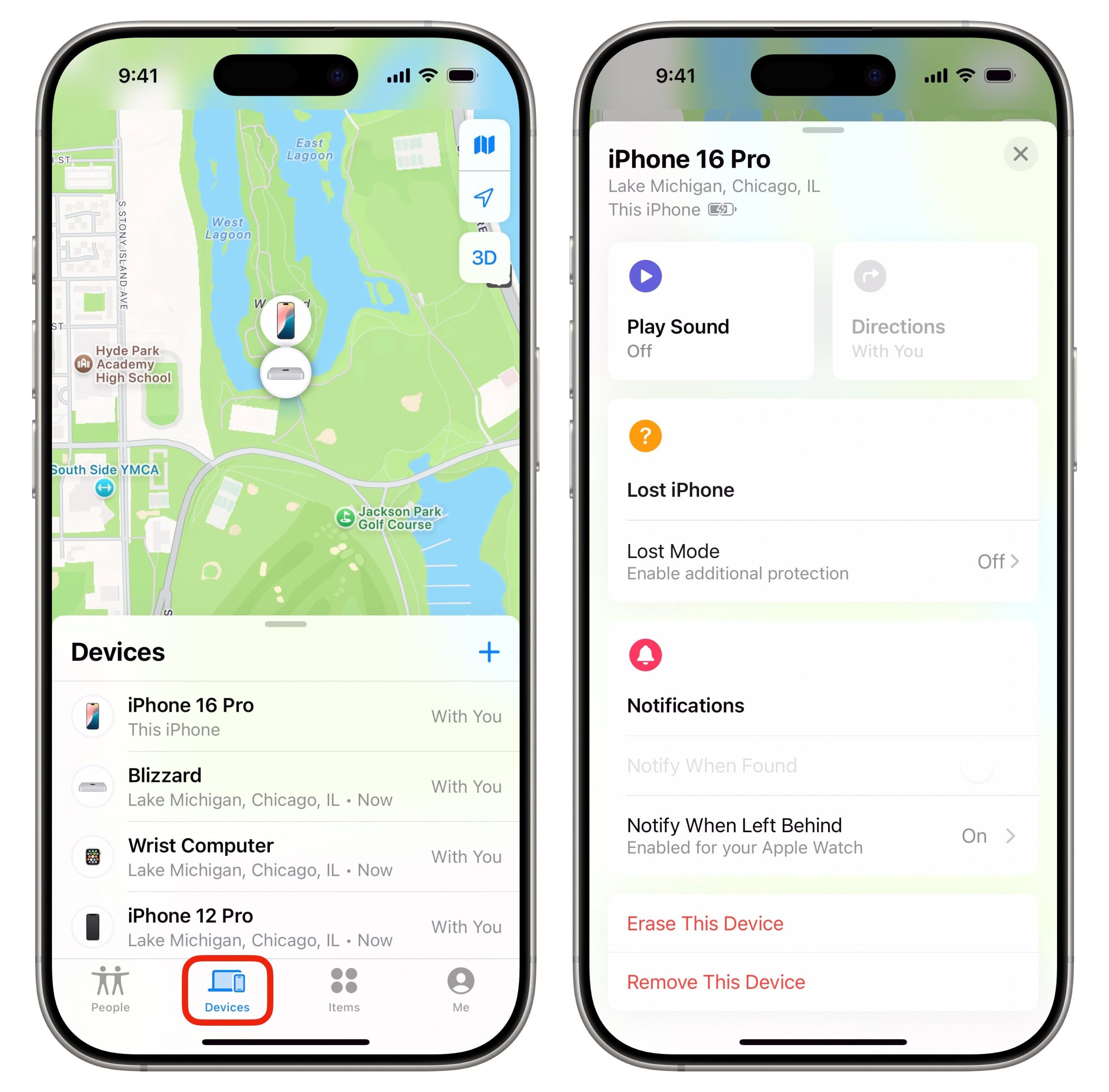
Apple’s Family Sharing and Find My features make it easy for iPhone users to share their locations with trusted family members.
Before you begin, ensure:
- Family Sharing is enabled
- Family members have accepted your invitation
- Location sharing is turned on
How to Set Up and Use Family Sharing to Locate Family Members
Step 1 — Open the Find My App
Launch Find My on your iPhone.
Step 2 — Tap “People”
Located at the bottom left of the screen.
Step 3 — View Shared Locations
You’ll see a list of family members who have chosen to share their location with you.
Step 4 — Select a Family Member
Tap their name to view their real‑time location on a map.
This method is ideal for families who all use Apple devices.
3. Track Family Members’ Phones Using Google Maps (Android)
For Android users, Google Maps Location Sharing is one of the most reliable ways to share and view real‑time locations.
Before tracking a family member, ensure they have shared their location with you.
How to Locate Family Members Using Google Maps
Step 1 — Open Google Maps
Launch the Google Maps app on your Android phone.
Step 2 — Open the Menu
Tap the three‑line icon in the top left corner.
Step 3 — Select “Location Sharing”
This opens a list of people who have shared their location with you.
Step 4 — Tap the Family Member’s Profile
Their real‑time location will appear on the map.
This method works across Android and iPhone, as long as both users have Google Maps installed.
4. The Ultimate Way to Locate Family Members’ Phones (Neutral Overview)
While iPhone Family Sharing and Google Maps are excellent built‑in options, some families prefer a more comprehensive solution — especially when caring for young children, elderly relatives, or family members who need additional support.
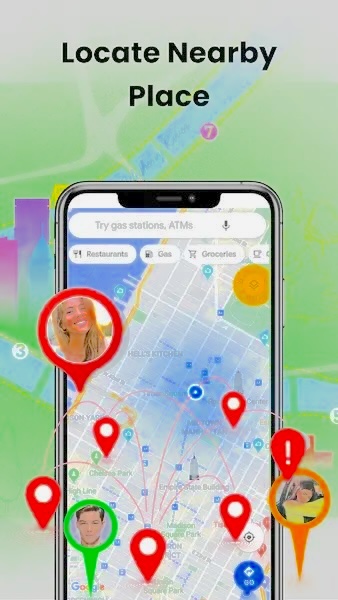
Some households explore parental‑control brands such as FreePhoneSpy Family Locator to understand device activity responsibly and transparently. These tools are typically used to help parents stay informed about their child’s location, encourage safe habits, and maintain open communication.
FreePhoneSpy includes features such as:
- Real‑time GPS location
- Location history
- Geofencing alerts
- Cross‑device compatibility
- Notifications when a family member enters or leaves a designated area
These features can help families stay connected and aware of each other’s whereabouts, especially during busy schedules or travel.
How to Use FreePhoneSpy Family Locator (Neutral Overview)
Step 1 — Install the Parent App
Download FreePhoneSpy Parental Control from the Google Play Store or App Store. Create an account and sign in.
Step 2 — Install FreePhoneSpy Kids on the Child’s Phone
Install the companion app on the child’s device. Enter the pairing code and grant necessary permissions.
Step 3 — Open the GPS Dashboard
On the parent’s device, tap the GPS icon to view real‑time location.
Step 4 — Refresh Location
Tap the Refresh icon to update the location.
This setup allows families to stay informed about their child’s whereabouts in a transparent and supportive way.
5. Other Recommended Tools for Locating Family Members
In addition to Apple’s and Google’s built‑in features, several third‑party apps offer location‑sharing tools designed for families. Below are some widely used options rewritten in a neutral, informational tone.
1. Google Family Link
A free tool that helps parents:
- View their child’s real‑time location
- Monitor device usage
- Set screen‑time limits
- Manage app permissions
Available on both Android and iOS.
2. Glympse
A temporary location‑sharing app ideal for:
- Coordinating meetups
- Letting someone know you’re on the way
- Sharing your location for a limited time
Available on Android and iOS.
3. GPSWOX Family Locator
Features include:
- Real‑time location tracking
- Geofencing alerts
- Multi‑device support
Available on Android and iOS.
4. Sprint Safe & Found
Includes:
- Real‑time location sharing
- Geofencing
- Emergency alerts sent to all family members
Compatible with Android and iOS.
5. Life360
A popular family‑tracking app offering:
- Real‑time location sharing
- Crash detection
- Roadside assistance
- Custom “circles” for different groups
Available on Android and iOS.
6. The Emotional Role of Trust and Connection in Family Tracking
Location‑sharing tools can strengthen family safety — but they should never replace trust, communication, and respect.
Why Trust Matters
Tracking someone without their knowledge can:
- Damage relationships
- Create feelings of surveillance
- Reduce open communication
Instead, families should discuss:
- Why location sharing is needed
- What boundaries everyone is comfortable with
- How long tracking should remain active
- When it’s appropriate to check someone’s location
Healthy Communication Tips
- Have open conversations about safety
- Listen to each family member’s concerns
- Set clear expectations
- Revisit boundaries regularly
Technology is a tool — but trust is the foundation of a healthy family relationship.
Conclusion
Locating family members through their phones can provide reassurance, improve communication, and support safety — especially for children, elderly relatives, or family members who travel frequently.
This guide explored:
- iPhone Family Sharing for Apple users
- Google Maps Location Sharing for Android and cross‑platform families
- FreePhoneSpy Family Locator (neutral overview)
- Additional tools like Life360, Glympse, and Google Family Link
- The emotional importance of trust and communication
While location‑sharing apps are incredibly helpful, they should always be used with consent and respect. Open conversations, clear boundaries, and mutual trust ensure that technology enhances — rather than replaces — healthy family relationships.
FAQs About Locating Family Members’ Phones
1. Can I use my phone to find someone else’s phone?
Yes — if they have shared their location with you or joined a family‑sharing group. Always obtain consent first.
2. Can I use Google Family Link to track an iPhone?
Yes. Family Link works on iPhones as long as the device is added to your family group.
3. Can I secretly track a family member’s location?
No. Tracking someone without their consent is illegal and violates privacy. Only track a device with permission.
4. How can I keep track of all my family members?
Use apps like:
- iPhone Family Sharing
- Google Maps
- Google Family Link
- Life360
- FreePhoneSpy Family Locator (neutral overview)
All family members must agree to share their location.
5. How can I track my child’s phone without them knowing?
It’s not recommended. Secret tracking can harm trust. Instead, use parental‑control tools like Google Family Link or FreePhoneSpy Family Locator with open communication.
6. Why can’t I see my child’s location on my iPhone?
Check that:
- Location Services are enabled
- Both devices use the same iCloud family group
- Location sharing is turned on in Find My
If issues persist, restart both devices or contact Apple Support.




Add comment