How to Stop Someone From Tracking Your Location
Maybe someone mentioned a place you’d been that you never told them about. Maybe your battery keeps dying by lunchtime. Whatever brought you here, take a breath. Most of the time the answer is a setting you forgot or an account you still share, and you can fix it in a few minutes. Sometimes it’s something more, and there’s a careful way to handle that too. Either way, you can take back control of who sees where you are.
- First, the reassuring reality
- Signs someone might see your location
- Check and turn off sharing you can see
- Hidden trackers and stalkerware
- AirTags and Bluetooth trackers
- If someone controlling may be behind it
- Lock it down for good
- “Track any phone by number” is a scam
- The honest line on location sharing
- Questions people ask
First, the reassuring reality
When people worry about being tracked, they usually picture a hidden bug taped under the car or some genius app that reads a phone from across the country. That’s rarely what’s happening. Far more often it’s an account you both still sign into, a “share my location” invite you tapped months ago and forgot, or a family plan you’re technically a member of. Ordinary stuff, quietly left switched on.
That’s good news, because ordinary stuff is easy to find and easy to turn off. We’ll walk through those checks first, in the order most likely to explain what you’re seeing.
But sometimes the worry is real. Covert tracking of an adult does happen, usually inside a controlling relationship, and it’s a serious thing. So we’ll cover that too, honestly, including how to check for hidden trackers and how to move safely if you think someone doesn’t want you to find out. If any part of this feels like your situation, skip ahead to the safety-first section before you change a single setting.
Signs someone might see your location
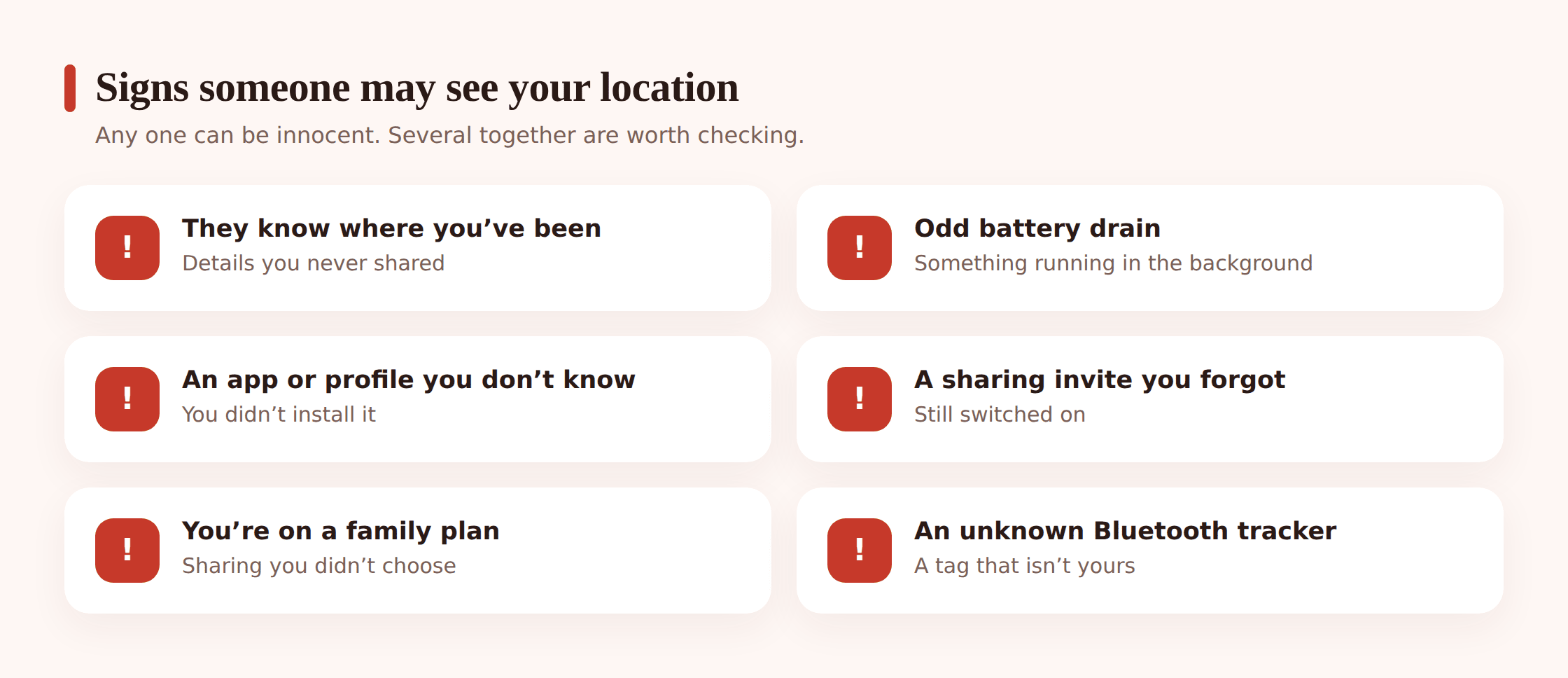
No single sign is proof. Phones drain batteries and apps behave oddly for all sorts of dull reasons. But if a few of these ring true at once, it’s worth checking.
- They know where you’ve been without you telling them, and it keeps happening.
- Your battery drains faster than it used to, or the phone feels warm when it’s just sitting there.
- There’s an app on your phone you don’t remember installing, or one with a vague name and no obvious purpose.
- You get a reminder that you’re sharing your location with someone, and you don’t remember agreeing to it.
- You’re a member of a family-sharing plan set up by someone else.
- You find a small tracker tag in your bag, coat, or car that you didn’t put there.
- Data use has crept up for no reason you can explain.
If you recognise several of these, keep reading. If you recognise them and there’s someone in your life who might want to keep tabs on you against your wishes, read the safety section first.
Check and turn off sharing you can see
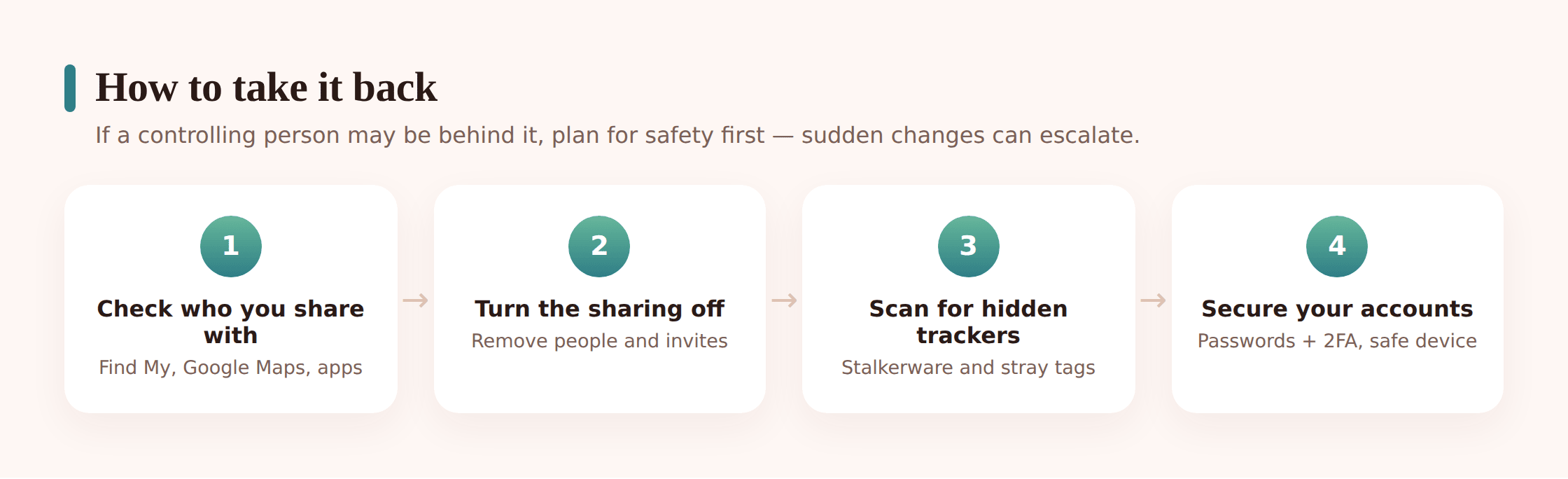
Start here, because this is where the answer usually is. These are the settings you can see and change yourself, right now.
On an iPhone
- Open Find My, then the People tab. This lists everyone you’re sharing your location with. Tap any name you don’t want there and choose Stop Sharing My Location.
- Check the Me tab. Make sure Share My Location is set the way you expect, and note which device is doing the sharing.
- Open Settings, then Privacy & Security, then Location Services. Go through the list app by app. If something you don’t recognise, or don’t trust, has “Always” access, change it to “Never” or “While Using.”
- Check Family Sharing. In Settings, tap your name at the top, then Family Sharing. If you’re in a family group you didn’t mean to join, or that someone else controls, you can see the members and, if you’re an adult, leave the group.
On Android and your Google account
- Open Google Maps, tap your profile picture, then Location sharing. Anyone you’re actively sharing with shows up here. Tap a person and stop sharing.
- Open Settings, then Location, then App location permissions (the wording varies by phone). Review which apps can use your location and pull back anything set to “Allow all the time” that doesn’t need it.
- Check your Google account devices. Go to your Google Account, then Security, then “Your devices.” Sign out anything you don’t recognise.
Social apps
Some apps share location right inside a friends list. On Snapchat, open the Map and enable Ghost Mode so no one can see you there. Check similar map or “nearby friends” features in Instagram, Facebook, and Life360-style apps, and switch off anything you didn’t set up on purpose. It’s easy to forget these exist.
Hidden trackers and stalkerware
If the visible sharing all checks out and you’re still worried, the next thing to rule out is stalkerware. That’s software installed on your phone, usually by someone with physical access to it, that hides itself and reports back on where you are and what you do. It’s rarer than the internet makes it sound, but it’s real.
On Android
- Run a Play Protect scan. Open the Play Store, tap your profile picture, then Play Protect, then Scan. It flags known harmful apps.
- Check device-admin apps. In Settings, search for “Device admin apps.” Stalkerware often needs this level of access to hide and persist. Turn off anything you don’t recognise.
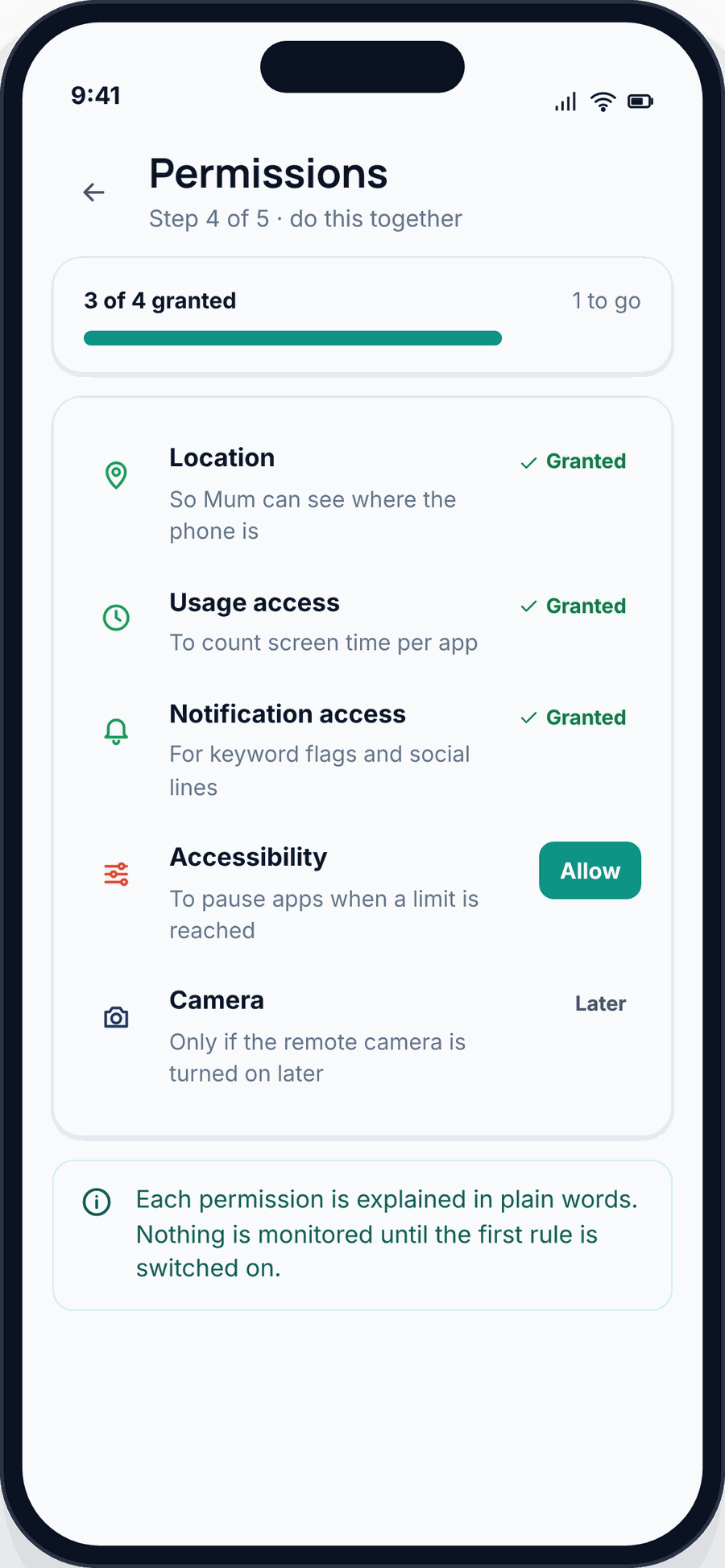
- Check accessibility settings. Settings, then Accessibility. These permissions let an app read the screen, so hidden trackers ask for them. Switch off anything unfamiliar.
- Review your full app list, including “Show system apps” in the apps menu. Look up any name you don’t know before you act on it.
On an iPhone
iPhones are harder to plant stalkerware on, but not impossible if someone knows your passcode. Two things to check:
- Look for a configuration profile. In Settings, go to General, then VPN & Device Management. A home iPhone usually has nothing here. If there’s a profile or an MDM (mobile device management) setup you didn’t add, that’s a red flag worth removing once you’re safe.
- Check for unexpected access. Make sure you recognise every device signed into your Apple Account (Settings, your name), and that your passcode is one only you know.
For a fuller walk-through of what monitoring software actually looks like on a phone, and how to tell it apart from ordinary background activity, see is my phone being monitored.
AirTags and Bluetooth trackers
Location doesn’t only leak through your phone. A coin-sized tracker slipped into a bag or car can report its position to whoever owns it. The good news is that phones now watch for these.
- iPhone: if an unknown AirTag or Find My accessory is traveling with you, you’ll get an alert like “Item Found Moving With You.” Tap it to make the tag play a sound and to see instructions.
- Android: unknown-tracker alerts are built in on recent versions, and Google’s Find My Device network watches for tags moving with you. You can also install Apple’s free Tracker Detect app to scan for nearby AirTags on demand.
- Manual check: if you suspect something, look in the usual spots. Bag linings, under seats, the glovebox, coat pockets, the spare-tyre well.
If you find a tracker, don’t assume you have to act instantly. If someone placed it deliberately, read the next section before you remove it.
If someone controlling may be behind it
Please read this before you change anything. If a controlling partner, an ex, or anyone who might react badly could be behind the tracking, suddenly switching it all off can tip them off and make things more dangerous, not less. Their losing sight of you can be exactly the moment they escalate.
So plan first. Use a device they can’t see — a friend’s phone, a library computer — for anything sensitive. Think about where you’ll be and who’s with you when you make changes. And you don’t have to do this alone: a domestic-abuse helpline can help you make a safety plan, and the police can help if you’re in danger. If you’re ever in immediate danger, call your local emergency number.
This matters more than any setting on this page. Turning off a location share is a two-second tap, but if it lands at the wrong moment it can put you at risk. A support service that handles abuse cases every day can help you think through the timing, the technology, and your options in a way a checklist can’t. There’s no shame in making that call first. It’s the smart move.
Lock it down for good
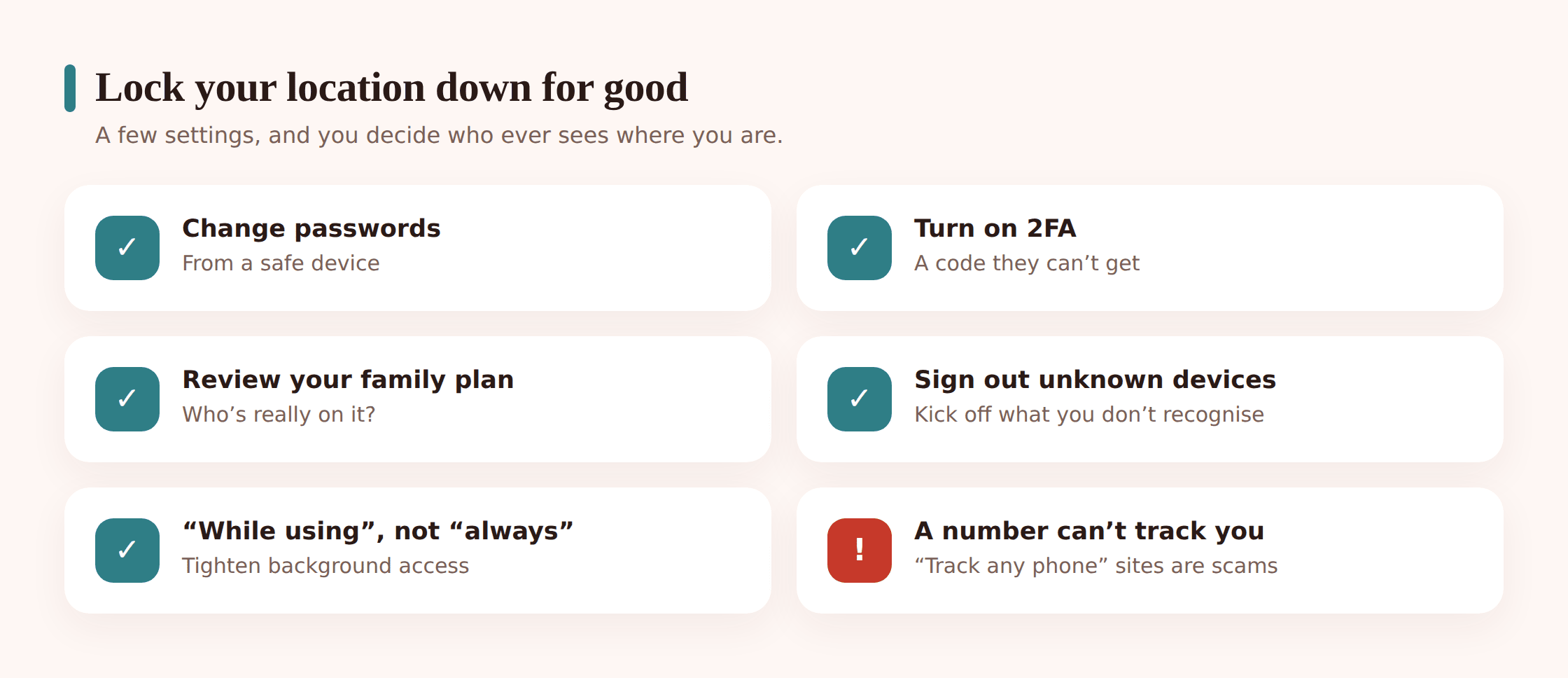
Once you’ve dealt with the immediate sharing and, if needed, made a safety plan, close the remaining doors so this can’t quietly restart.
- Change your passwords from a safe device. Start with your Apple Account or Google account, then email, then anything that stores your location. If your passwords might be known, this is the step that matters most.
- Turn on two-factor authentication everywhere it’s offered, so a password alone can’t get anyone in.
- Review your family plan. Check who’s a member of any Family Sharing or family group, and leave or remove people as needed.
- Sign out unknown devices from your Apple Account and Google account so nothing lingers with access you forgot about.
- Update your operating system. Updates close the security holes that older tracking tricks rely on.
- As a last resort, factory reset the phone. This wipes hidden software for good. Back up your photos and contacts first, and rebuild by reinstalling apps from the official store rather than restoring a backup that might carry the problem back.
If you want to understand what’s actually possible with phone location, so you can tell a real risk from a scary rumour, how location tracking works lays out the plain mechanics.
“Track any phone by number” is a scam
Somewhere in this process you may land on a website promising to locate any phone from just its number, instantly, for a small fee. Don’t. Those sites can’t do what they claim. Real location tracking needs either an account you’re signed into or software on the device itself, not a phone number typed into a box.
What these sites actually do is take your money, harvest your details, or push you toward installing something harmful. The promise is the bait. If a service says it can track a stranger’s phone from the number alone, that’s your signal to close the tab.
The honest line on location sharing
Sharing where you are isn’t the problem. Plenty of families share locations happily. Partners let each other know they got home. A parent keeps an eye on a young child walking back from school. What makes all of that fine is that everyone involved knows it’s happening and agreed to it. It’s mutual, and it’s visible.
Covert tracking of an adult is the opposite of that. It’s hidden, it’s one-sided, and it takes away the other person’s ability to say no. That’s not caring, and in most places it’s against the law. The line isn’t the technology. It’s consent.
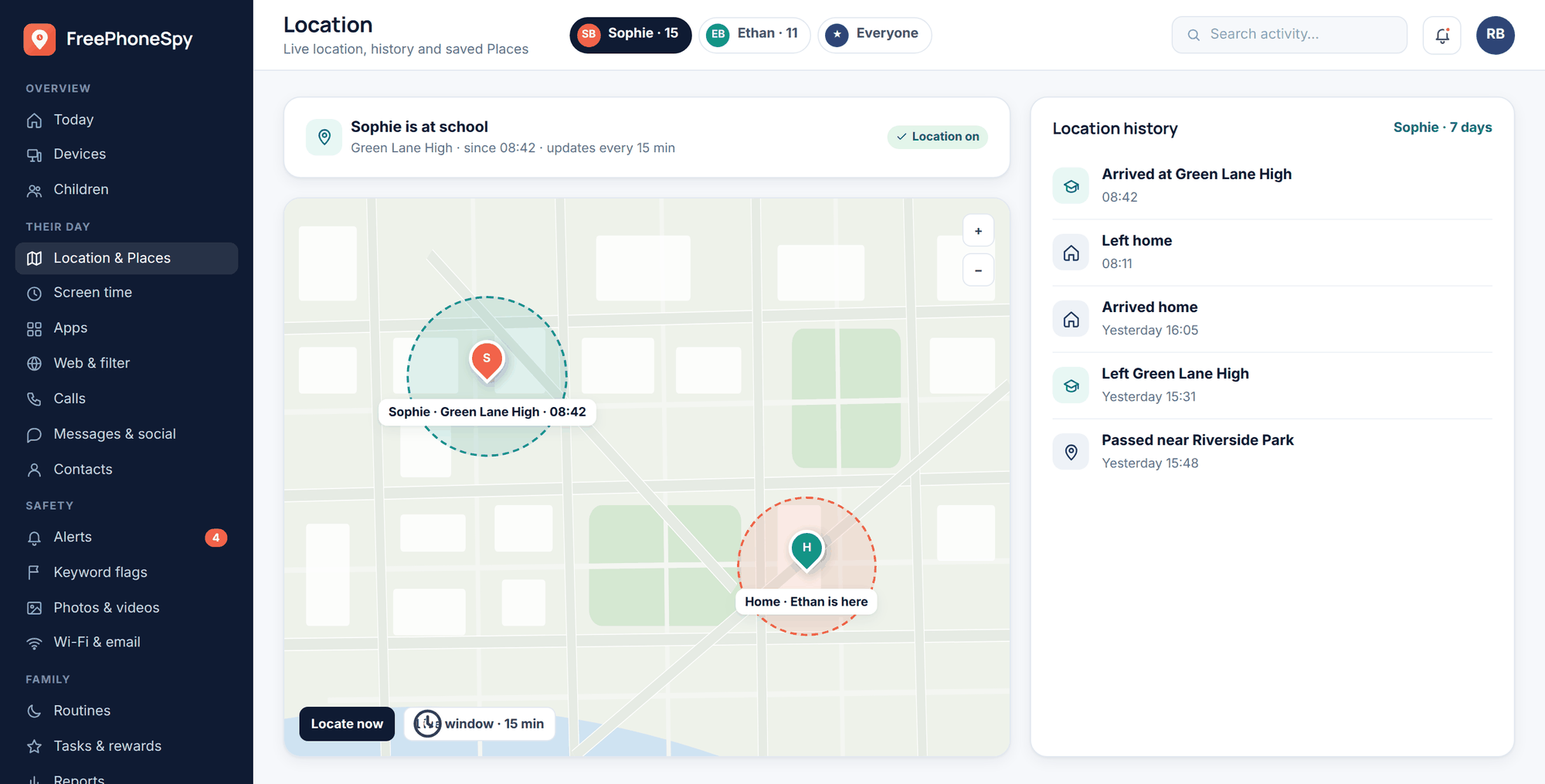
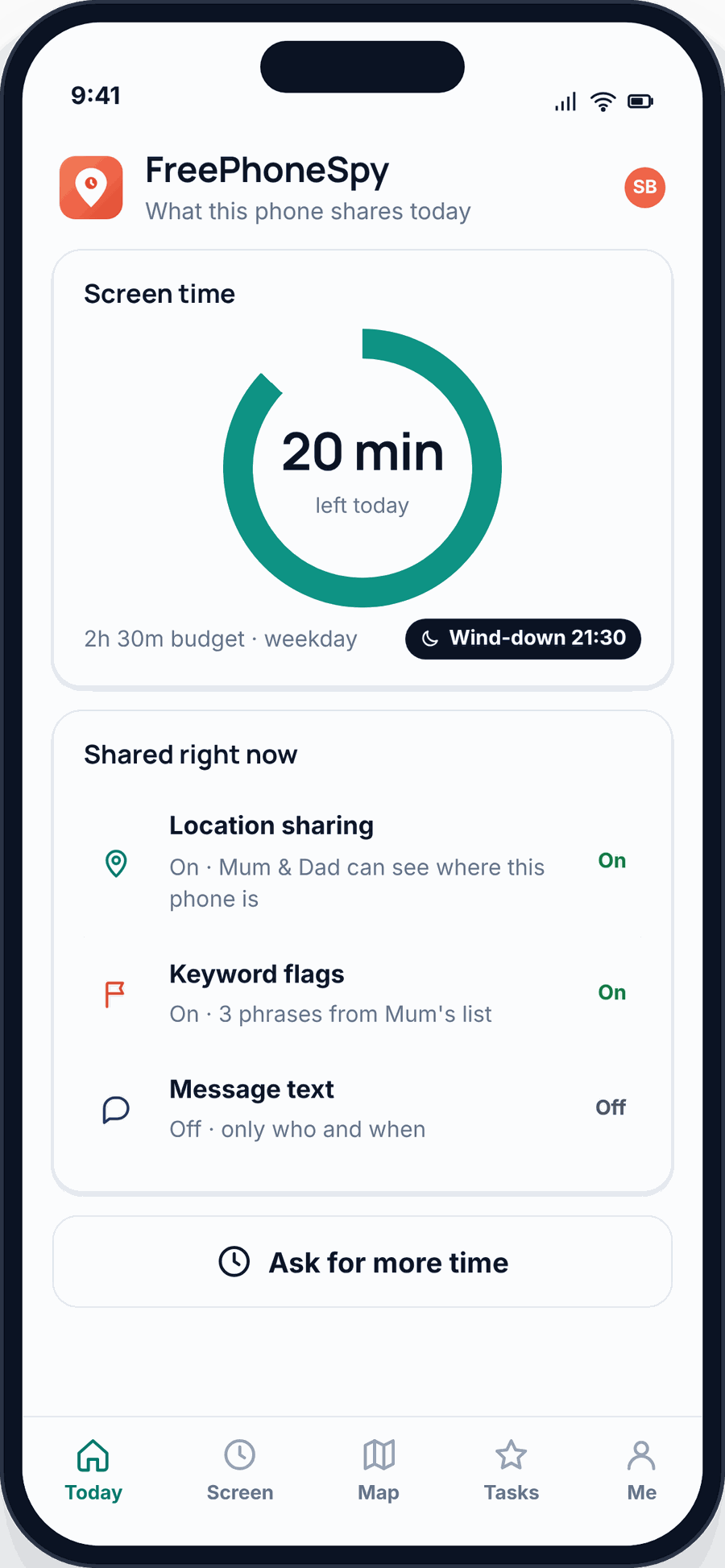
It’s the same principle we build on. FreePhoneSpy is a parental tool for your own children and devices you own, and it’s meant to be seen, not hidden. A child can tell it’s there. That openness is the whole point, and it’s what separates honest monitoring from spying. If you want the fuller version of that argument, monitoring vs spying spells it out, and a child’s privacy and digital footprint covers doing it respectfully with kids.
Questions people ask
Can someone track my phone with just my number?
No. That’s a persistent myth, and the sites that promise it are scams. Real tracking needs access to an account you use or software installed on the phone.
Does a fast-draining battery mean I’m being tracked?
Usually not. Batteries fade with age, and a heavy app or a bad update can drain them fast. It’s worth noticing, but on its own it proves nothing. Weigh it alongside the other signs.
I found a tracker in my bag. Should I destroy it?
Not straight away, especially if someone placed it deliberately. Removing or destroying it tells them you know. Read the safety section first, and think about getting advice before you act.
Will a factory reset get rid of stalkerware?
Yes, a proper factory reset wipes hidden software. Back up your photos and contacts first, then rebuild by reinstalling apps freshly rather than restoring an old backup that might carry the problem back.
Is it illegal for a partner to track me without telling me?
In most places, secretly tracking another adult is illegal, and it’s a recognised form of abuse. You have every right to stop it, and to get support while you do.
How do I check who can see my location right now?
On iPhone, open Find My and check the People and Me tabs. On Android, open Google Maps, tap your profile, and open Location sharing. Both show you exactly who’s on the list.