Introduction
Handing a smartphone to children can be both empowering and risky. While it opens doors to education, entertainment, and communication, it also exposes them to the darker side of the internet. From inappropriate websites to unsafe online communities, kids can easily stumble upon harmful content without realizing the consequences.
As a responsible parent, monitoring your child’s online activity is essential. The FreePhoneSpy App provides a reliable way to track browsing history, helping you ensure that your child’s digital journey remains safe and ethical.
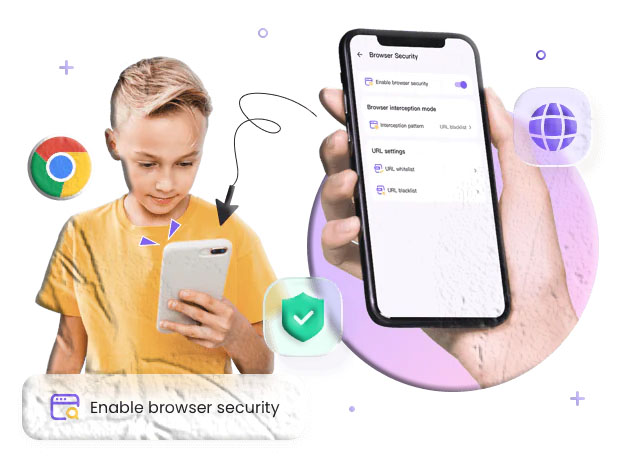
What Is the Track Browsing History Feature?
The Track Browsing History feature in FreePhoneSpy allows parents to view the complete list of websites visited on their child’s smartphone. This includes:
- Website names
- URLs of visited sites
- Date and time stamps
- Duration spent on each site
By using this feature, you gain full visibility into your child’s online behavior, enabling you to intervene if they access inappropriate or unsafe content.
Benefits of Using FreePhoneSpy to Track Browsing History
Here’s why parents find this feature invaluable:
- Browsing History Access: Monitor all websites visited on your child’s phone.
- Website Names: Identify the exact sites they are exploring.
- Website URLs: Get detailed links for better clarity.
- Browsing Duration: See how much time is spent on each site.
- Date & Time Records: Track activity with precise timestamps.
This level of detail ensures that you can guide your child toward healthier online habits.
How to Track Phone Browsing History Using FreePhoneSpy
Getting started with FreePhoneSpy is simple. Follow these steps:
- Sign Up
- Visit the FreePhoneSpy website and create a free account by entering your details.
- Android Setup
- Download and install the FreePhoneSpy app on the target Android device.
- Adjust phone settings as required and log in to the app.
- iPhone Setup
- Connect the app remotely using the cloud panel.
- Enter iCloud credentials to sync the device with FreePhoneSpy.
- Log In
- Access your FreePhoneSpy account from the website.
- Track Browsing History
- Use the Track Browsing History feature to view all websites visited, complete with names, URLs, and timestamps.
FAQs
Q1: Is FreePhoneSpy legal to use? FreePhoneSpy should only be used for parental monitoring or with consent. Using it without permission may violate privacy laws.
Q2: Can I track browsing history without installing the app? For iPhones, yes. You can connect via iCloud credentials. For Android, installation is required.
Q3: Does FreePhoneSpy show deleted browsing history? Yes, the app can often recover browsing data even if the child deletes it from their browser.
Q4: Is FreePhoneSpy free to use? Yes, the app offers free features, including browsing history tracking.
Q5: Can I monitor multiple devices? Yes, you can connect multiple devices under one FreePhoneSpy account.